ltz
New here
-
Joined
-
Last visited
Everything posted by ltz
-
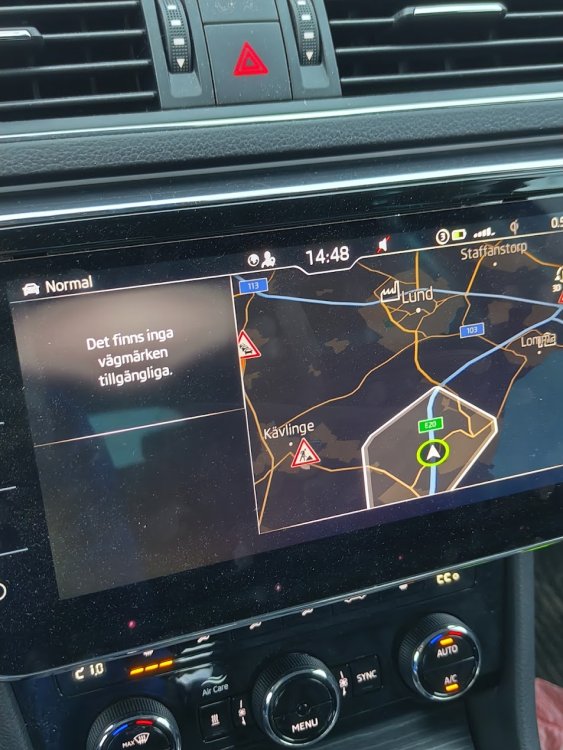
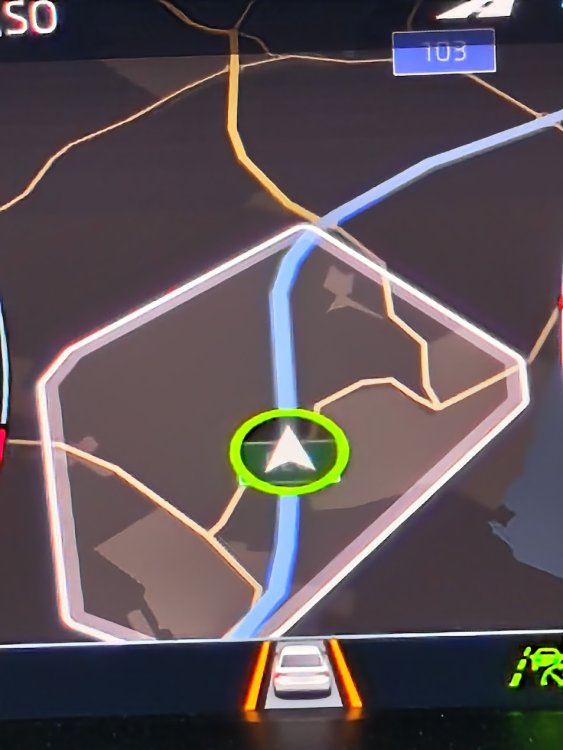
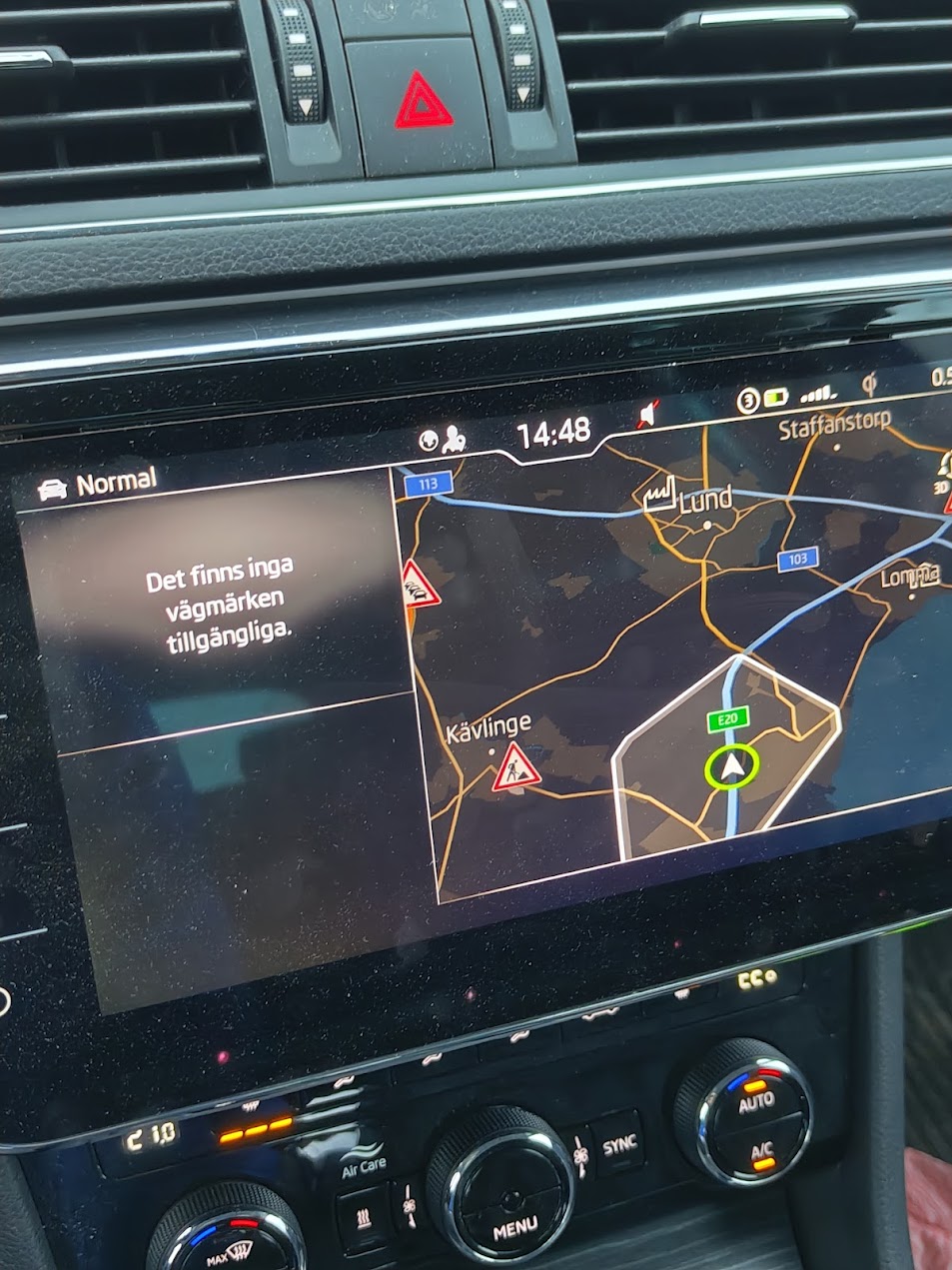
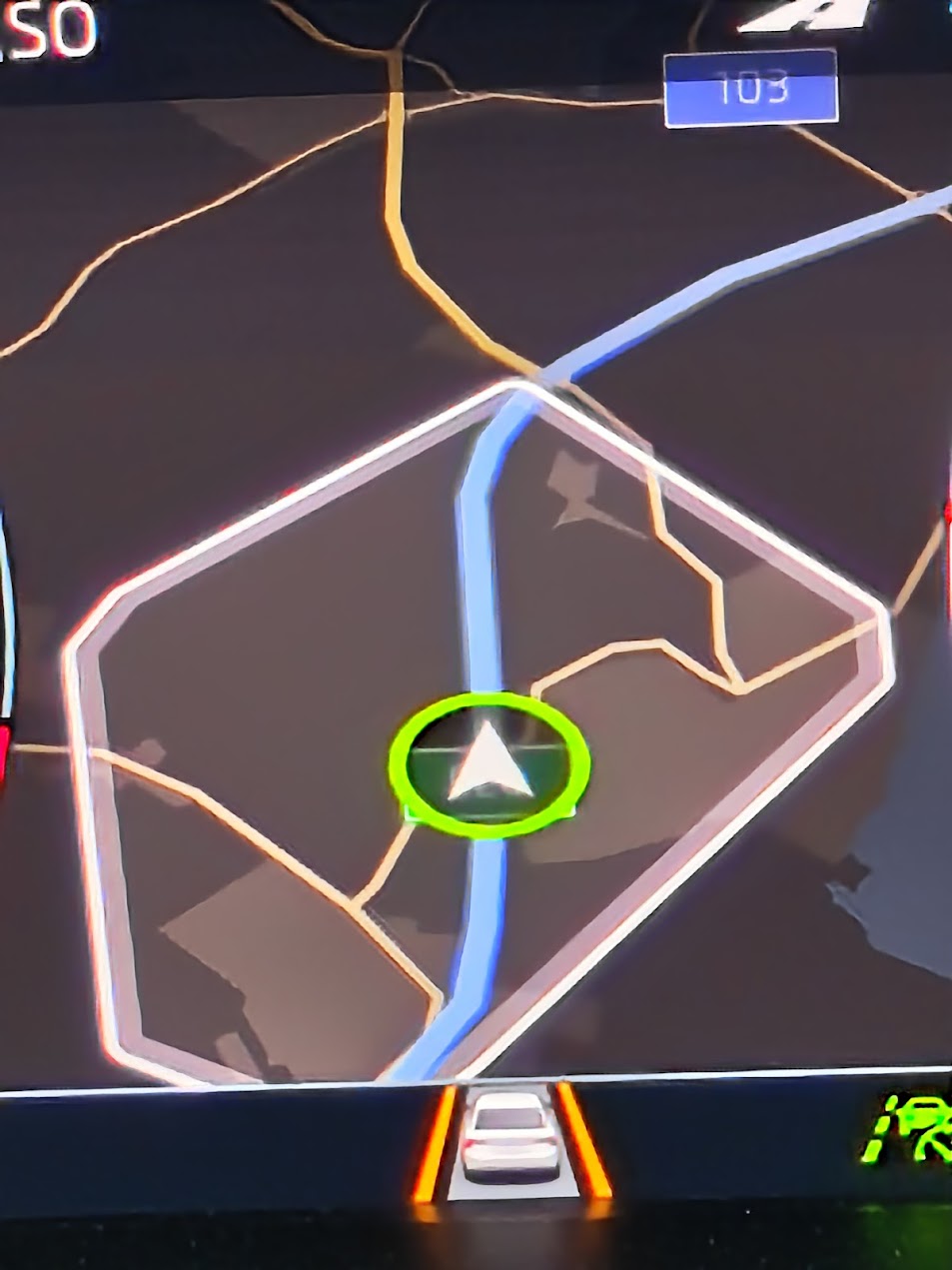
So.. Dealers are having a hard time telling me if this should work & why the menu choice is there and if its not included - tell what should I do to get it working. Can someone here perhaps help clarify what I should do.. Car settings in the dashboard says "it has all assistance addons available & enabled".. cant remember where it is but perhaps its around the assistance settings. In the "Home screen" I can add a widget for road signs... however nothing has ever shown up there, neither in the driver dashboard/view. The text in the widget/screen says "There are no road signs available" How do I go about getting this enabled? Also - what is the "area" marker in the map that moves while I drive - is that related to road signs?