jaja210
Members
-
Joined
-
Last visited
-
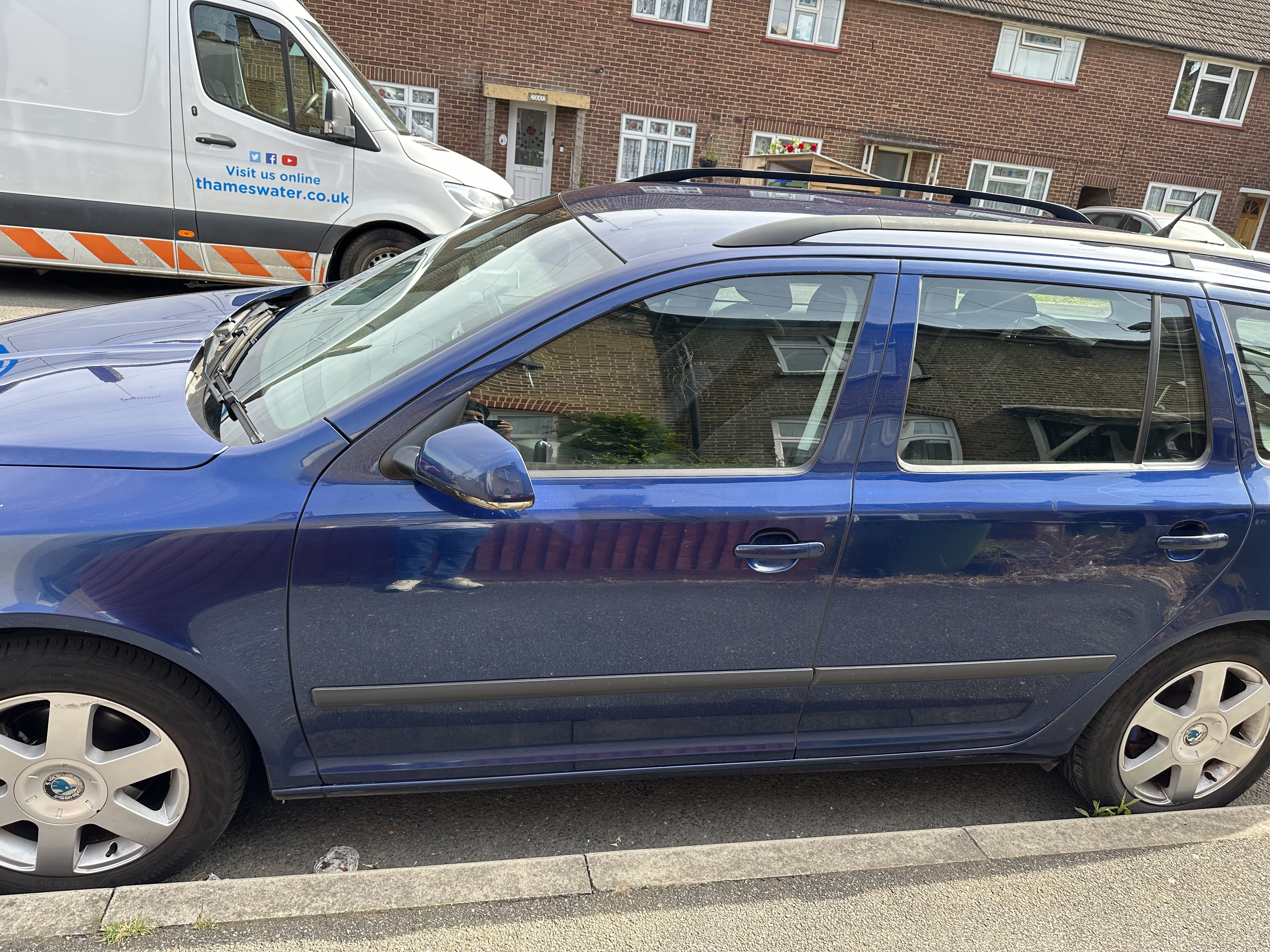
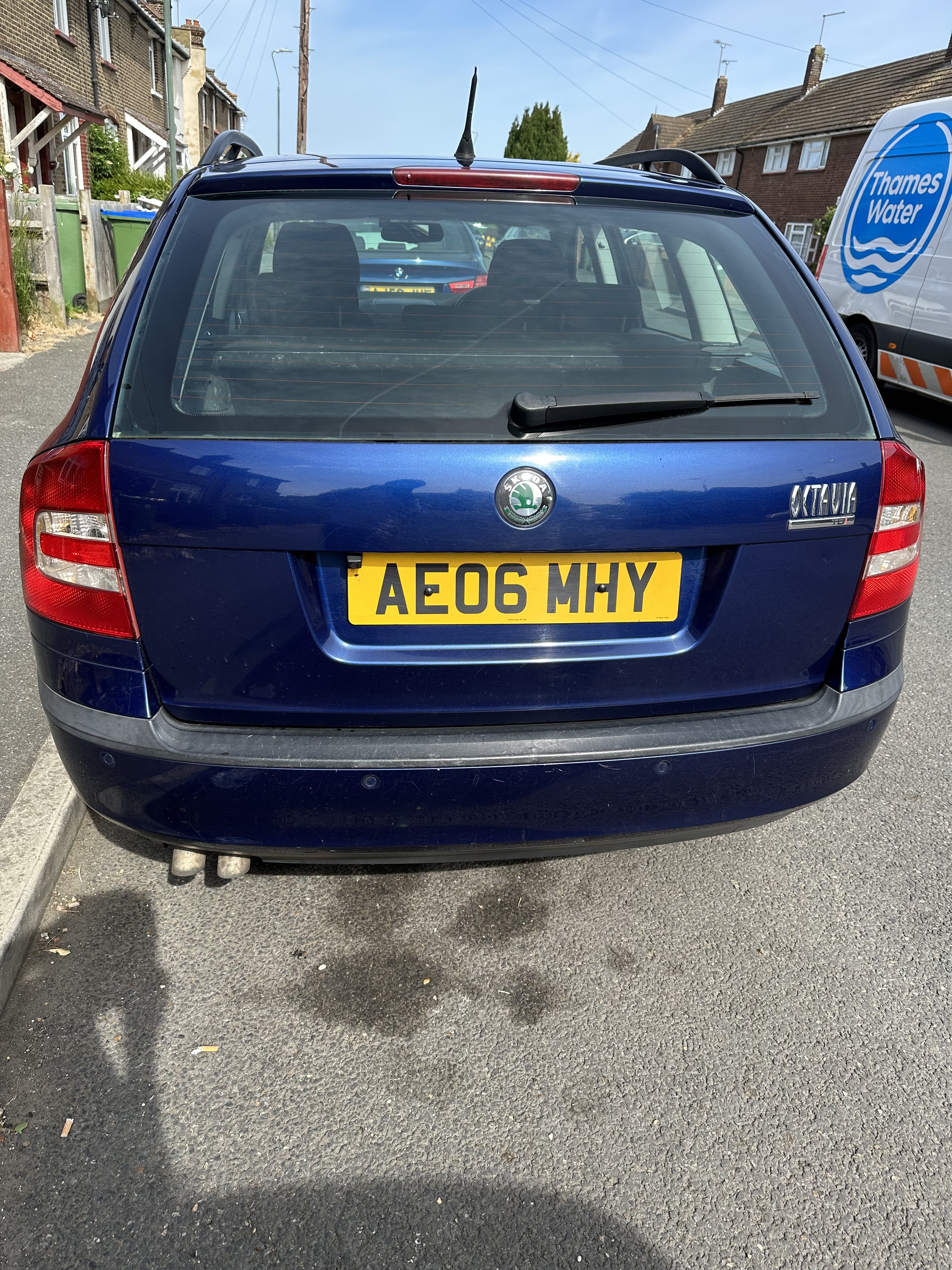
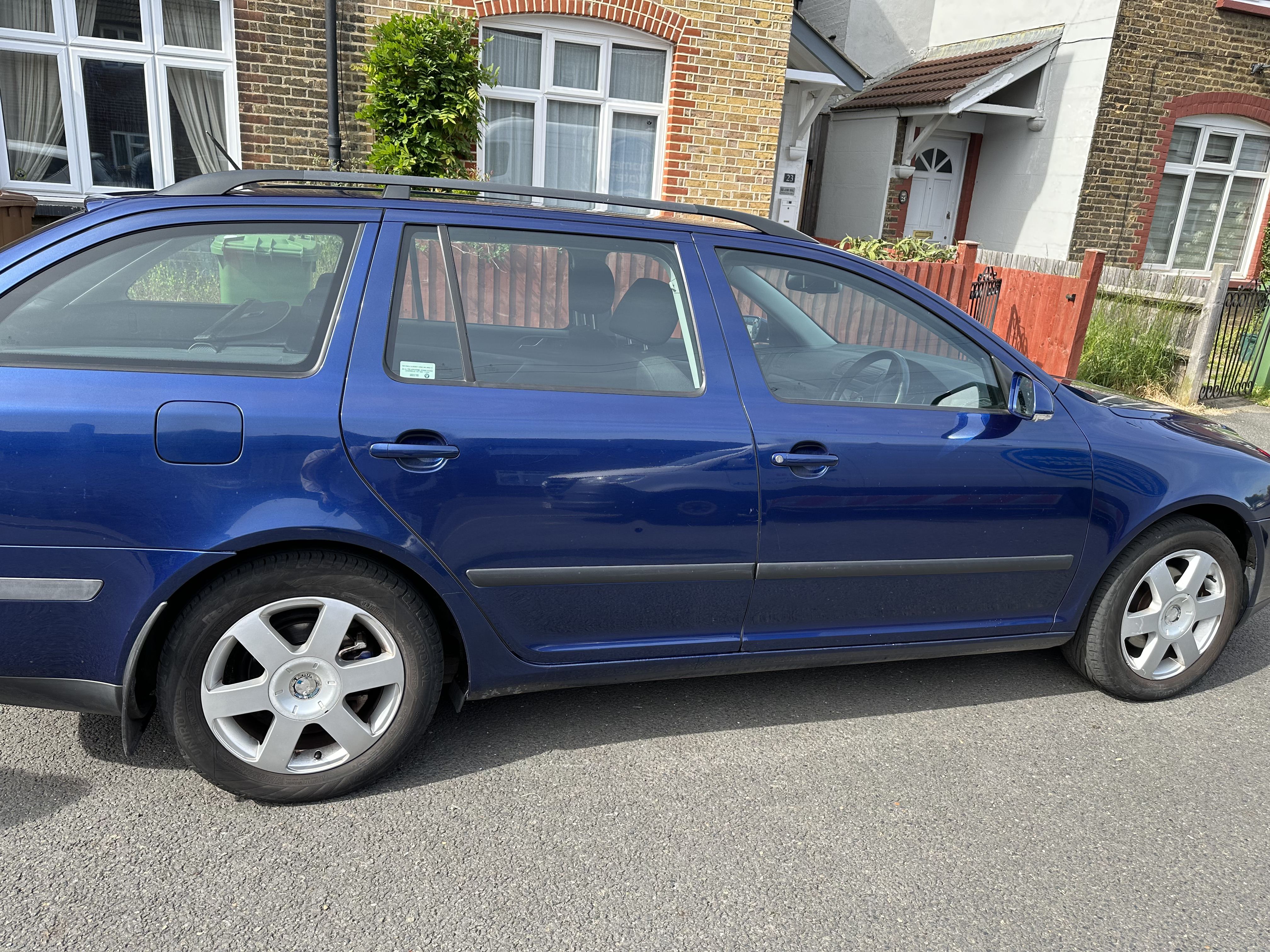
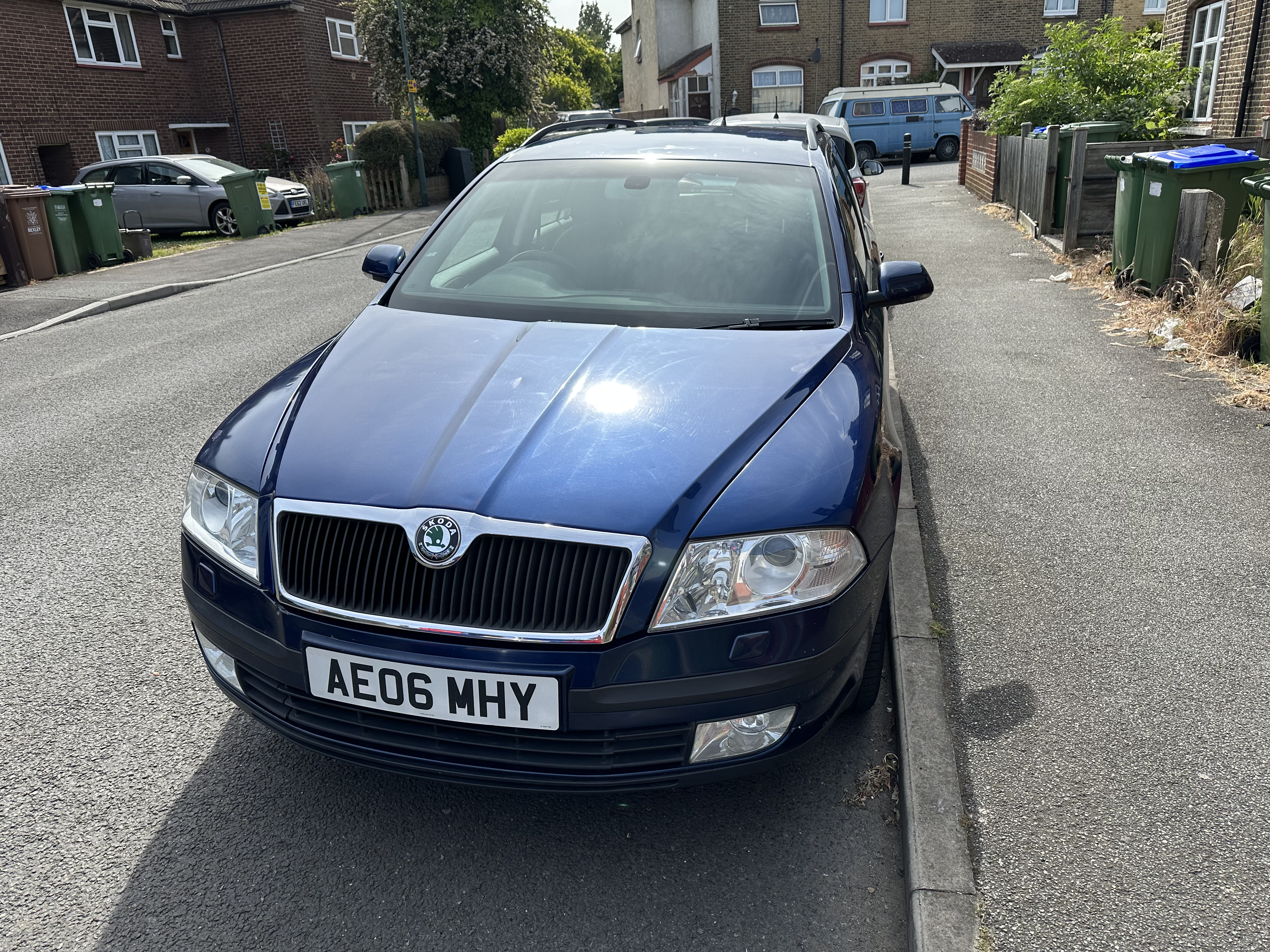
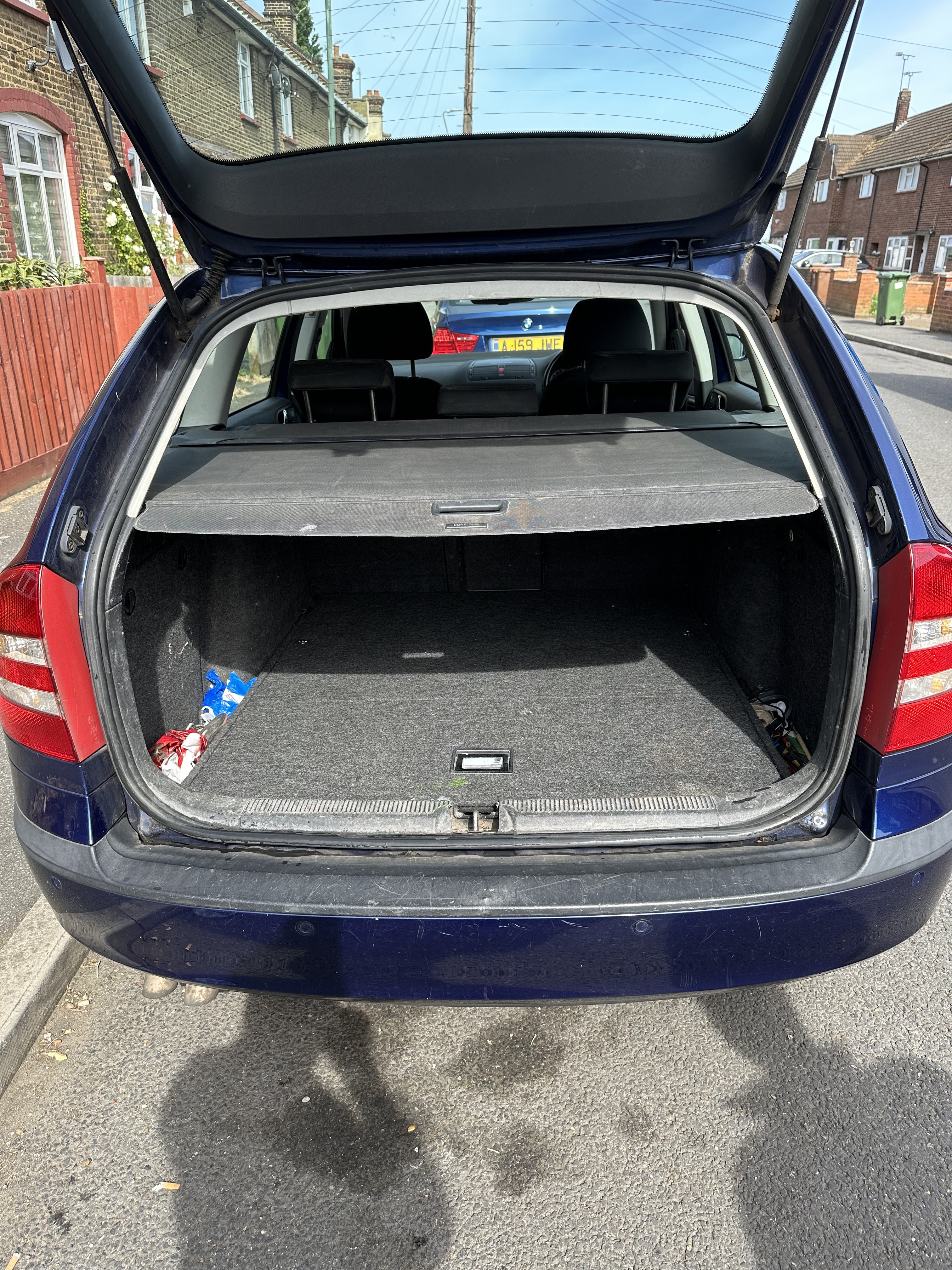
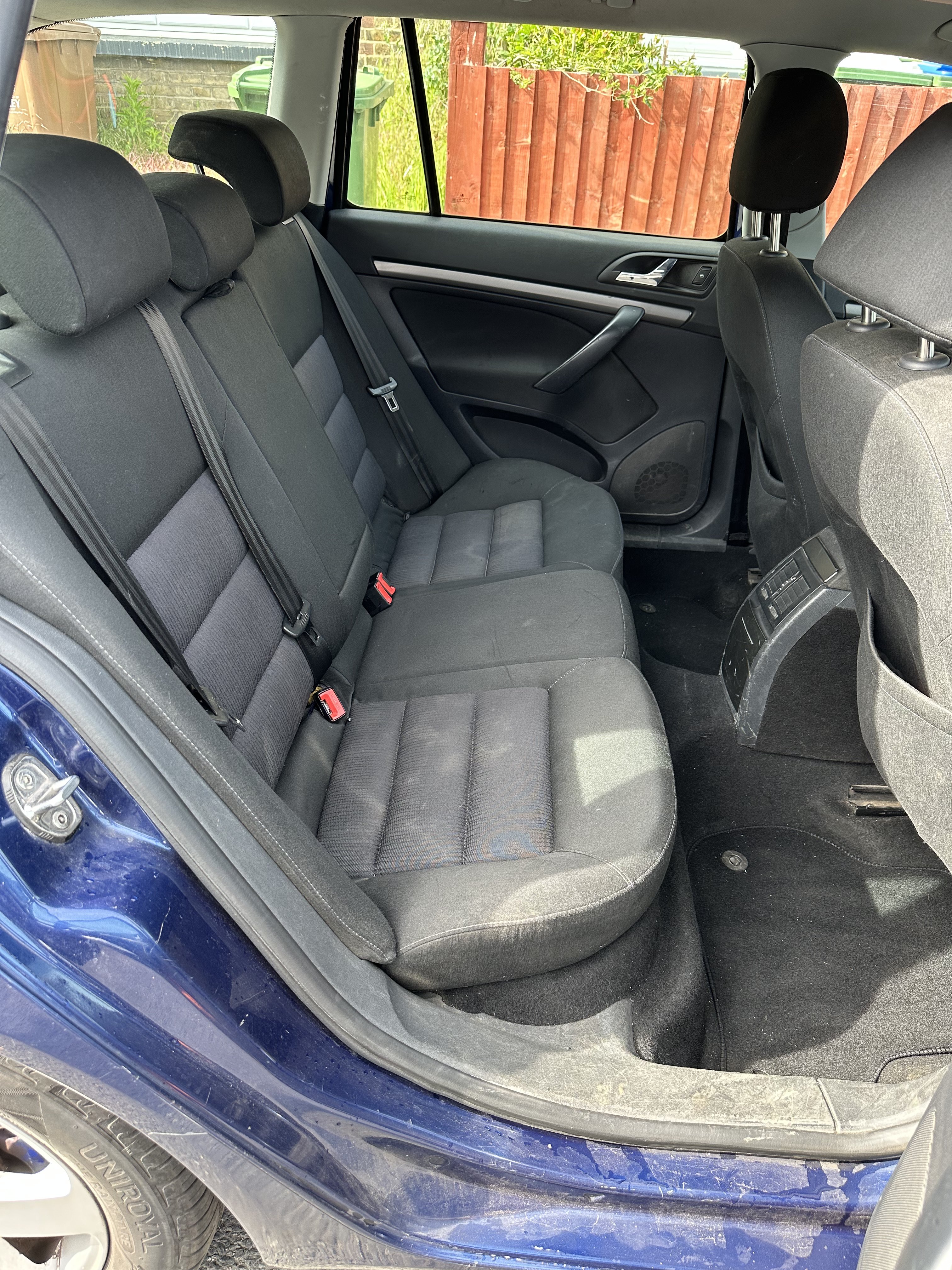
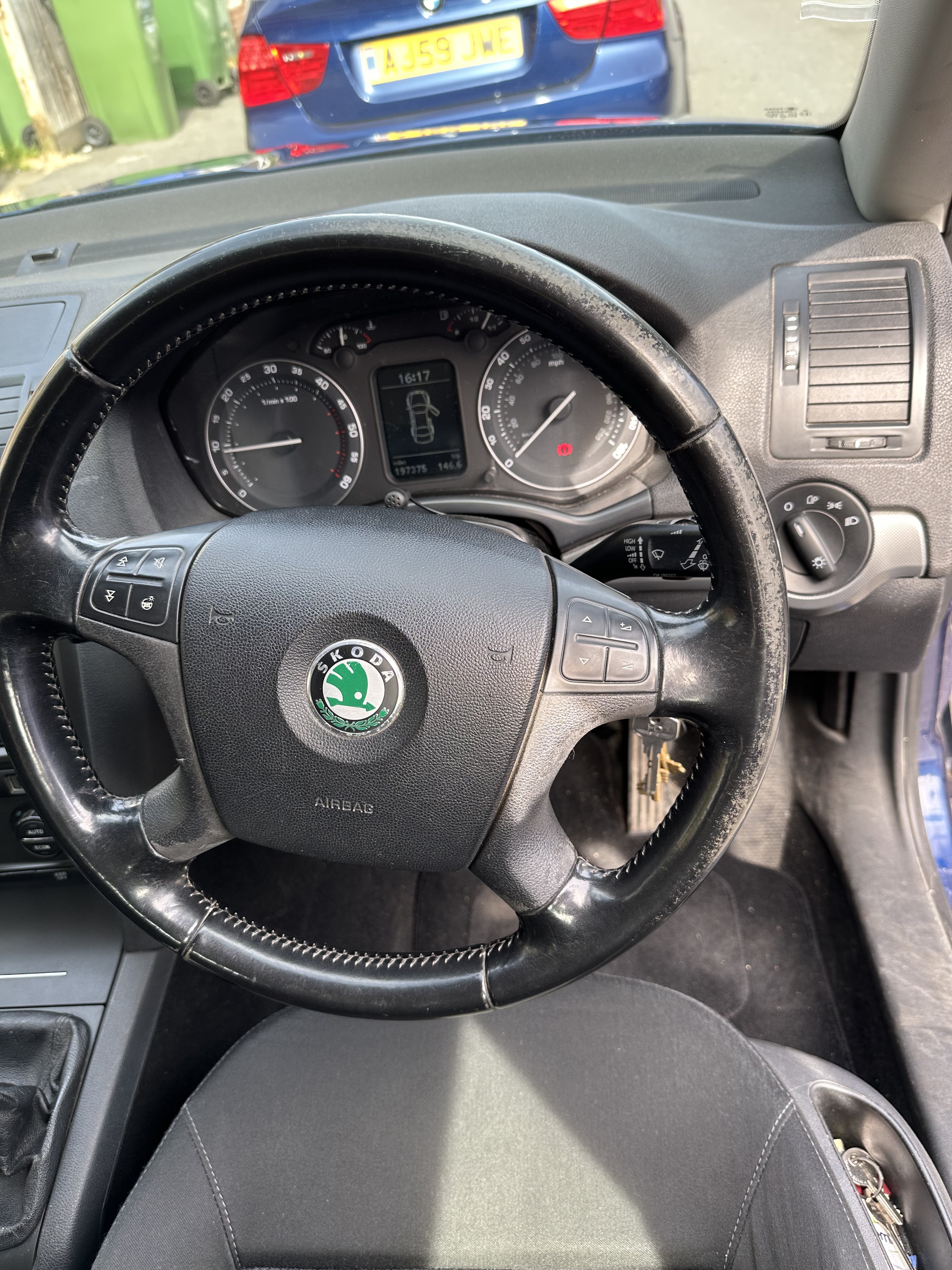
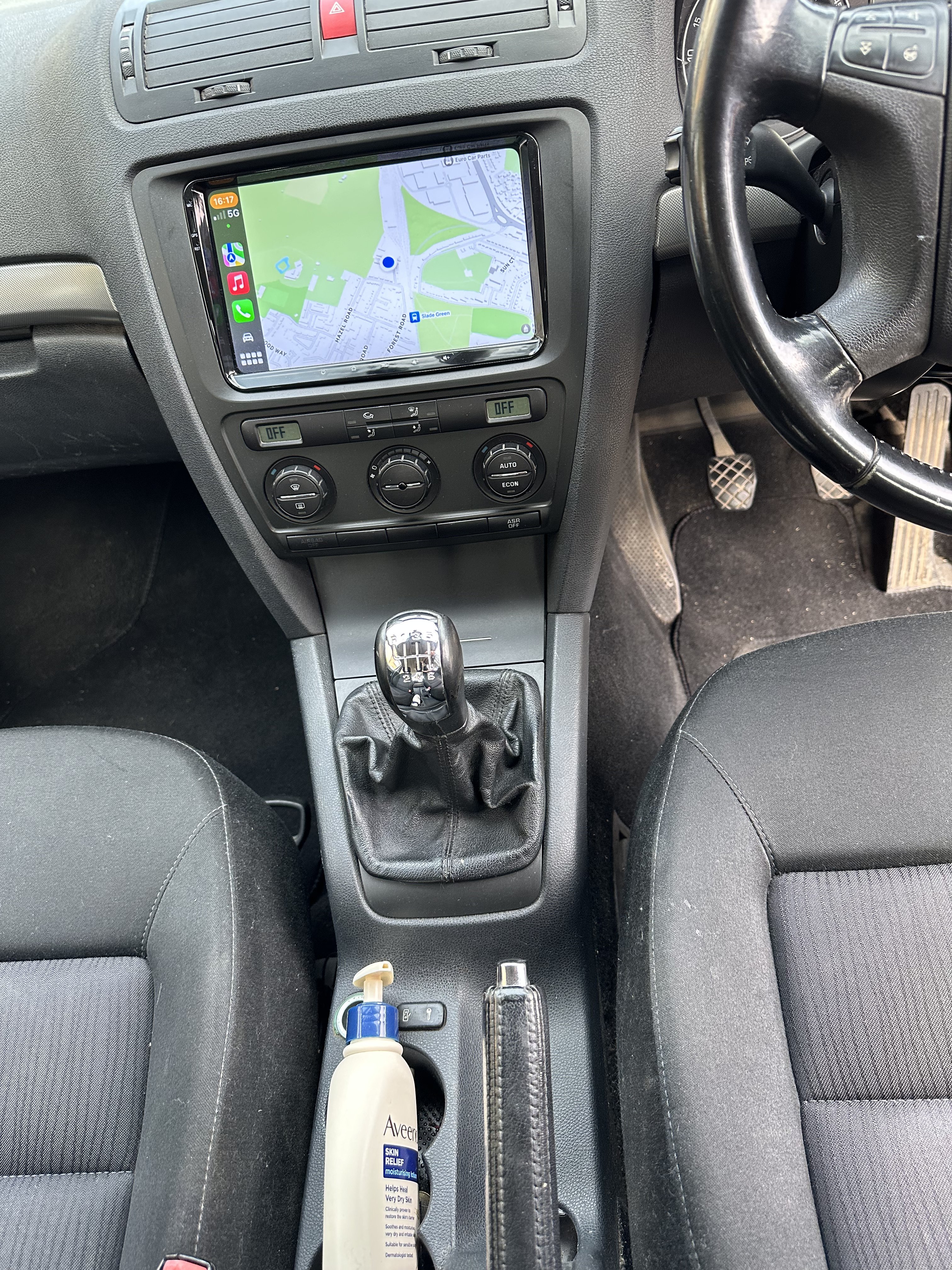
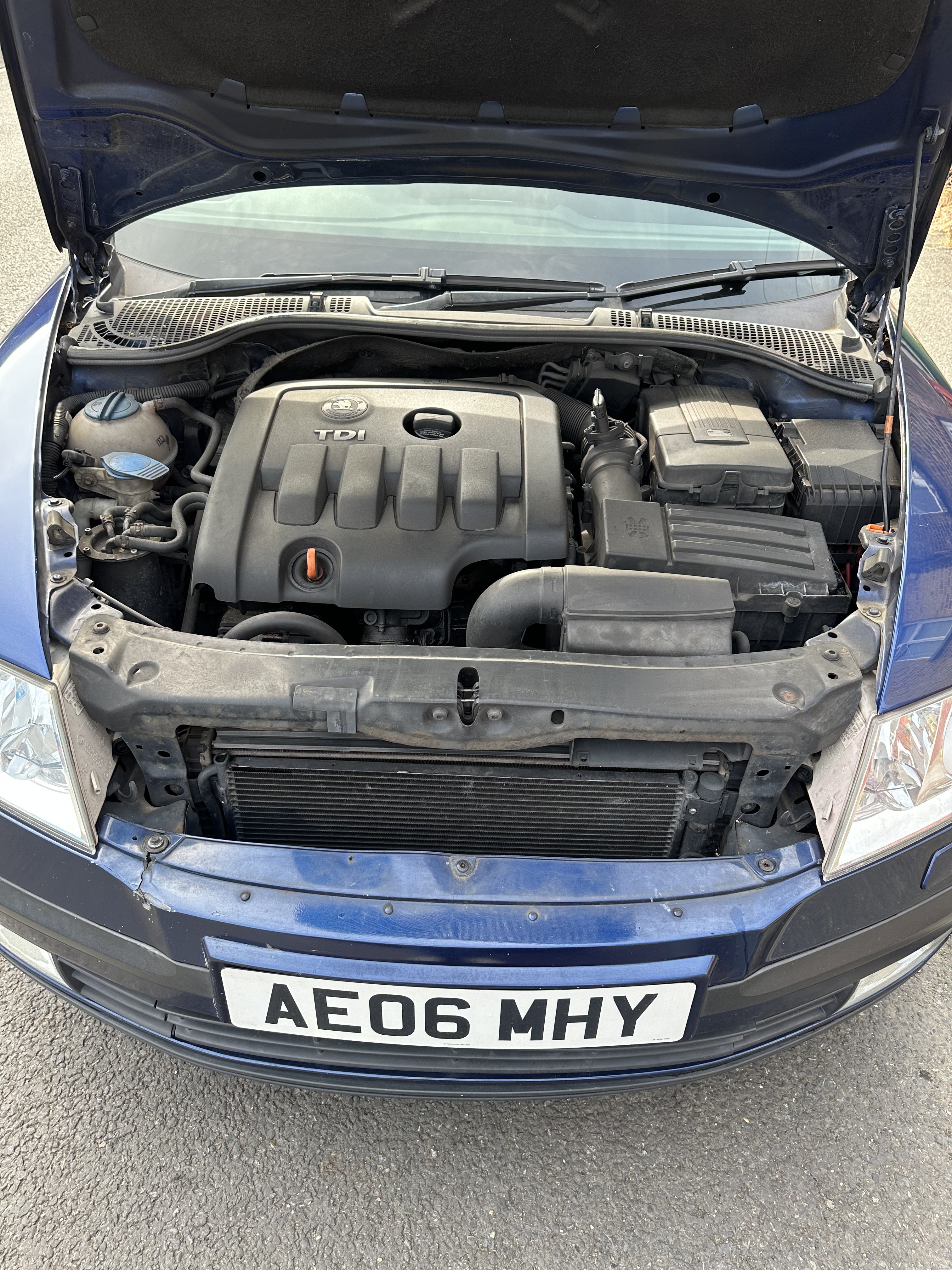
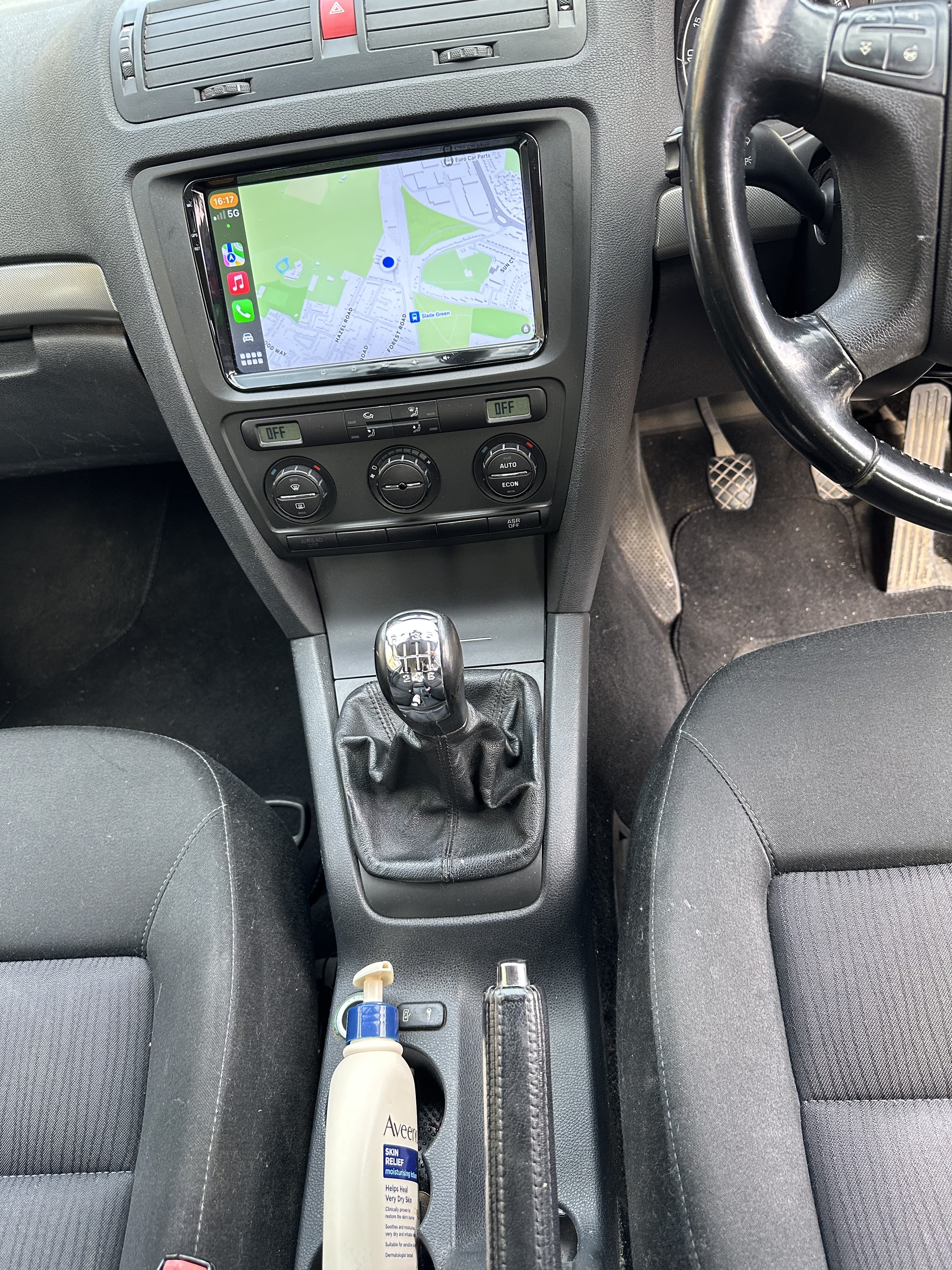
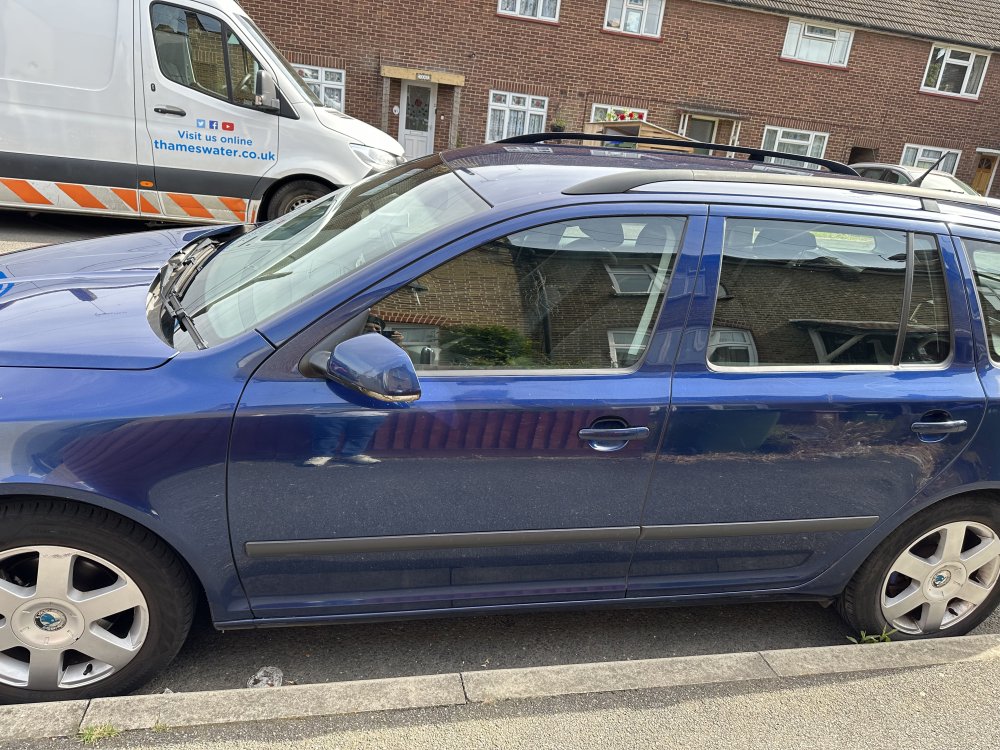
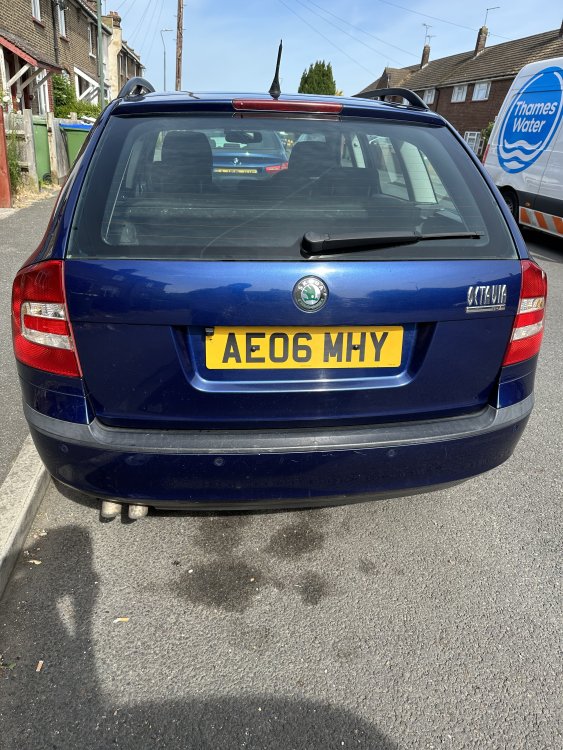
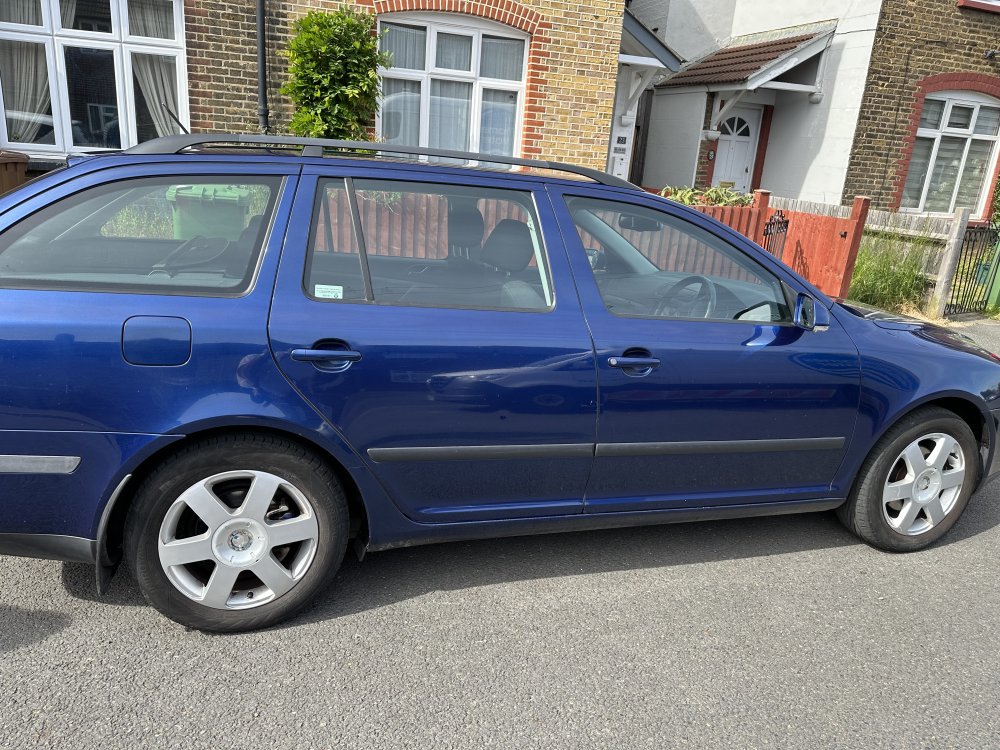
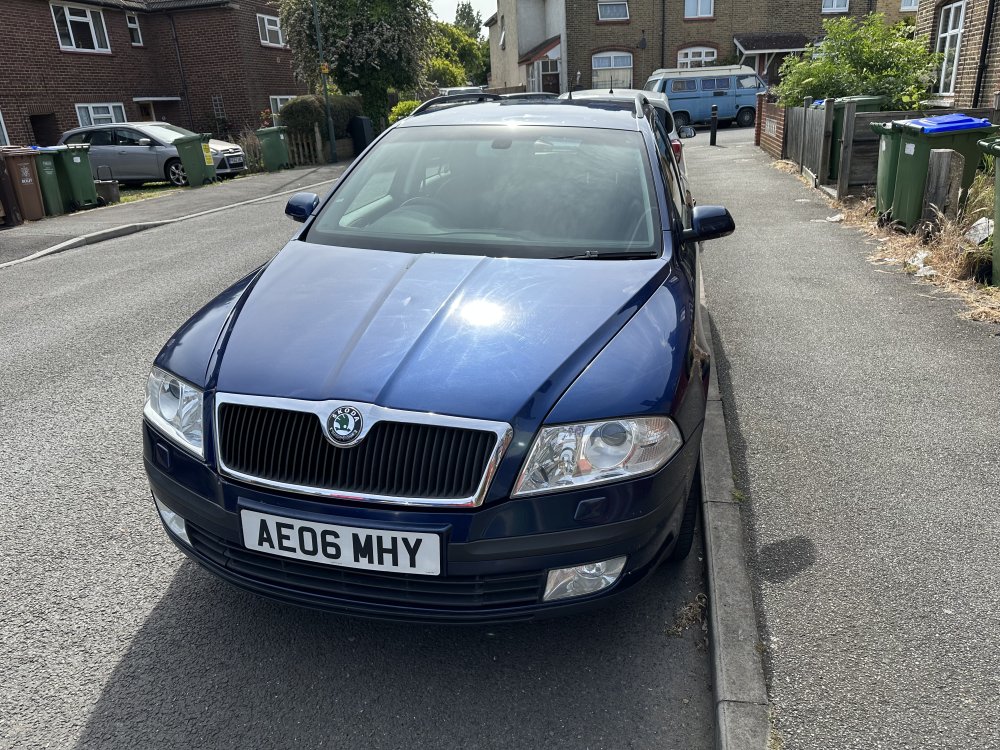
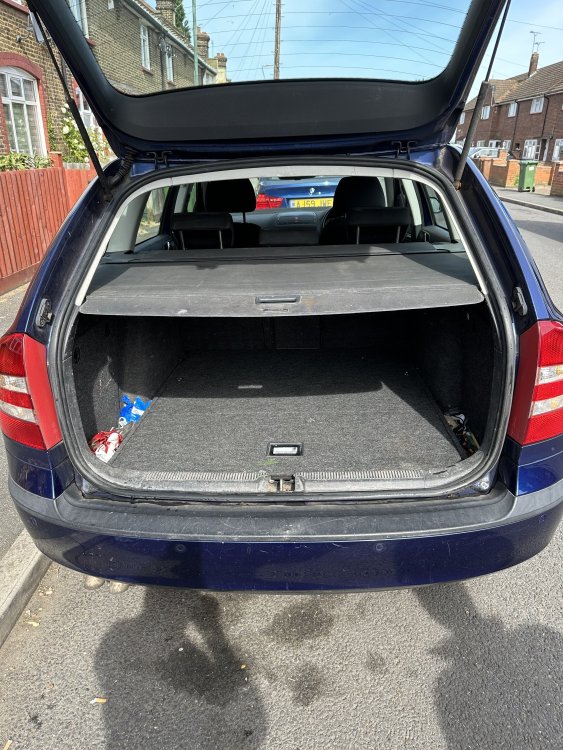
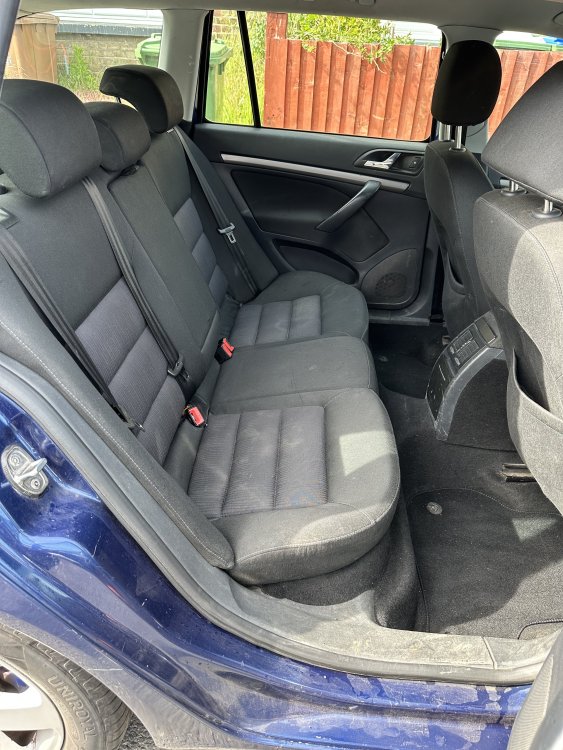
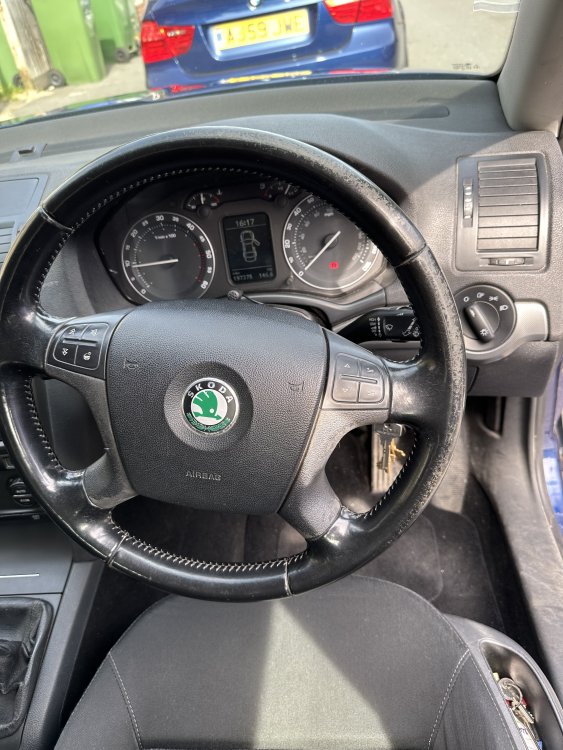
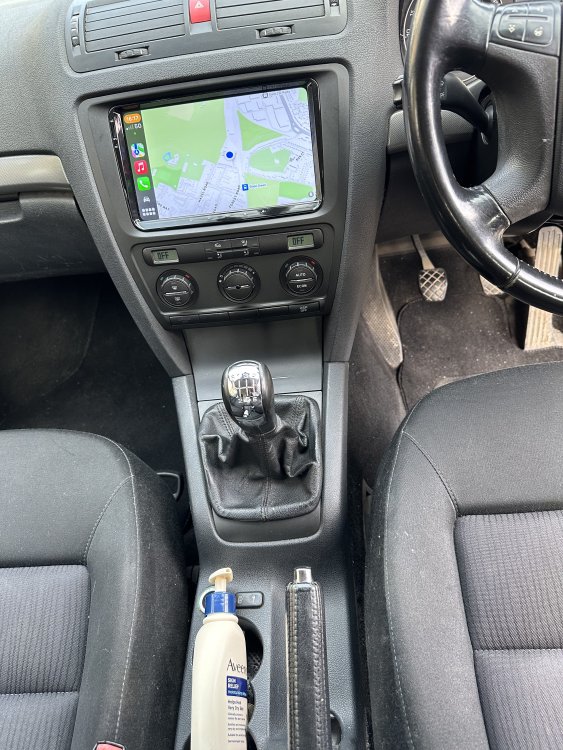
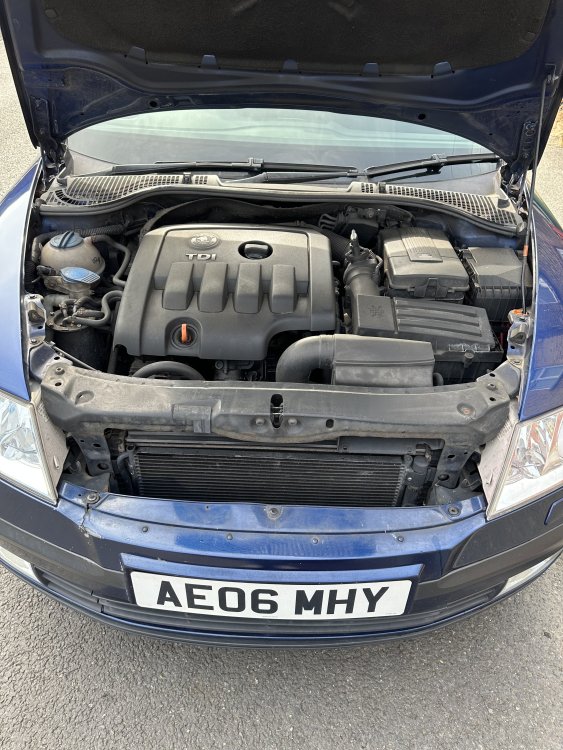
Make & Model: SKODA OCTAVIA 2.0 Litre TDI PD ESTATE Colour: BLUE Mileage: 197,375 miles Price: £1500 Description: A high spec good condition SKODA with an excellent diesel engine, as you can see in the pictures; drives perfect! Has recently revamped suspension; Replaced the engine @140k miles,The replaced engine had only 70000 miles on it its working perfectly. Had to change the engine because the garage didn't do a good job on the cam belt. everything working how it should no noise of any kind MOT 25-Nov-2023 Also in the sale is a very good turbo and gearbox. some other spare parts. Condition: Very good for the age. Service History/Receipts/Recent Service work: Regularly serviced; Had this car from 2016; Perfectly good car - only reason to sell is due to ULEZ in London; No faults in car.No fault at all. Everything works preface.Ask if you need any further information. I have a few spare parts that are available to the buyer. Extras: Has upgraded Xenon headlights; Has upgraded Apple AirPlay + Android Auto (for extra cost) Also has original Skoda fit Radio in working condition; Mods: Has Stage 1 map Shipping: Pick-up only Collection: Dartford, Kent, UK> Pictures: <attach as many or as few as you want within the limits>
-
-