vleon11
Finding my way
-
Joined
-
Last visited
-
and now I'm wondering where I could find the plus in the rear of the vehicle, I found it in the cigarette lighter but there is a constant 12v, it doesn't go out and it doesn't go away even when I lock the car, I wouldn't want to connect to that place,
-
I read that the problem can be solved by installing a relay, because the plus from the camera is connected to the plus of the reversing lights.
-
some Chinese one from aliexpress, everything works but the camera only works until I start the engine
-
I installed an aftermarket multimedia system with a parking camera on my Octavia, now I have a problem that the camera only turns on when the engine is not running,
-
channel ENG116944-ENG116028-Leuchte8FL LB39-Lichtfunktion B 8 adapted from Lichthupe generell to Abbiegelicht links channel ENG116945-ENG116047-Leuchte9FL RB2-Lichtfunktion B 9 adapted from Lichthupe generell to Abbiegelicht rechts Then after he reverted it back did the following: channel ENG116944-ENG116028-Leuchte8FL LB39-Lichtfunktion B 8 adapted from Abbiegelicht links to not active channel ENG116945-ENG116047-Leuchte9FL RB2-Lichtfunktion B 9 adapted from Abbiegelicht rechts to not active I've now changed them both back to Lichthupe generell and they work
-
wrong coding, I will explain and post a link in a day or two
-
the problem is solved
-
The lever works because when I pull it towards me, a blue light on the tachometer lights up. Where is that wire that may have been cut?
-
The turn signals work, the flasher doesn't work.
-
why and how could you do that
-
on my octavia, my turn signals don't work, when I pull the light lever towards me, only a blue light appears on the dashboard as if it's working but from the outside you can see that it's not working, my high beam works normally does anyone know what could be the problem, is it possible to reset the comfort module 09 via vcds diagnostics
-
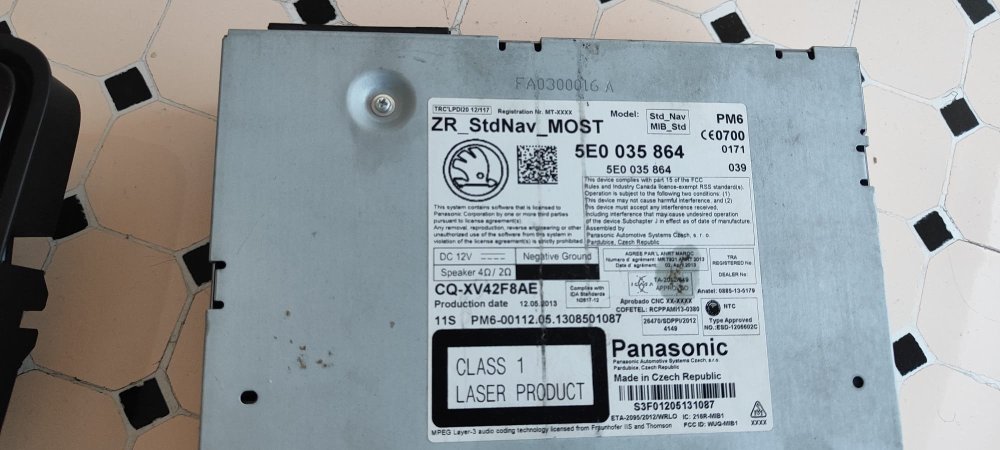
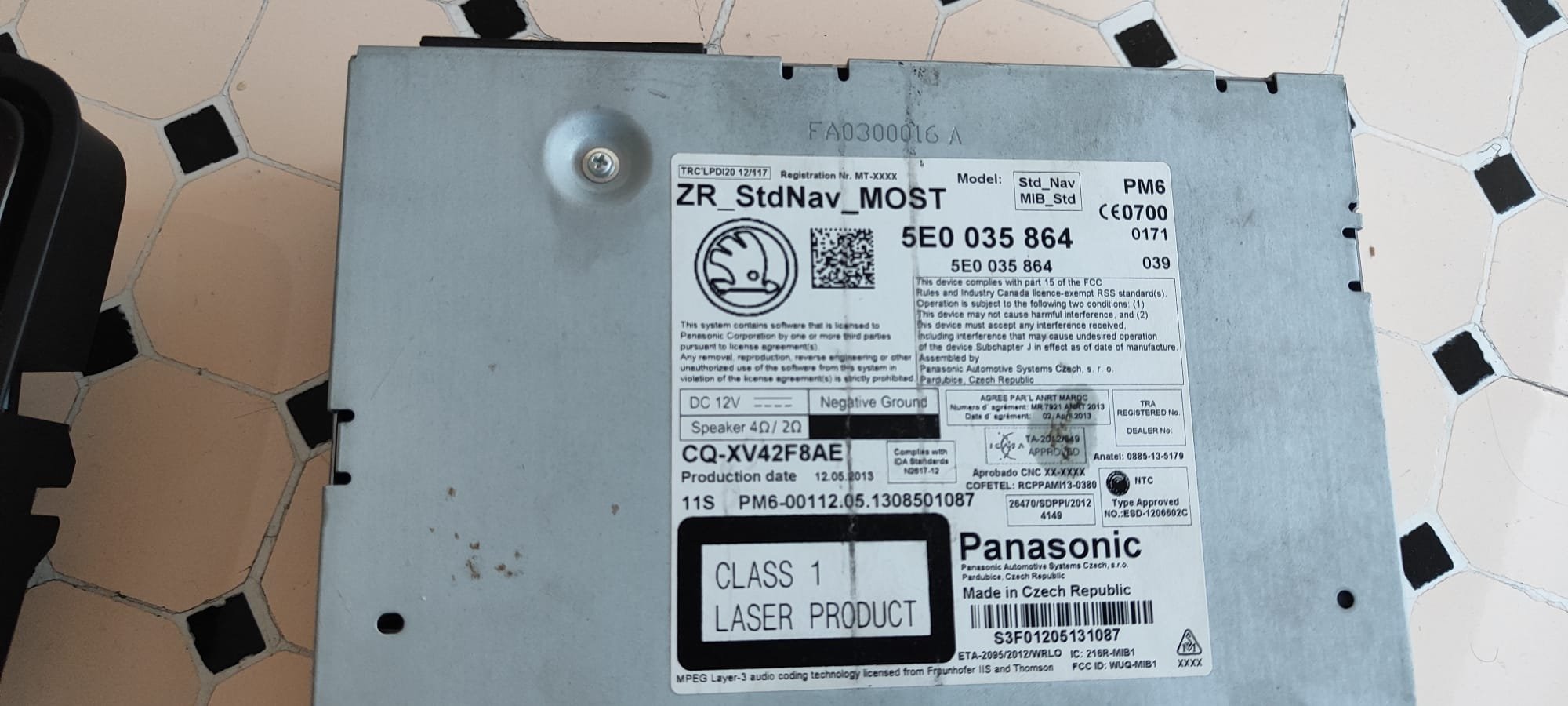
I have one question, I would replace a unit that doesn't have navigation with another one that does, I'm interested in whether component protection should be removed or can only be added with the odis program