




towserdog
Finding my way
-
Joined
-
Last visited
-
You can't go wrong witha Skoda Octavia DSG IMO 👏😁😁
-
Good ole Donald - yes I remember a furore about that some time ago. I thought I was OK because I hav and still get updates from Google Play but maybe not. Still I can't let that old ***** force me into buying a new phone. I'm going off to look into a custom ROM instead. Never done anything like that before an still not sure if a custom ROM will allow me to use Google services on a Huawei device. I'll report back in a few days if I have any luck. In the meantime many many thanks for your support on what it seems has not even been a Skoda problem 👍👏☺️ https://www.lineageos18.com/2021/01/best-custom-rom-for-huawei-p20-lite.html think this is the rout I will try, probably after the weekend (in case I ruin the phone)
-
Good ole Donald - yes I remember a furore about that some time ago. I thought I was OK because I hav and still get updates from Google Play but maybe not. Still I can't let that old ***** force me into buying a new phone. I'm going off to look into a custom ROM instead. Never done anything like that before an still not sure if a custom ROM will allow me to use Google services on a Huawei device. I'll report back in a few days if I have any luck. In the meantime many many thanks for your support on what it seems has not even been a Skoda problem 👍👏☺️
-
-
-
Thanks, have just seen your message. In the Android Auto app > settings phone screen settings> the "Screen On" setting is set at Always On. Is that what you mean?. The other option are When Charging an Use Device Default. Pab567 suggested that I try other phones: my wife's Pixel 3a running Android 11 works OK, I have an old Samsung S2 10 inch tablet with Android 7 and it works OK. My phone is a Huawei P20 lite. Last night I disabled several Huawei apps that I thought might be impacting on it, many of these had permissions to display over other apps, and to write system settings. The app launcher did work for a short time, but when I switched the ignition off or changed back to another device I lost the launch function when I went back to the Huawei. So I believe pab 567 is on the right lines, and think it a phone software thing rather than the Infotainment hardware or software. Maybe I'll tru Huawei forum too. But I m now getting into areas that I'm not comfortable with. Many thanks for your help to date, I will keep checking back soon.
-
You might be right. Works OK on my wife Pixel 3a.when I set it up you can get the launcher and navigate between the apps. Then l deleted Android Auto and re-installed it on my own phone (Huawei P20 lite - Android 9 - it's newer than my Skoda!). Worked for 10 minutes, launcher worked, then I turned it off/on and back to square one - no launcher. Can't just throw out a good phone either. Really don't know what to do now - SmartLink did work with this phone for more than a year but not now. Still seems like a software thing to me, but what software???
-
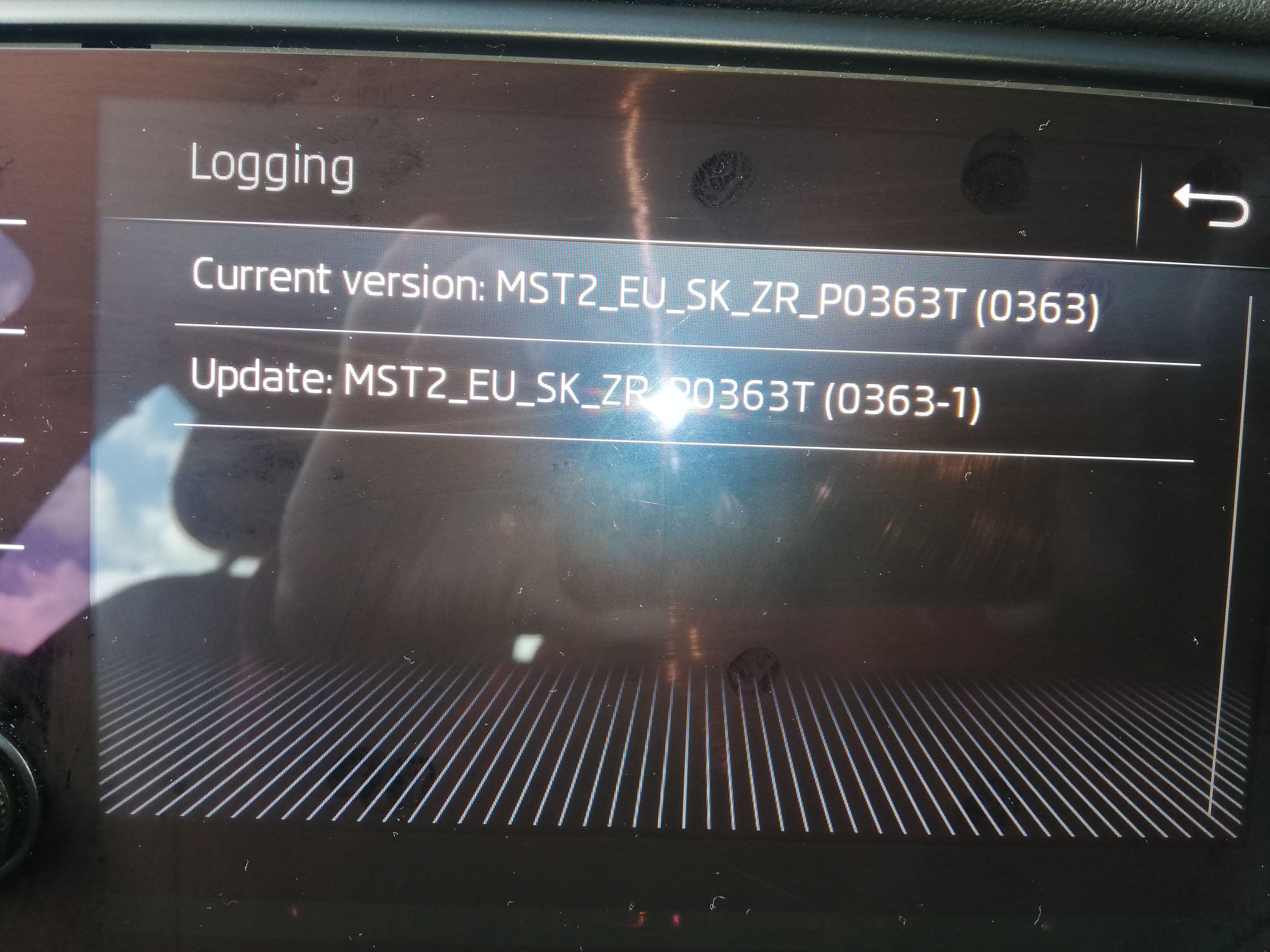
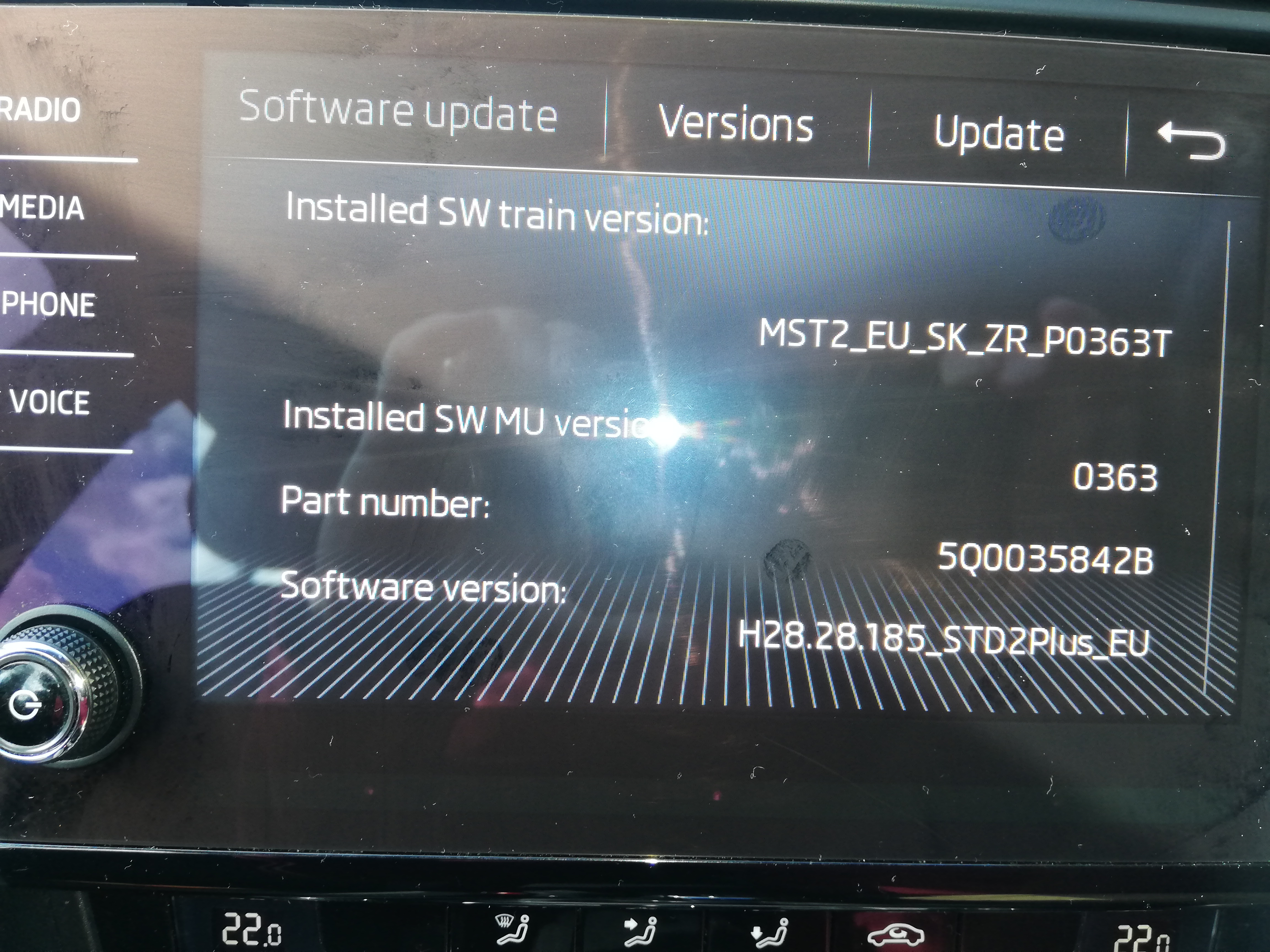
Hi again. Attached are 2 screenshots. I take it that it is a matter of getting the appropriate firmware update putting it on a memory stick and updating from there. If its more than that and there are step-by-step instructions that would be much appreciated too. Will check back later many thanks
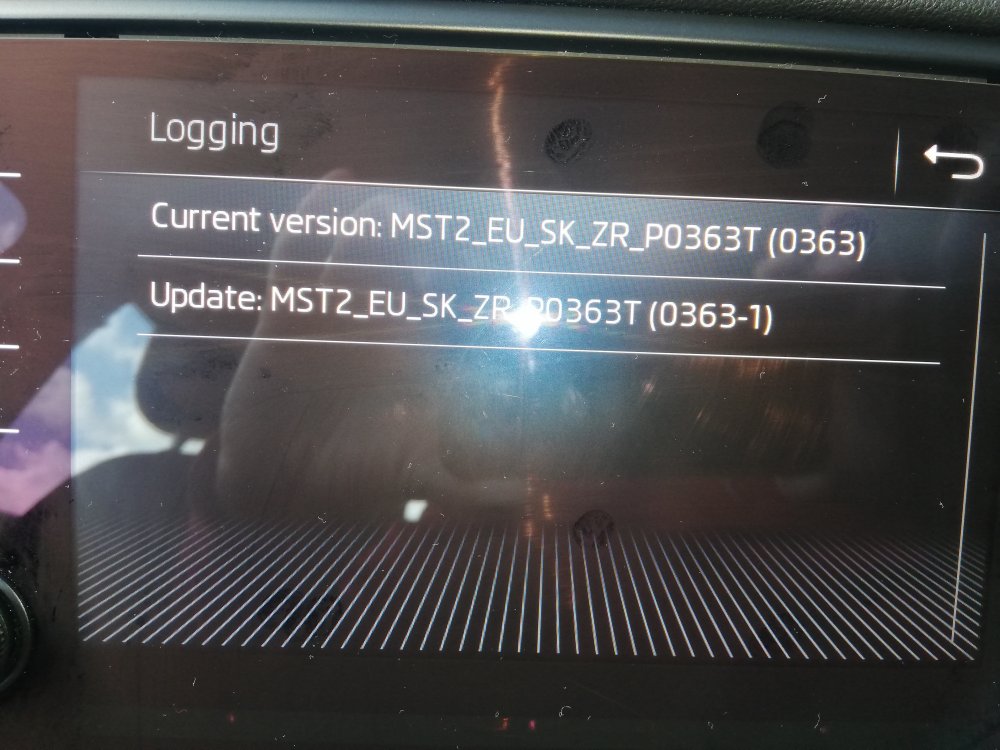
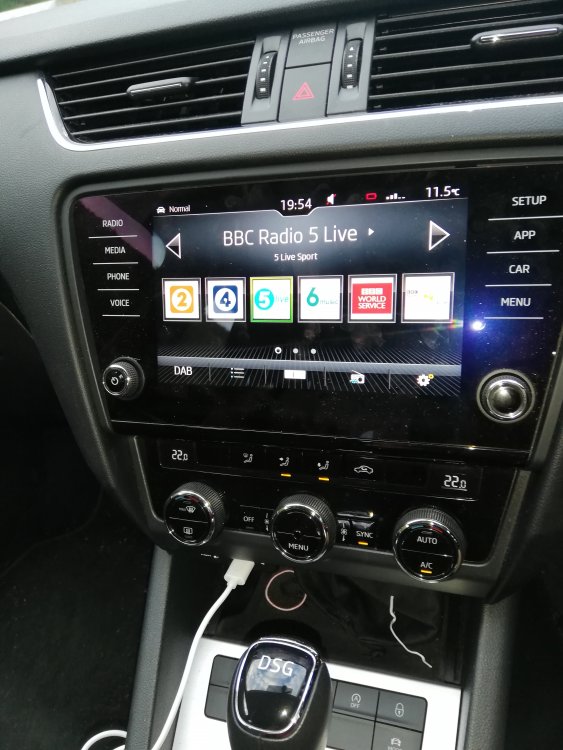
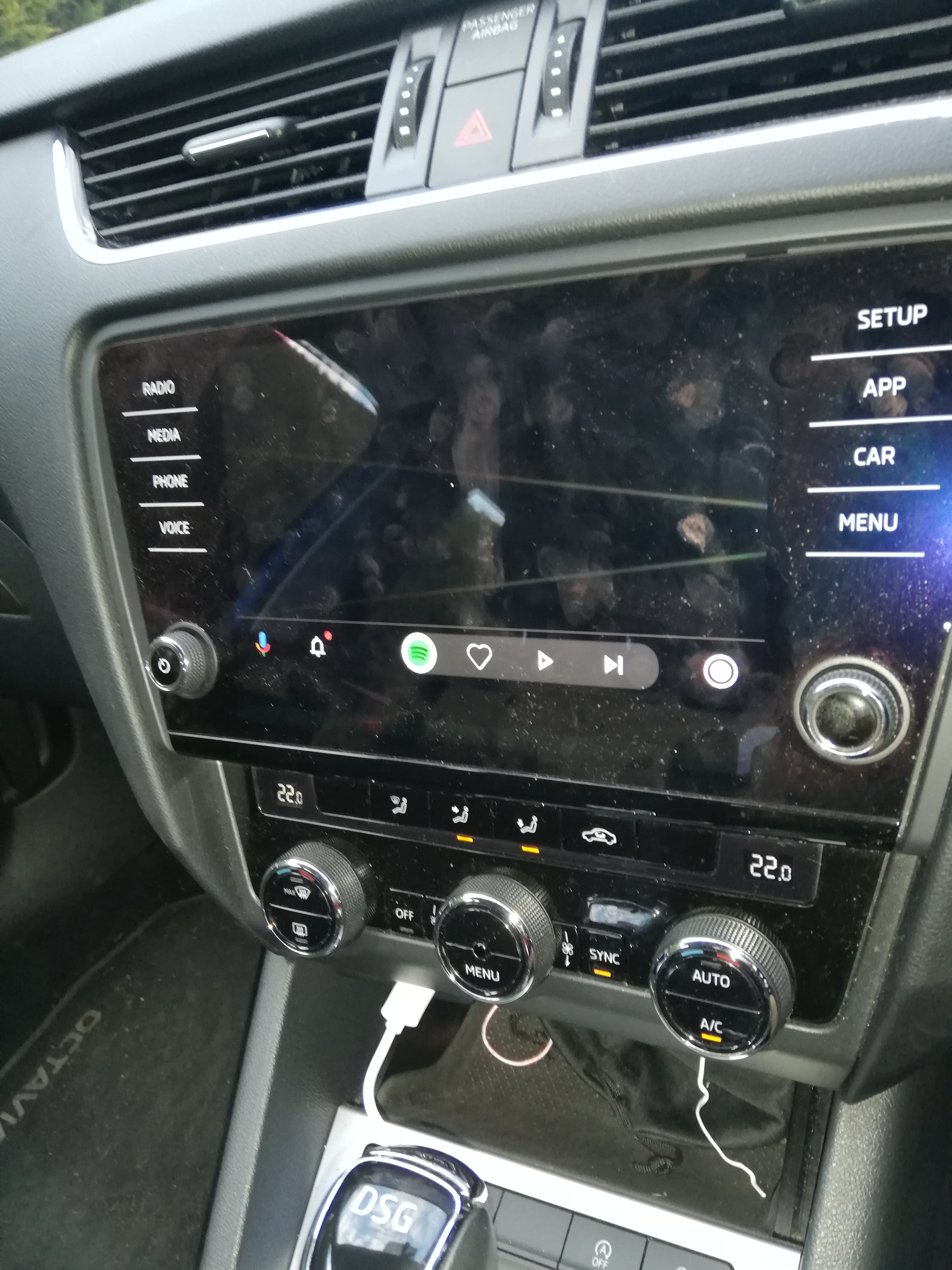
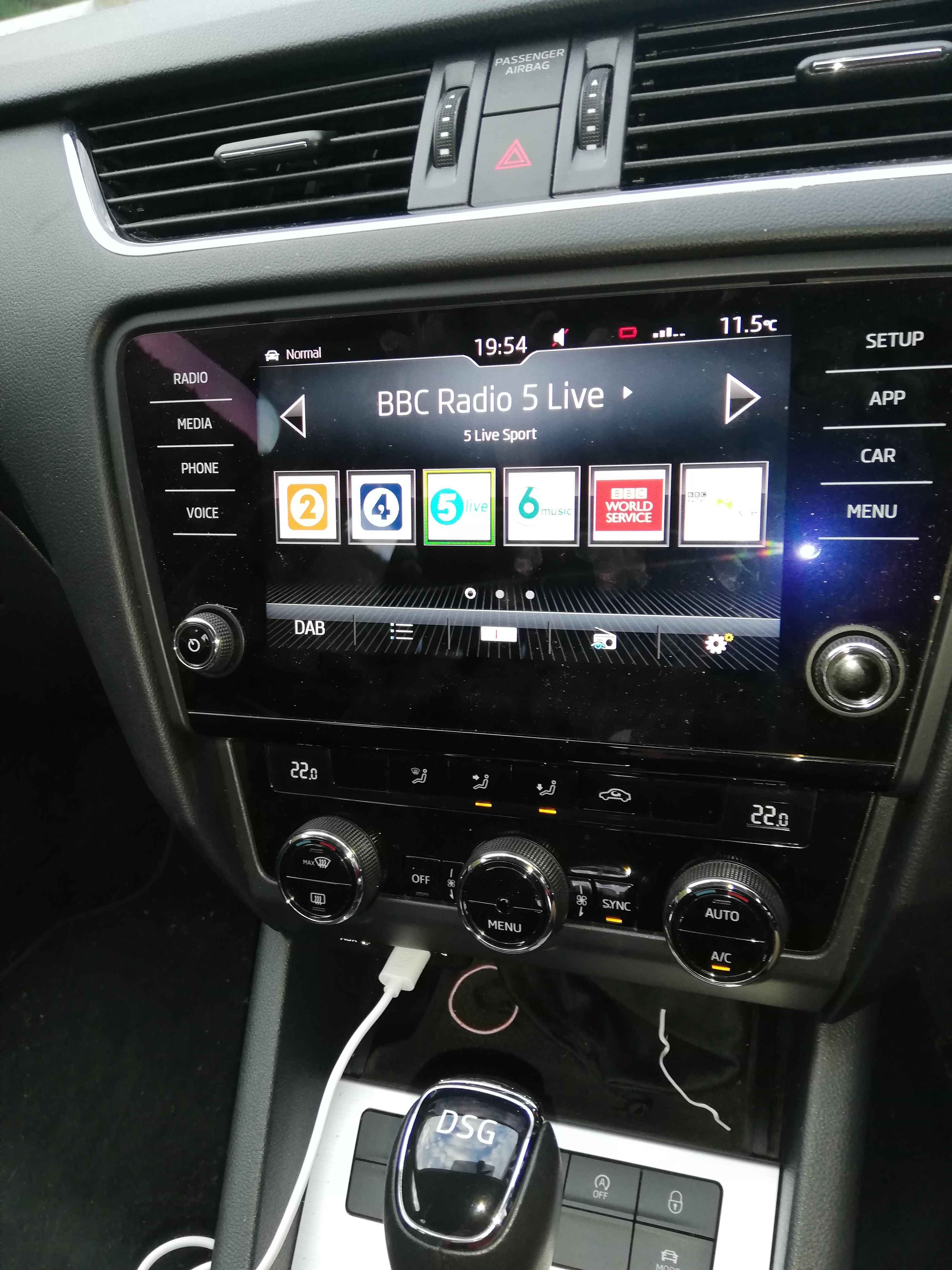
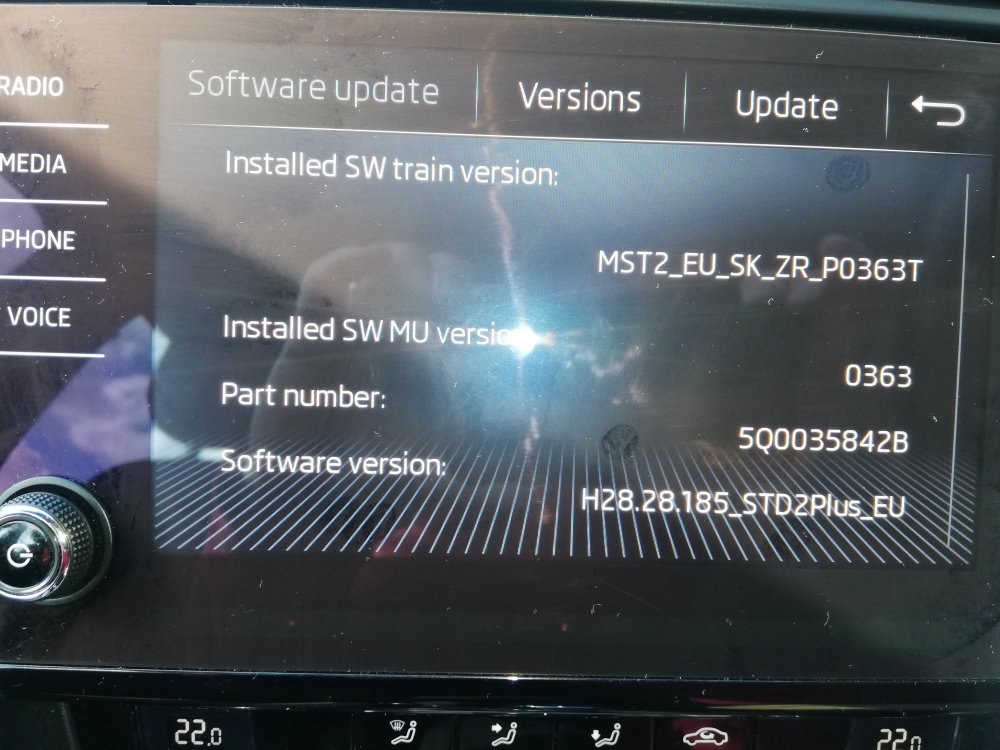 First, thank you for the reply. I did have sat nav via Google Maps working for 2 years. Connection was thru a USB cable connected to my phone as shown in the photos. My wife has a Seat Arona which has sat nav loaded on a SD card, is that what the Amunsden does? I will try the software version tomorrow and report back. Thanks again for your timeHi Everyone. Im looking for some help and advice on the Infotainment system (I believe Amundsen) fitted from new in my 2017 Octavia Estate. I believe that this model was called the Technology Option - however the technology bit isn't working very well. It used to work OK and with not using the car much during lockdown, I cannot say when the problem started, but probably in the last 6 months. What does work is the radio and phone functions. The sat nav works very occasionally, Spotify sometimes and there is no access to other apps most importantly, Google maps at all. So far I have updated all my apps including G Maps, Android Auto, Skoda Connect Lite and have also replaced the USB cable (twice). I should also say that my phone is a Huawei P20 Lite running Android 9. So I have come to the conclusion that the Infotainment software/firmware needs updating - how to do it??? I have searched several parts of the Skoda website and have gotten a lot of conflicting information, when I put in the VIN one site decided that the Car was a Czech model with a Bolero system (its a UK Model and see photos below). One described doing it by removing the SD card from the unit within the glovebox, downloading new software and installing this via the cars infotainment. (there is no card in my SD Drive) In another section I found an article describing doing an upgrade via some Bluetooth module that I would have to buy. I already have bluetooth for phone functions and when everything was working OK I used a USB cable for all functions anyway. Eventually I rang the Advice Number in the Skoda Connect app, but they just wanted to book me in at a Service Centre at an unspecified price to fix the problem. Not for me thanks! So I reckon you guys must have come up against this before - any solutions? BTW The cars VIN is : TMBKG7NE8J0050003 if that helps. Below are 2 photos, one showing the system in radio mode and the other shows the screen connected to the phone in "App Mode". When you touch the white disc at the bottom RH side it should bring up the display of available apps - it doesnt, nothing happens. Any help would be much appreciated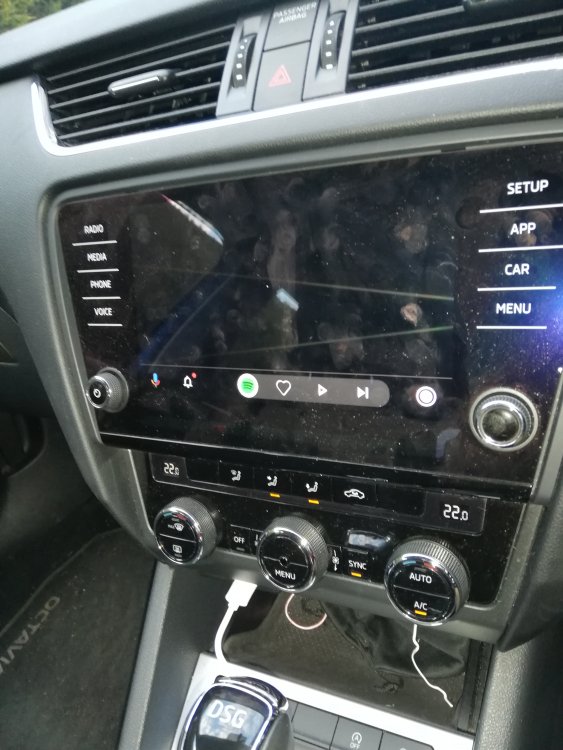


.jpg.baf734bb1fd1fa8138816213d627a641.jpg)
Important Information
Welcome to BRISKODA. Please note the following important links Terms of Use. We have a comprehensive Privacy Policy. We have placed cookies on your device to help make this website better. You can adjust your cookie settings, otherwise we'll assume you're okay to continue.