




RedPete
Finding my way
-
Joined
-
Last visited
-
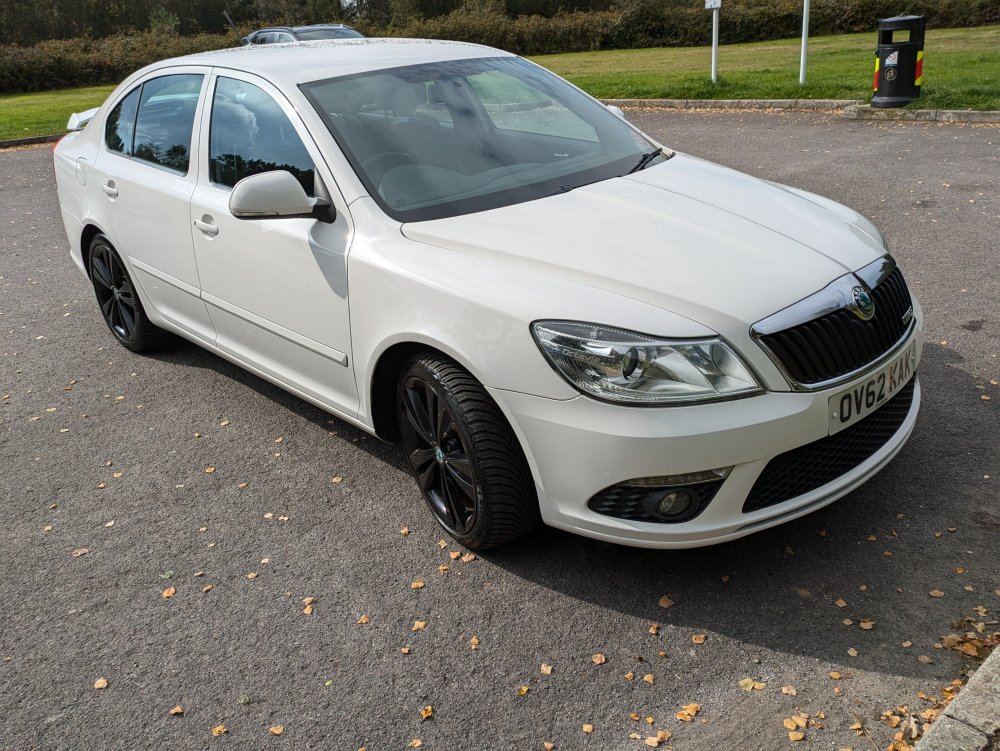
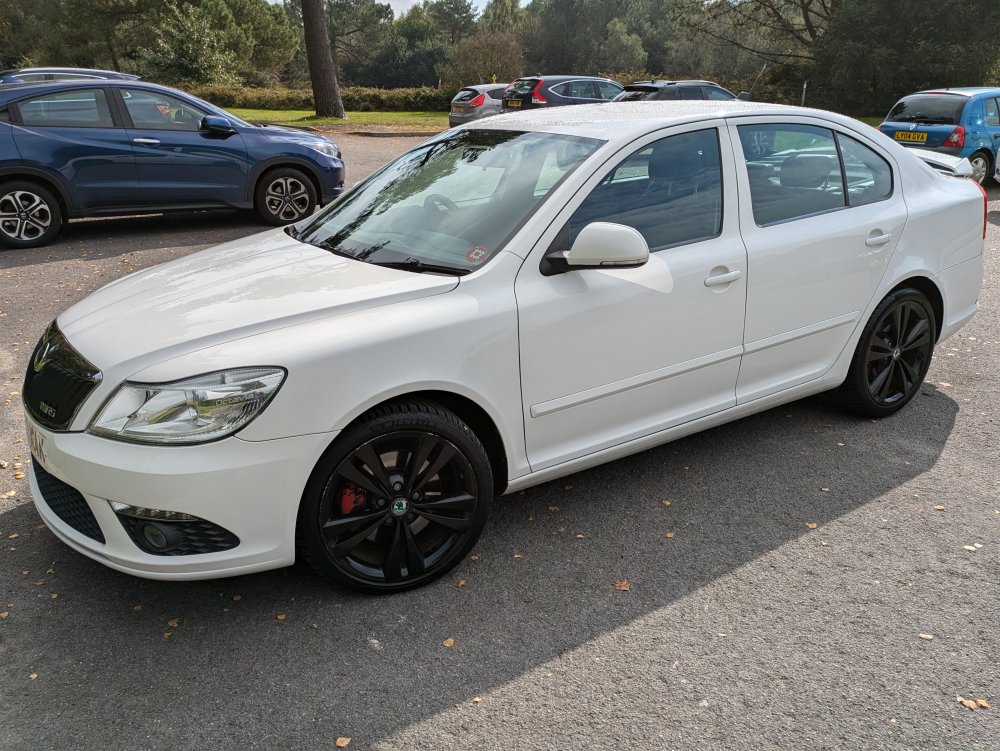
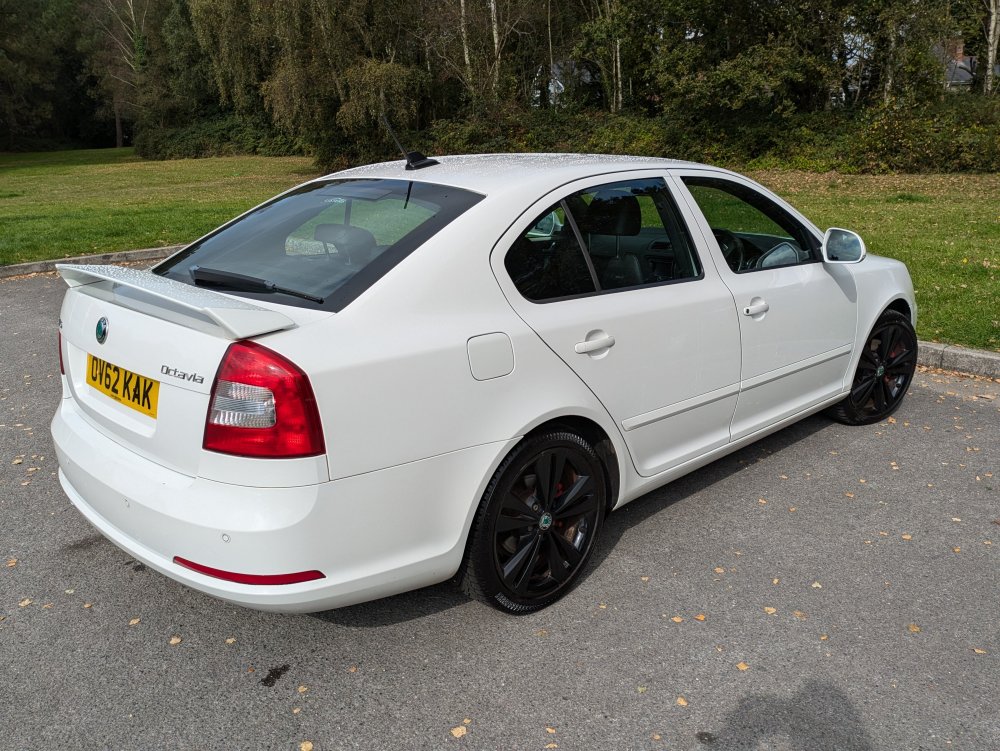
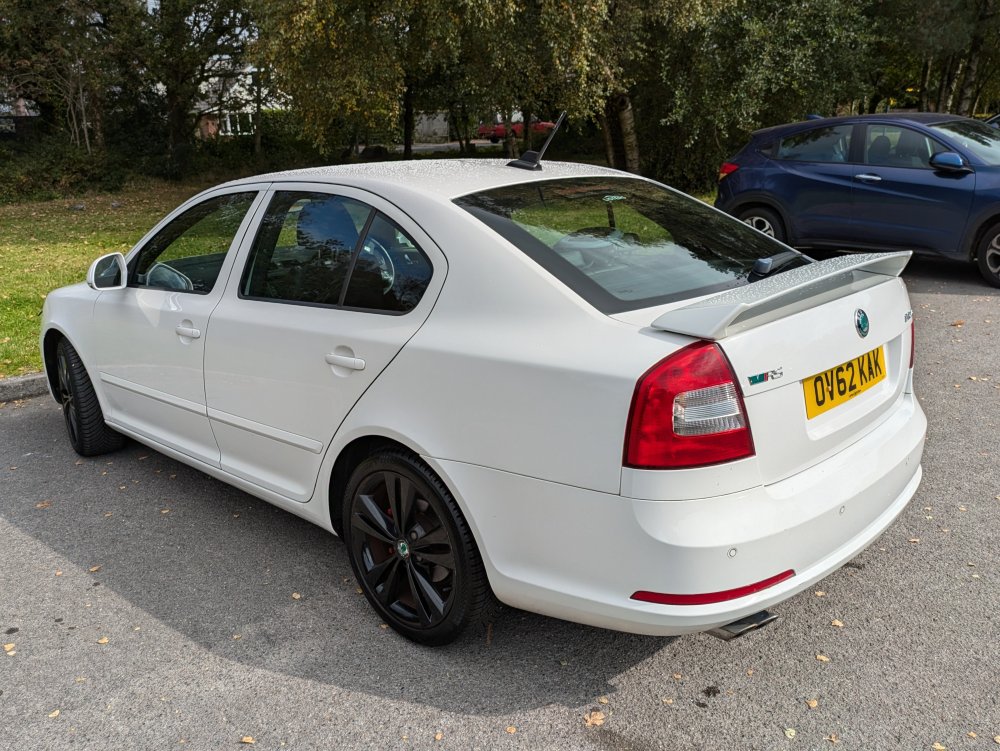
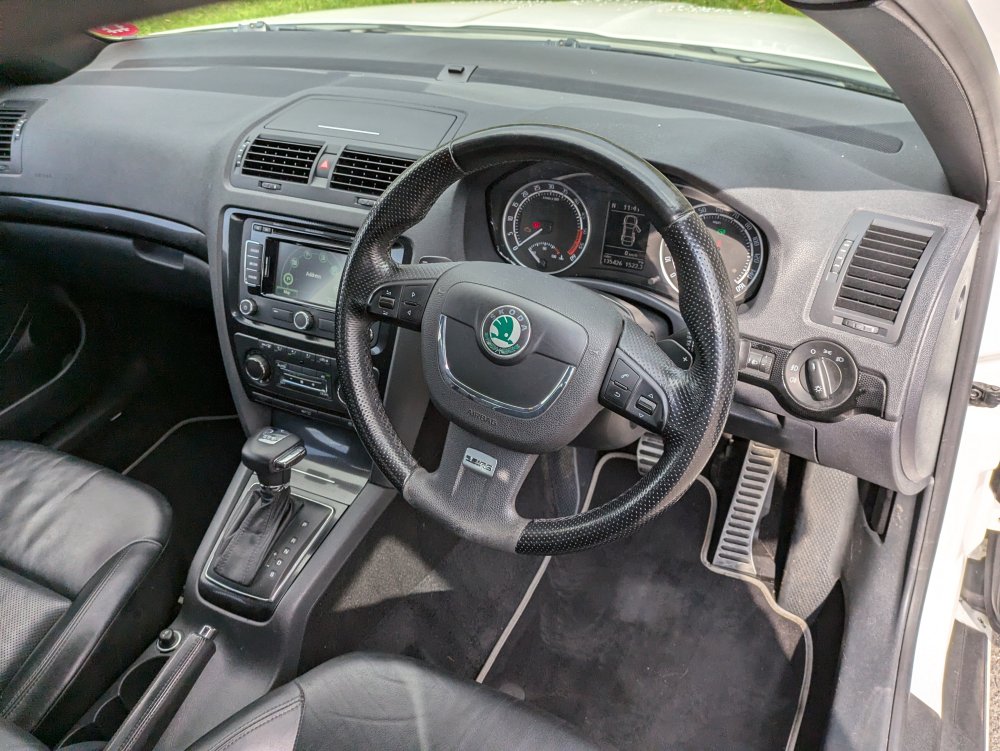
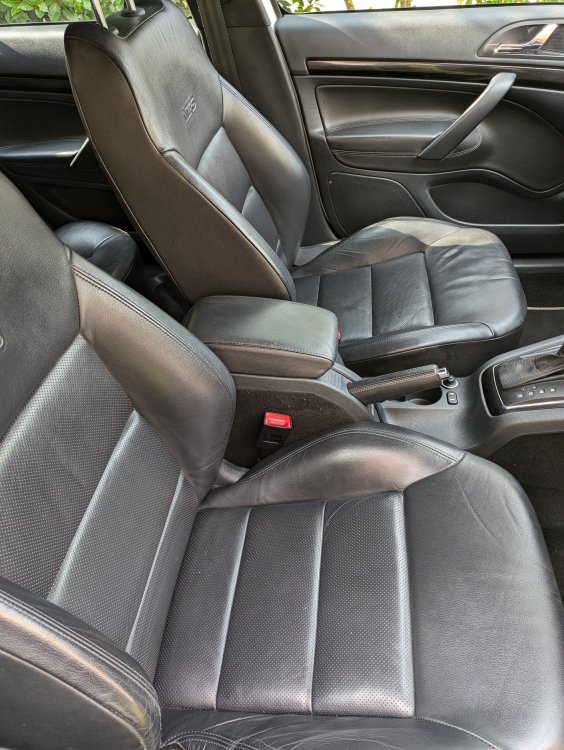
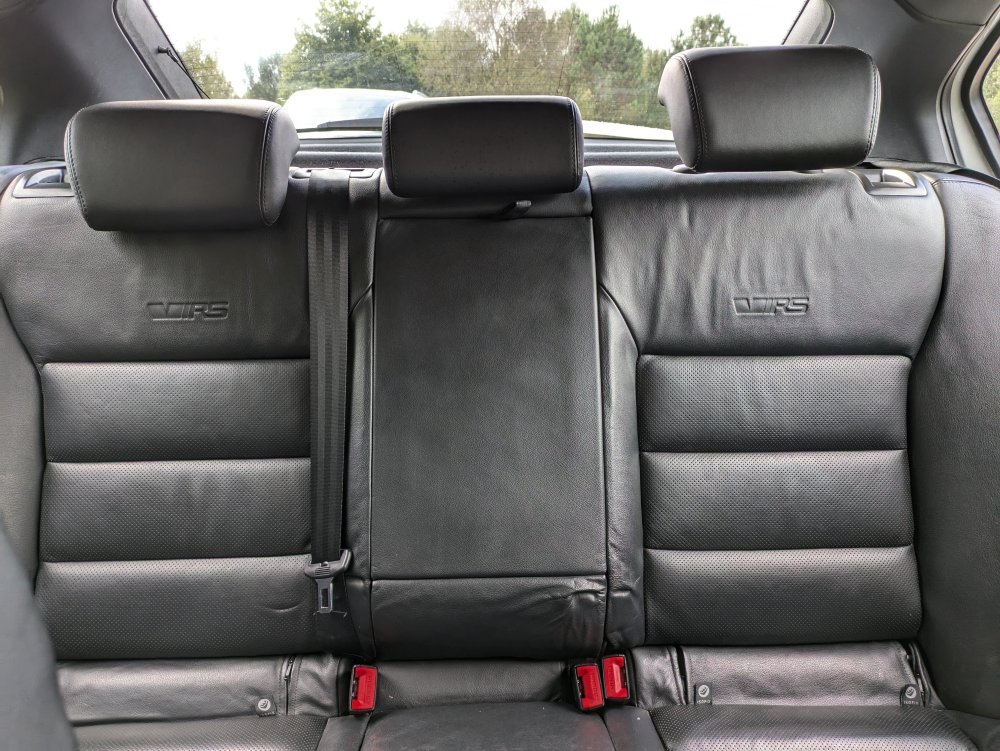
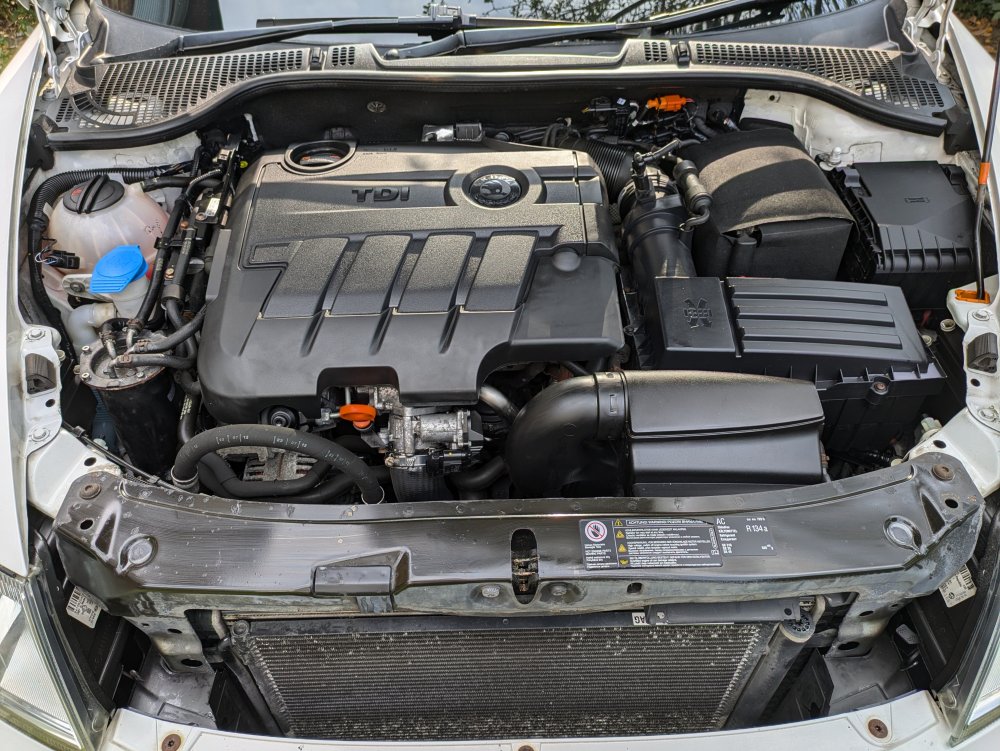
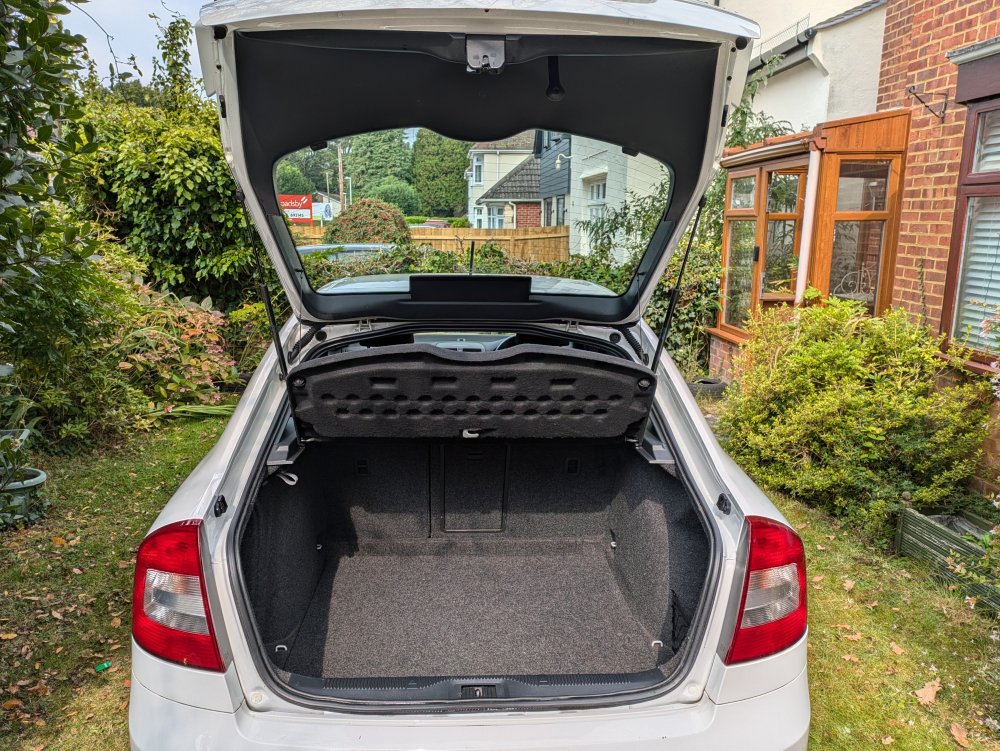
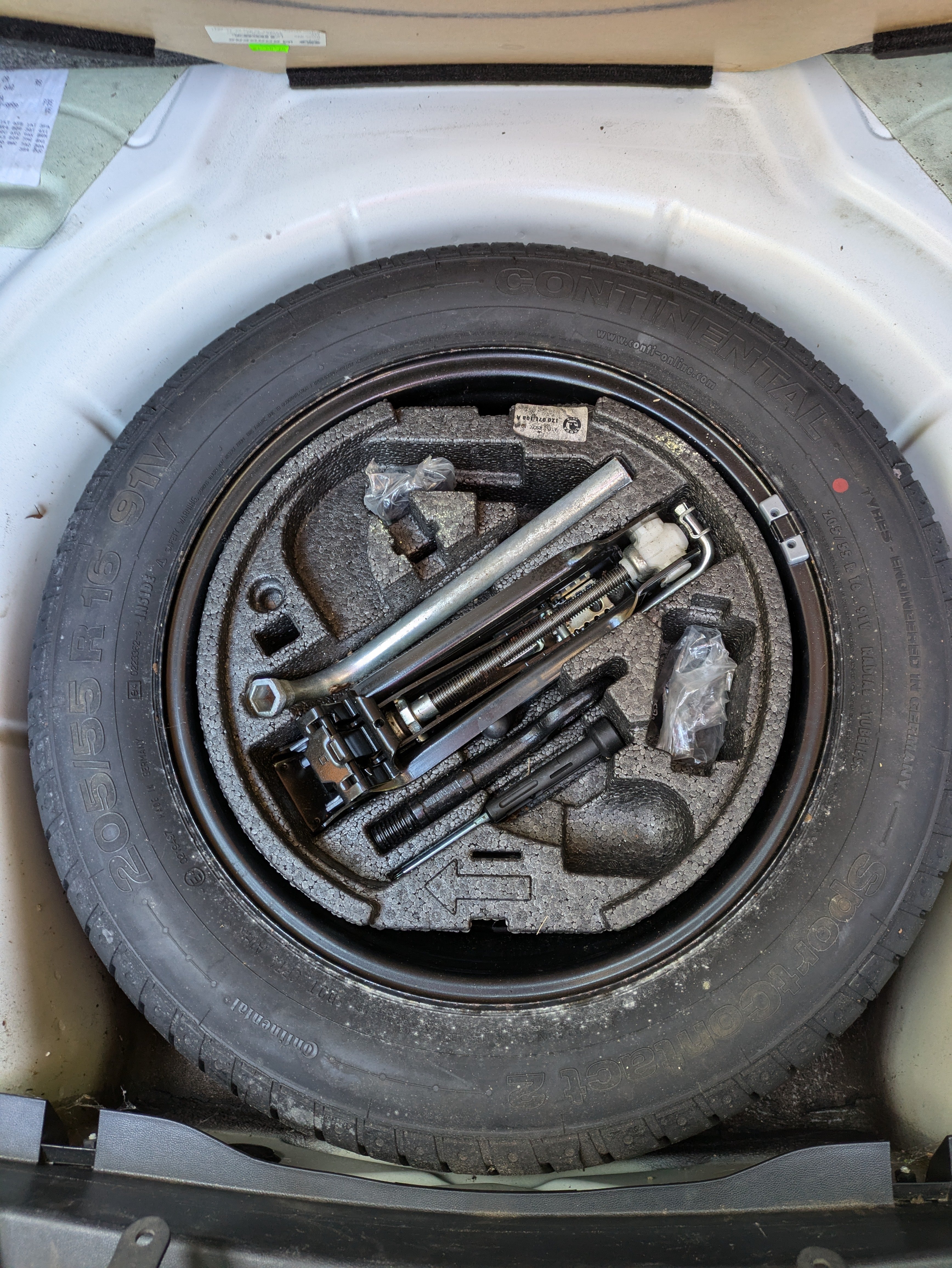
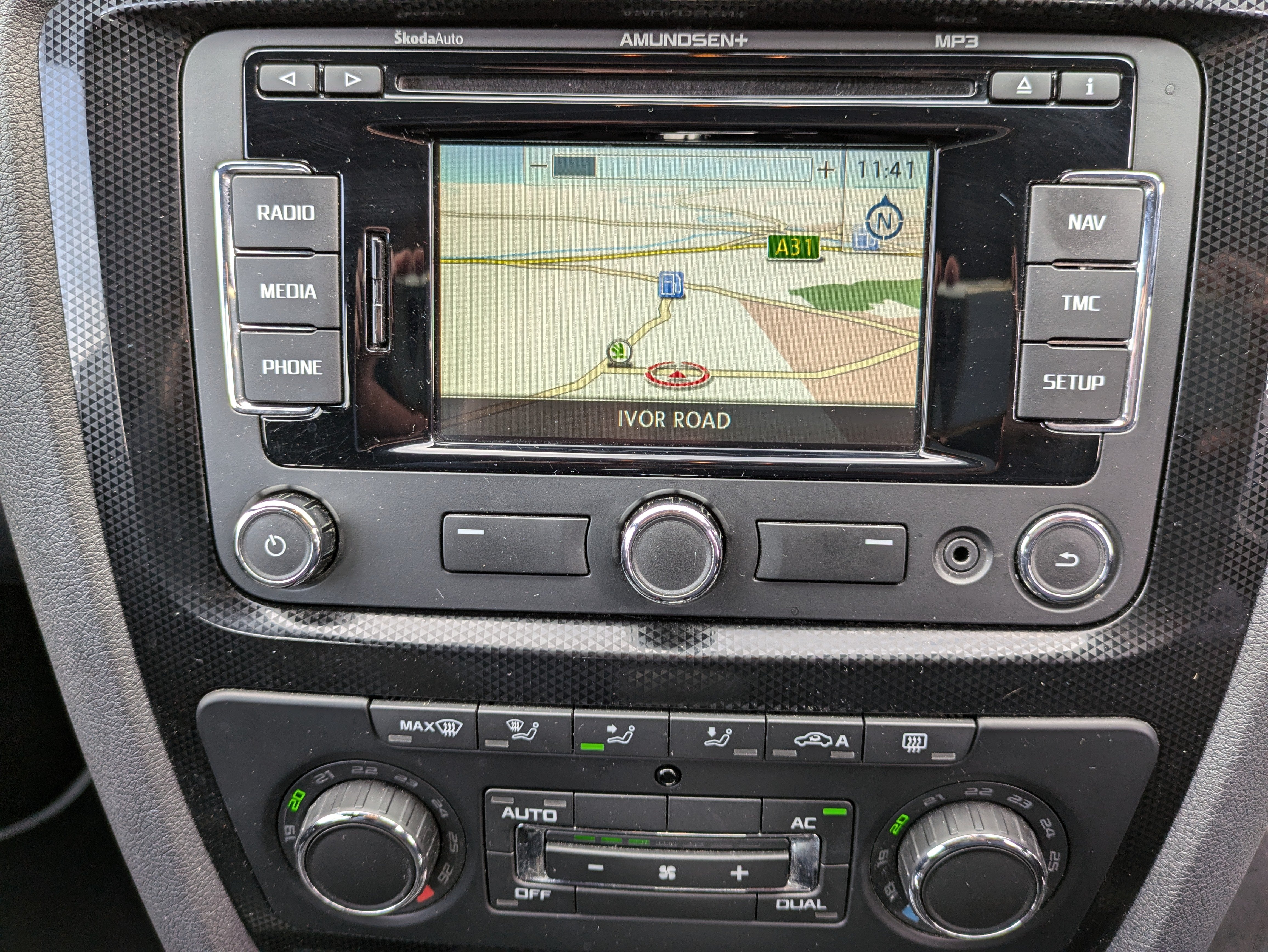
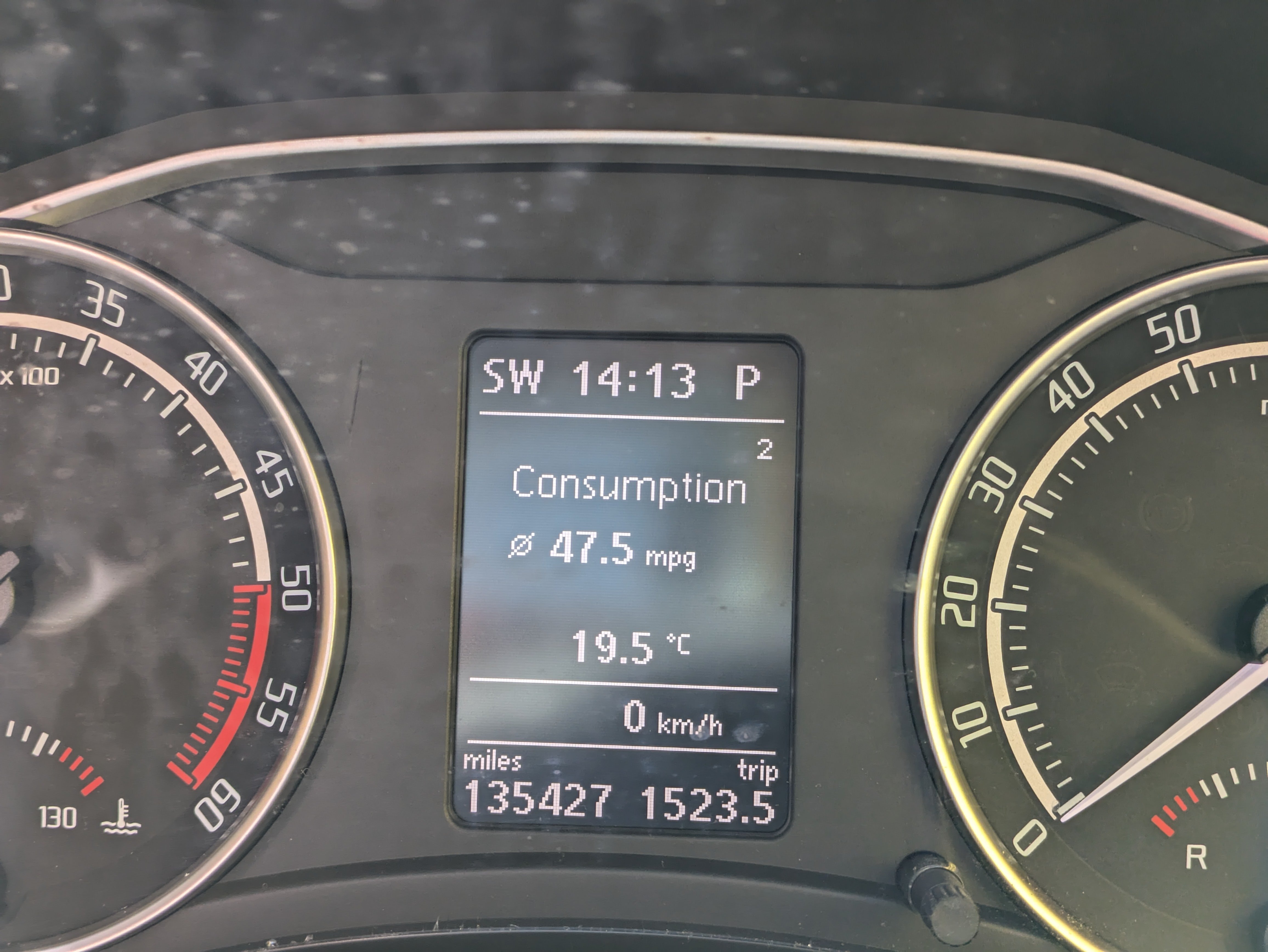
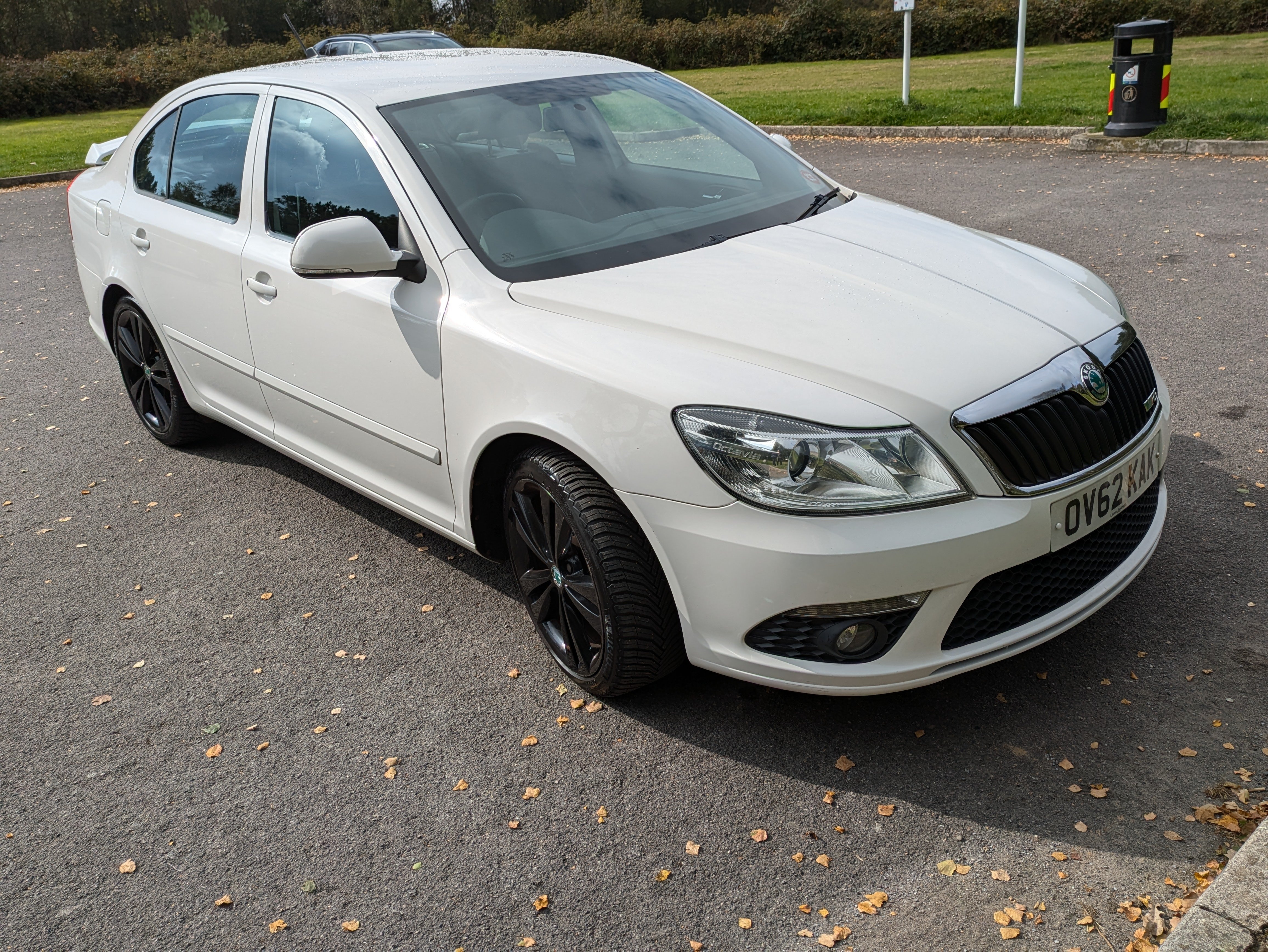
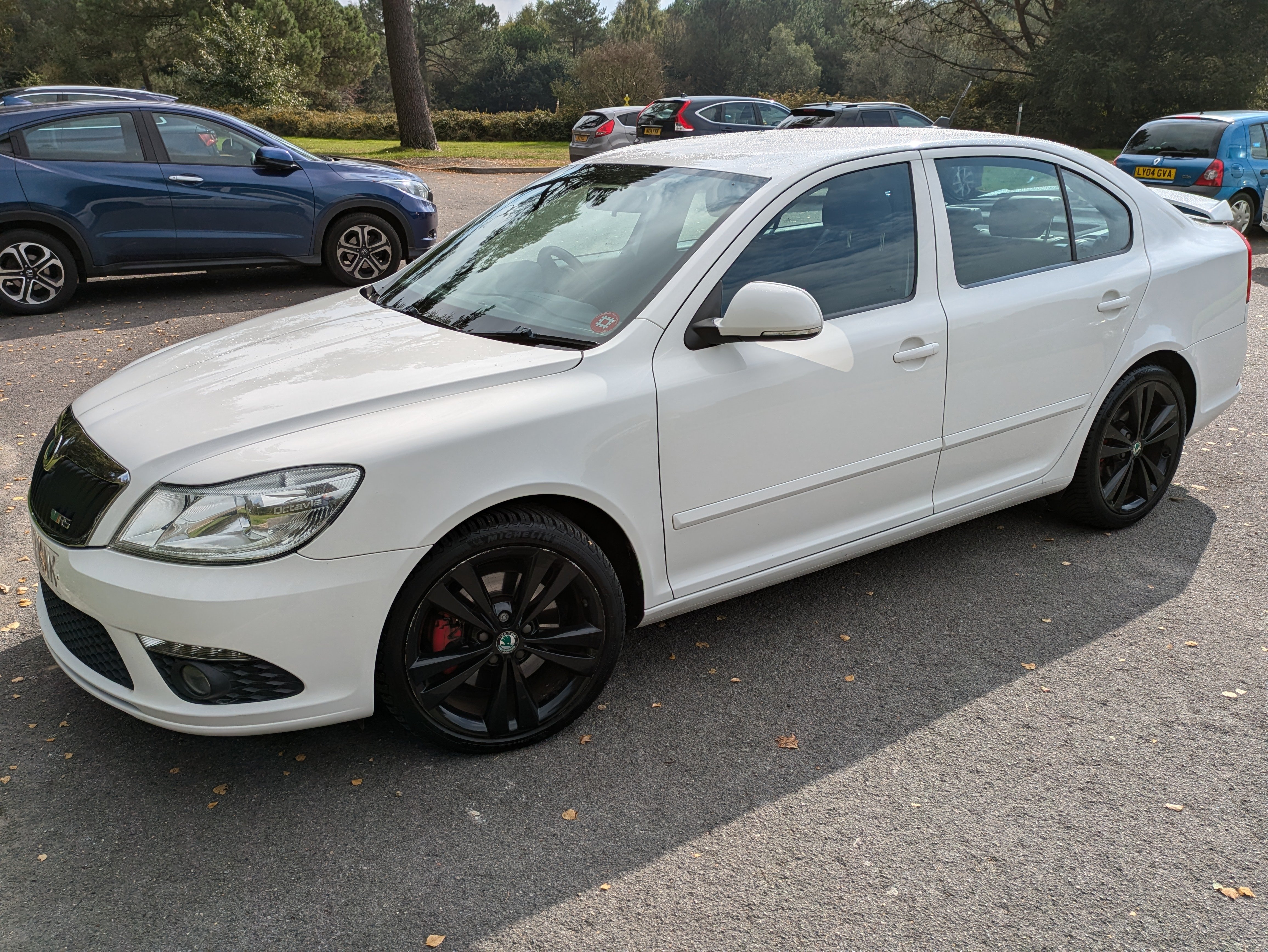
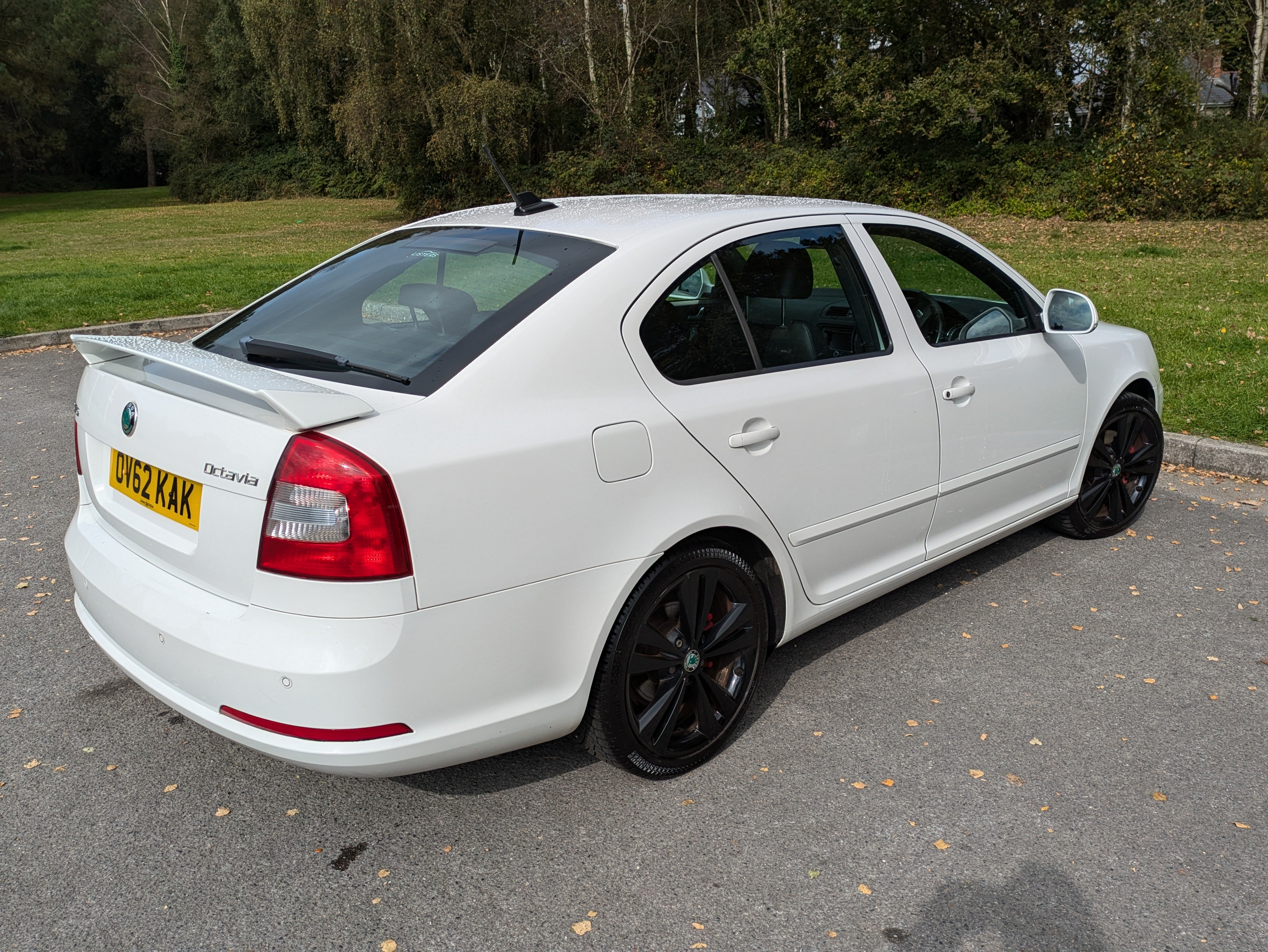
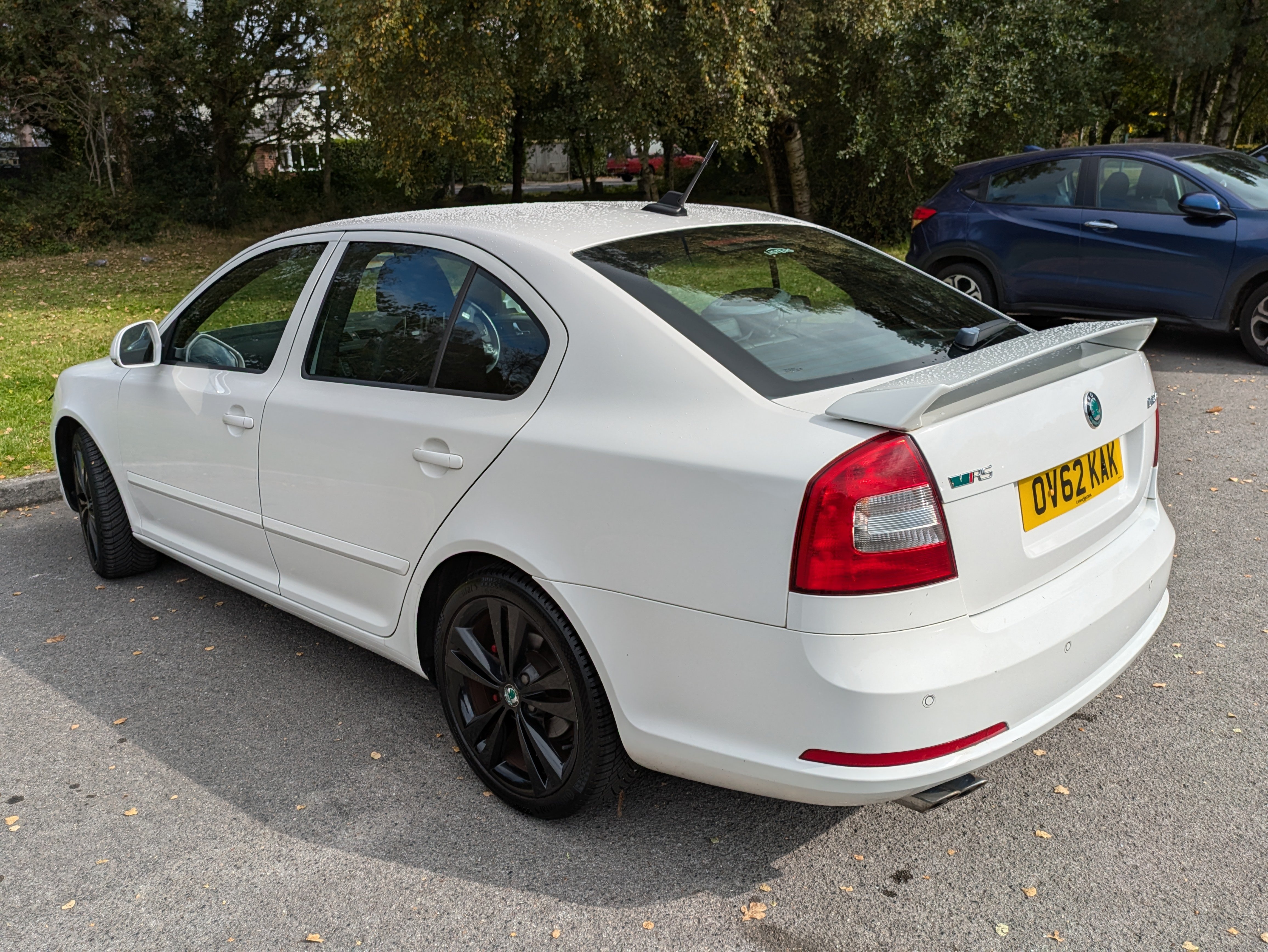
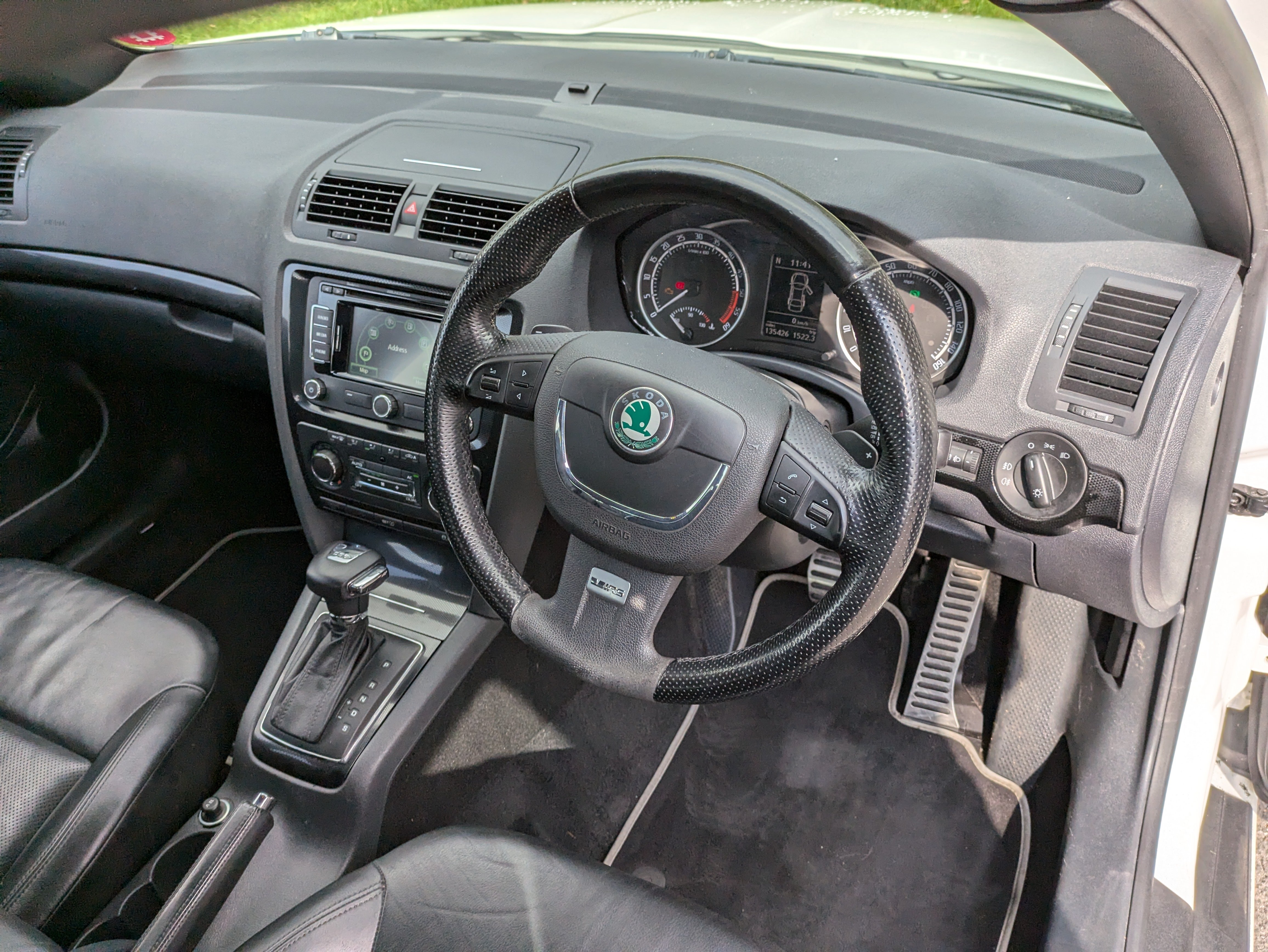
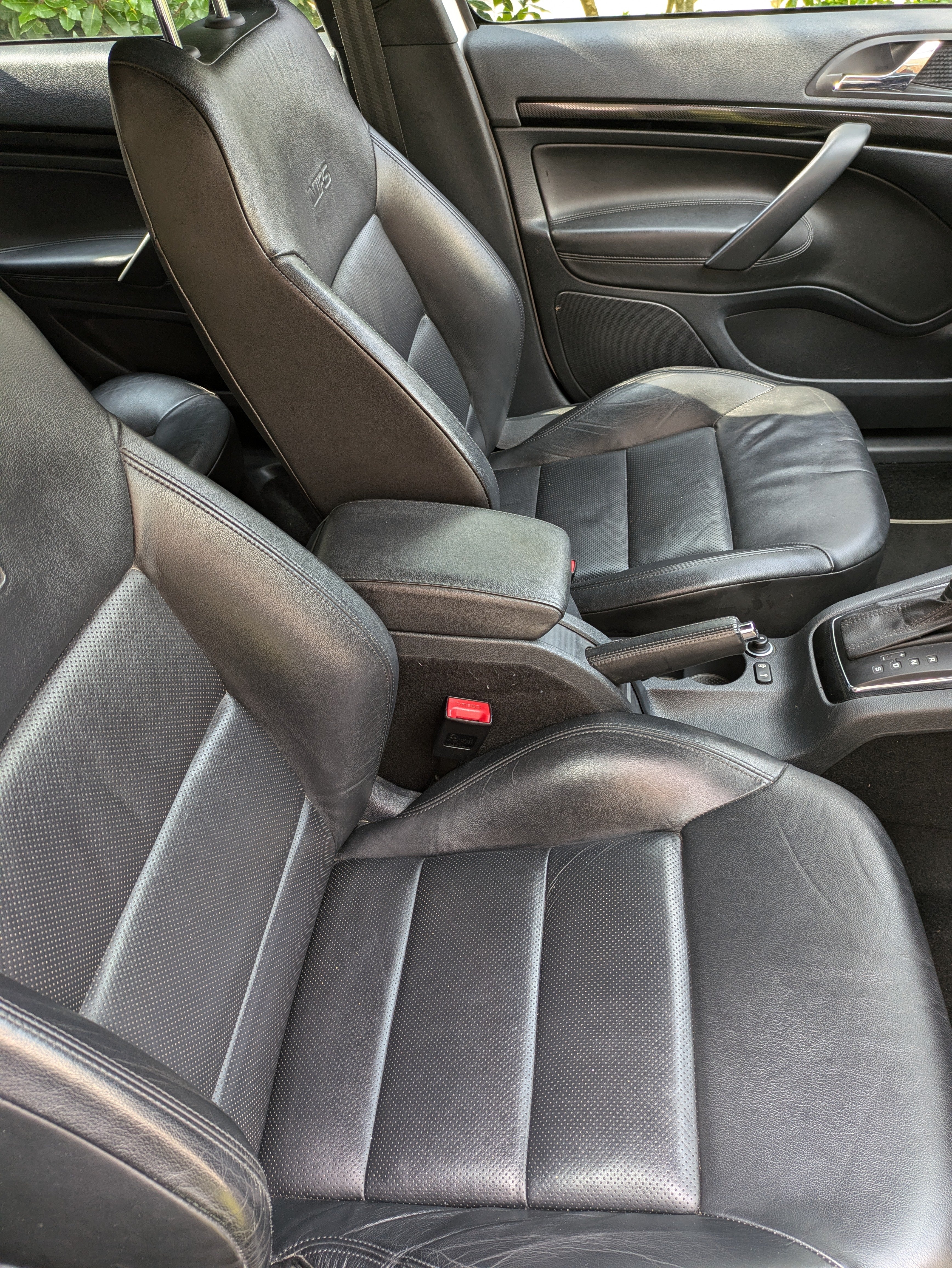
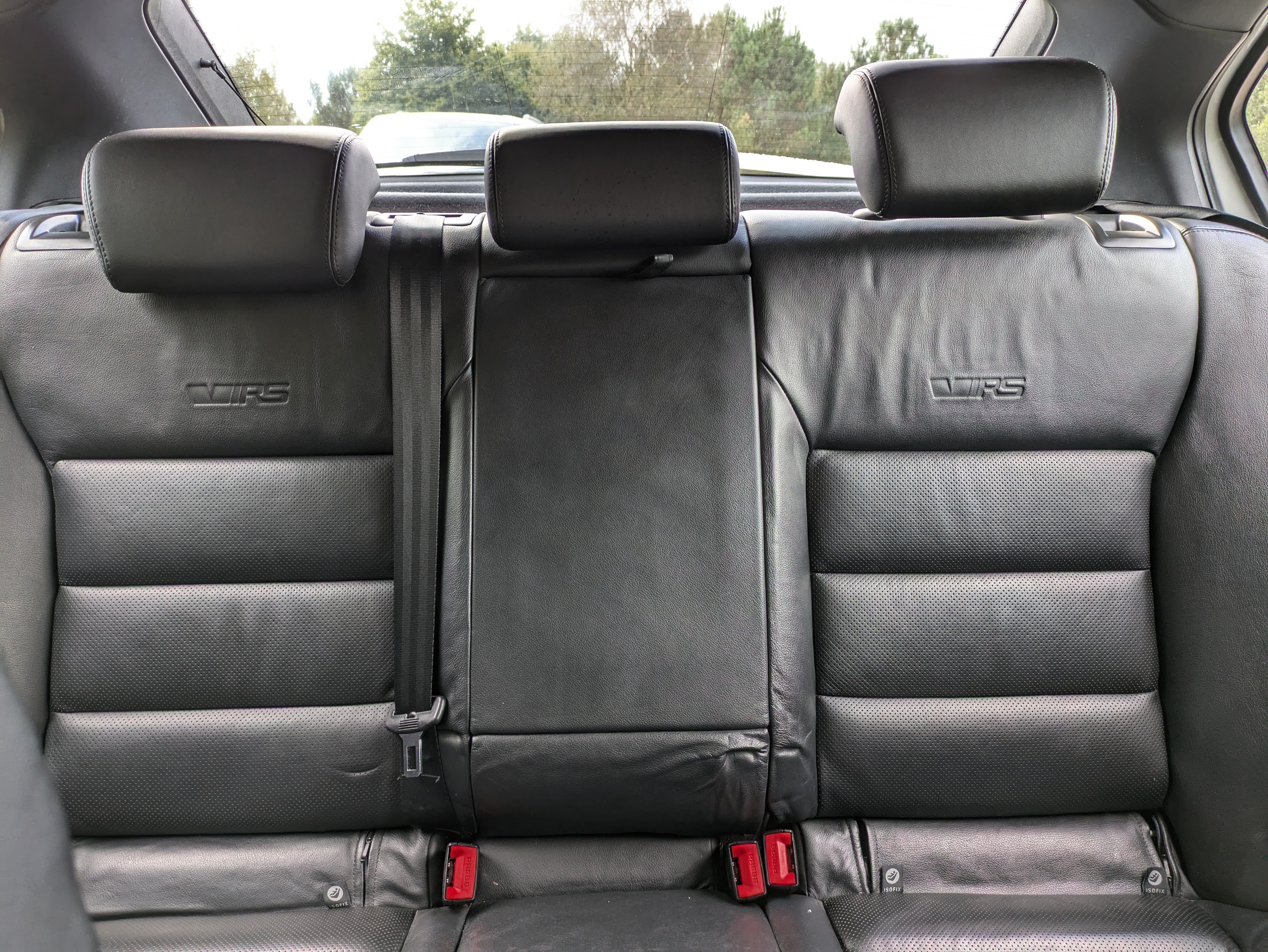
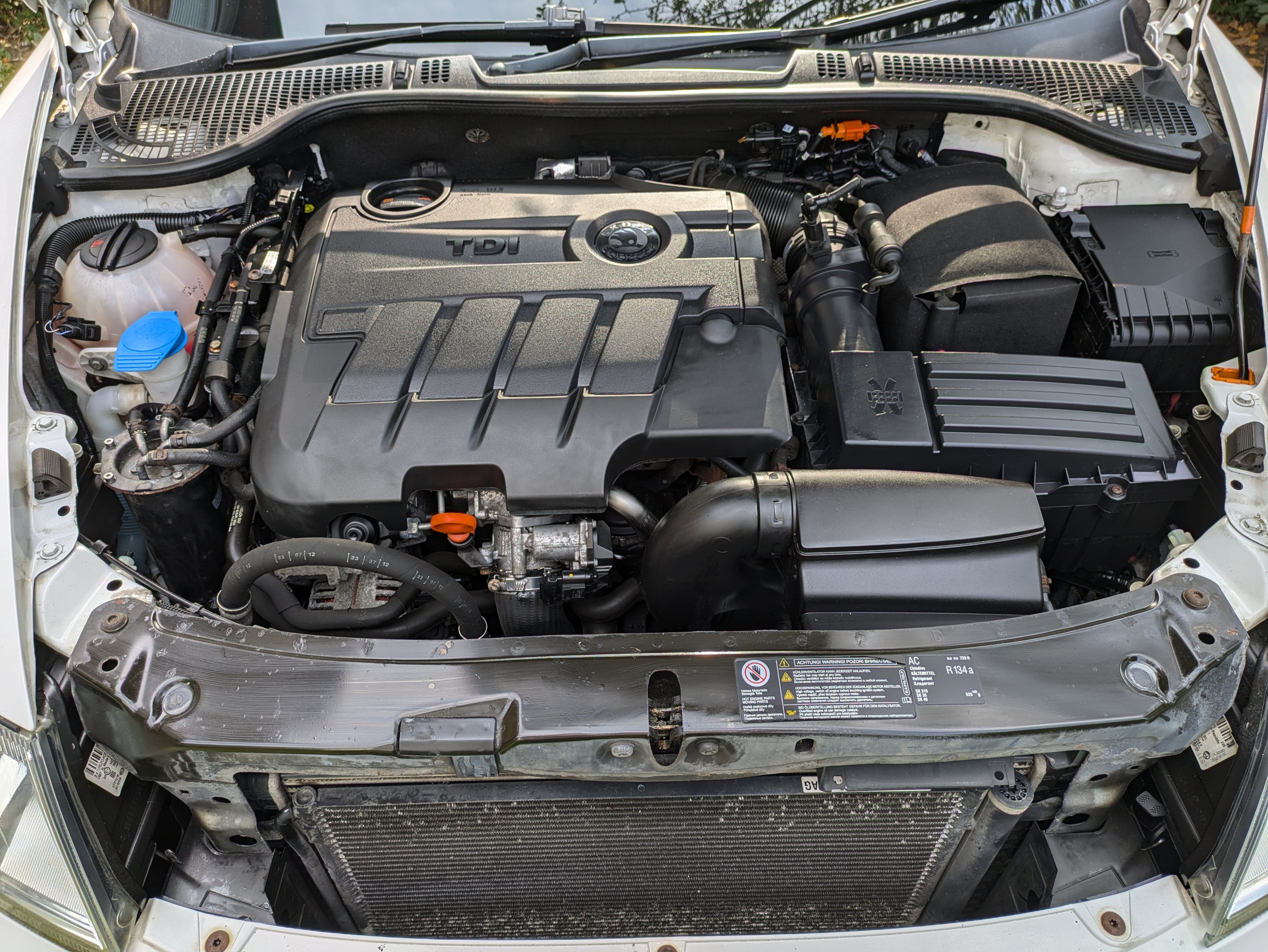
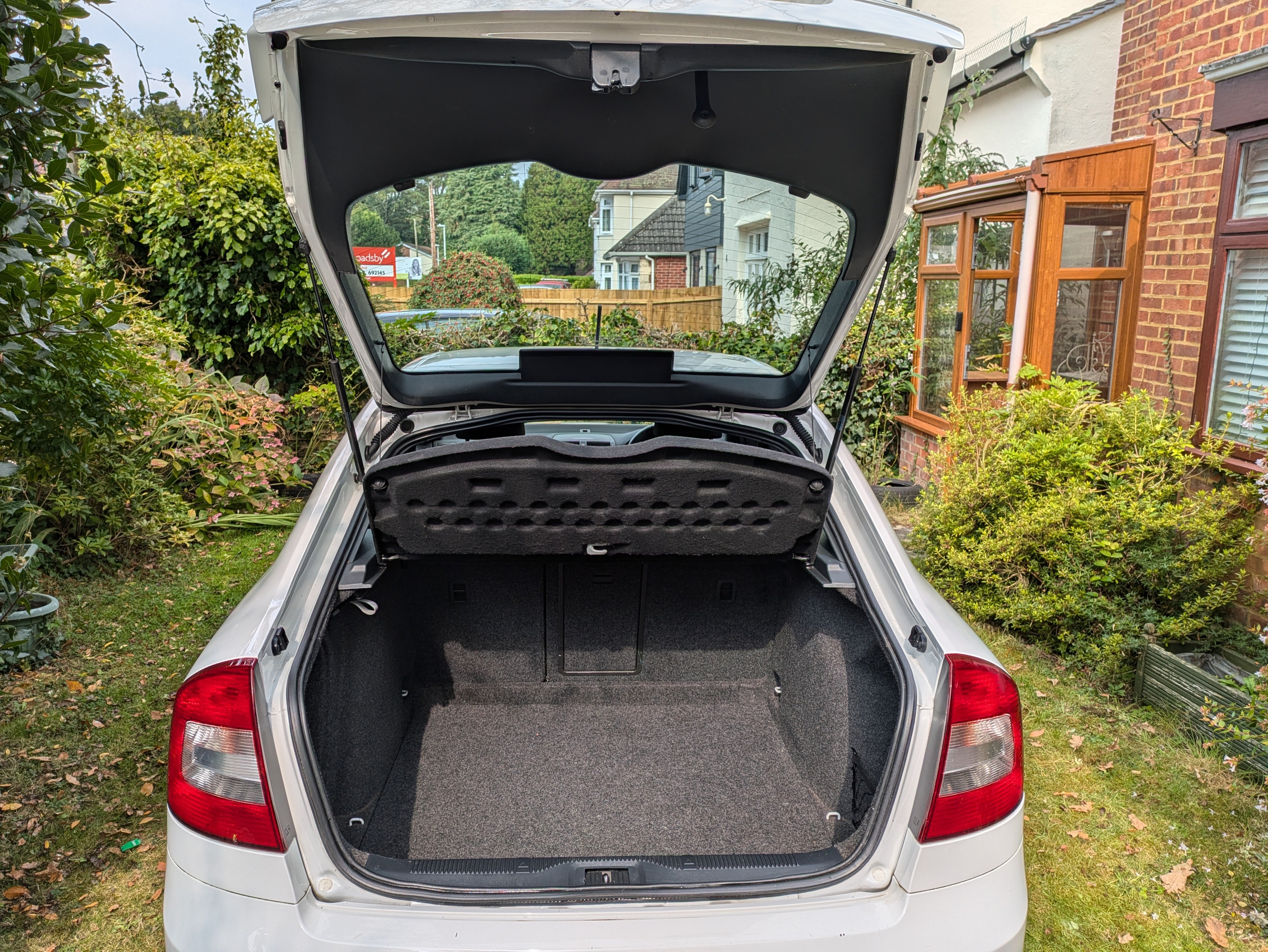
Make & Model: Octavia 2.0 TDI CR vRS Blackline 5d DSG Hatchback 2012 (62) Colour: Candy White Mileage: 135427 Price: £3500 Description: Maybe the most desirable edition of the MkII Octavia, which was of course the best looking Octavia to date. End of line edition loaded with extras. I've owned this since 2013 with one previous owner, it replaced another Blackline that was written off. 6-Speed DSG Automatic Gear Box 18” Alloy Wheels – Neptune Black Full-size Spare Tyre Tyre-Pressure Warning System Halogen headlights Front & Rear Fog-Lights Rear Parking Sensors Cruise Control Trip Computer – Maxi-Dot Multi-Function Steering Wheel (MFSW) including manual shift paddles Amundsen+ Infotainment · SatNav · DAB & FM Radio · CD Player · SD Card slot · Aux-in 3.5mm Socket Air Conditioning – Dual-Zone Climate Control Glove Box – Air Conditioned Lots of other internal storage Huge boot capacity, with or without the seats down All-leather vRS Sports Seats Rear Seats 60-40 split vRS Kickplates Door mirrors – electrically adjustable & heated Rear Spoiler Condition: Well, it's nearly 12 years old so paintwork not perfect. A couple of flakes on the bonnet, a few small chips. No dents, or scratches. Kerb damage on the wheels. Service History/Receipts/Recent Service work: Regular servicing according to recommended schedule, detailed records of many of the services and MOTs but not complete. Major service 17/09/24, no issues reported. MOT though to March 25. New rear tyres March 24. Timing belt and water pump replaced Nov 18 (69000 miles). Collection: Yes, BH18 (near Poole, Dorset)
Important Information
Welcome to BRISKODA. Please note the following important links Terms of Use. We have a comprehensive Privacy Policy. We have placed cookies on your device to help make this website better. You can adjust your cookie settings, otherwise we'll assume you're okay to continue.