Rob_Quads
Members
-
Joined
-
Last visited
-
My parents have in the process of replacing the key battery take off the rubber cover off the opposite side does anyone have a diagram showing how the rubber/silicon cover can be refitted. It feels like the key would come apart to then allow it to be fitted
-
Made sure the ignition was on, checked all the permissions on the account and all looked good. Couldn't see anything strange in the nav settings, It was able to show the current position OK and I could also send it a destination so the online part is also working fine. Looks like they will need a trip into Skoda as this should "just" work. Frustrating as I keep telling them to just use Sat Nav and stop using the paper atlas but looks like they will need it for a bit longer
-
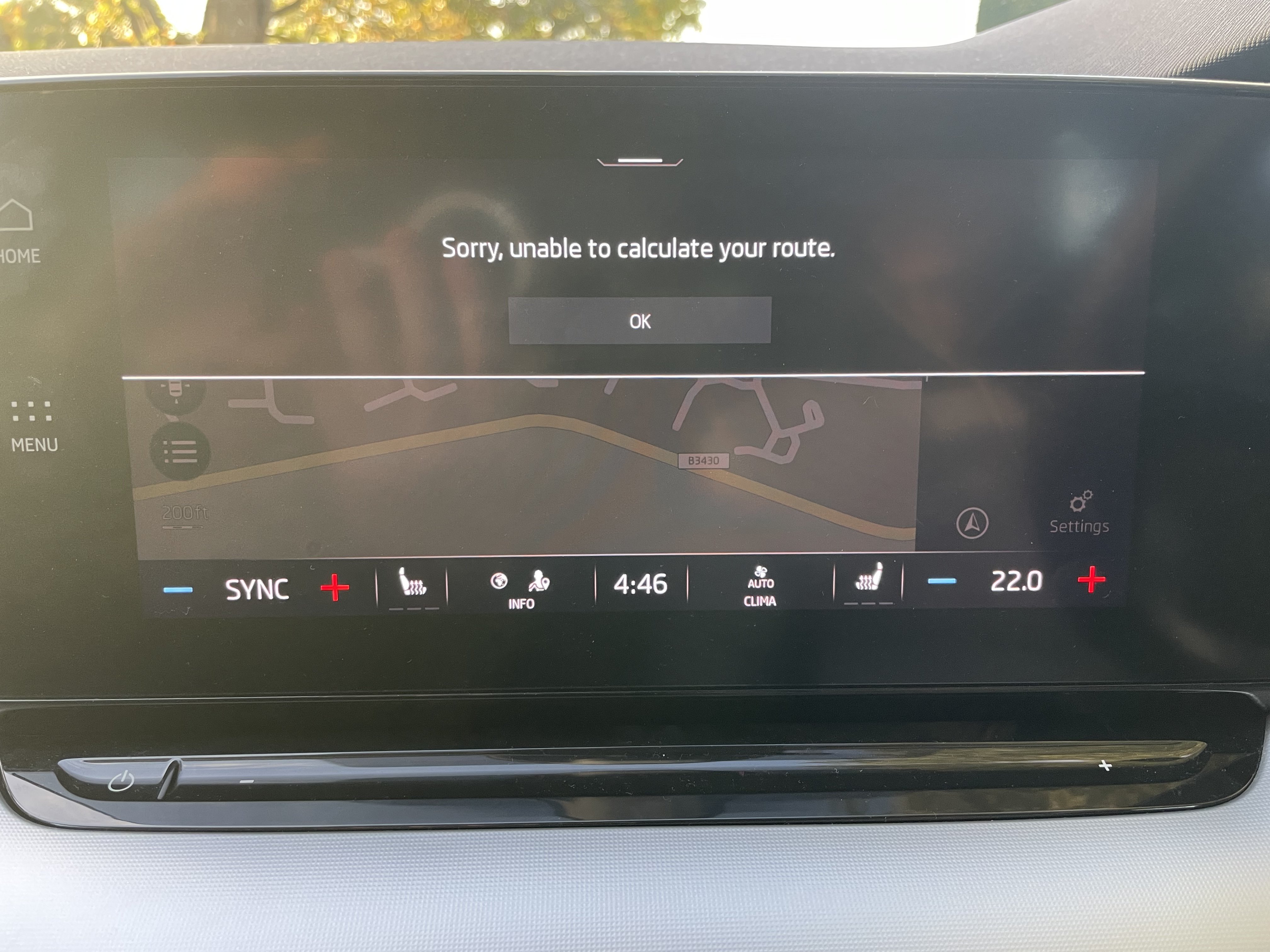
My parents got a 71 plate Octavia a month or so ago but have not really used the gizmos in it at all. Today I was trying to get the satNav working bit no matter what I did it wasn’t able to route just giving “unable to calculate route”. Any ideas what might cause it? Interestingly i wasn’t able to find a local postcode or zoom in on the map and it show the local roads but phone signals in the area are all ok. I checked and they do still have the intro period of online services as well so should even do the online routing from what I have read.