








Samsung phone holder

By Brockysuperb
- 2,989 views
- View Brockysuperb's images
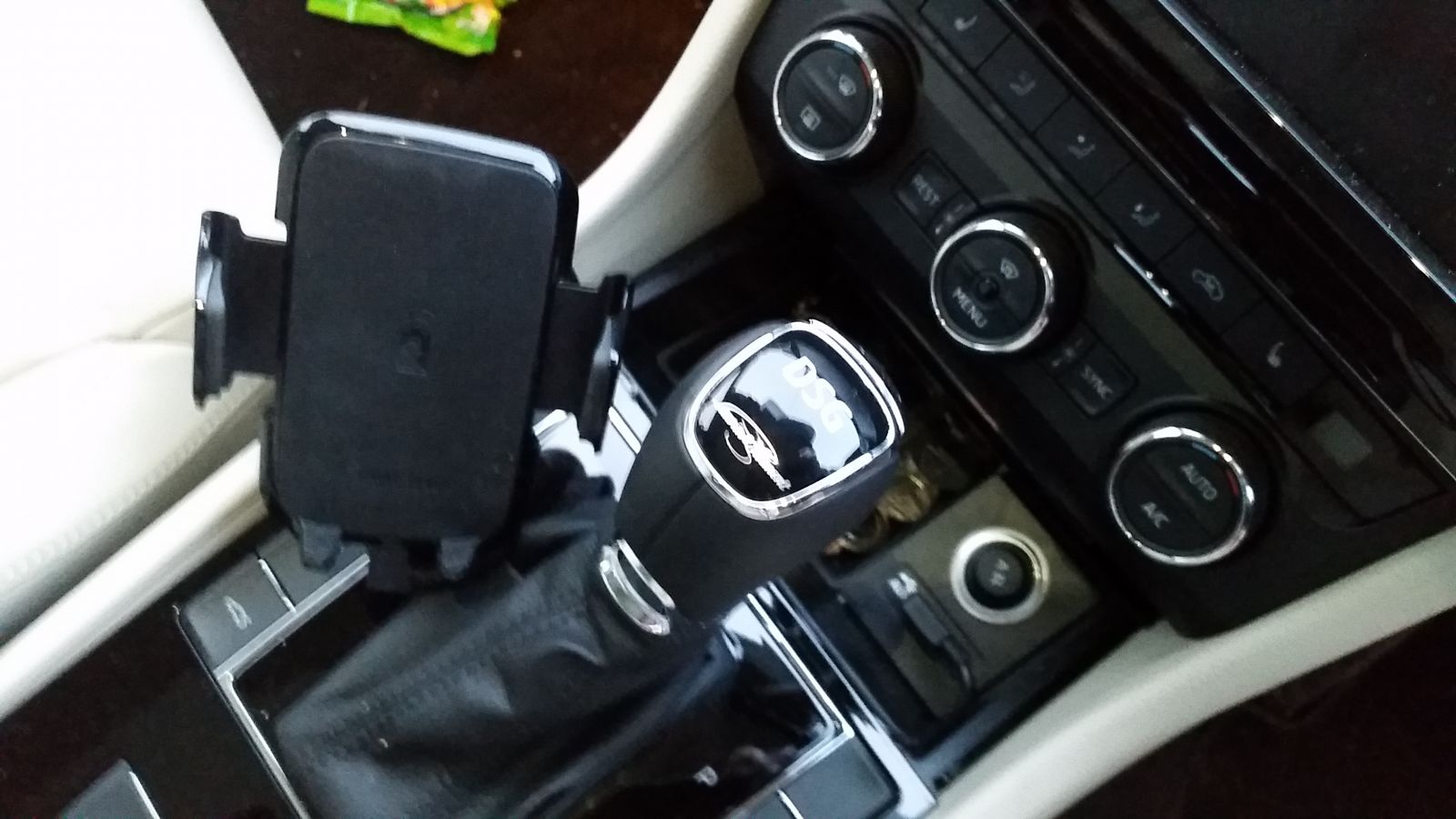
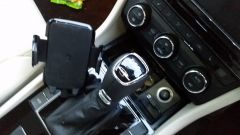
Used a Brodit proclip from my Mk 2 (which fits neatly beside the gearstick, used to be beside the radio where everyone's leg hit it)) and added a wireless charger pad for my Samsung. About half an hour of DIY, removing the back of the Samsung charger and mating it (drilled two small screw holes) to the Brodit. All I have to do is drop the phone on, and it's charging. USB is permanent from the socket and lead goes in front of the sliding phone box cover. Advantages are that it's simples to use, just drop the phone on (but I can also squeeze the clip tight if I want), much easier to press buttons etc with hand balances on DSG lever, doesn't get knocked. Disadvantages are that it's not in eyeline (but then again not so obvious to thieves), and it hides the auto park button (but I know it's there...).