




Cezar Anghel
Finding my way
-
Joined
-
Last visited
-
DCC is a very important feature and i wouldn't switch.
-
hi @DutchVRS, can you please tell up how you connected the amplifier and the DSP to HU ? did you kept original canton amplifier under the seat and connect to it ? or used the special quad lock to connect directly to HU ? if so, did you get any errors? removing the original canton amplifier under the driver seat gives no error messages? thanks!
-
no
-
does this video fits the issue discussed here ?head unit is in the glove box, amplifier is under the driver seat (left in Romania)Steel Grey / Meteor Grey
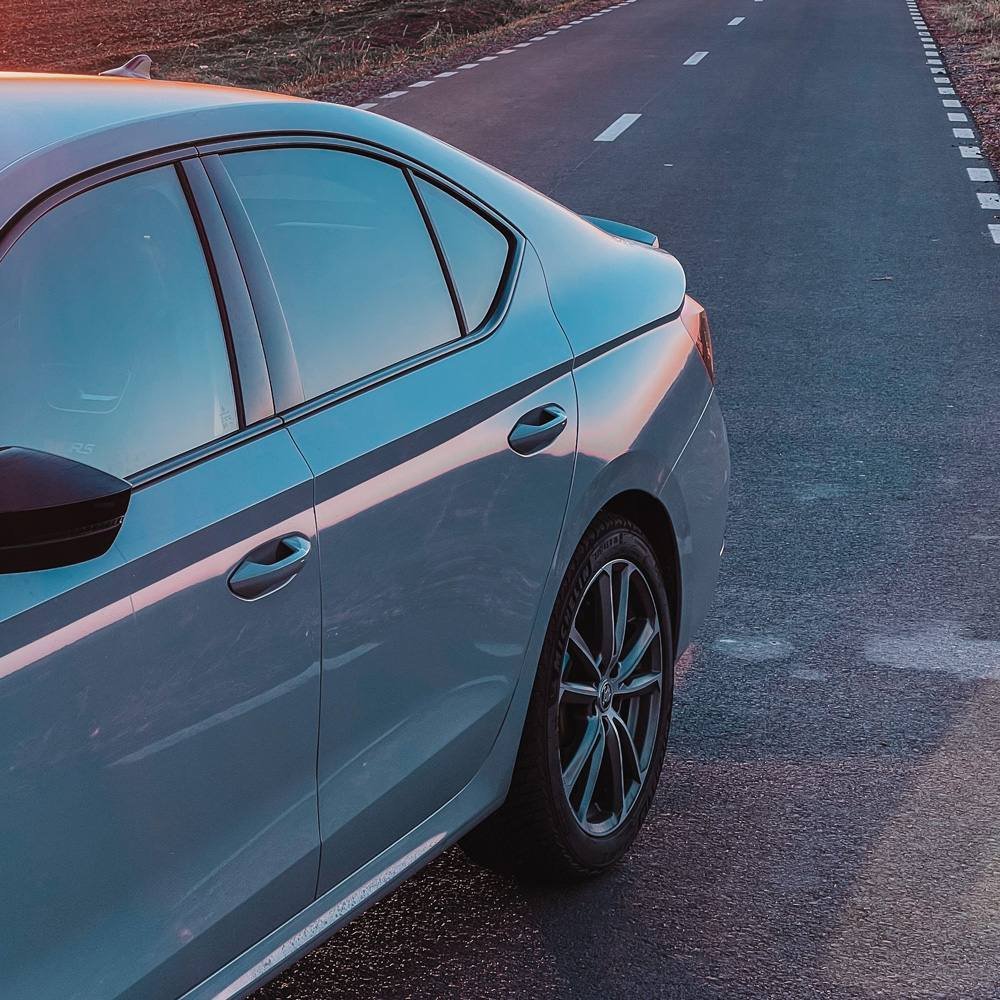
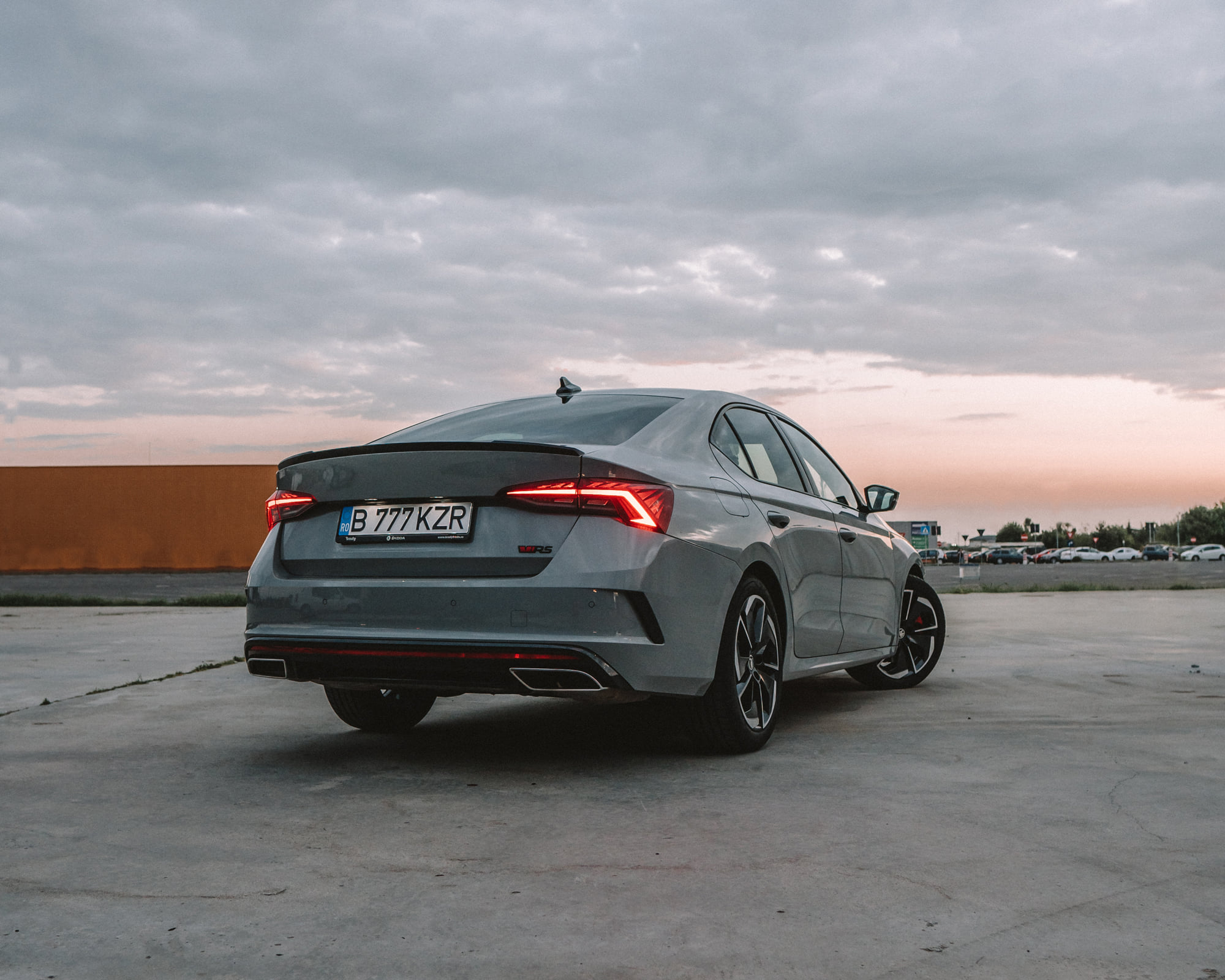
 Canton is very bad on Octavia 4. My personal opinion is that is on the same level as STANDARD system of Octavia 3, car i previously owned. it seems that the amplifier located under the driver seat doesn't push the speakers as it should be. maybe because Skoda doesn't want to change on warranty speakers or subwoofers. also doors insulations is very bad as always i can hear cracks and rattles. as soon as possible i will professionally do a sound treatment for the doors and change the amplifier and the subwoofer.https://www.aez-wheels.com/EN/wheels/aez-tioga-titan 7.5 x 18, 5 x 112, ET 48Here is my RS with the new winter wheels and Michelin Pilot Alpin 5.
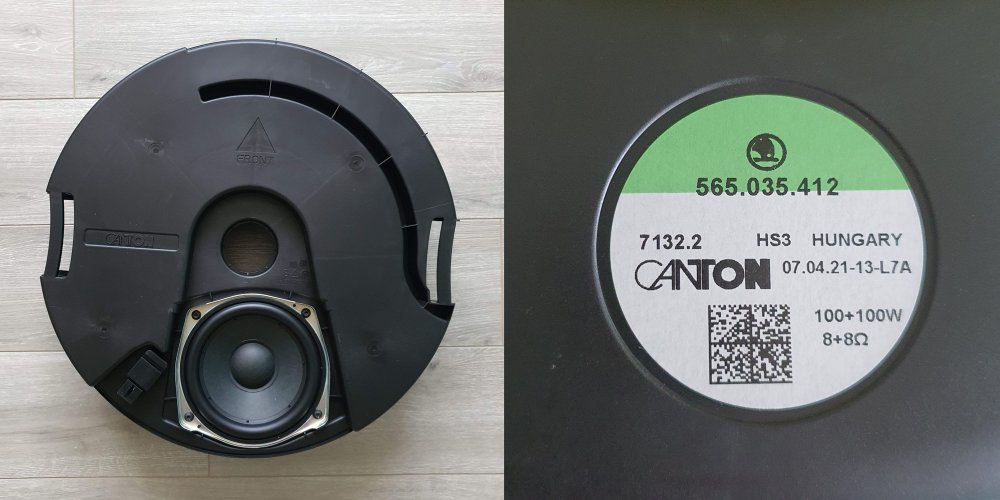
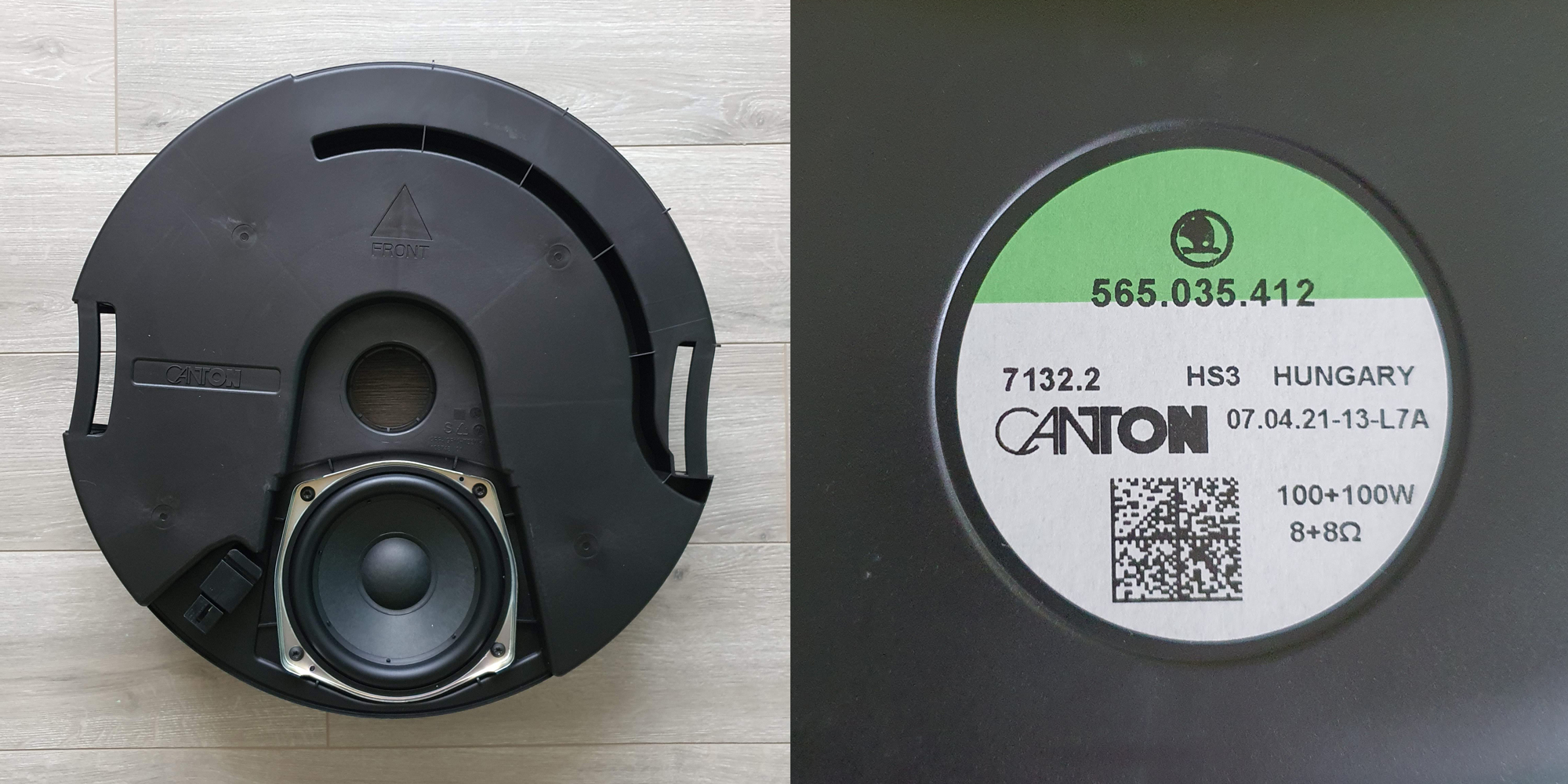
 hello, what do you think guys, makes sense to try to replace this ****ty speaker on the same specs? in my opinion, a better response in frequency could make a difference. or is just worthless ?
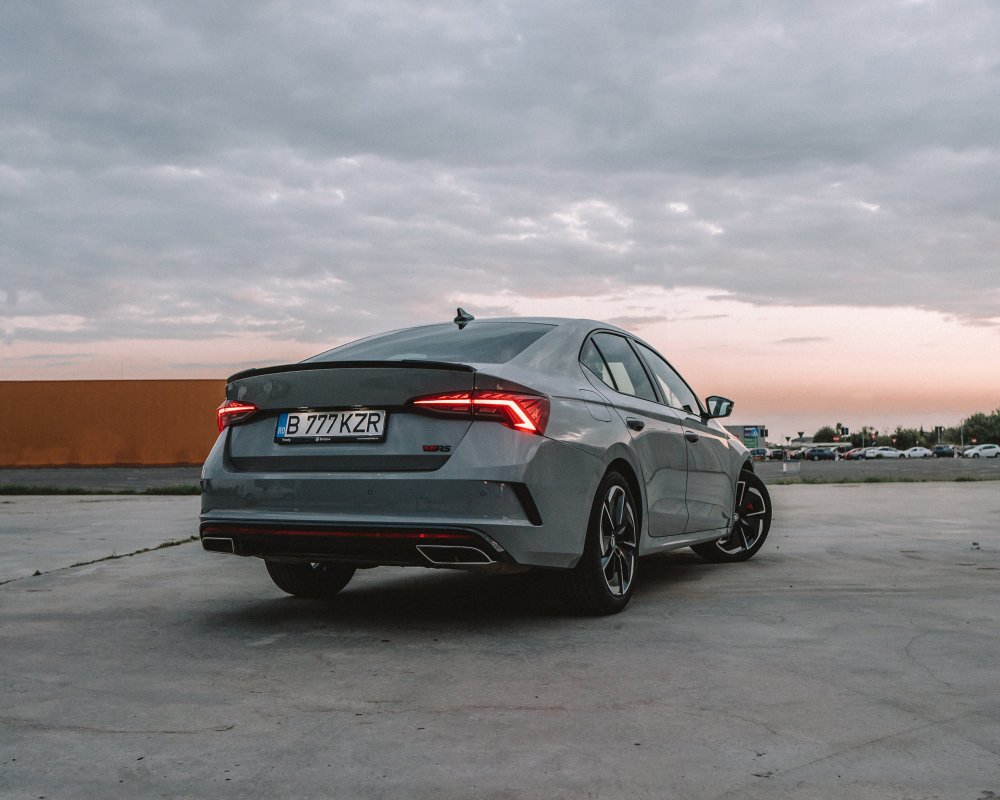
 Hello from Bucharest, Romania! Car ordered on 2nd February, 1 week before Meteor grey color ban. Car delivered after 16 weeks on 25th of may.

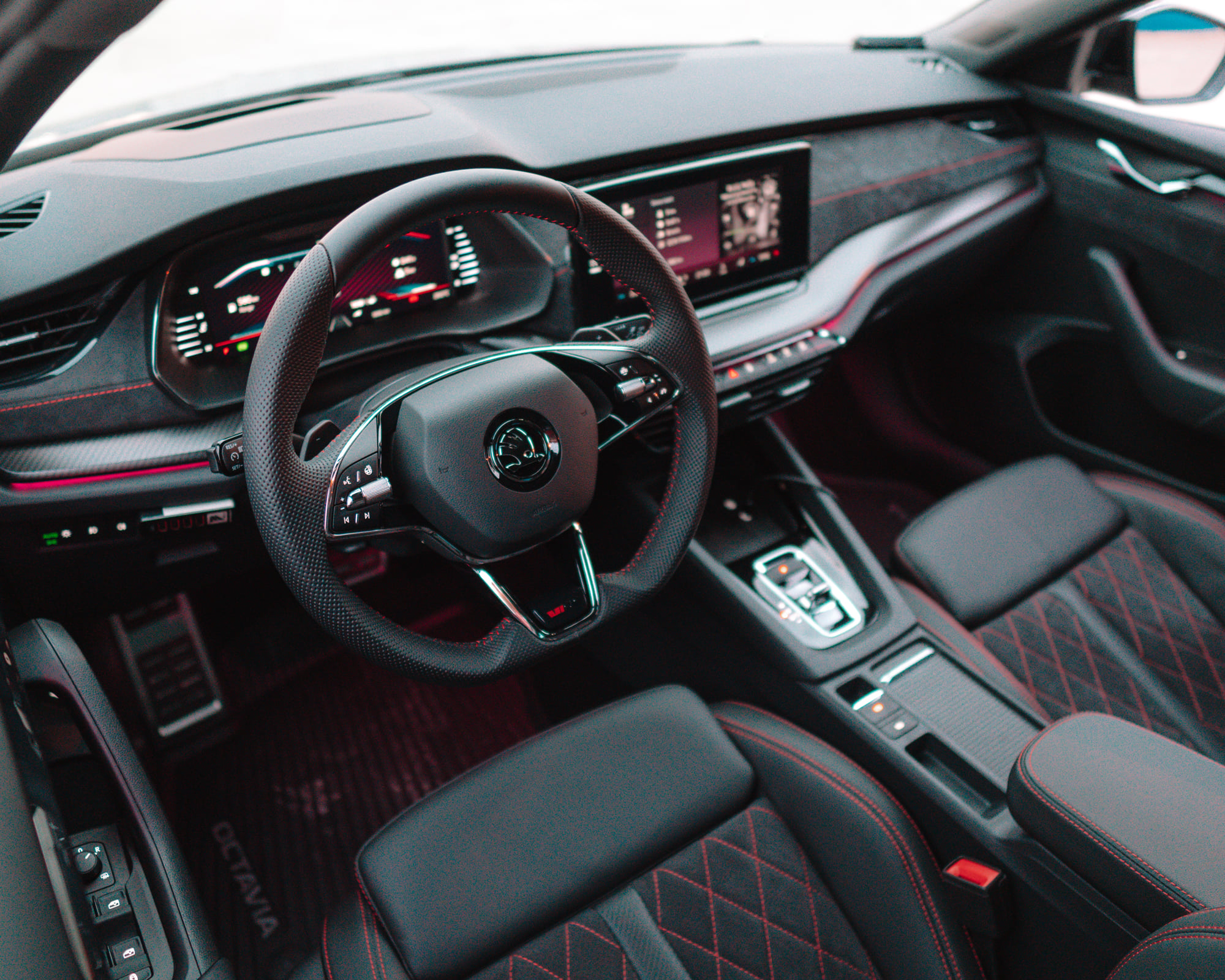
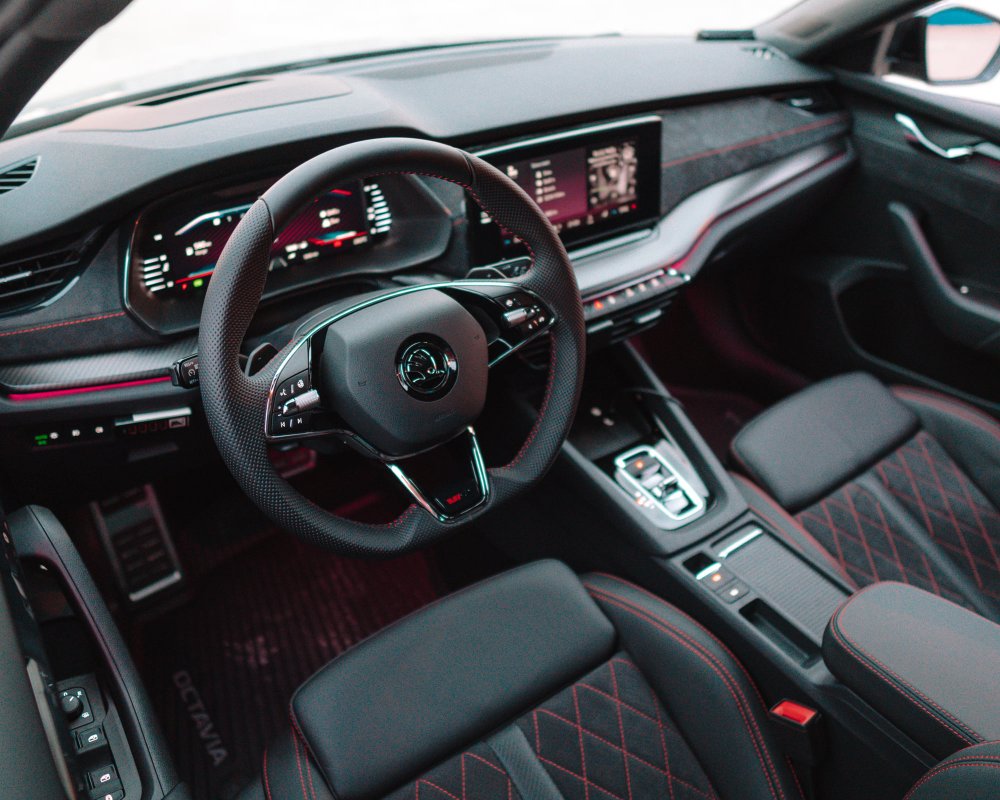 after almost two month listening the canton system in the new 2021 VRS i can clearly say that over the standard system there is little to almost no difference. don't be sad that you couldn't spec it. it doesn't worth it.










Important Information
Welcome to BRISKODA. Please note the following important links Terms of Use. We have a comprehensive Privacy Policy. We have placed cookies on your device to help make this website better. You can adjust your cookie settings, otherwise we'll assume you're okay to continue.