ednw
Finding my way
-
Joined
-
Last visited
-
i had the same error on my octavia 4. turns out a damaged speaker (rear passenger door in my case) which was shorting out, had blown the infotainment computer as the sound is broadcast through the system speakers. so several diagnostics later and 1800 euro for a new infotainment unit its back up and running. the fault on the speaker only showed up when the new unit was fitted and it was overheating the computer. the sound system scan then showed the faulty speaker. you couldnt test the sound systems when the infotainment unit was failed looks like there may have been some water in that door at some point. i hope your fix is cheaper than mine !! hope this helps someone. seems mad that the skoda systems allow a speaker to do that
-
had to get a new infotainment unit to fix my rear parking sensors, once the new unit was installed it showed up a failed speaker in the rear passenger door (possible water ingress) which shorted and caused a fault in the infotainment unit. it was showing up as a computer overheat ! you couldnt make it up its not a cheap part either and skoda update systems went down last week just to add 3 days to the fix time
-
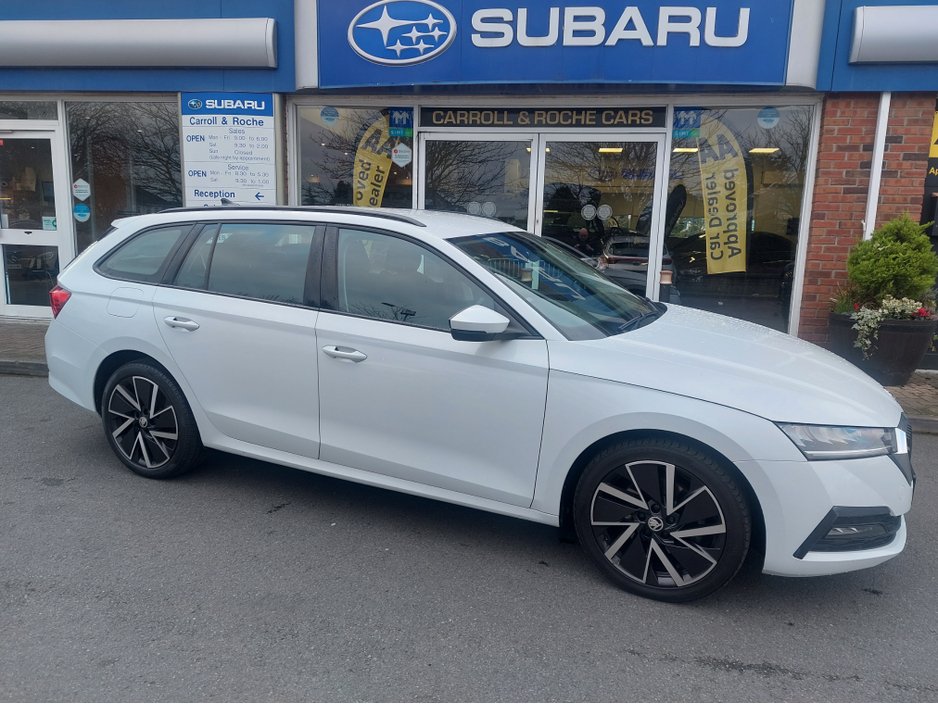
Thule for me and used the since 1993 when I got my 3 door corolla. Still using the square bars as I have some 30 year old bike carriers I occasionally use. Annoyingly I could only keep the bars when I got the Octavia estate as I couldn't get fitting kis for the old footpads I had even though Thule website said they were the same. (They weren't )
-
just put a deposit down on skoda octavia mk4 phev se tech used to have a 2005 1.9tdi