marky9074
Members
-
Joined
-
Last visited
Everything posted by marky9074
-
Going back to one of my original questions. Is there no way to control media from the steering wheel now. In my old Octavia (and Scala) I could select media as the main display and then scroll through albums etc using the right thumb wheel. Maybe I should be embracing voice, but so far not getting on. For usage case, I have an Android Pixel 9 pro using VLC Player over Bluetooth. I generally do not use Android Auto as it frustrates the hell out of me that it reconnects and restarts what I was last playing, even if the source was not Android Auto.
-
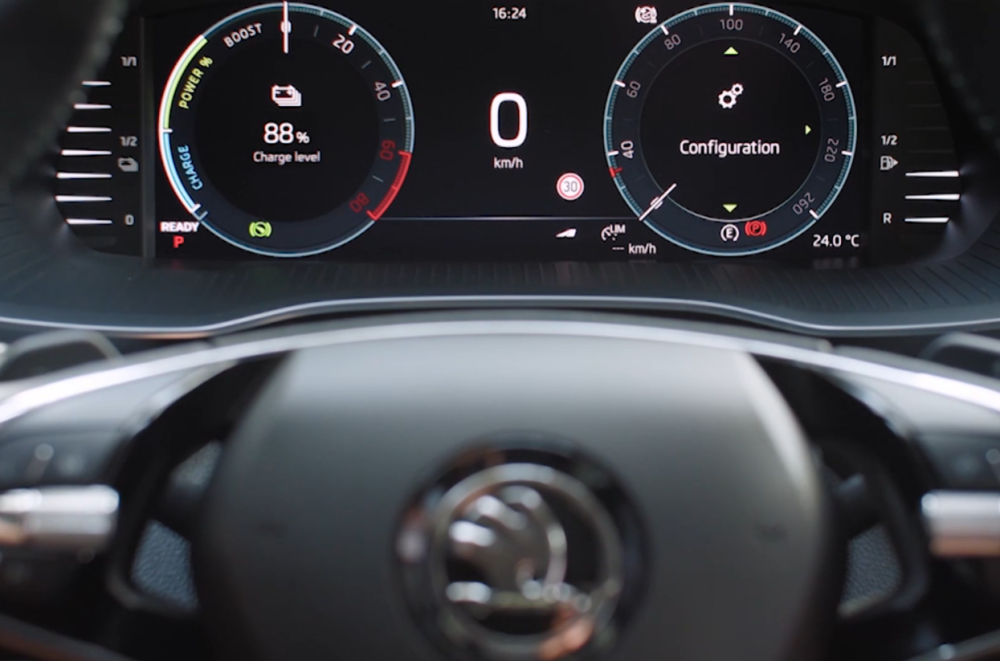
Glad I am not loosing it then, and yes an Octavia 4.5 as brand new (though I have learnt something today as didn't realise that was what this facelift is referred to as). I find it bonkers that I cannot just have a gear display in the left binnacle and speed display on the right binnacle.. not much to ask! I currently have them set for oil temps and media as the best out of a bad bunch of default options....
-
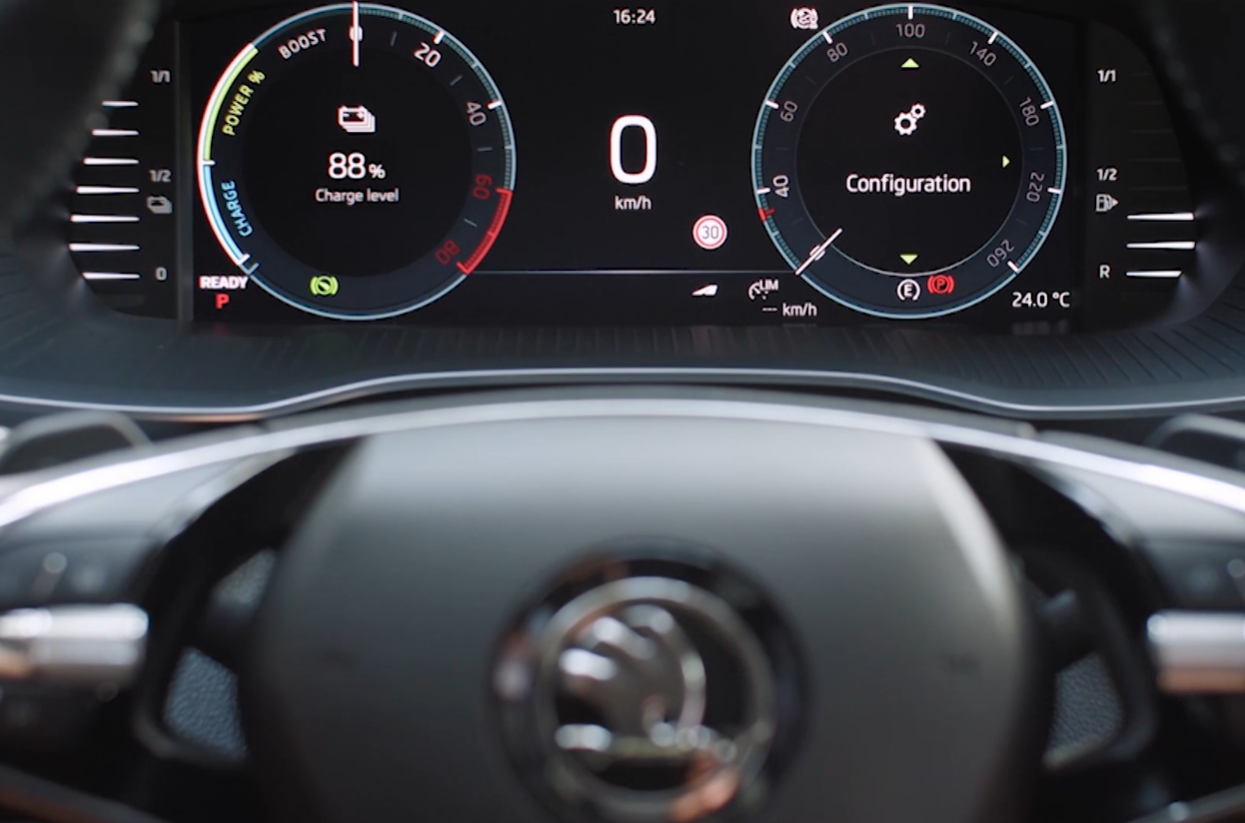
Hi all, Scala gone - new Octavia vRS estate now. See that the virtual cockpit has changed again and the online video manuals suggest that there is a config page to select all items you want to view in the left and right side of each 'binnacle' but for the life of me cannot find this configuration page. Also there is now no way whatsoever to be able to scroll through media using the steering wheel (bar basic skip forwards/back etc) to select albums/artists etc? And my one biggest annoyance that was prevalent in the Scala (and also my wife's new Mini), why oh why does it return to CarPlay/Android Auto upon starting when for example the last media was DAB radio? I fear I am turning into a technophobe, but some really annoyances for sure. Any help would be much appreciated. Cheers, Mark
-
Just wanted to update on this. Got so frustrated with the infotainment and the car literally creaking (sounded like it was flexing rather than plastics) that I got rid and got a new Octavia vRS. Sad times as really wanted the Scala to work for me, and was really happy with the performance day to day and MPG.
-
Thanks, will try that. Car went in to dealers, and predictably they could not repeat the speaker issue and suggested that this is the quality level to expect (when compared to our old vRS). But when it does go you can clearly tell its that individual speaker that is farting..... They also said that there is no later version of firmware for the infotainment (which I will take with a pinch of salt).....
-
Picked up my ex-dealer Monte Carlo Edition a few weeks ago after coming from a 2019 Octavia vRS. In general happy with the car, performance is ok, but MPG much improved as you would expect. Cabin is a nice place to be, albeit with a few vibrations that makes it feel like its not as well screwed together as the Octavia.... However the navigation is driving me mad... has sent me off in completely the wrong direction, not told me at all and sailed past, not done anything when selecting find petrol station then sending me back on myself to go back to a station when the junction I turned off of to turn around actually had a station.... Anyway, that is not my main complaint. There seems to be no granular control of the map scale on the steering wheel control. One notch of the dial and the scale goes from 150 feet to 700 feet or even out to infinity. Same when zooming in, a couple of notches and I am down at 50 feet (or whatever the most zoomed is). I am used to one notch equating to one scale i.e 150 to 300 to 700 and so on (scales may no be correct, but you get the idea). I don't think this is an issue with the physical button/dial as it works in other modes fine. Maybe a later software update improves. It seems I have the 9.2" infotainment and am on: MOI3GP_EUSKMQB_P516OJ Also, I have noticed that the nearside rear door speaker is popping and farting, but not repeatable, though does seem to do it more on radio that media. I did wonder if there was a drop in upgraded speaker set from another VAG platform but have not found anything yet. Guess I will be taking it to a dealer to change out the door driver.
-
Perfect, thanks. Much appreciated.
-
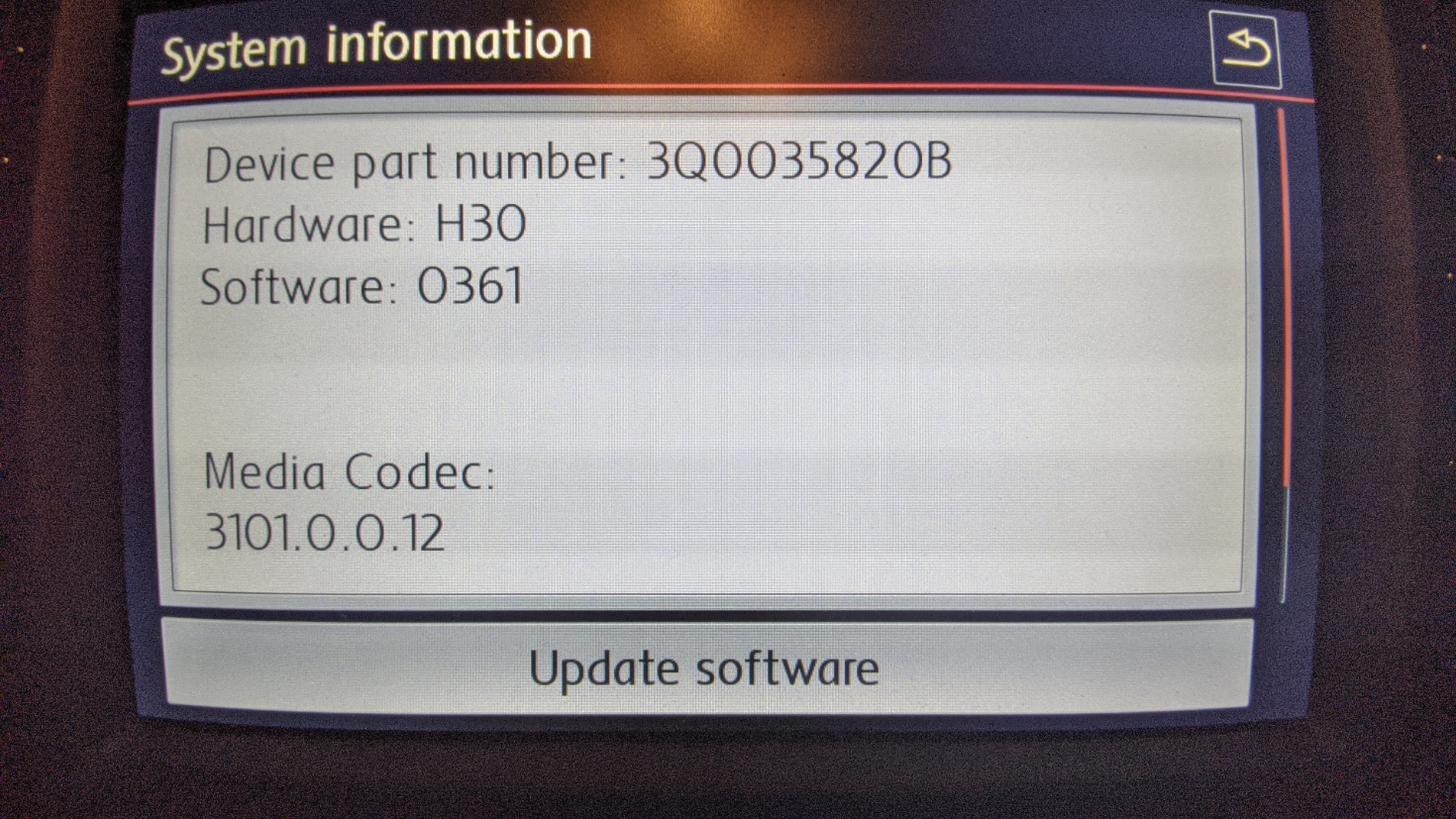
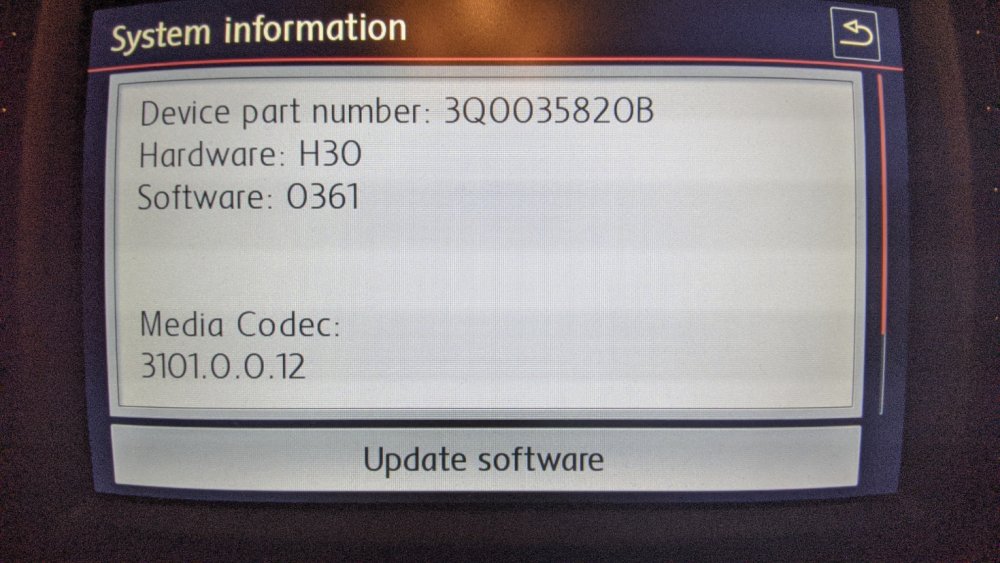
Hmm, seem to have a fault code now (in the Polo at least) for software version? How do I code this out in OBDeleven? --------------------------------------------------------------- 5F Multimedia System description: MU-S-D-ER Software number: 3Q0035820B Software version: 0368 Hardware number: 3Q0035820B Hardware version: H30 Serial number: VWZAZ2T5017489 ODX name: EV_MUStd4CTSAT ODX version: 001022 Long coding: 02620000BE00000051110101008808001F0203C60120010001 Subsystems: System description: ABTm_Std2 Software version: 1031 Hardware version: H53 Serial number: VWZ8Z9TKU028LT Trouble codes: B201A00 - Checking software version management static
-
Just to follow up on this. Thanks all for the help. I updated the MIB2 firmware, but it was still the same... turned out to be the SD card, and a format (exFAT) and copy of all music fixed it. I was previously using robocopy to sync music from my server, so not sure what happened there.....
-
I've got battery hooked up to charger, so assume its not necessary......
-
Not sure if I am being dense.... but where is the diagnostic mode app in OBDeleven? I have the pro version, but did not see anything leap out at me when I just connected up....
-
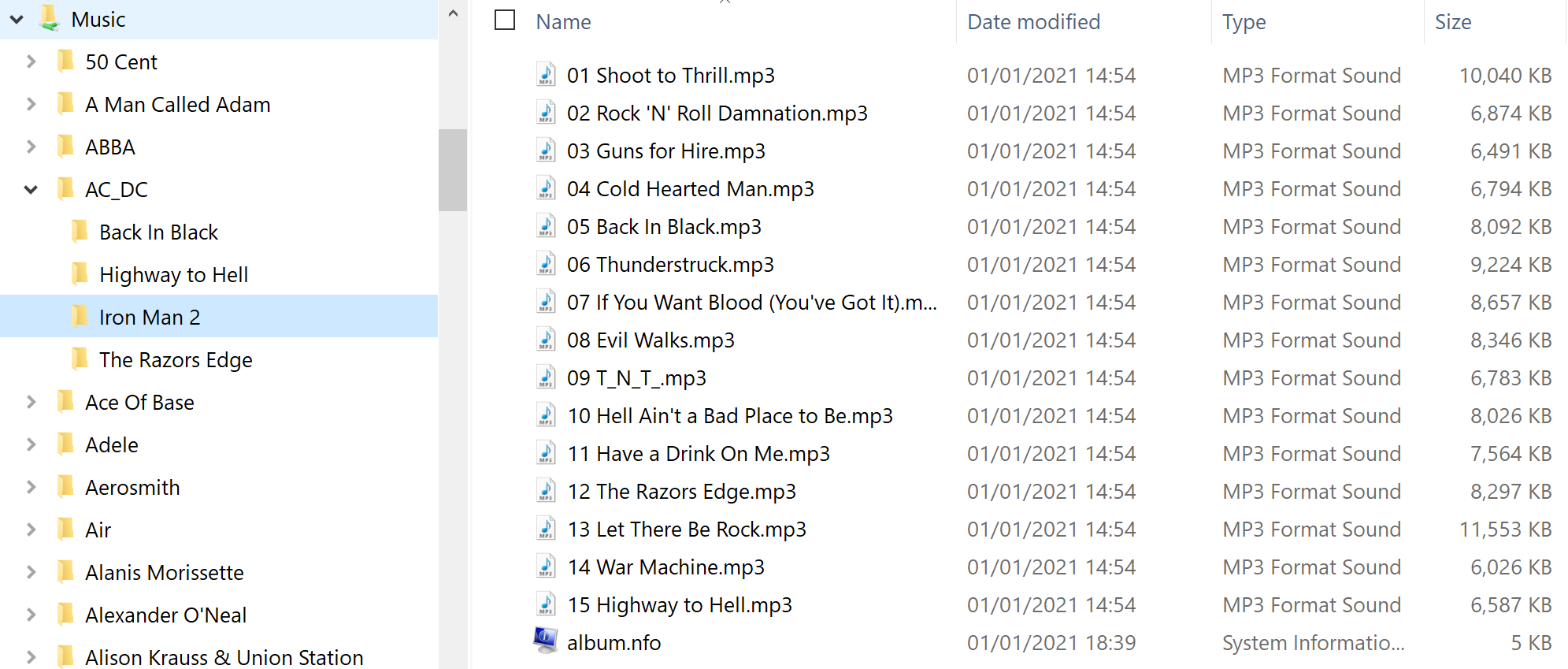
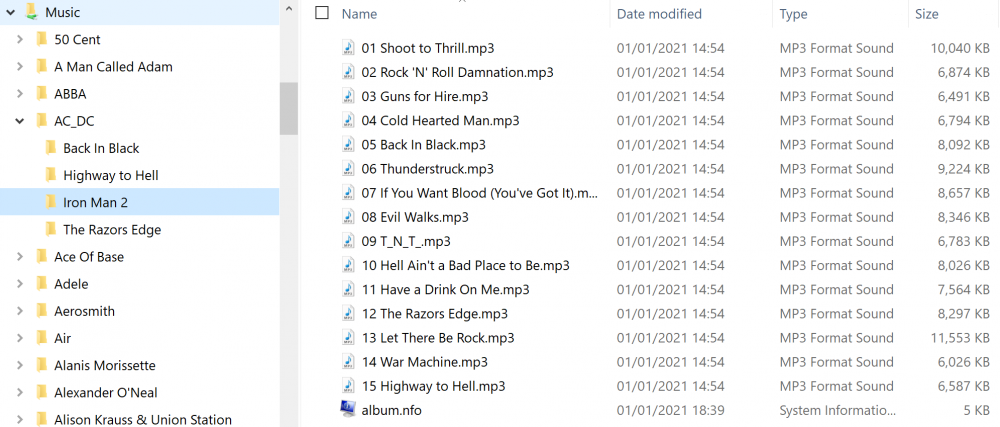
And just to clarify, this is the folder structure (albeit on my server, but this is mirrored to the SD card).....
-
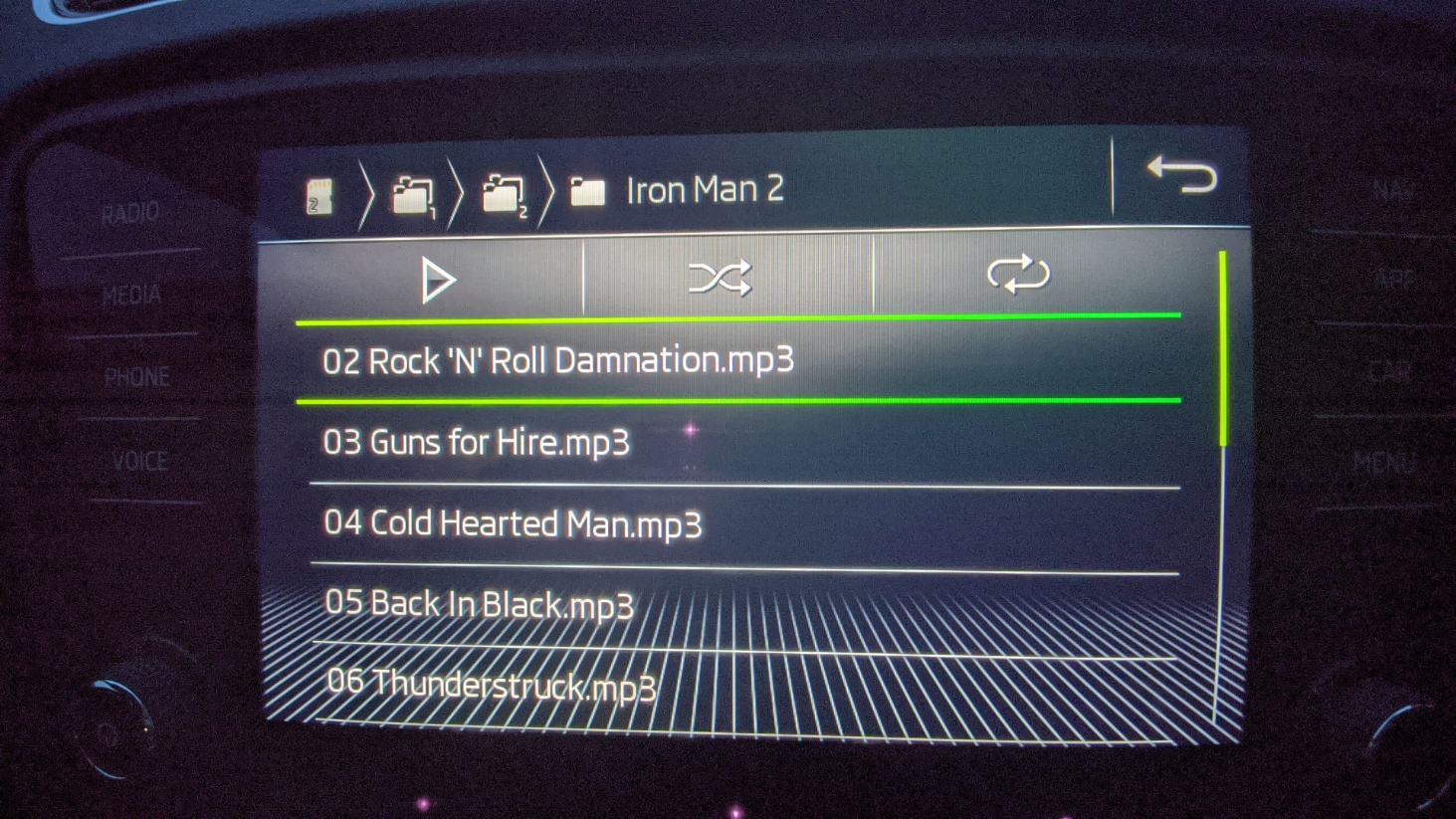
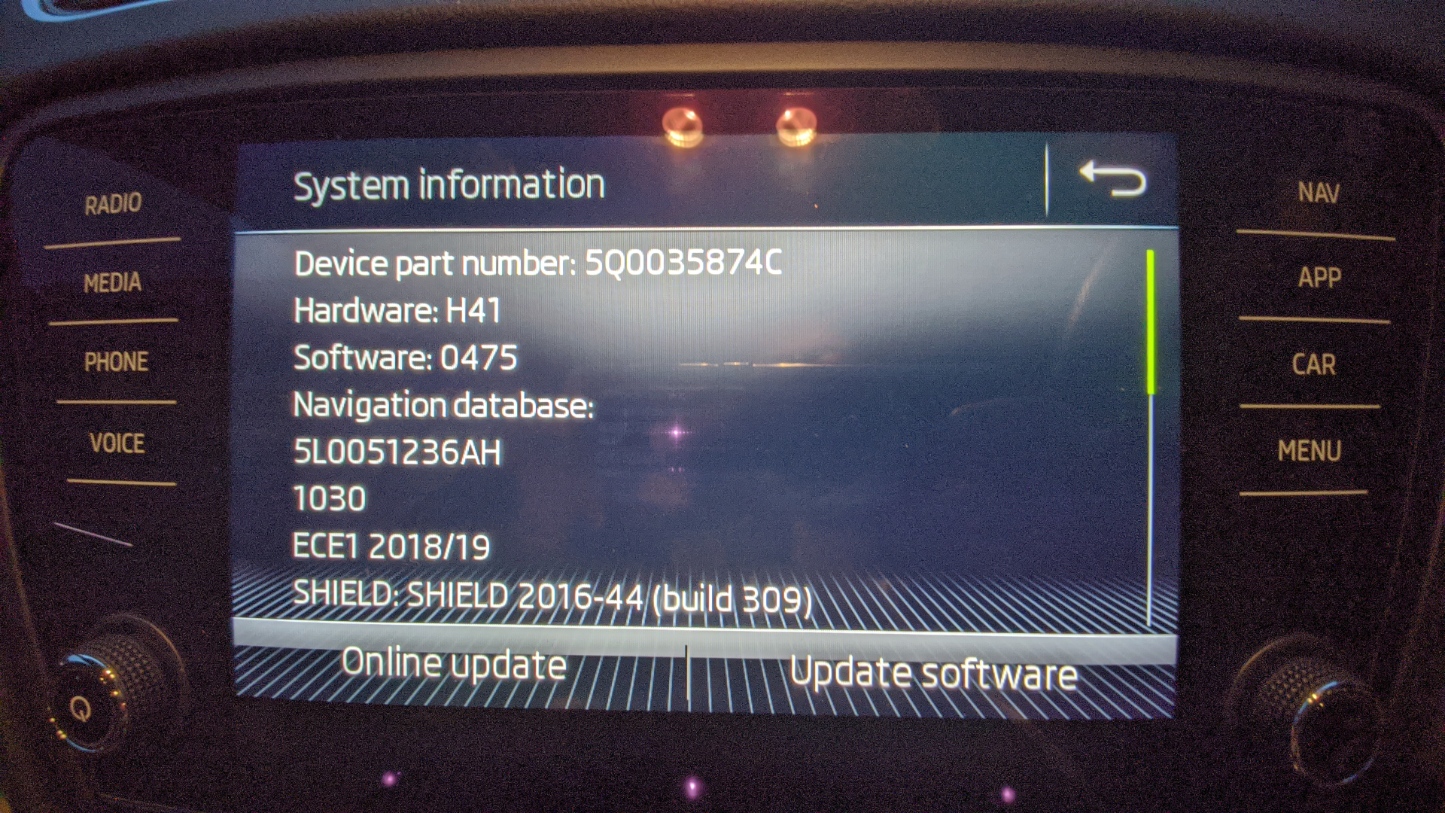
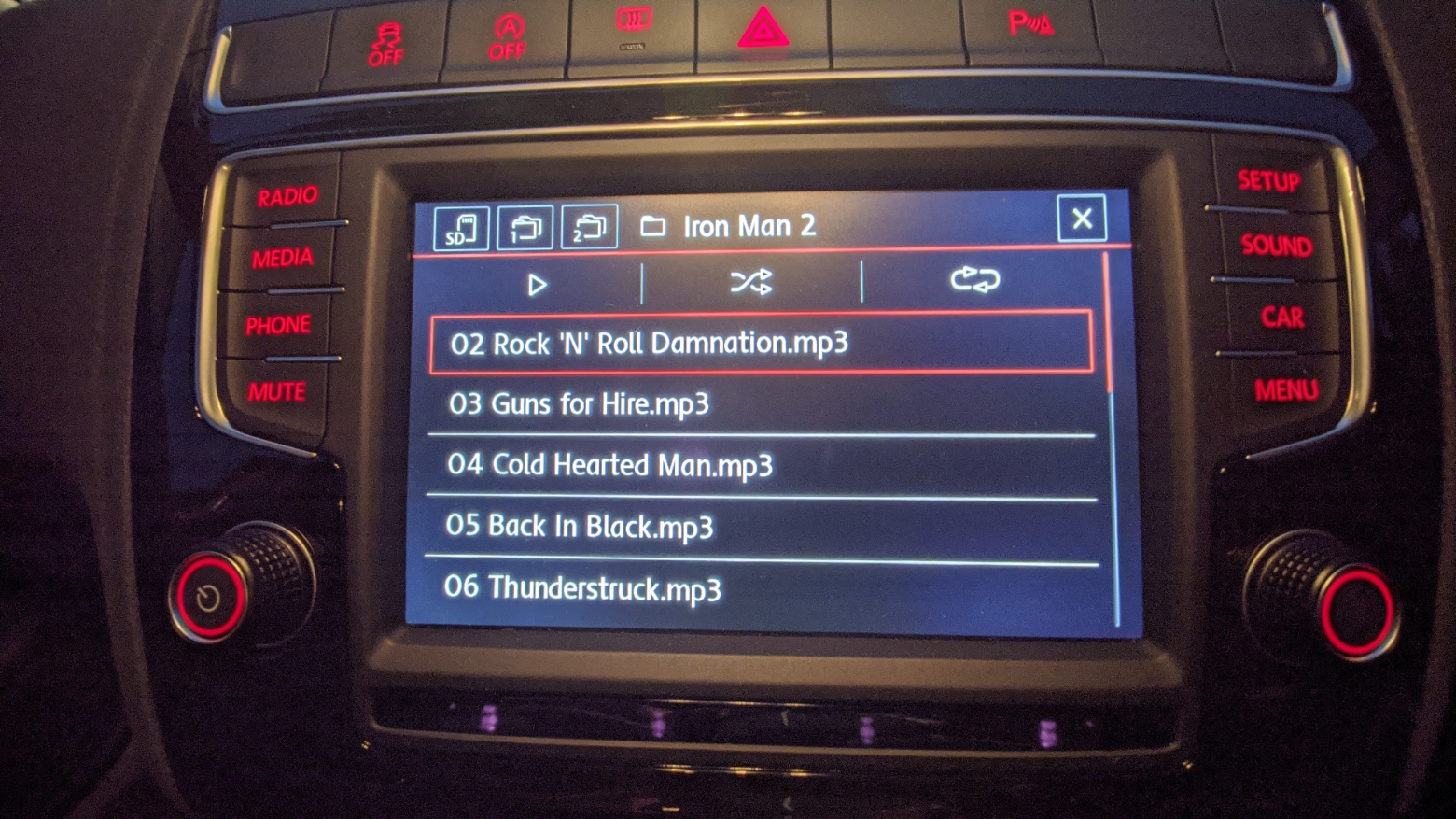
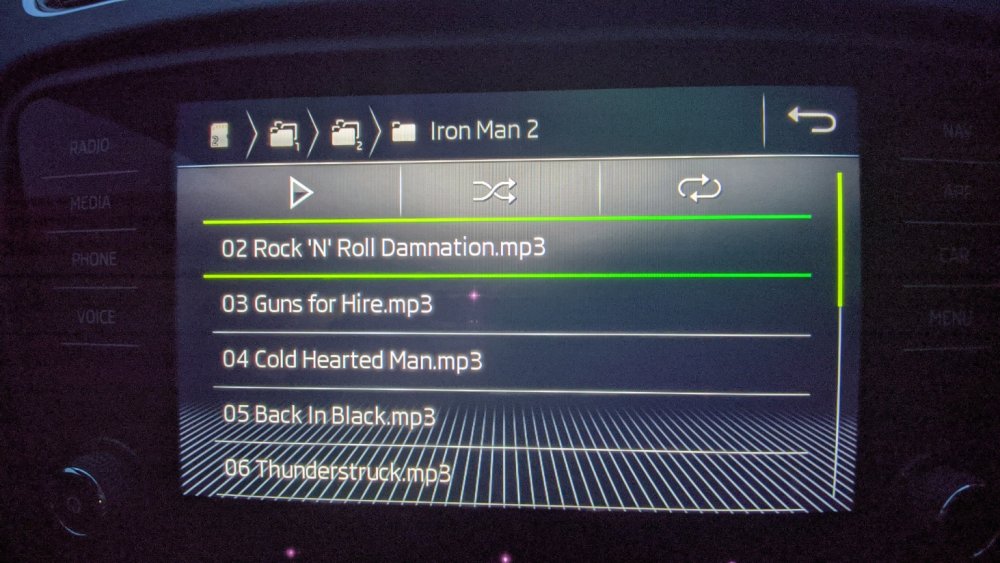
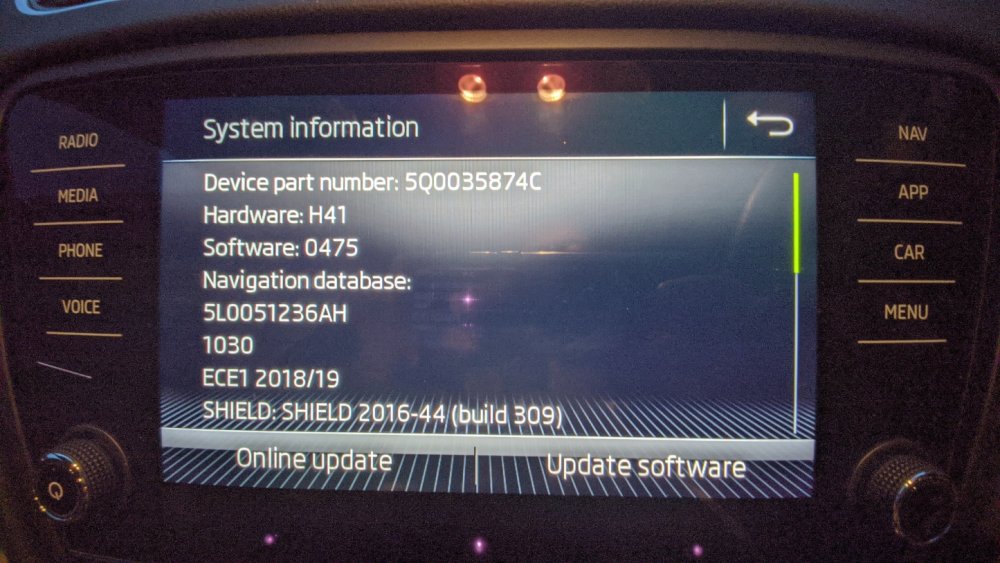
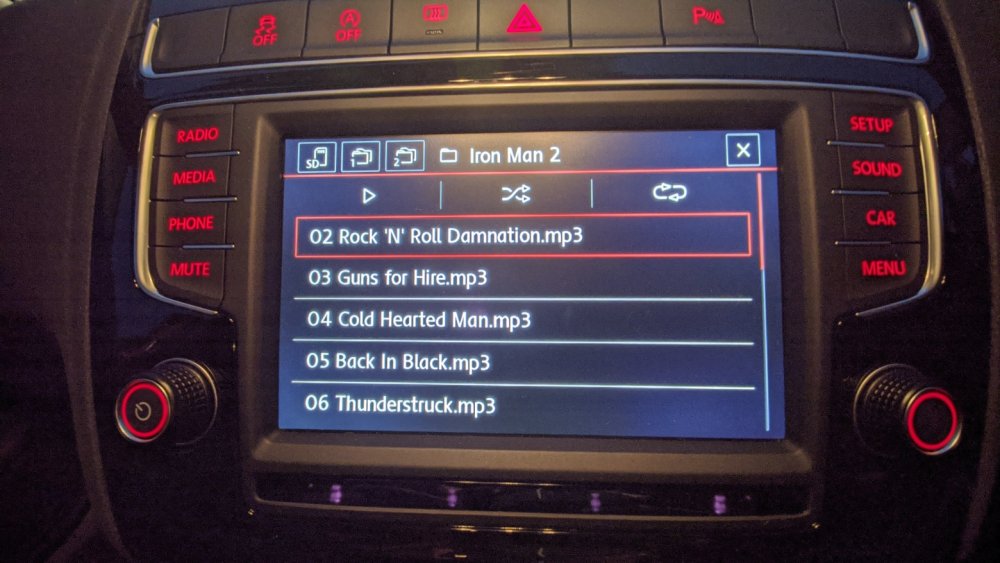
Here we go. Both the Skoda and Polo attached (also showing offending tracks)... Any help from @pab567would be much appreciated.
-
Hi there, No I haven't, can that be done within the menus? Can the software be updated (from home), or does it need to go back to dealers? I'm pretty sure neither have been updated since we have had them (unless its been done silently during services)... Cheers, Mark
-
Hi there, I have both a VW Polo GTI (MY17) and Octavia vRS (MY19) and in both I have an issue with some MP3 files being detected from SD card. Specifically, it is the first track on an album that is not detected (therefore I see from track 2 onwards fine). I thought this was a one off when I had an album do it a long time ago, but now it is happening again. I've tried both SD cards in both cars (with the same music on), and both show track 1 as missing.... Last time I think I managed to get around it by renaming the file (I think), or doing a Unix touch on it to change the timestamp. But as its happening on both SD cards on both cars, I am ruling out a problem with the cards themselves. Anybody else experienced this? Cheers, Mark