DanielPT
Finding my way
-
Joined
-
Last visited
-
Hi all I have a preFL octavia 2014 combi. I have changed the tail lights with the FL lights. We have made thees cables Everything is woriking but when i pull the ligh switch to turn on the fog lights in the back i get a "light error" it is gone when i turn off the car. I think it is just coding but thoes somebody know what coding is needed? Thanks! Regards Daniel
-
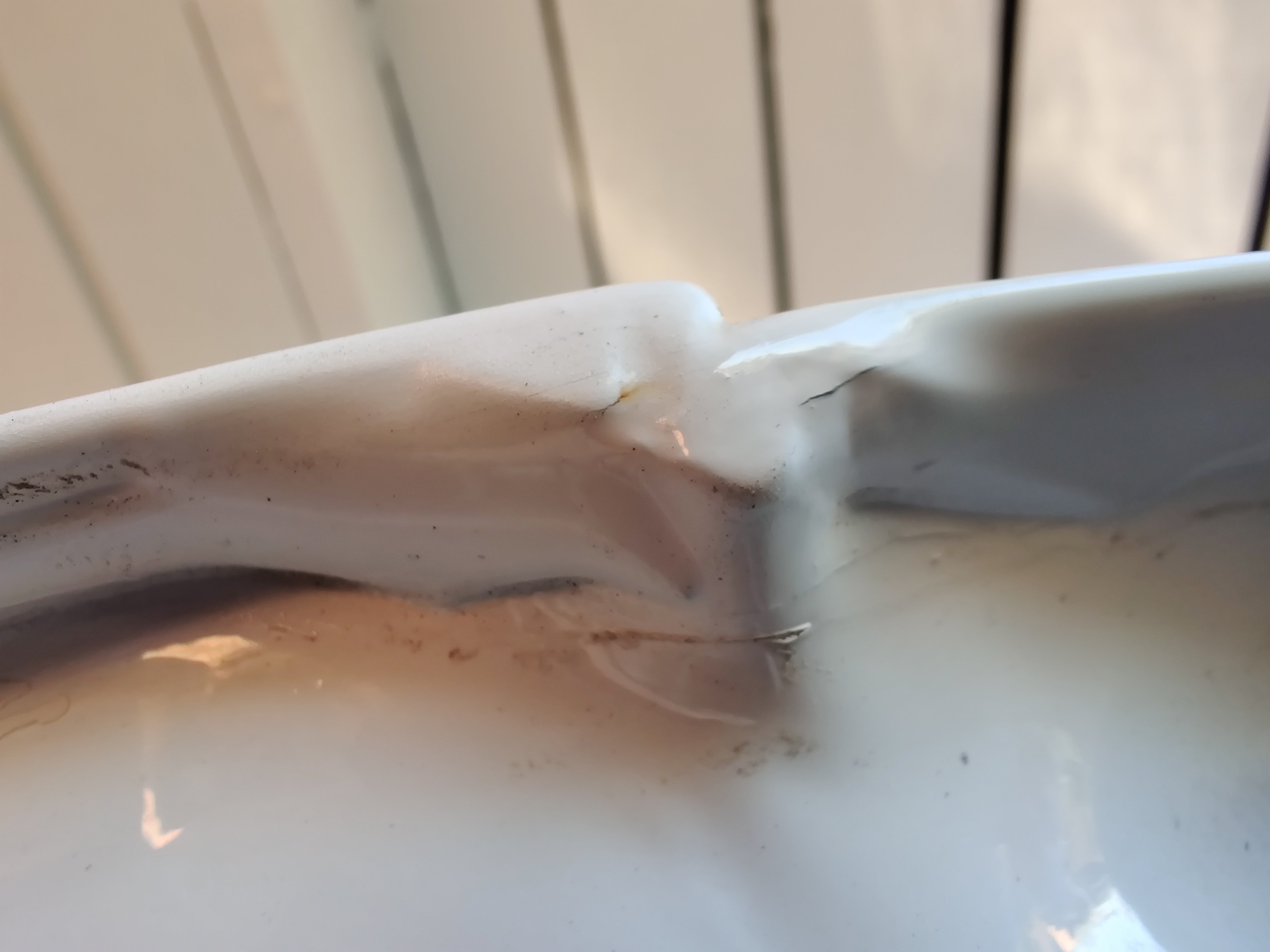
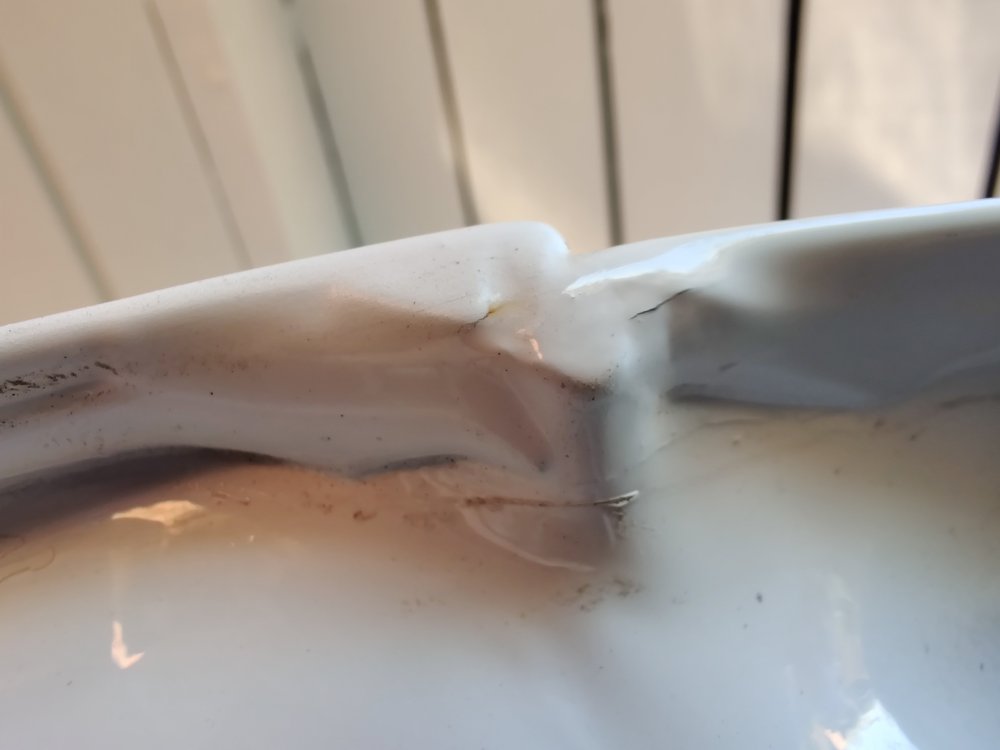
Hi all I will try to explain as good as i can :) I have been struggeling ALOT with my dealer. In 2016 my sealings in my trunk was cracked. They painted it. In 2018 they painted it again becurse they didnt take out the window in the trunk. After this i made a appointment with another dealer. They told me that the outher dealer didnt make the repair of my tailgate correct becurse the sealings needed to be removed and there is a TPI on that. I then wrote to the first dealer that they have not made it correct. They refused and told me that they have made it as instructed by Skoda DK. Now i can see that my sealings is cracked AGAIN. I have tryed to get the TPI so i can show my first dealer that they have NOT follewed the TPI. Can somebody in here help me with the TPI? Im thinking taking this to a laywer im feeling so ****ed about this. Really hope somebody can help Regards Daniel and thanks
-
This i so strange. I have now testet 2 kingston USB pens and the same problem. I have a SD 32 GB card and that works.

-
You are correct
-
I have a columbus
-
Okay i just tryed with another Kingston 32GB and again error about the size. Strange.
-
Ahh okay dammit. Yea is it a USB stick must be stupid https://ibb.co/DwbR6x2
-
Hi all. Want to update my navigation (map) but im getting told that my USB (32gb) needs 28 mb more? It is a MIB2.5. Can i remove the MIB1 folder? Regards Daniel and thanks