




Andyp
Members
-
Joined
-
Last visited
-
Thanks.. I agree!
-
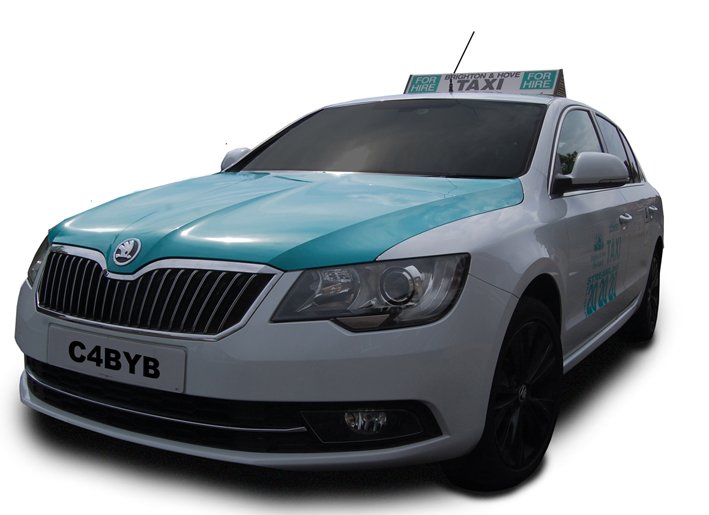
Thanks for the reply.. I dont actually want to do anything.... but as you are asking.... its a taxi and when my driver brought it back he mentioned that he thought the battery was playing up... so to do a quick test.. in case the belt was slipping..... I revved it... it was only then that I noticed the limitation on the revs ...
-
69 Superb 2tdi 115k Had for two years.. just had cam belt done.... drives fine... revs fine when driving... but when stationary the revs only go up t0 2500. it could well be that this is the norm and I have never noticed.... so.. is there a limitation on the revs when stationary?
-
But the bars can be brought as a kit?
-
69 plate Any instructions on how to get inside the headlamp to replace the light bars? Thanks
-
Bought a 2020 2. Tdi SE and this is my first car with an electric hand brake. So was wondering what would happen with a flat battery. I presume it stays engaged but is there a manual release? Thanks
-
Thanks for the information
-
Although the usb next to the aux socket is working the aux socket isn't. Neither is the one in the boot. I'm presuming it's the fuse so anyone know which one. Also found out that the fuse box is in a completely different place than where it was in the mk 2. And a lot harder to get to 🙄 One other question. I've noticed that thr power to the usb is subject to the ignition be active. Is this the same for the aux sockets ? Thanks
-
Thats interesting... 2020... 79k... car starts fine though... at the time of writing I haven't checked if its the original .... I'll do a battery state check as well. Thanks AP
-
Just bought a MK3 SE 2.tdi (my 4th Superb) I have found that the ACC (Adaptive Cruise Control) becomes Deactivated when the car is left for a certain period and cannot be Activated with the stalk until the car has been restarted. Is this normal or is this an issue? Thanks AP Brighton
-
Is the DAB antenna part of the rear screen or does it work off the roof doom. Thanks AP
-
I'm pleased to report that the problem is fully solved. I mentioned that there is a clicking sound... which even carried on after the ignition was off.. so it was thought that this could be a problem with a motorised air vent. I did a search and came across this which was for the Octavia but also relates to the Superb: This resets the ventilation which I presume reset the what may have been a sticky vent flap. So all is good now... have worked the cab since the reset with no issues at all now. Thanks for the input 😉 AP
-
Thanks very much for the input on this, I can confirm that the cabin filter is bone dry and was actually only relatively recently replaced as by my garage invoice. I spoke to my mechanic today and we notice there is some clicking going on and he was wondering if there is any motorised ventilation flap is faulty. I dont normally have the car in re circulation mode.. just need to check with my drivers as to how they run it, Will update as and when and thanks again AP
-
Thanks very much for the input on this, I can confirm that the cabin filter is bone dry and was actually only relatively recently replaced as by my garage invoice. I spoke to my mechanic today and we notice there is some clicking going on and he was wondering if there is any motorised ventilation flap is faulty. I dont normally have the car in re circulation mode.. just need to check with my drivers as to how they run it, Will update as and when and thanks again AP
-
Will do...yes mostly run the ac

