amenzel
Finding my way
-
Joined
-
Last visited
-
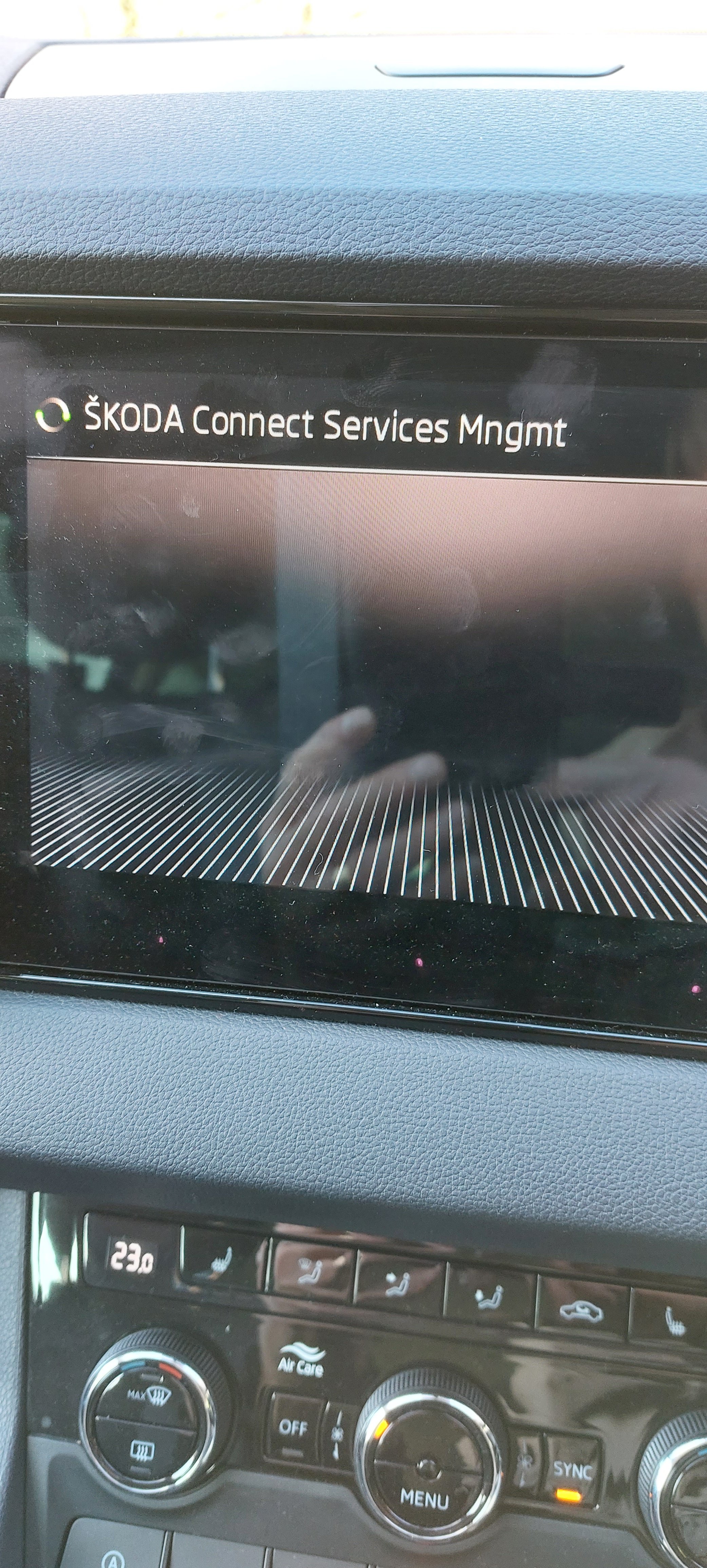
Noticed the whiteglobe too. Entered registration. All worked. Email received saying all connected. Now to see what I can set up
-
Way back thus was one of the issues.
-
well carstick is in and it gives me internet over the car as a hotspot to lots of phones - even my laptops etc (oh and the traffic data - shows up under a menu item called "NETWORK" under the WLAN menu and under phone button But still No data link - though reading the old user manual again, after selecting register there should be some other menus to delete a user or change a user. which does not appear red world icon still there so the issue is defo that the infotainment can not connect with skoda on line services
-
Today - Monday - immediate No Data Link message after entering code on Sony - Configuration wizard no registration screen on Samsung!
-
Yes at first with the Sony (only LTE capable) I also had it connected via Bluetooth and it also came up with no data link instantly. I read you should not try and tether and Bluetooth at the same time so I switched off the Bluetooth and just used the hot spot WLAN. this then allowed me to enter the registration code and it starts to register but fail after a while.
-
Well I also have this problem. Would be interested to know how long it took from putting in the activation code to the "No data Link" message mine is about 30 seconds I was using a Samsung A52 (5g) over sky - and I could not even get to the code screen so I got an old Sony Z5 out using a smarty card and that let me get to and input the code which then started the process and then failed after about 30 seconds however, i also got a error message on the Sony phone saying "Tethering Error" which disappeared - everything else looked fine Maybe the issue is related to the phone and/or the mobile network or even just a tethering issue I found Amazon (uk) selling the LTE stick for £48 so i have procured one (delivery on wednesday) to try and see if that works ok on the smarty card will also post any results