Horrorshow
New here
-
Joined
-
Last visited
-
Yes it shows on the dashboard when you put ignition on and also In car setup on radio
-
Thank you folks but service manager all is ok and it will start working again when I am back to road because it need see a lanes and others cars which I am know is a bull**** so anyway I need to report that to them and wait for an answer
-
Hi Folks, One of Skoda dealer found my front radar for a front assist is broken and need to be replaced so they somehow switch it off from computer and order a part, part arrived but I asked to send it to a different Skoda dealer closer to my home they agree with that, second dealer fit new radar, calibrate it but when I collected a car I still get message front assist is unavailable and there is no options to set it up in radio or MDF also when pressing button on steering wheel nothing appears, anyone have a vcds coding to enable it again? Btw is there option to activate a traffic assist at front assist without a adaptive cruise control?
-
I got coding from friend will try tomorrow and let you know
-
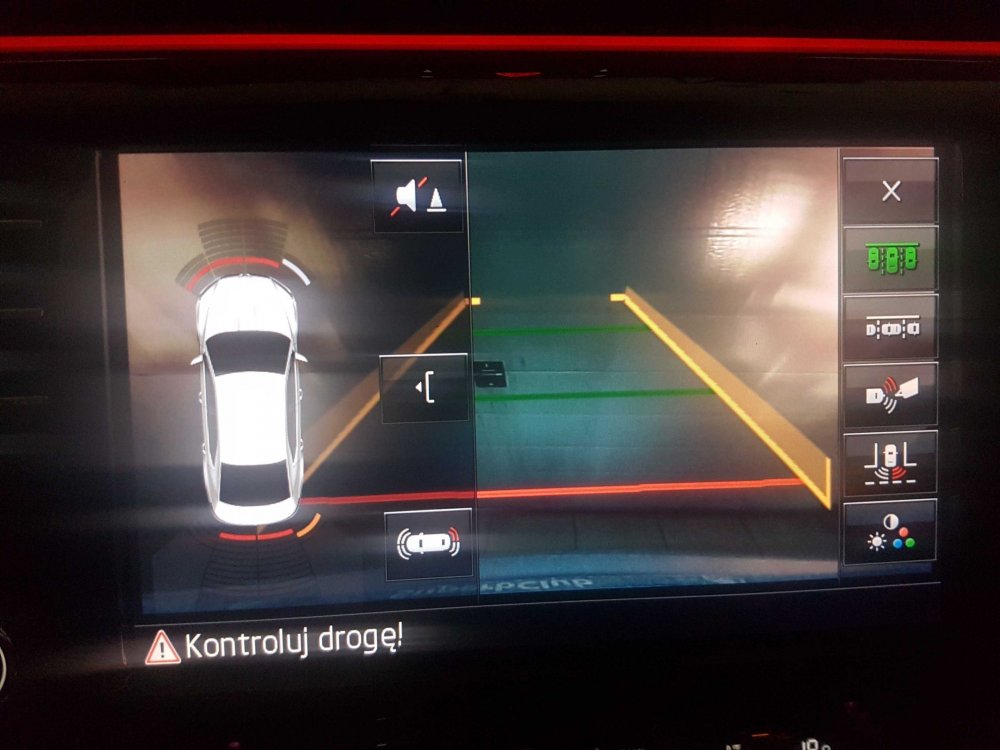
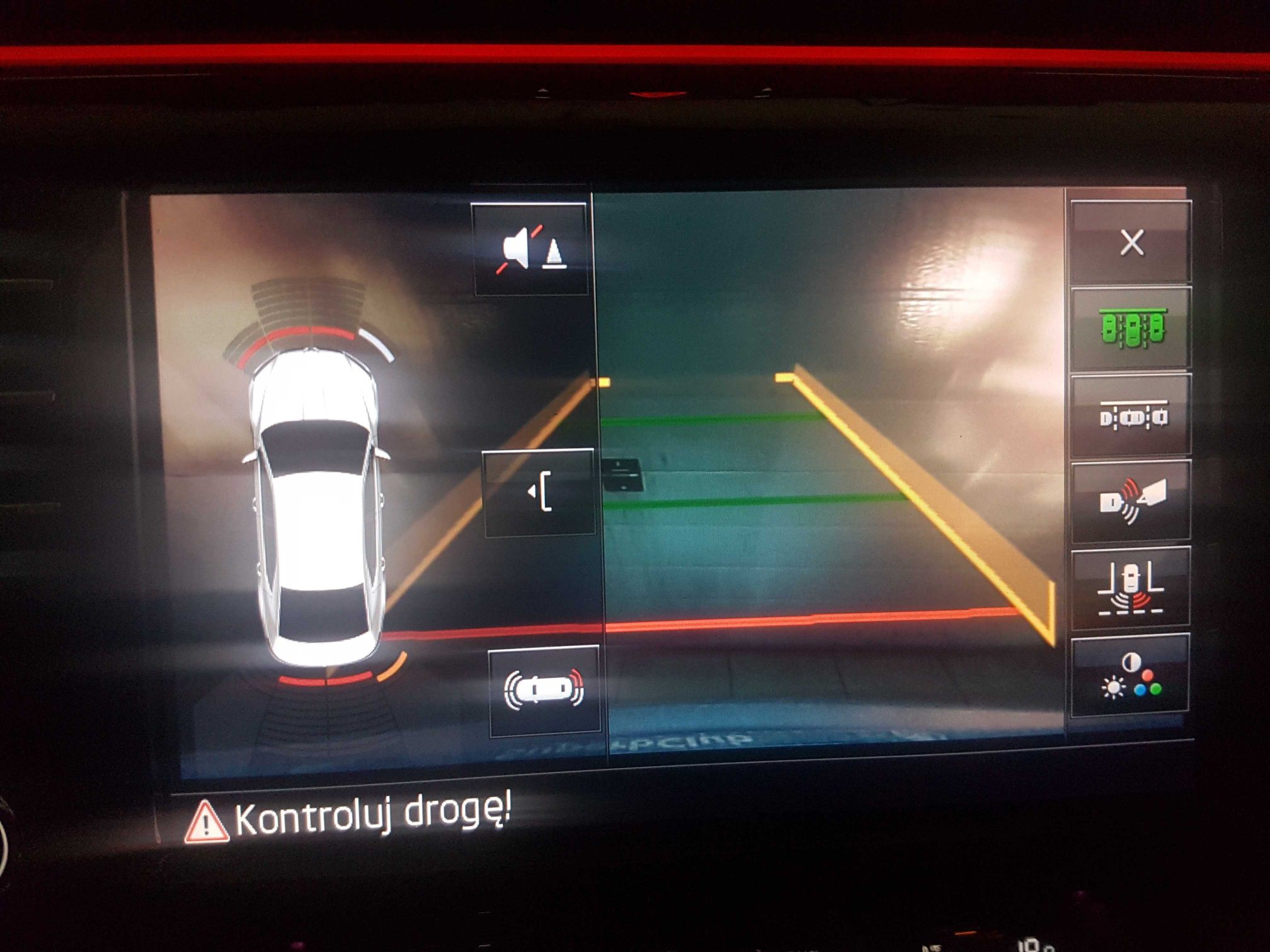
But anyway if you look on second picture there is only 8 sensors not 12
-
Can you check what software does your camera have then please and coding
-
No i have only parking sensors at front and rear. It will be expensive to retrofit it and code it?
-
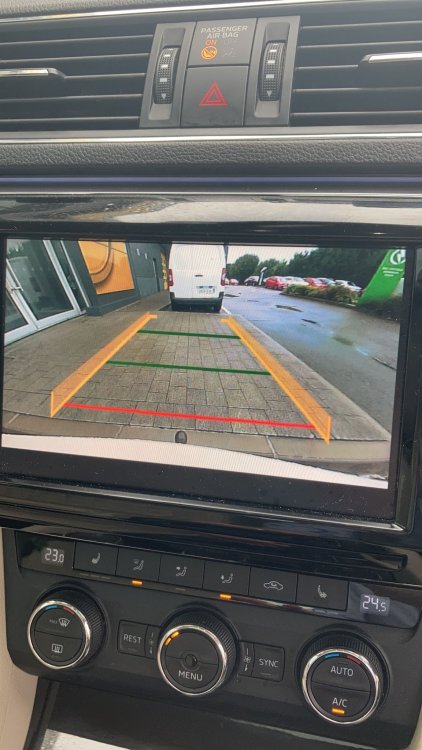
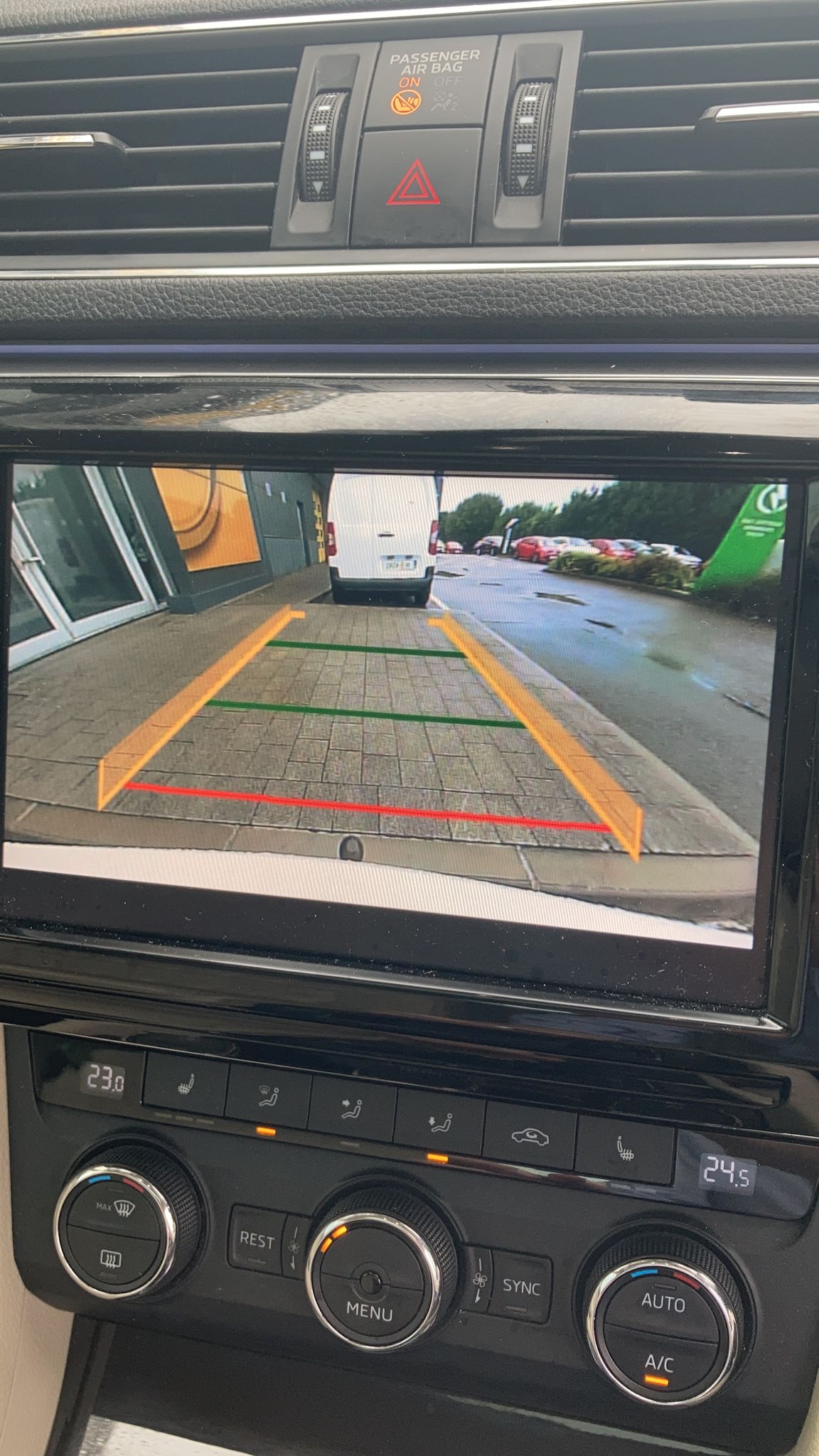
Hi guys currently my MY2016 superb III has camera like on the picture named A0024 is there any option to upgrade it or add coding to get a camera like as a second screen?