Sbatchelor
Finding my way
-
Joined
-
Last visited
-
Did you get it fixed? Mine is doing the same and having no luck finding out why.
-
Did you ever get it fixed? Mine's doing the same.
-
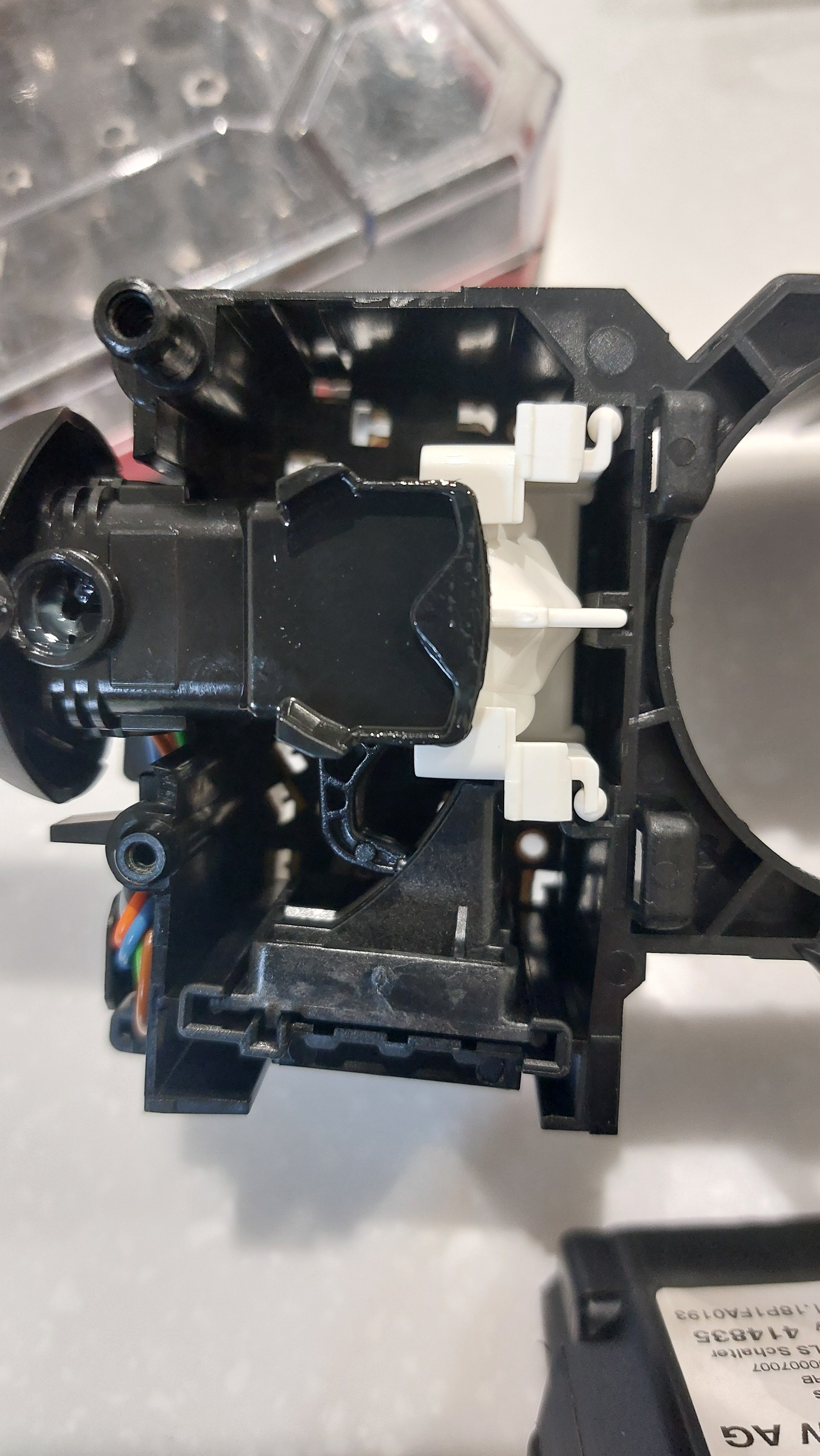
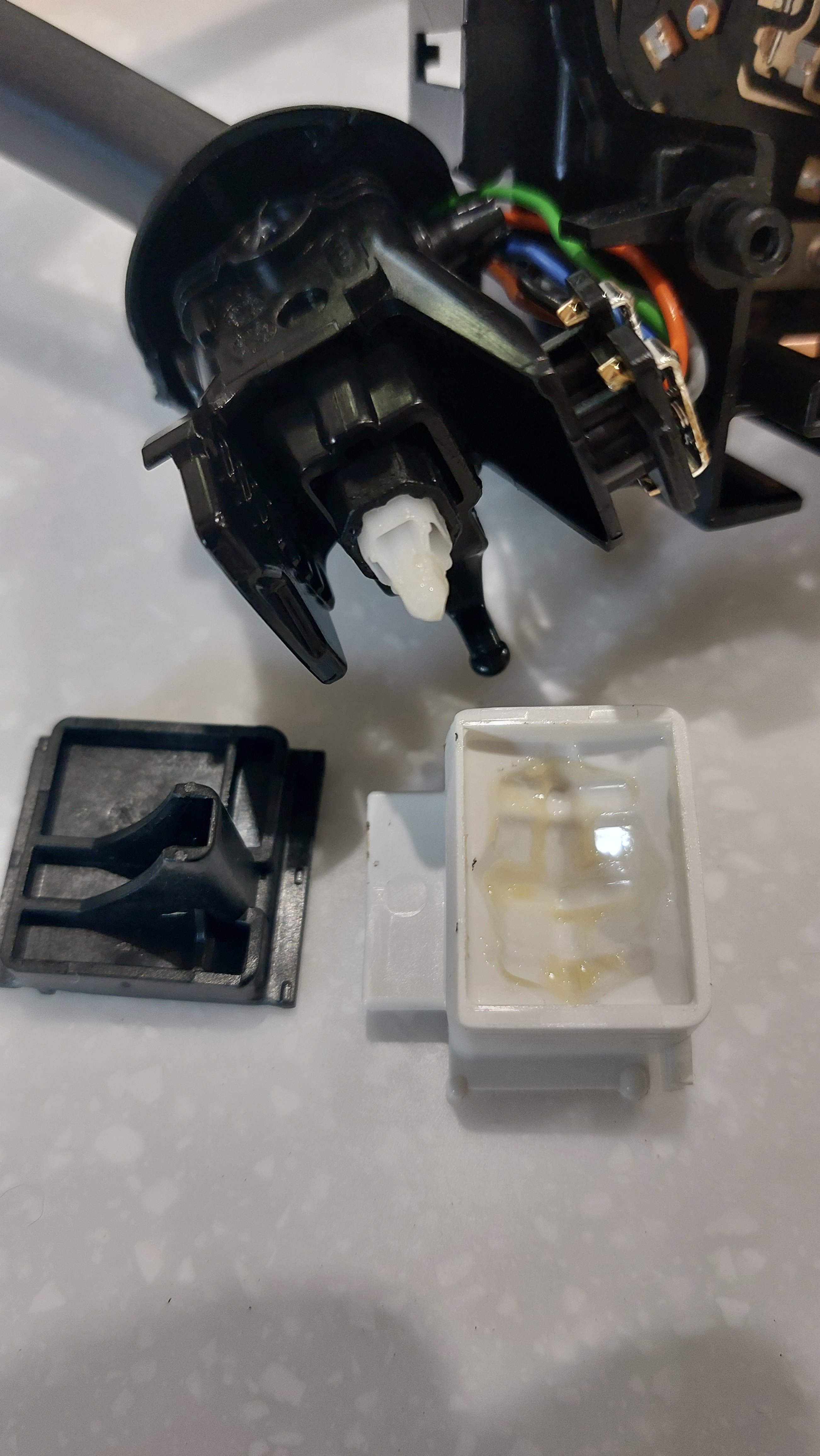
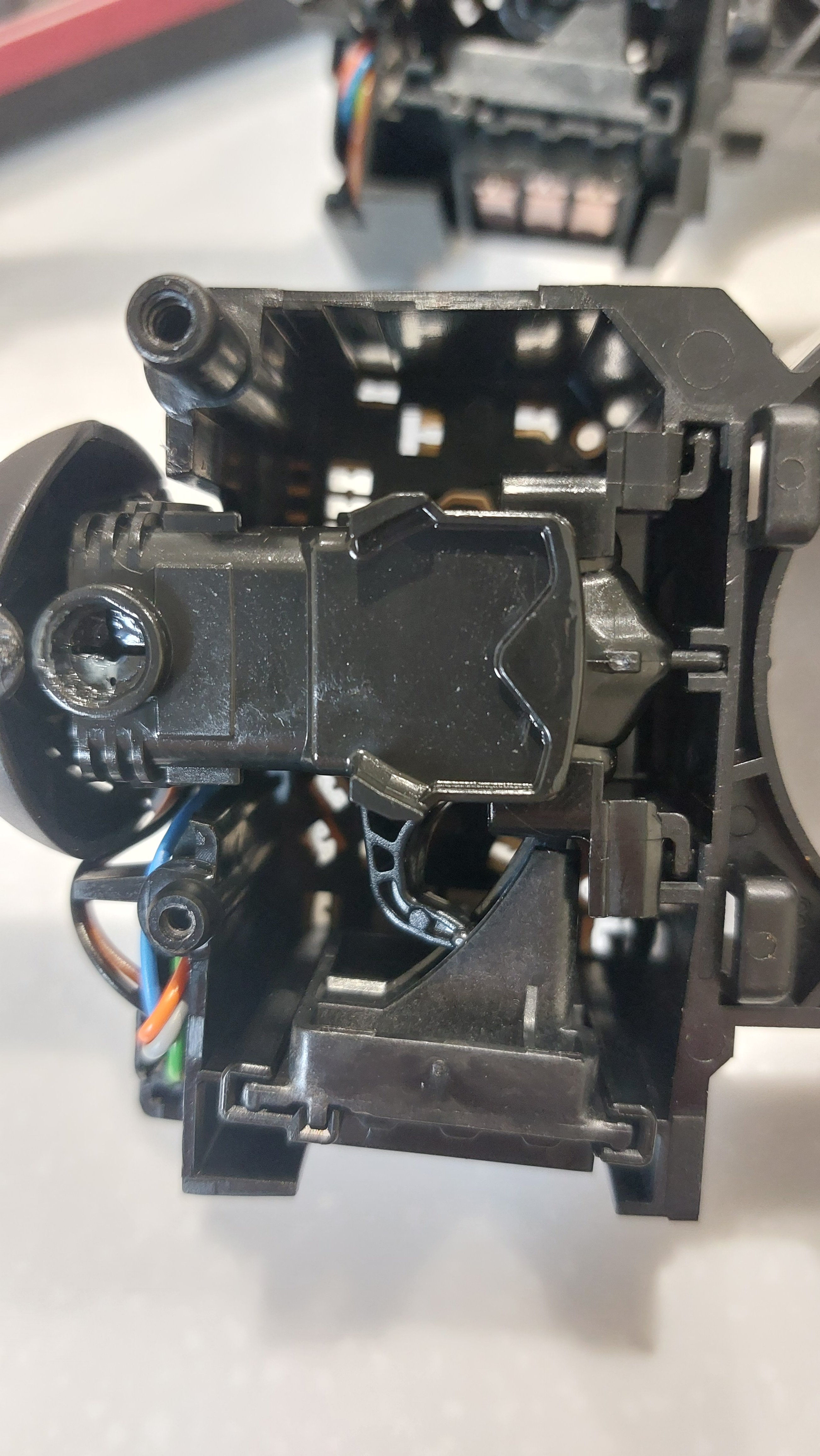
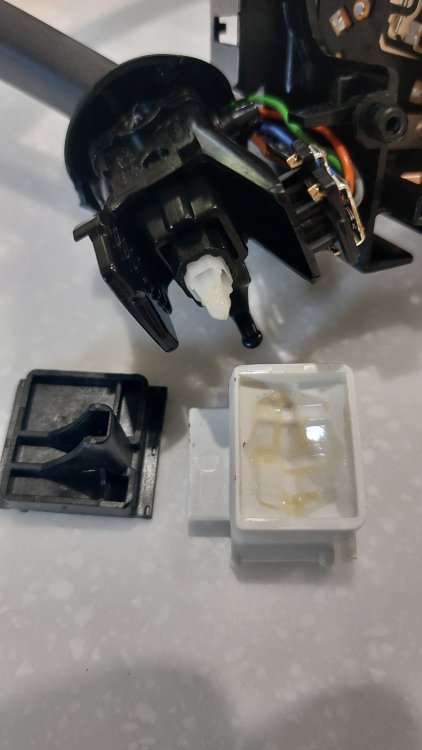
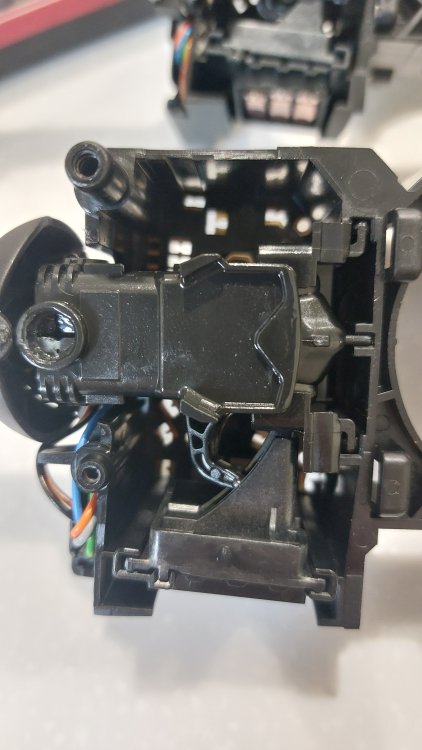
Finally I have it all working as it should. I took the stalk to pieces, very easy as only held together with one torx screw and found a white 'cup' into which the 'ball' on the end of the stalk fits. This piece has moulded grooves inside which determine whether the stalk holds in place or not on full beam. In the photo below its the white plastic piece. All I had to do was swap this 'cup' for the one in the original stalk. It just slides out with another guide underneath. Back together with the original black 'cup' in place. One torx screw to do up and fitted back on the car in 5 minutes. Thankfully in the end it was an easy fix and now the car has cruise control and headlights that stay on full beam when they're needed.
-
Yes same forward movement puts main beam on then main beam off. Had this in a 2015 Superb and a 2018 VW Tiguan.
-
The main beam works when the stalk is pushed forward but it doest stay in place. Looking at the stalks this one has a x1 next to the lights whereas the original speed limit only stalk does not. I think original full beam headlight switch was a two position on/off switch whereas the new stalk is a toggle type switch cycling between on and off. Don't know if this can be changed with coding but had an epiphany at 4.00am and wondered if I could somehow "upgrade" the mechanism in the new stalk that is stopping the stalk from holding it in the full beam on position. The old stalk is now in pieces on my kichen work top and I think I can just swap the guts of the new stalk with bits from the old. Will try later on today. What could possibly go wrong! Photos will be provided if it works.
-
Aaaaaagh! So close! Took the car out last night to find the headlights don't stay in full beam! They work if I hold the stalk forward but won't stay on. Do I have a faulty stalk? Or is it just incompatible? Bugger.
-
So I can finally report that it worked! My 2018 Fabia SE 1.0 MPI now has cruise control! The dealers only charged me for the time they spent on coding it rather than the flat rate and £20 for a new authorisation code. Hats off to Skoda stirling. They were reluctant to do it because thier order system said my car and the CC upgrade were incompatible. Glad I persevered. Thanks all for the help and guidance.
-
So what year / model is your Fabia?
-
So how do I know if my BCM supports CC. It's a 2018 SE 1.0 mpi 75bhp.
-
Skoda are ordering me a new code for £20. They will try it tomorrow when it comes. Annoyed that the part I bought from e-bay as new, clearly wasn't new.
-
Dropped car off at Skoda and an hour later they ring to say the code I have with new stalk has already been used. They can't order me a new one as the VIN isn't compatible with the cruise control upgrade code. So I have to collect the car without cruise control. Have I just got a rubbish local Skoda dealer or am I trying to do the impossible here?
-
Hi all. Car is booked into Skoda Stirling for this Wednesday. Will let you know how I get on. FYI I bought and fitted the 6V0054800F stalk. It currently works for speed limiter but the mode button does nothing. Fingers crossed I'll be cruise controlling my way back from the dealers on Wednesday afternoon!
-
Stalk fitted. Took 30mins and all came apart easy. Would say that there's an extra clip underneath that needs prying open to take out the old stalk. This isn't mentioned in wirer's instructions. Still looking for someone local to code via vcds. I'm in Stirlingshire, Scotland.
-
So the stalk has arrived. Time to fit and book an hour of ODBII shenanigans with the local skoda dealer.
-
Thanks nta16. I had looked at both those threads and while they are encouraging in as far as it's possible to do what I'm trying to achieve they don't confirm part numbers for my particular car. I think I will take the plunge with an ebay part and then cough up the £144 to get the dealer code it in. At least they can reset everything if it doesn't work. Stuart