lewiswal47
Members
-
Joined
-
Last visited
-
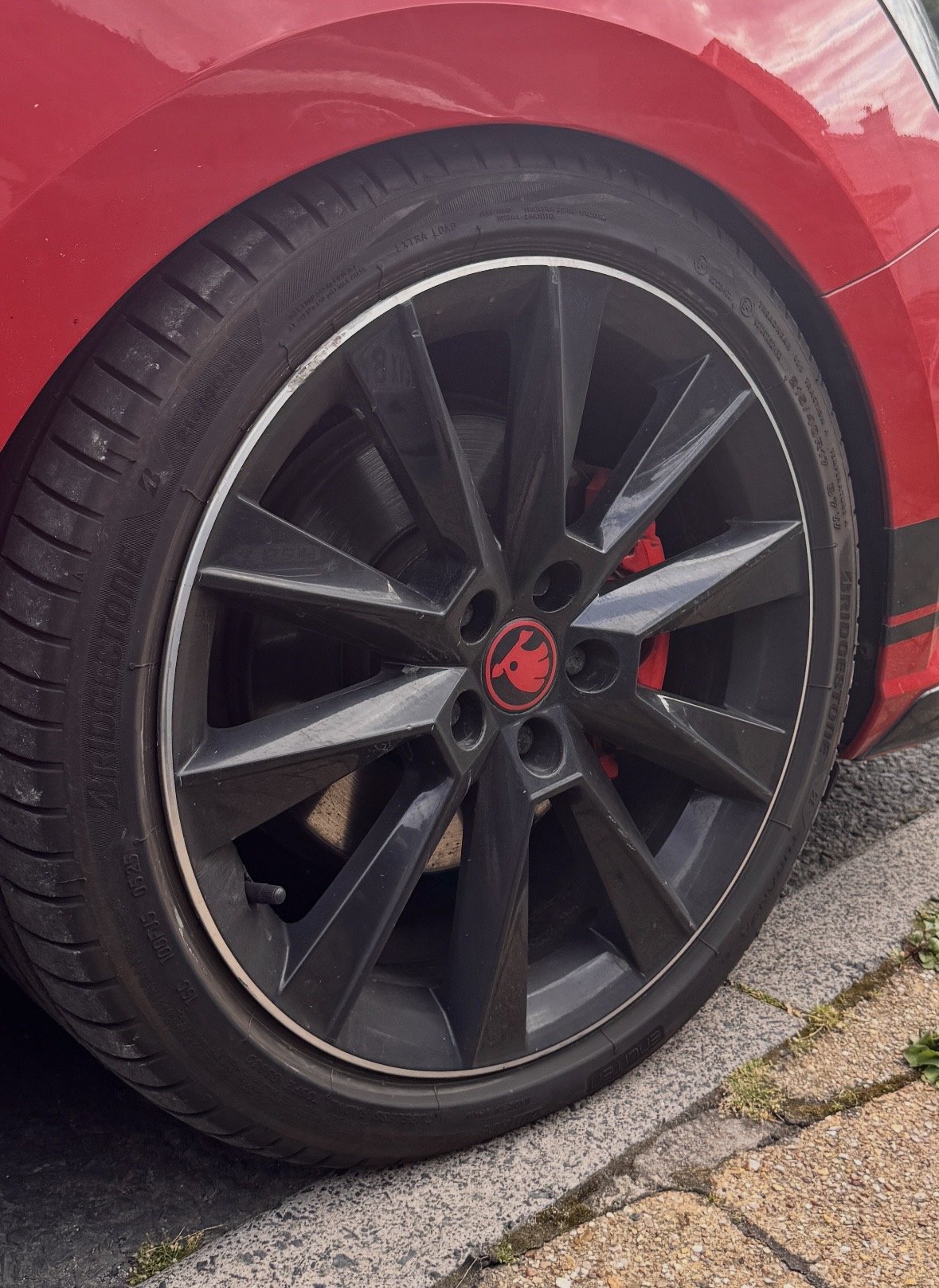
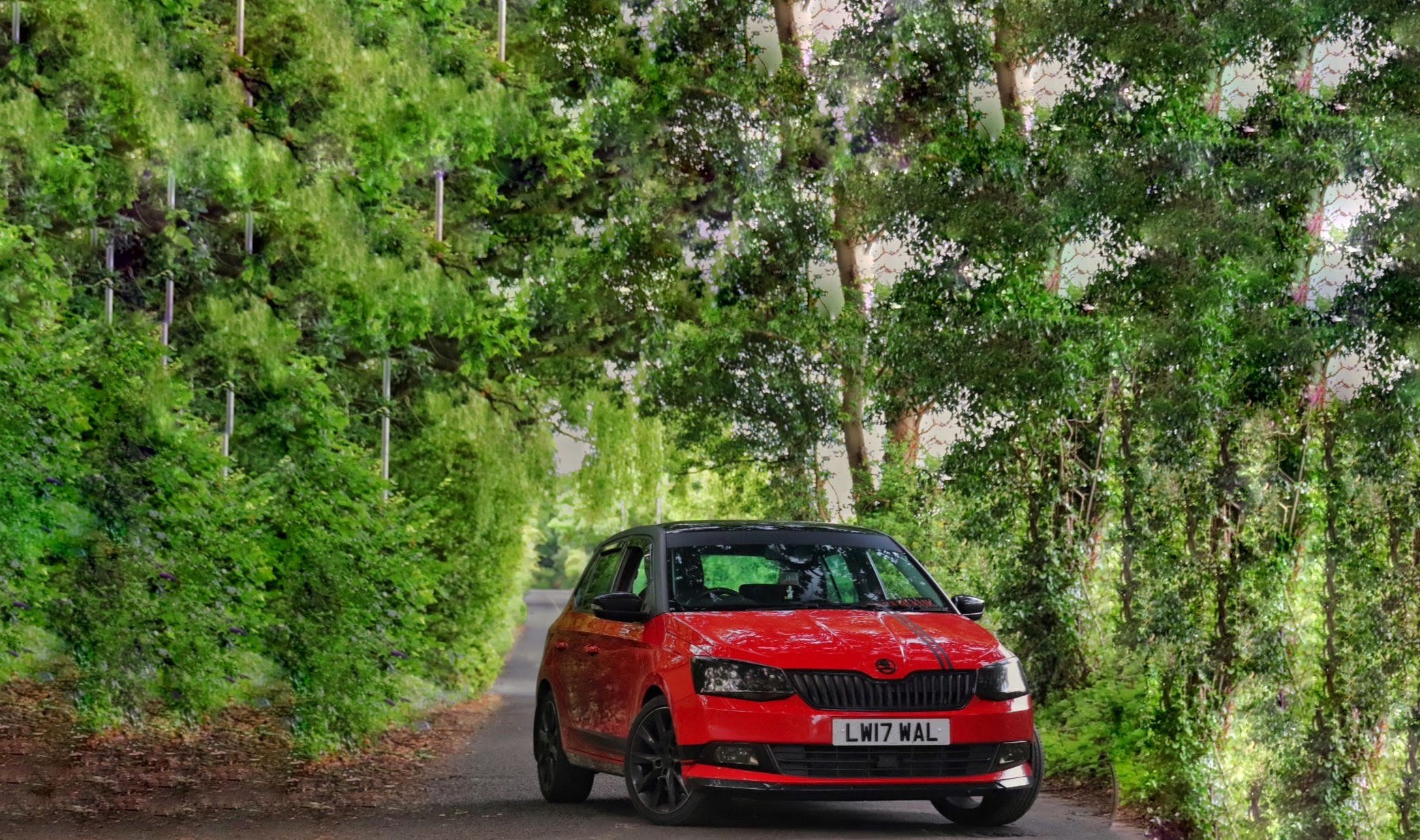
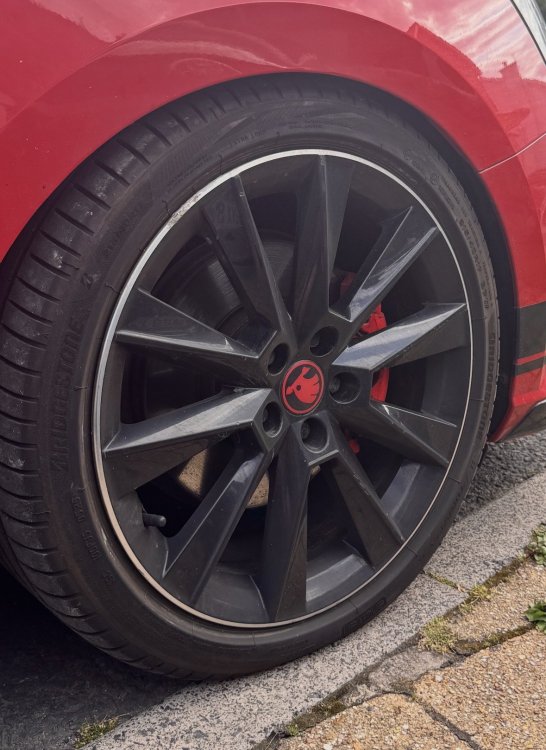
Hello, I used to run the same Eibach Pro kit on my 2017 Fabia. So, I’m not sure if there will be any differences between facelift and not but I don’t think so. See the attached photo of arch gap on my fabia. It didn’t have much clearance at all. Not enough to get alignment equipment on the tyre, and caused scrubbing and uneven wear. Now granted, My shocks were pretty knackered. But, I then upgraded to some Koni Special Actives, And suffered the same issue. So I reverted back to stock springs. B8 shocks are specifically for lowered vehicles, But any shock will do. I’ve heard B8’s can be very hard on the ride quality. So judge is based on your own car usage. Hope this helps. They’re 17” Alloys, stock, with 25mm spacer.
-
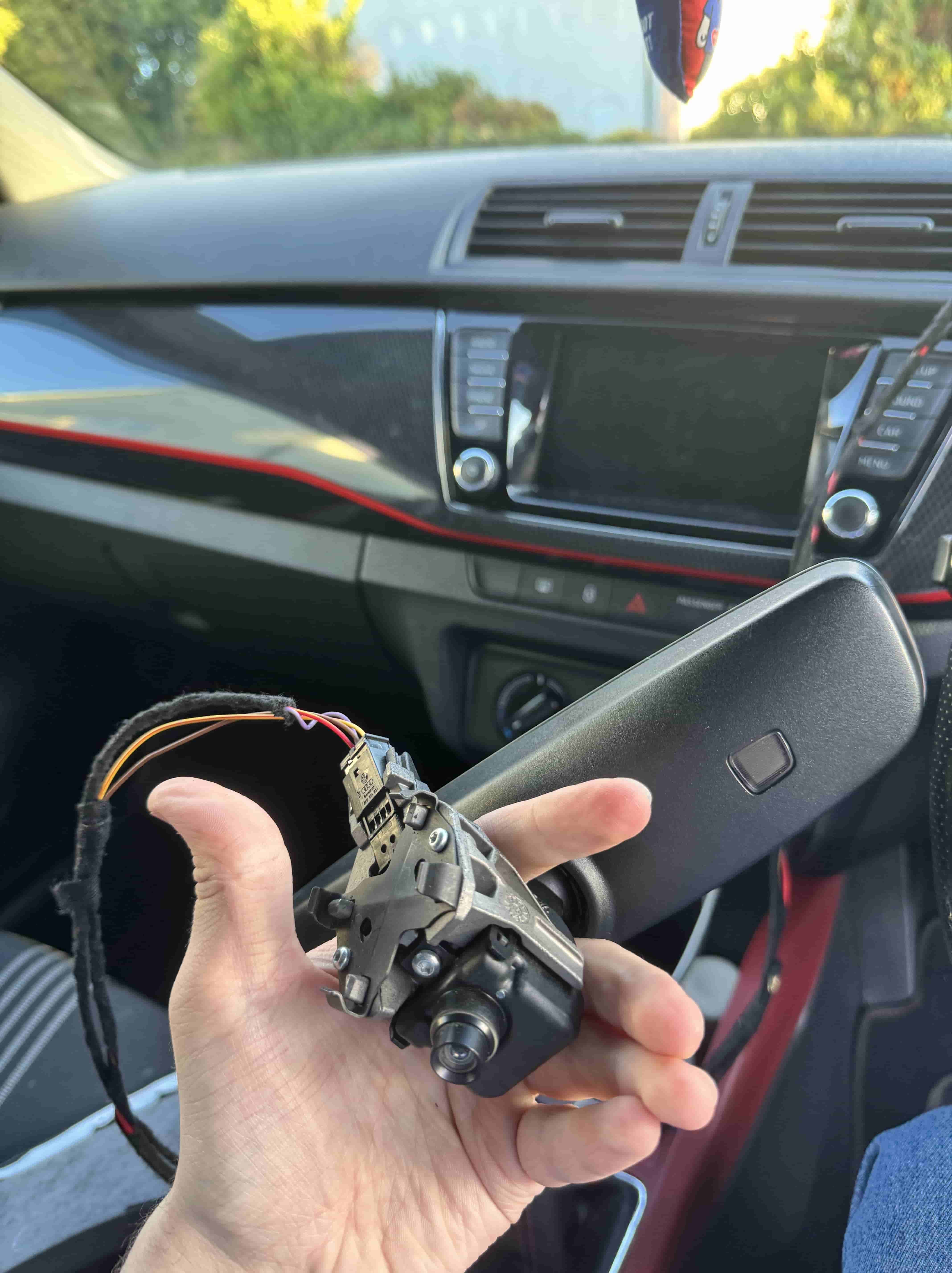
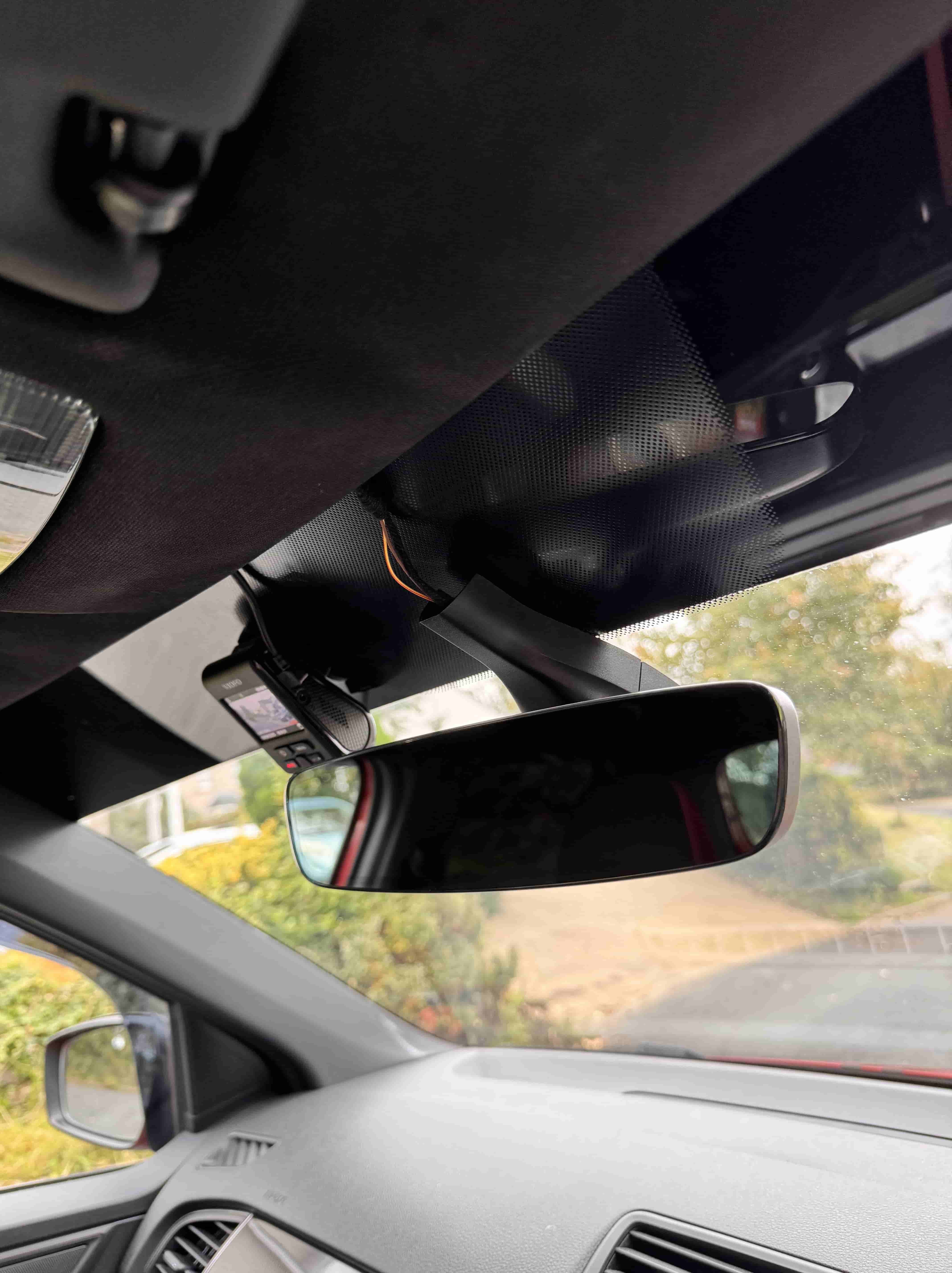
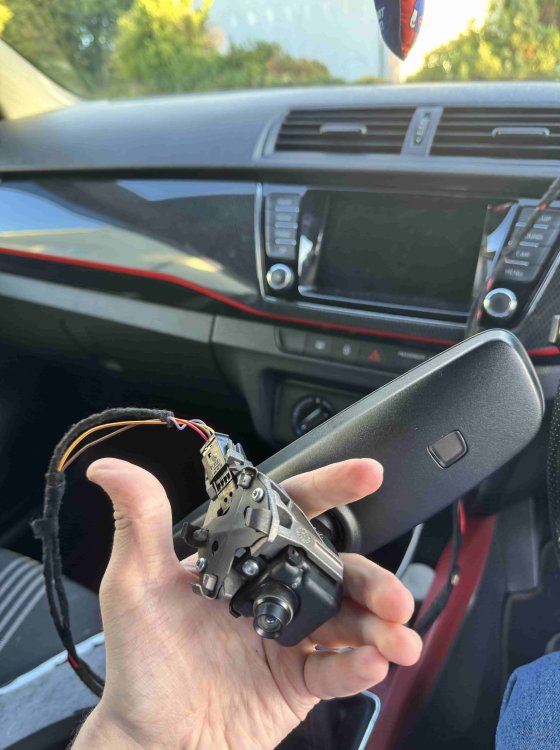
Ahhh im glad it worked for you! Maybe I got a dodgy harness. I also have a hi-lo behind the unit but just about managed to squeeze in the harness. I’m glad I fit the OEM camera though, as the built in washer is very handy in the winter months
-
I did actually try this camera once before, Was an easy install given the custom harness and wire (although, very little space behind the headunit for it to fit). But I found that for some reason it prevented my USB for apple carplay from working. Did this happen to you?
-
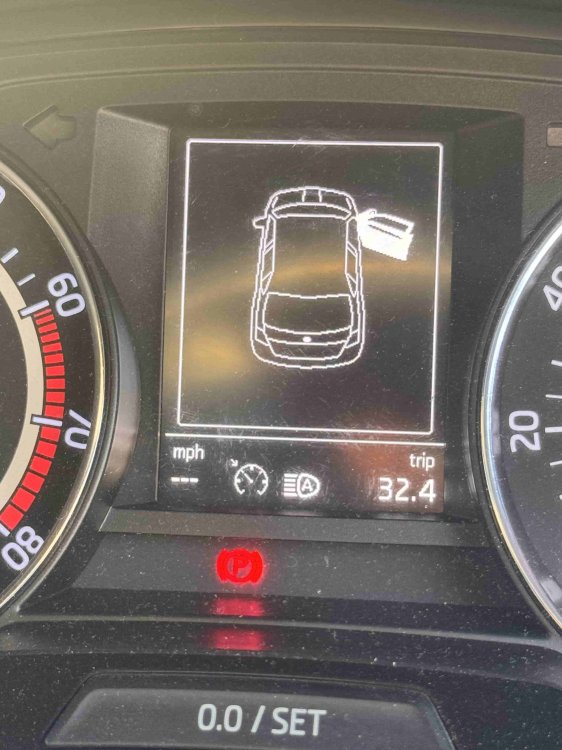
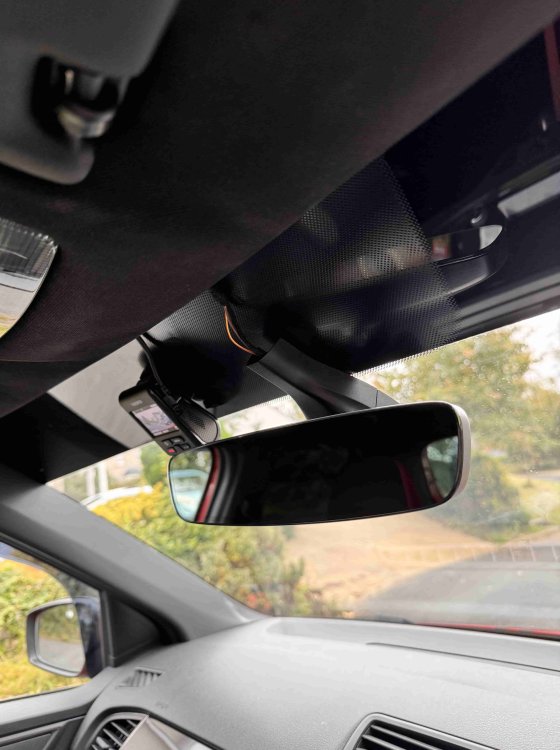
Updated currently struggling to insert images
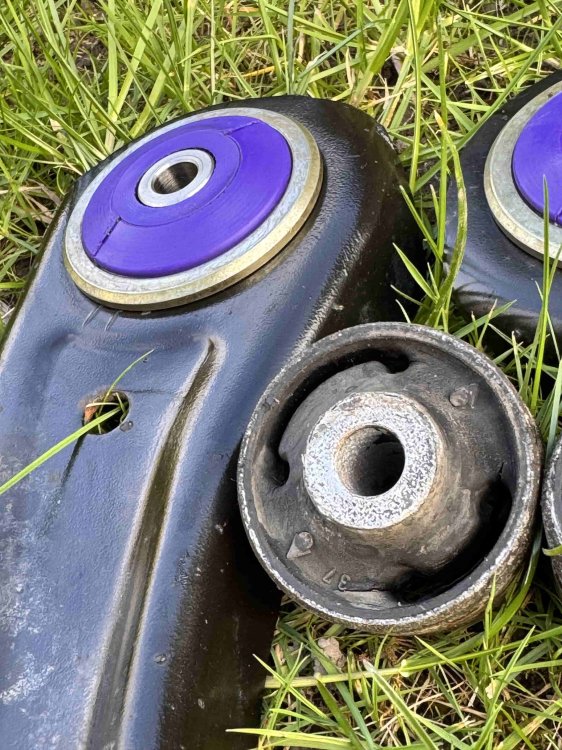
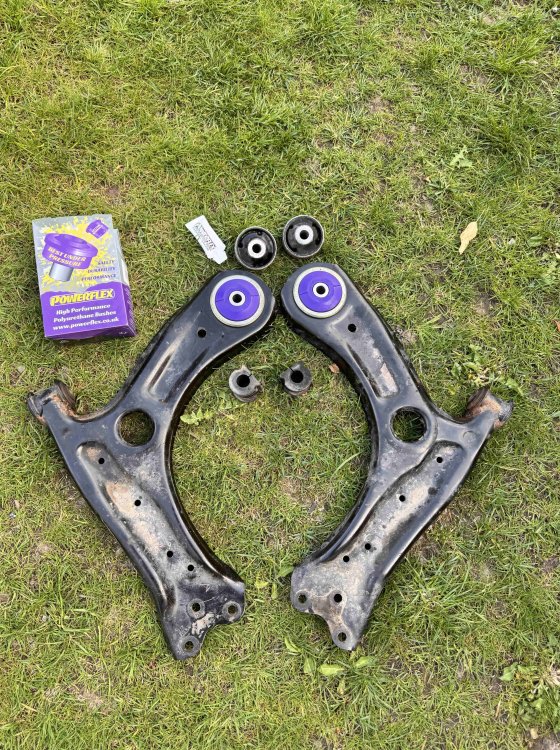
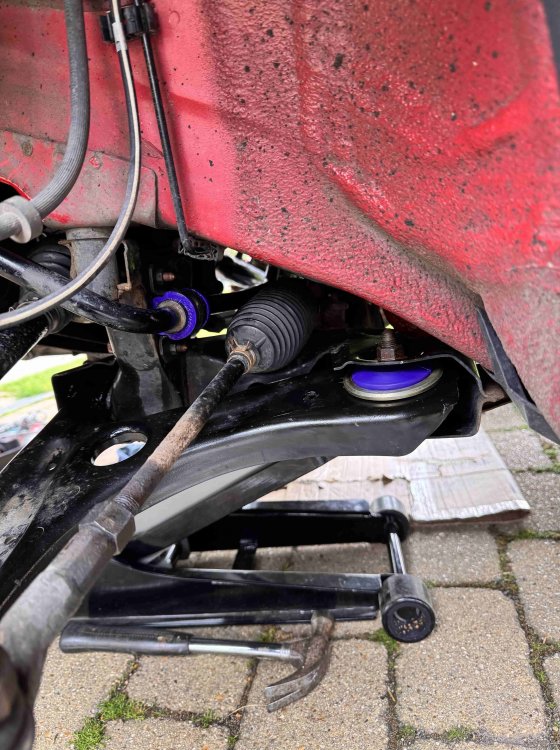
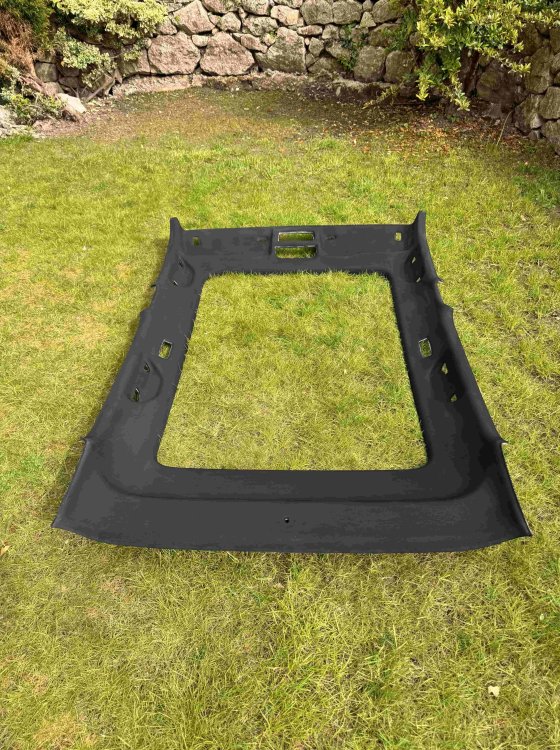
-
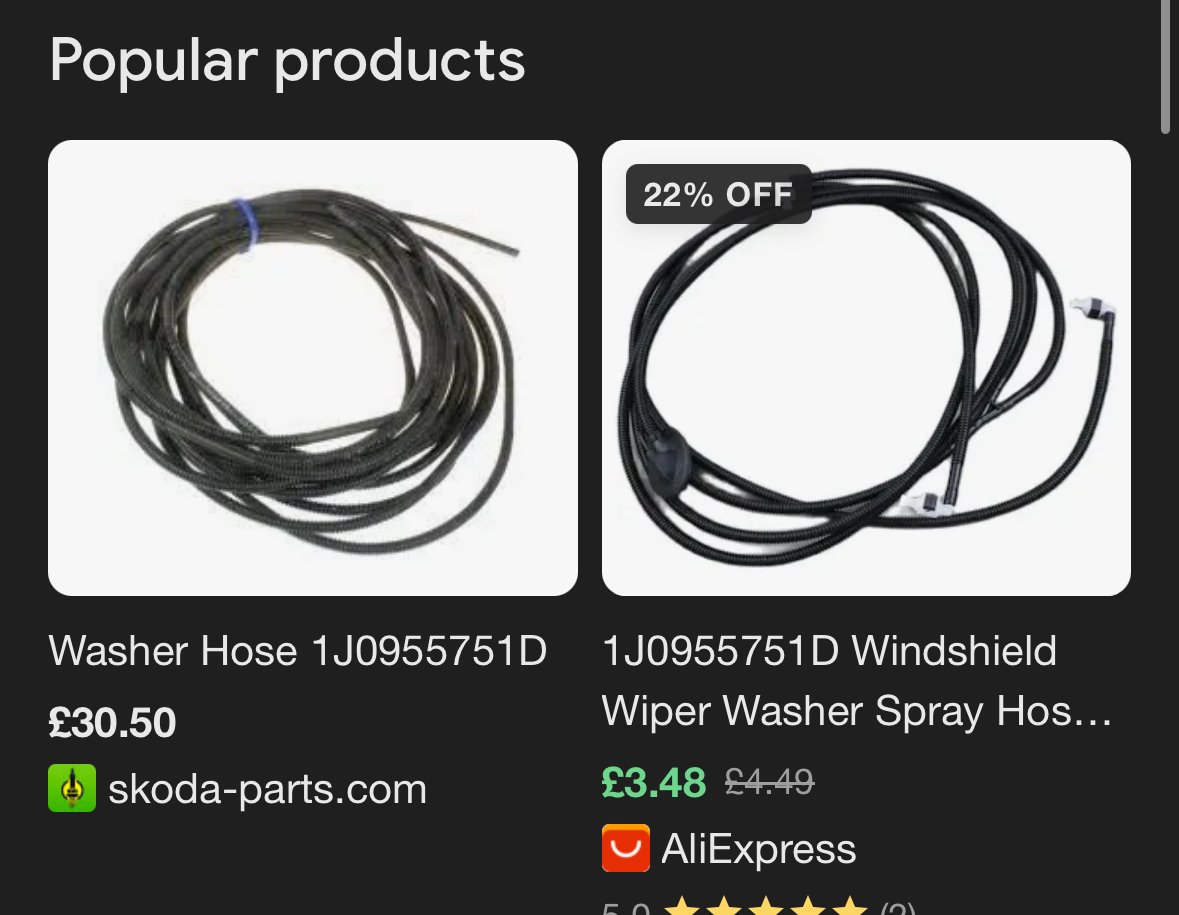
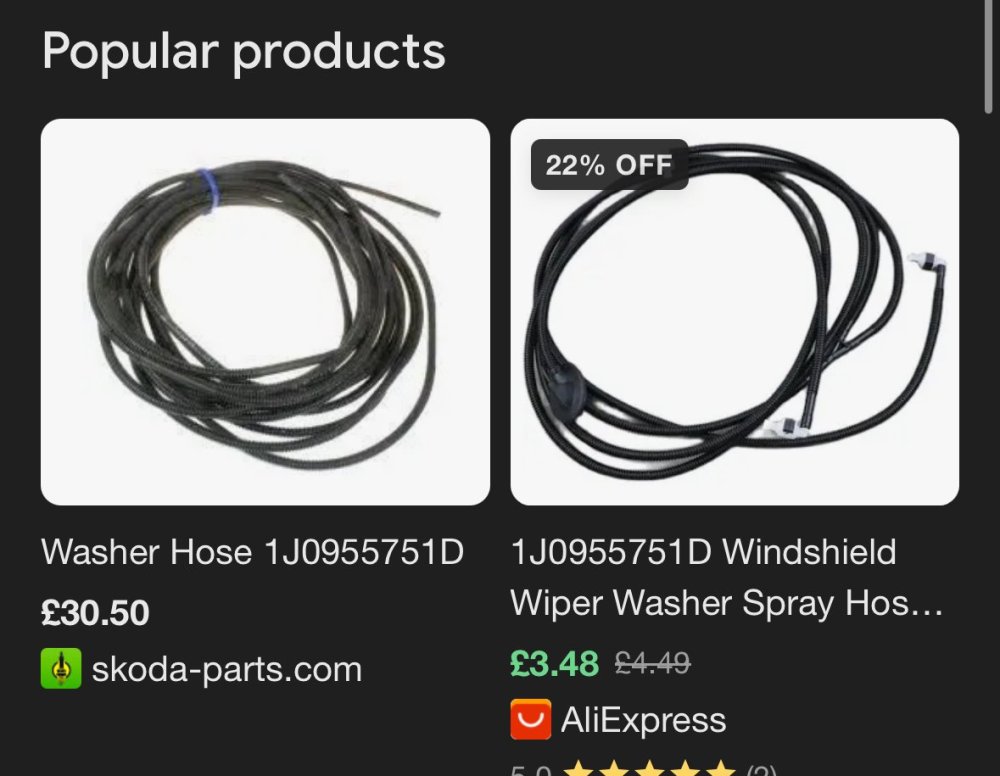
Oh sorry!! wish I saw the forum sooner 😅 The one I bought is no longer available but this is the exact same; https://a.aliexpress.com/_Ez7x342 It’s OEM for the windscreen washers, I didn’t care about that and just cut/snipped it to the length I needed! If you don’t have any way of coding, check out the VCDS Map on the forum, People willing to help put their location on so you can ask them if they’re local to you! ☺️ Your page says you’re from West cumbria though? im south cumbria, so if you need a hand give us a shout 👍
-
The camera I used was 6V0827566, and can be found here; https://a.aliexpress.com/_EGsVXXg it came with the wiring look, and by taking a guess this is an oem kit, i’ve tried other aliexpress rvc’s and the cameras were poor. This one’s really good. Yeh, Coding is necessary to tell the headunit the cameras there, do you have access to OBDEleven/ VAGcom etc?
-
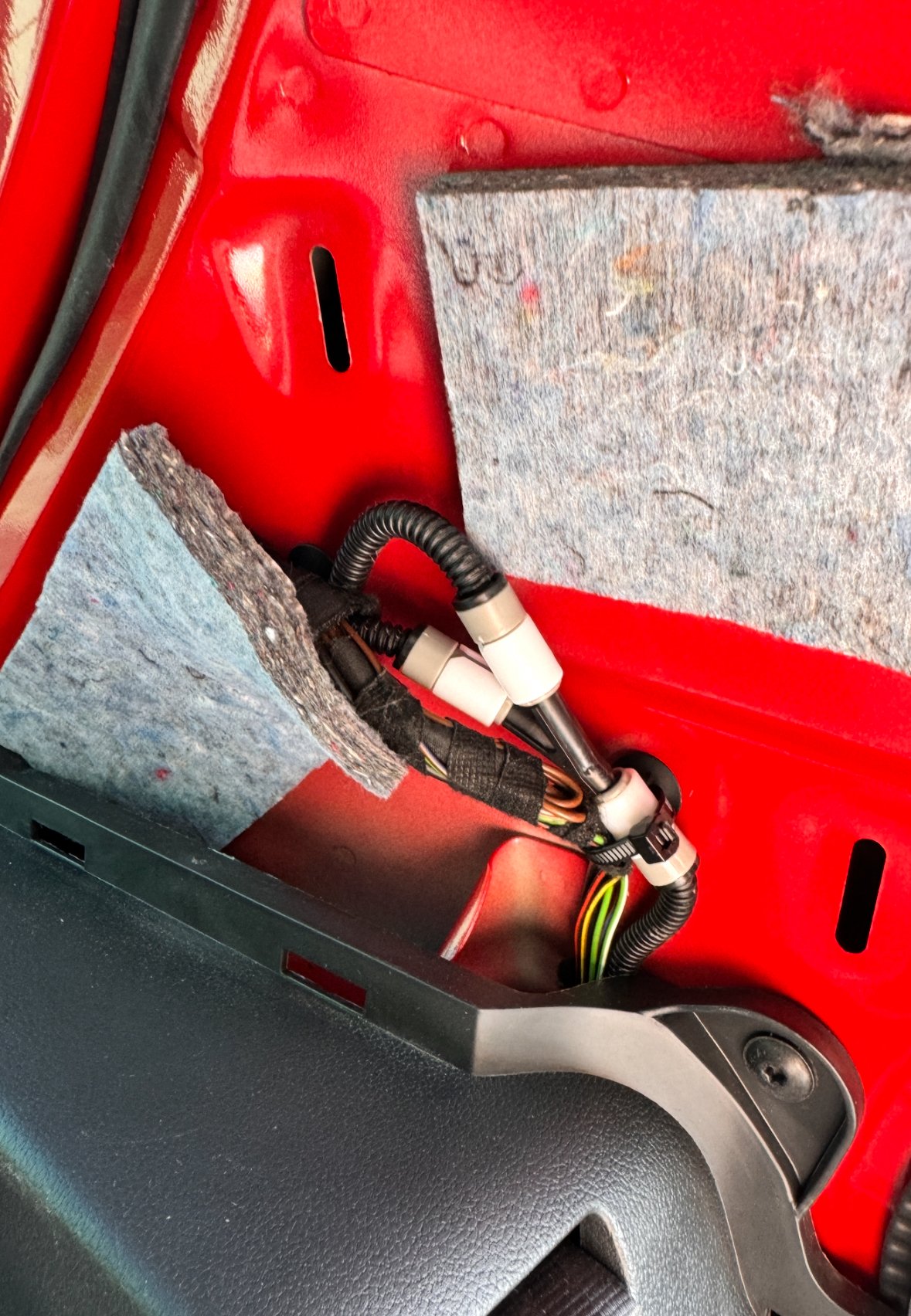
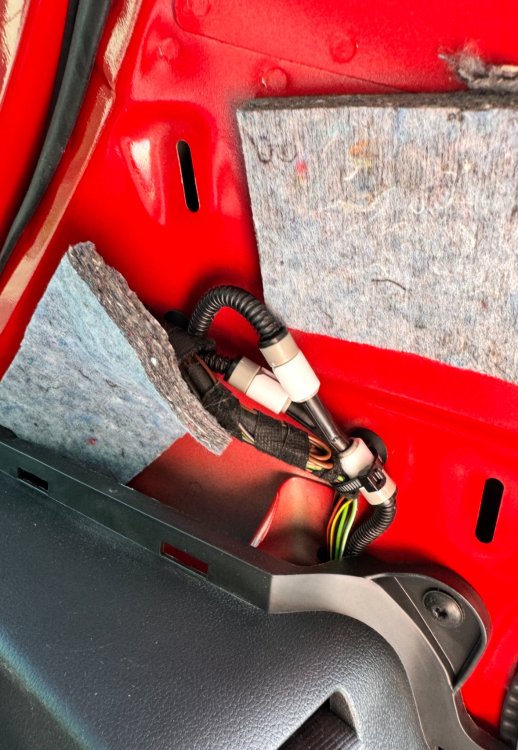
The Y connector is - 1J0 955 873 D The connections you need are Female: 5J0 955 871 A Male: 5J0 955 871 B I usually buy my parts from LLLParts, They take a while to arrive but they’re cheap and brand new You’ll need 4 of each, But I bought extras just incase I lost/broke some! I tried Aliexpress parts first and just, don’t bother 🤣 The only thing I did use from Aliexpress was the hose itself, It was so much cheaper; I just trimmed it as required, You can tap into the washer line in the C-Pillar on the left hand side
-
Did you manage to find the wiring loom in the end?? I retrofit the reversing cam myself, including the plumbing for the washer, so if you need any help feel free to reach out
-
-
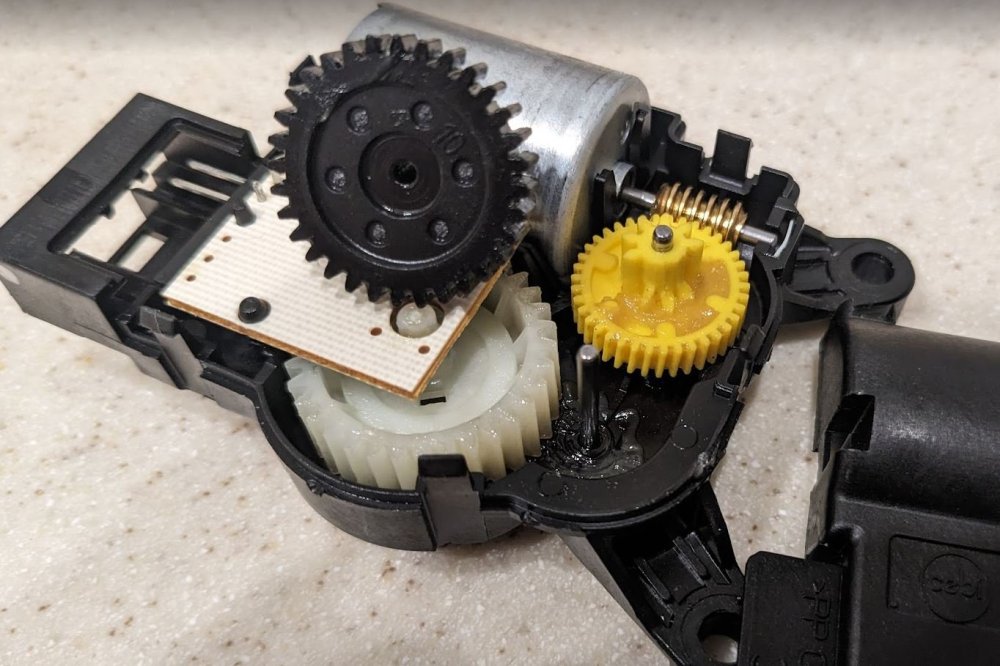
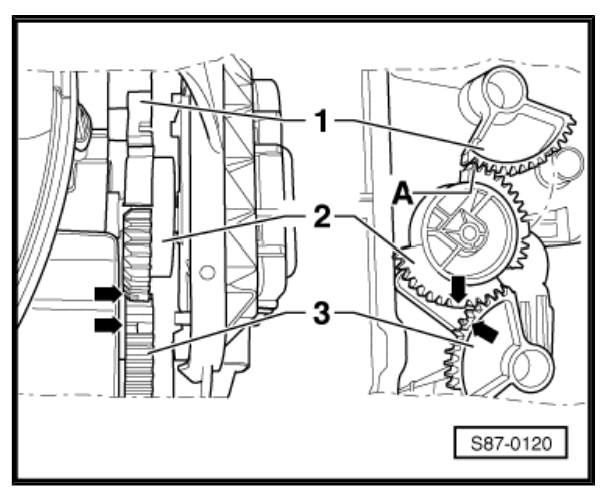
I actually just did this job today, My motor started clicking a few months ago and I only just got time to do so. I didn't purchase a new motor, I fixed* my current one. I found that, somehow, it had popped it's casing off. The black cog seen below was the culprit. Upon repositioning the black cog correctly, amongst some cleaning and greasing, I put the casing back on and found two of the clips that hold the casing on were loose and let it pop out easily, so I stuffed some tissue behind them to help hold the casing firmly shut. I then spent what felt like an eternity trying to put the motor back in the correct position. Note when returning the motor into place, the correct positioning for the cogs, and note the 2 arrows indicating the "key"; *This diagram is from a RHD Model, so its flipped. *I dont know how long the fix will last, Maybe ill need to purchase a new motor. But for now, its working
-
I have a 2017 Monte Carlo, 1.2 TSI. I suspect the MC & SE L’s will all have the correct BCMs for cruise, given the base level of tech you get with them. SE and S on the other hand is where it’ll get tricky. Colour edition comes with Cruise (but no speed limiter) as default.
-
The kufatec retrofit website only states; On-board power supply control unit with part number 6C0 937 085 X must be replaced (X stands for any letter) From this, I gather than any BCM 086 or above would support the CC. But I cannot confirm for definite. My BCM is 089 D and definitely does.
-
I can’t remember the exact BCM part numbers that support it, I’ll have to try dig for them, but generally if the vehicle already had a speed limiter and has front assist, it’ll support it. Really though, The skoda dealer should’ve checked this…
-
When I went to my dealer for the job, I paid for stalk + coding altogether. Unfortunately, they fitted a faulty stalk which made my high beams not work, but they refused to accept this and put it down to incompatibility. I fitted my own stalk and everything worked fine, they refunded me and apologised that my “vehicle isn’t compatible”. As long as your BCM supports CC, you could order a new product yourself for them to fit. Part Number I used was 5E0 054 800
-
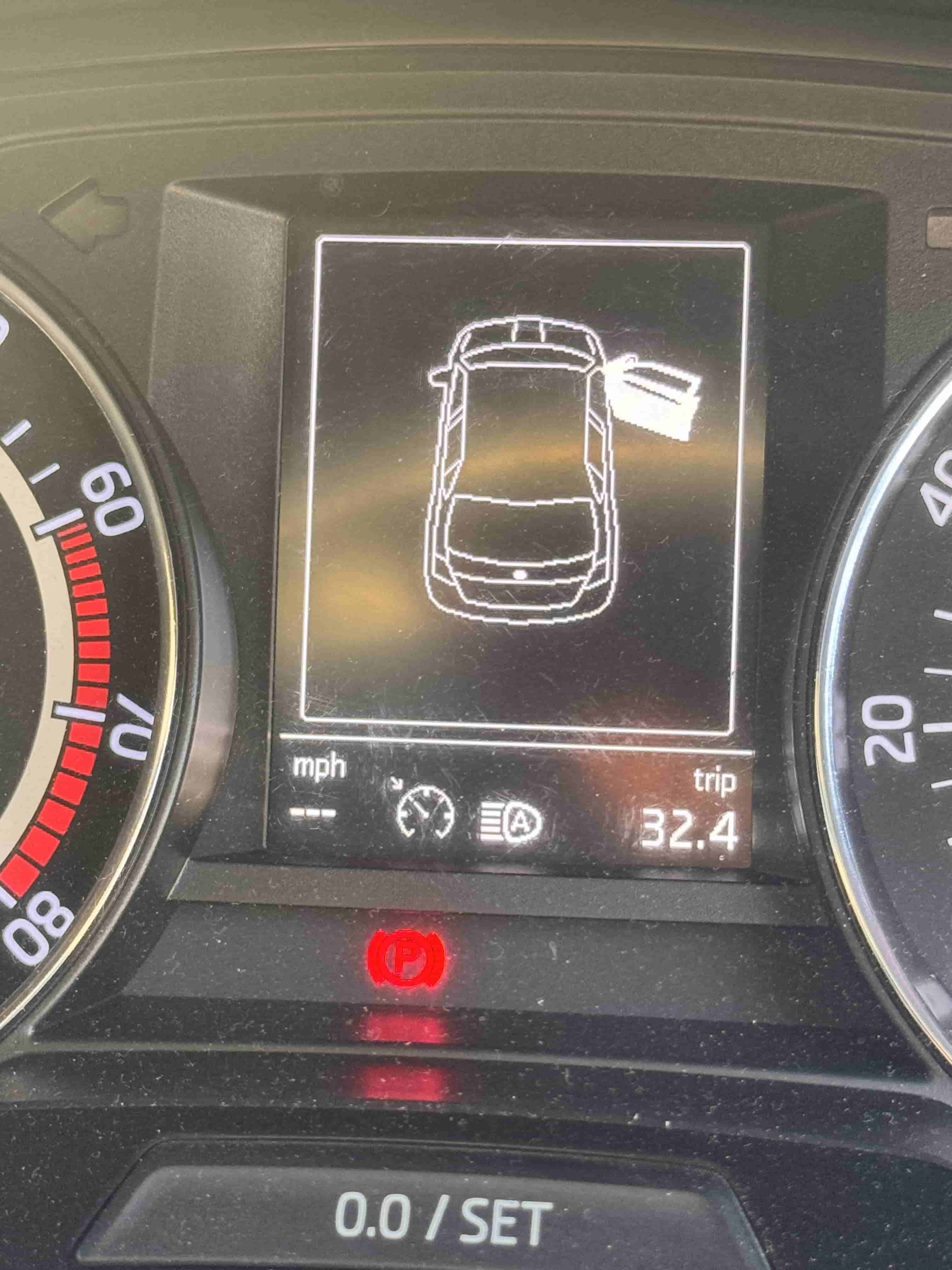
Apologies for the delayed response, I've had a very busy few days. AFAIK this is not possible. Windows should be powered via Fuse 30 "Power windows, light switches, reverse light switches, control unit for air conditioning system, control unit for park assist, exterior mirror, power feed for center button strip, power feed for side button strip, interior mirror" which is an ACC switched. Its really annoying, I know. Its especially annoying that models with rear windy windows dont have one push open/close! Simply clever.