




Intercity125
Finding my way
-
Joined
-
Last visited
-
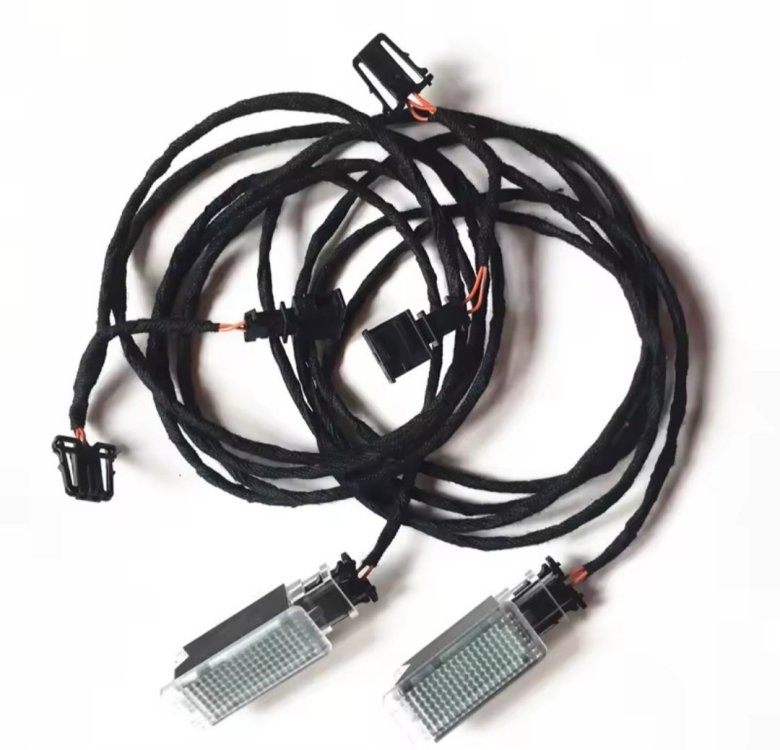
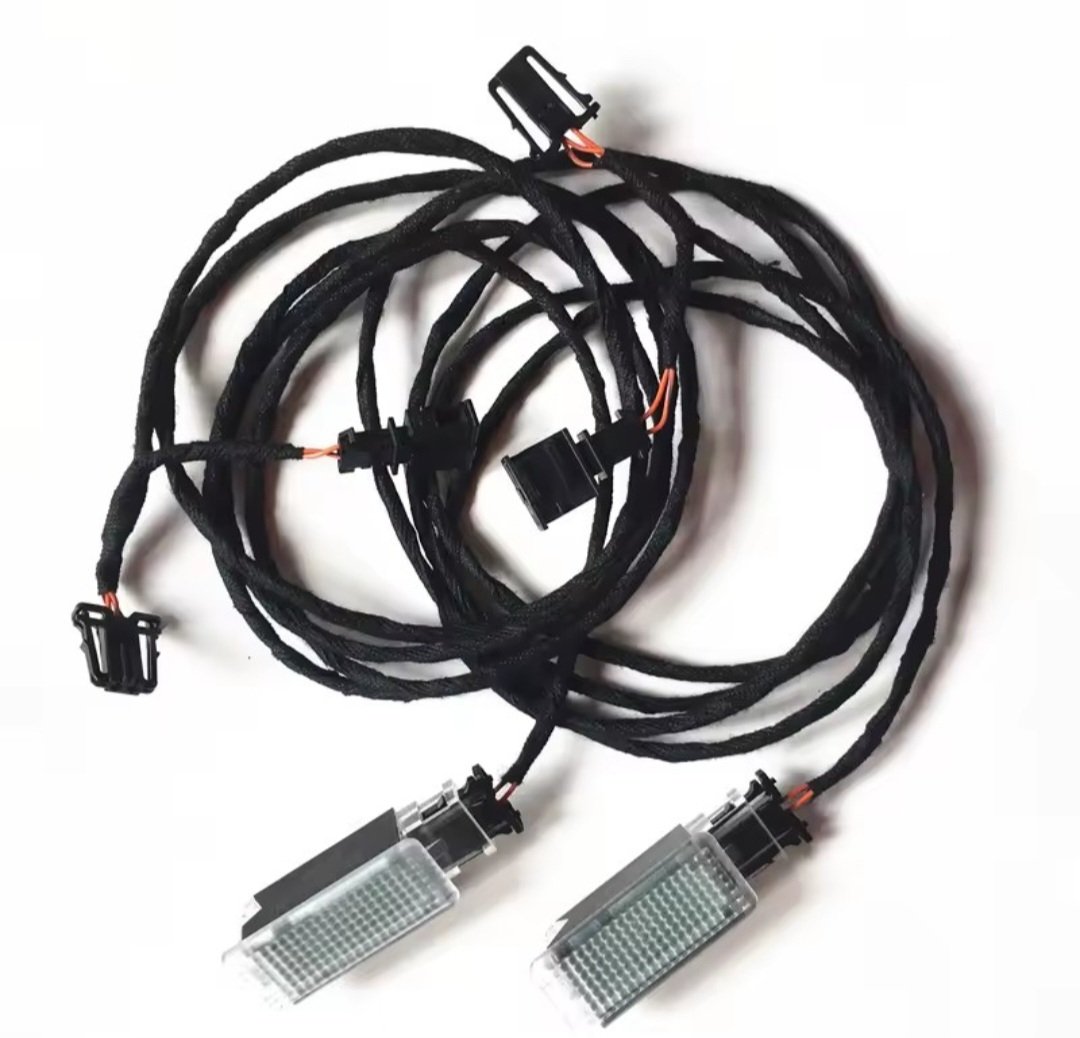
Many thanks Madols. The coding I'm sure I can do with my obdeleven, yes it's SFD2. It's just where exactly do I plug the leads into. I looked at the VW Golf video on YouTube and the kit he uses has a pin at the end of one wire abd an earthing point on the other. Mine just has push in plugs/clips
-
Any pics/instructions on how to connect to the BCM? I've bought the Y wiring adaptors with plugs and 2 led lights for front footwells, I can see the BCM underneath drivers side, Fabia 2025, and that's it. Gone are the days when I could go out and buy a Haynes manual and see how to do everything myself 👍
-
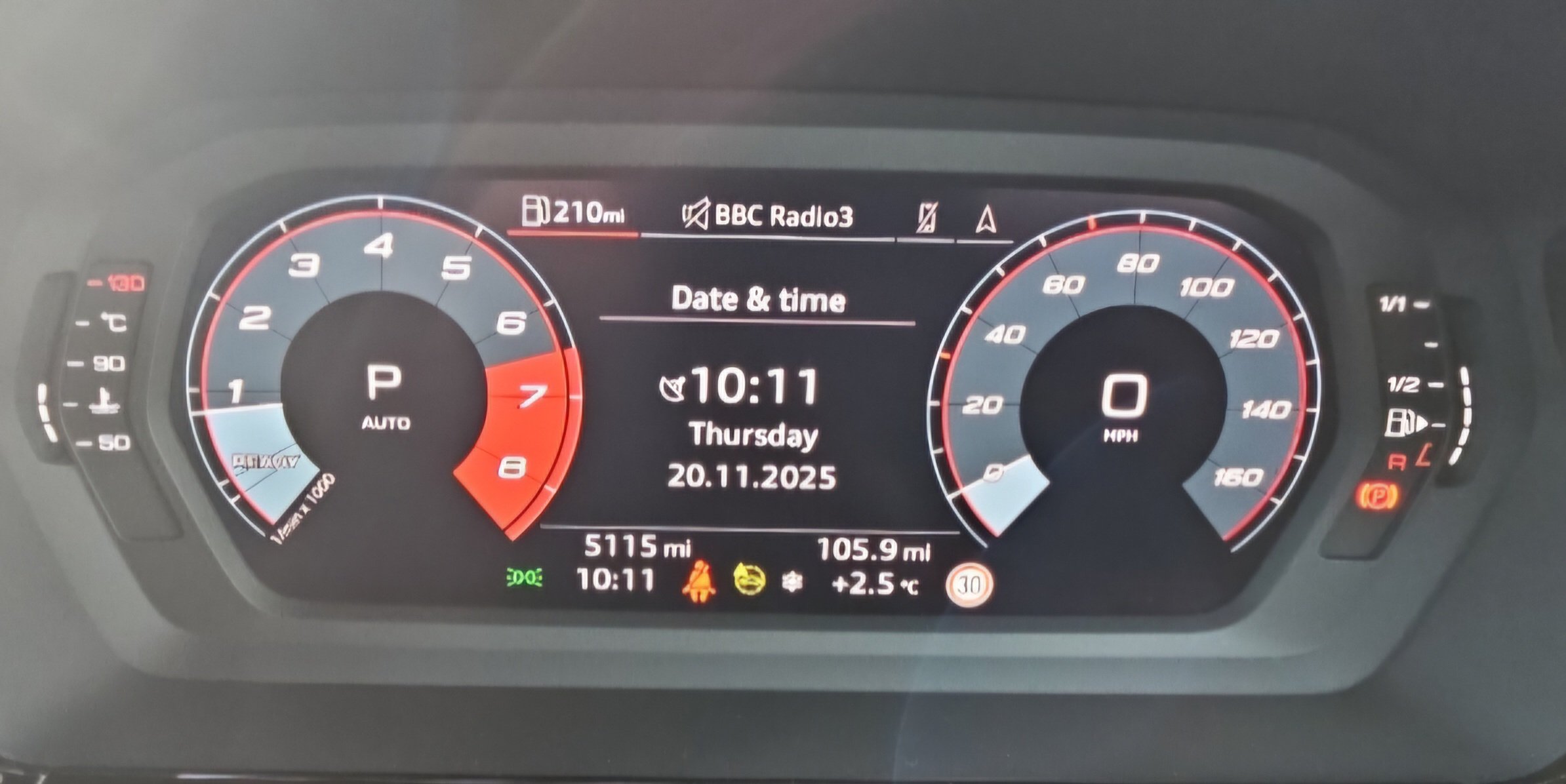
As above really, Karoq Sportline Edition 2025, date doesn't show on home screen or any screen, either on the MMI or virtual cockpit, which is strange. You can only see the actual date if you click settings and date! Well that's no good. Surely the date, like the time, should be visible. Unless I've blatantly missed something? 👍 In my previous S3
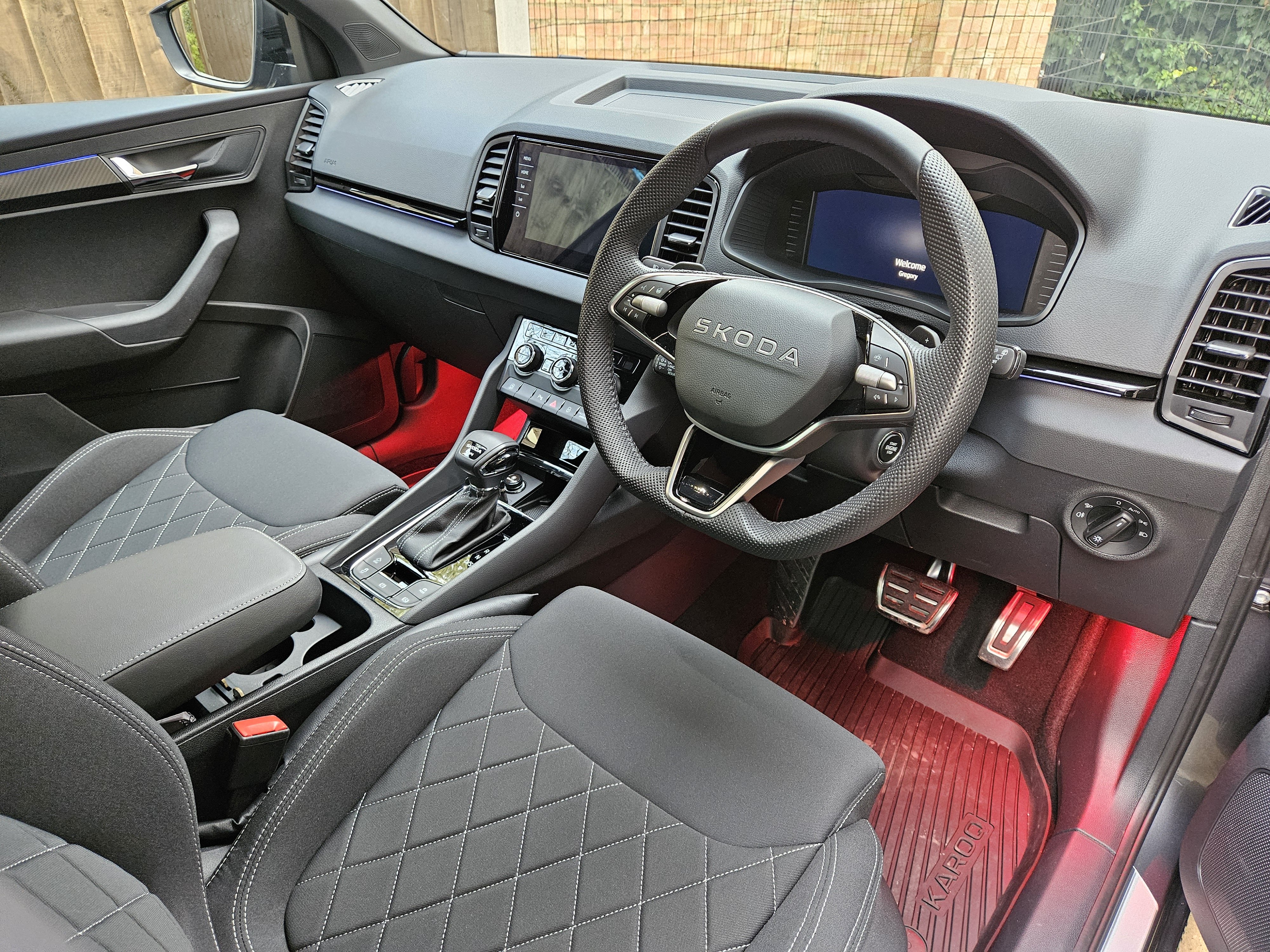
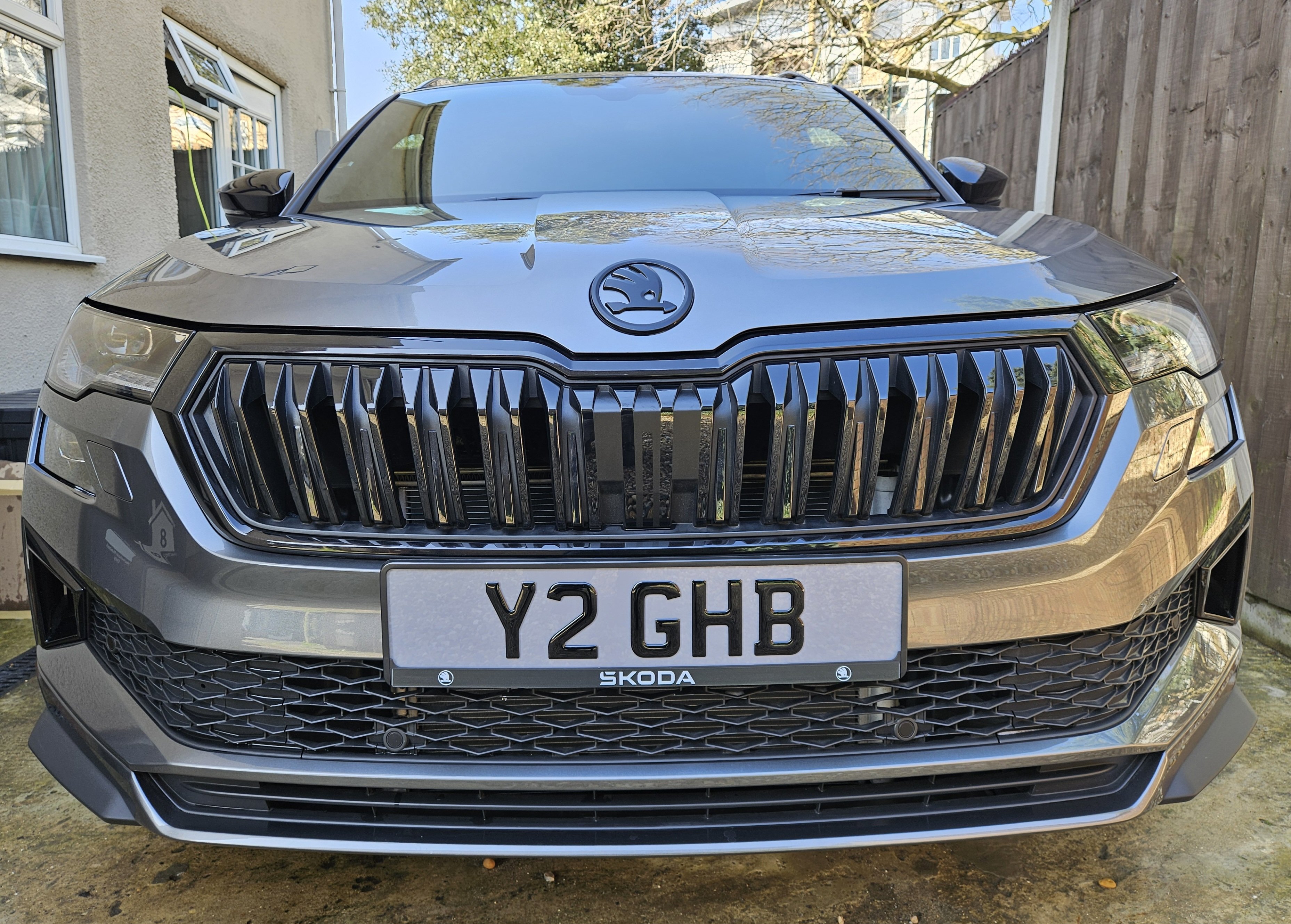
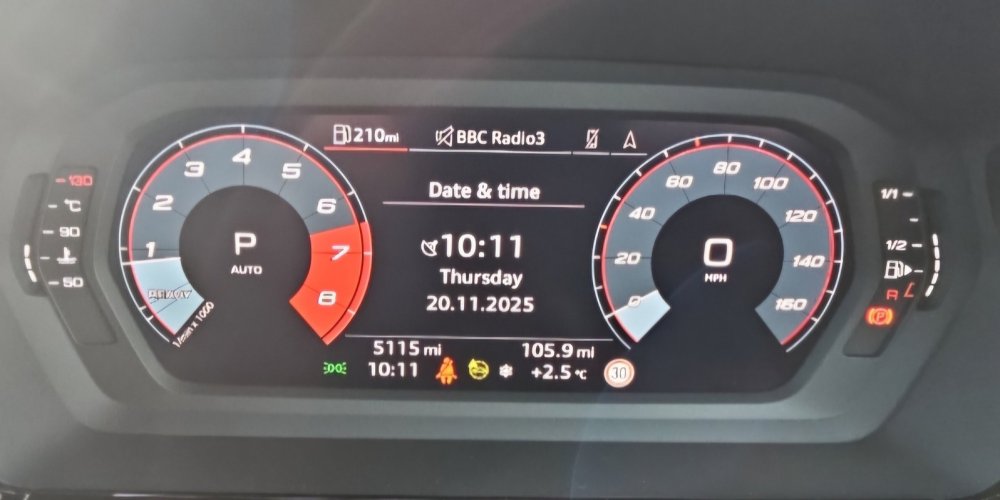 I recently bought a Karoq 2.0 Tsi Sportline Edition, and am extremely pleased with it in every way. Coming from an Audi S3 2024. I wanted primarily more seat comfort, more compliant and adjustable suspension, also something with good power. I can highly recommend the Karoq as an excellent fully speccd SUV with very good handling, quiet cabin, roomy, remarkably comfortable seats, high quality interior, visibly well made too.

Important Information
Welcome to BRISKODA. Please note the following important links Terms of Use. We have a comprehensive Privacy Policy. We have placed cookies on your device to help make this website better. You can adjust your cookie settings, otherwise we'll assume you're okay to continue.