kitkat72
Finding my way
-
Joined
-
Last visited
Everything posted by kitkat72
-
Just a update not had the glow plug coil light on since the codes have been cleared (last Wednesday) BUT I've not been taken any of the gears above 2.5krpm & I've covered close to 300 miles!! So when I do decide to give it some & the problem returns surely it's got to be the turbo boost pressure sensor!
-
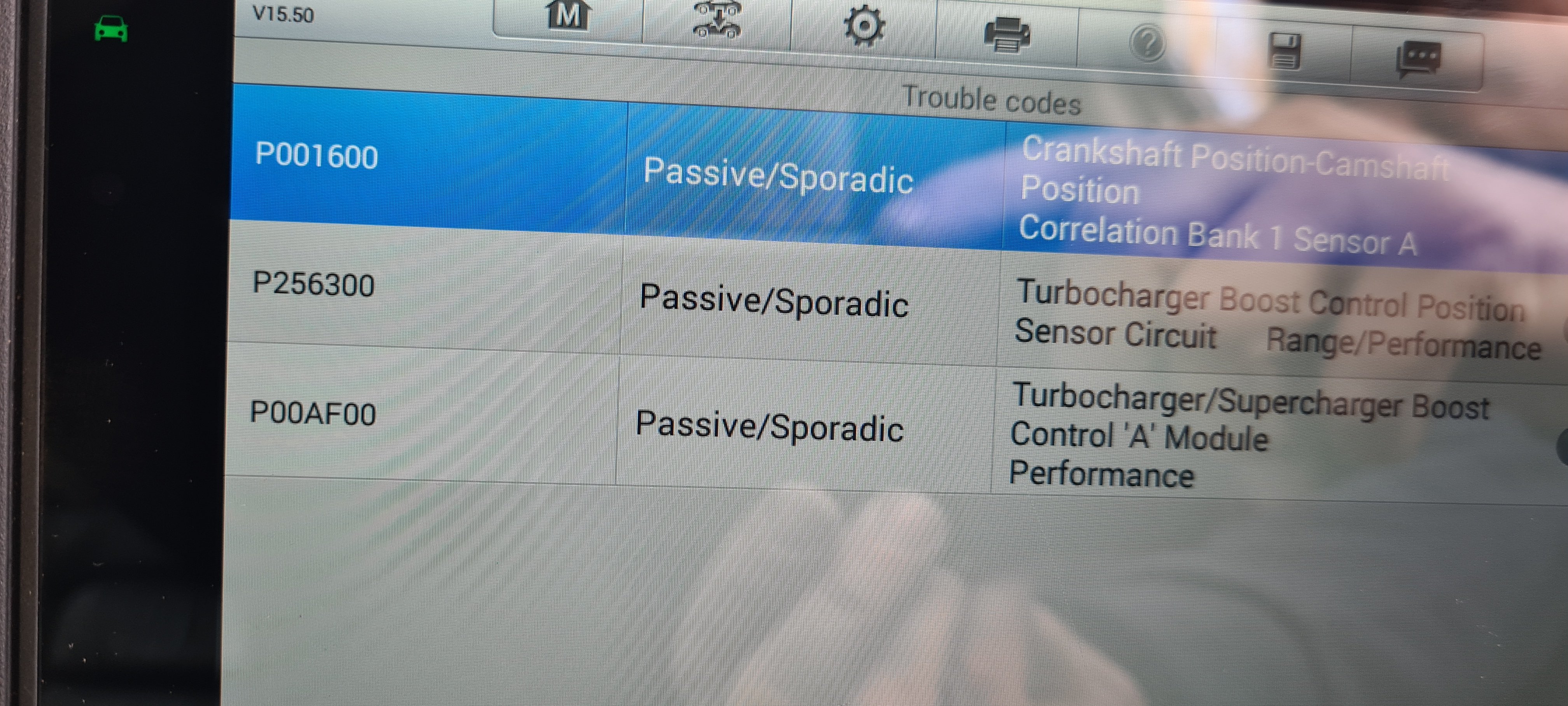
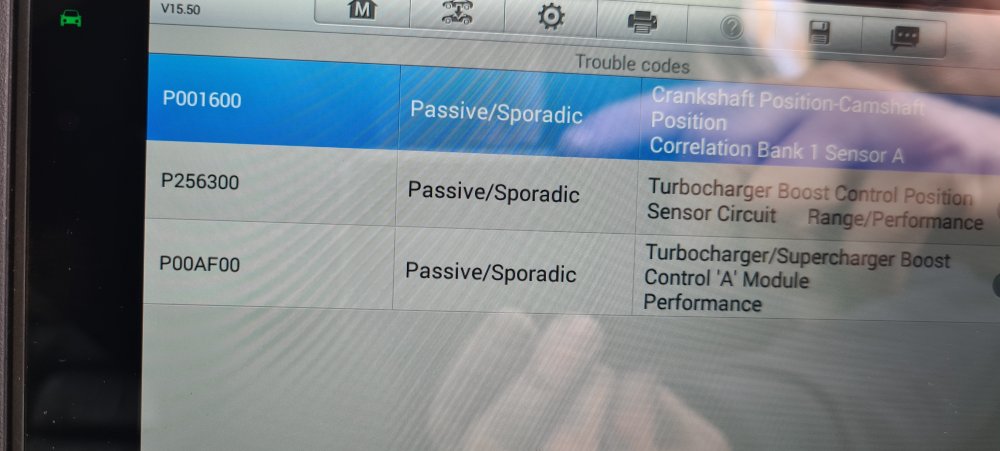
Hi all So lately my coil light symbol has came on and is flashing car then runs on limp mode no EML light just coil light restart and is fine! Plugged into reader got these fault codes P001600 P256300 P00AF00 Car has just covered over 200k miles had all 4 glow plugs replaced at 160k am thinking it's the turbo boost position sensor anyone had similar experience? 2014 2.0ltr tdi 170bhp Thanks
-
Hi All As the title says I been having this problem in the past year maybe once every few months!! and now it's beging to happen maybe once a month and today being the worse 3 times in the one shift!!! Only seems to happen when car is warm starts fine but soon as it starts the engine dies with the glow plug light flashing! Restarts 2nd attempt no problem and runs fine no EML or glow plugs light staying on! Replaced all four glow plugs recently as I had cylynder one glow plug fault BUT am not 100% sure did I have this fault before I renewed the plugs🤔 I changed the plugs with original ome (bosh) car has covered 186k as it's a ph taxi am now thinking could maybe fuel pump? Would the ECU have any fault codes stored even tho I have no engine management light on?