Domus
Finding my way
-
Joined
-
Last visited
-
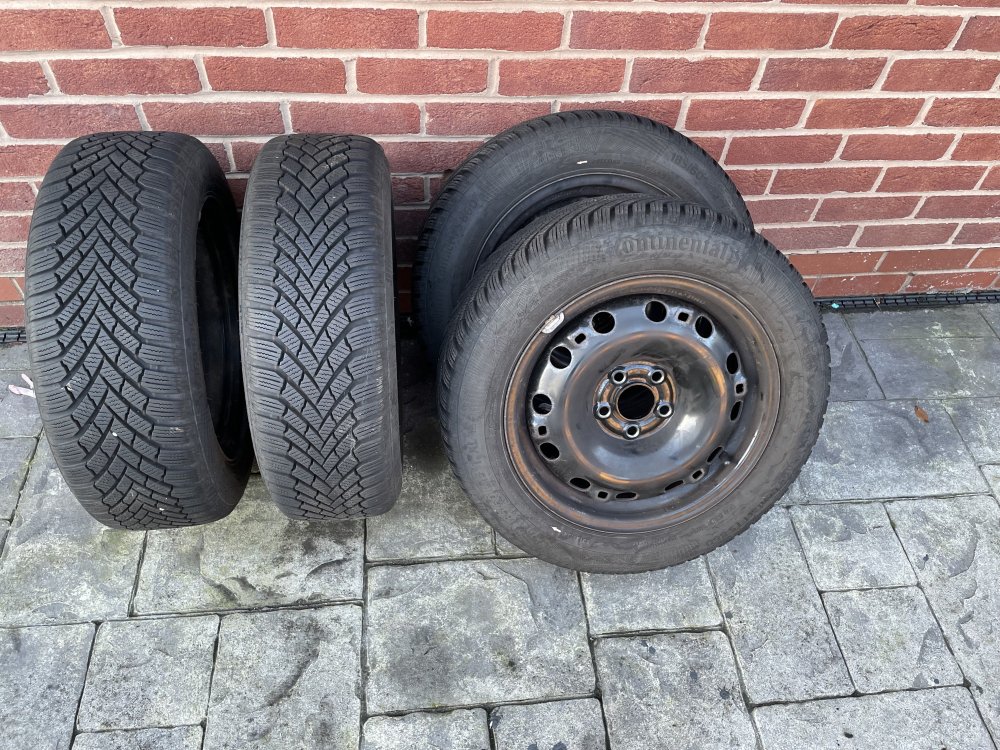
I really need these gone. £100.00
-
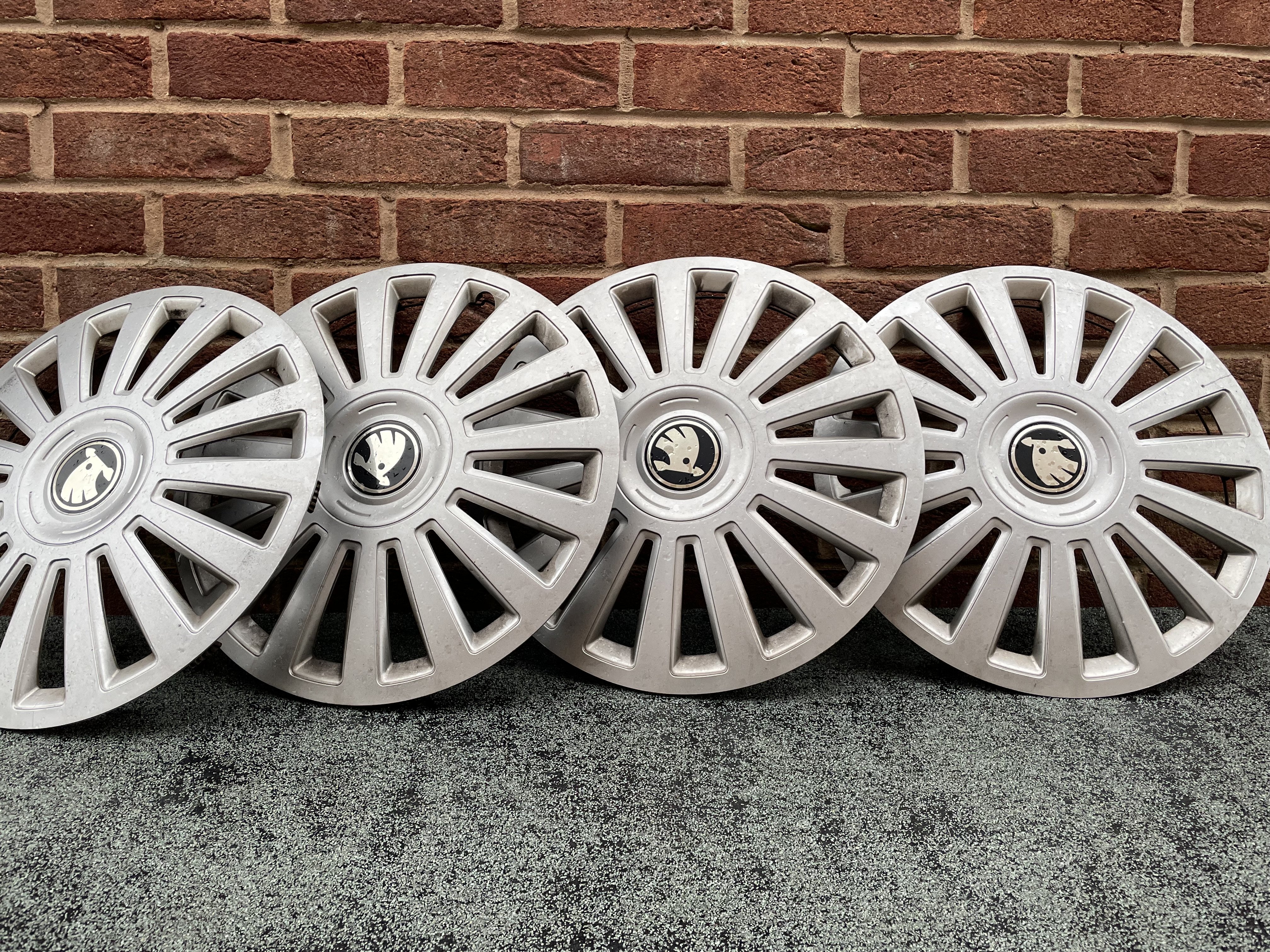
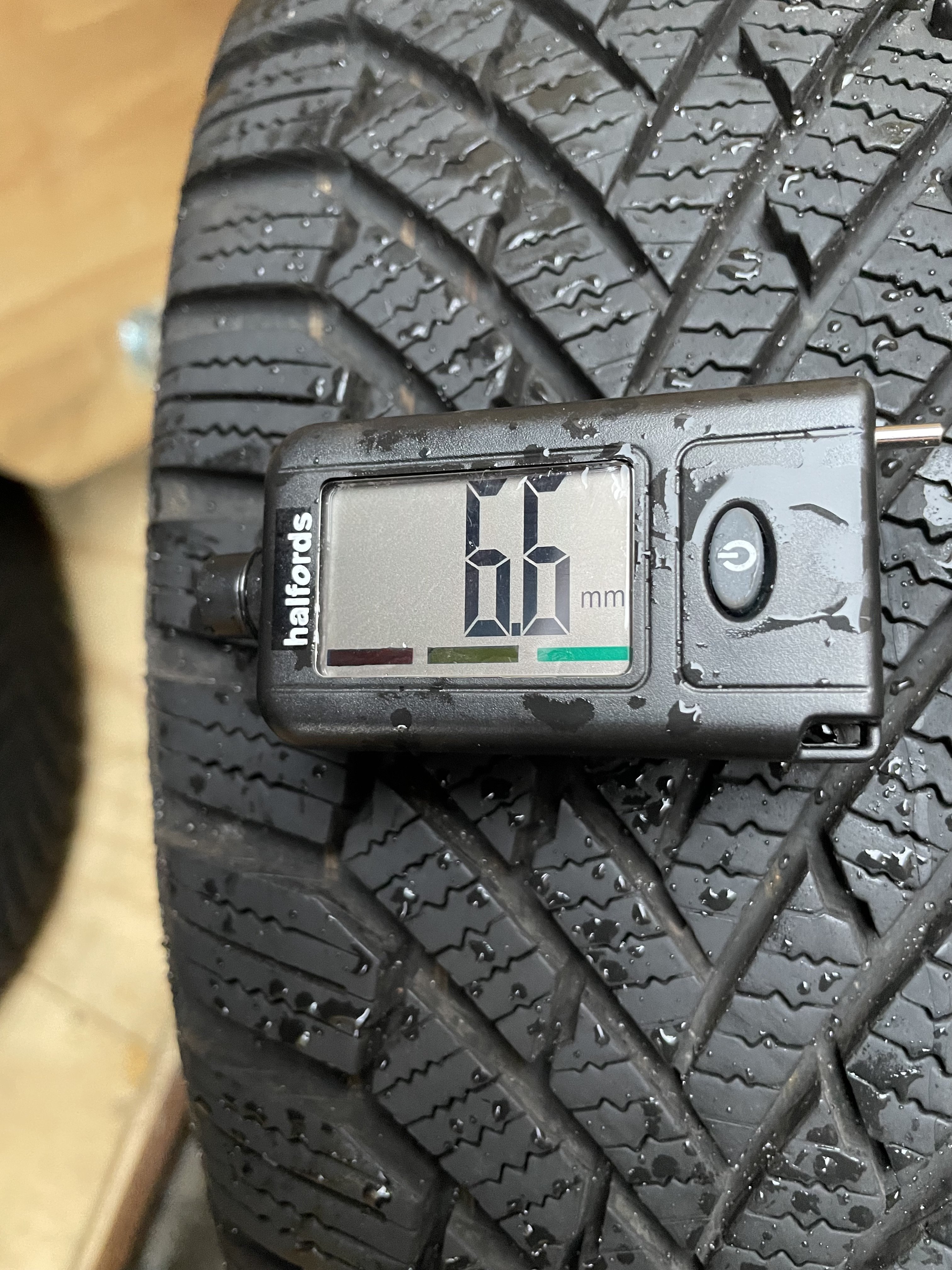
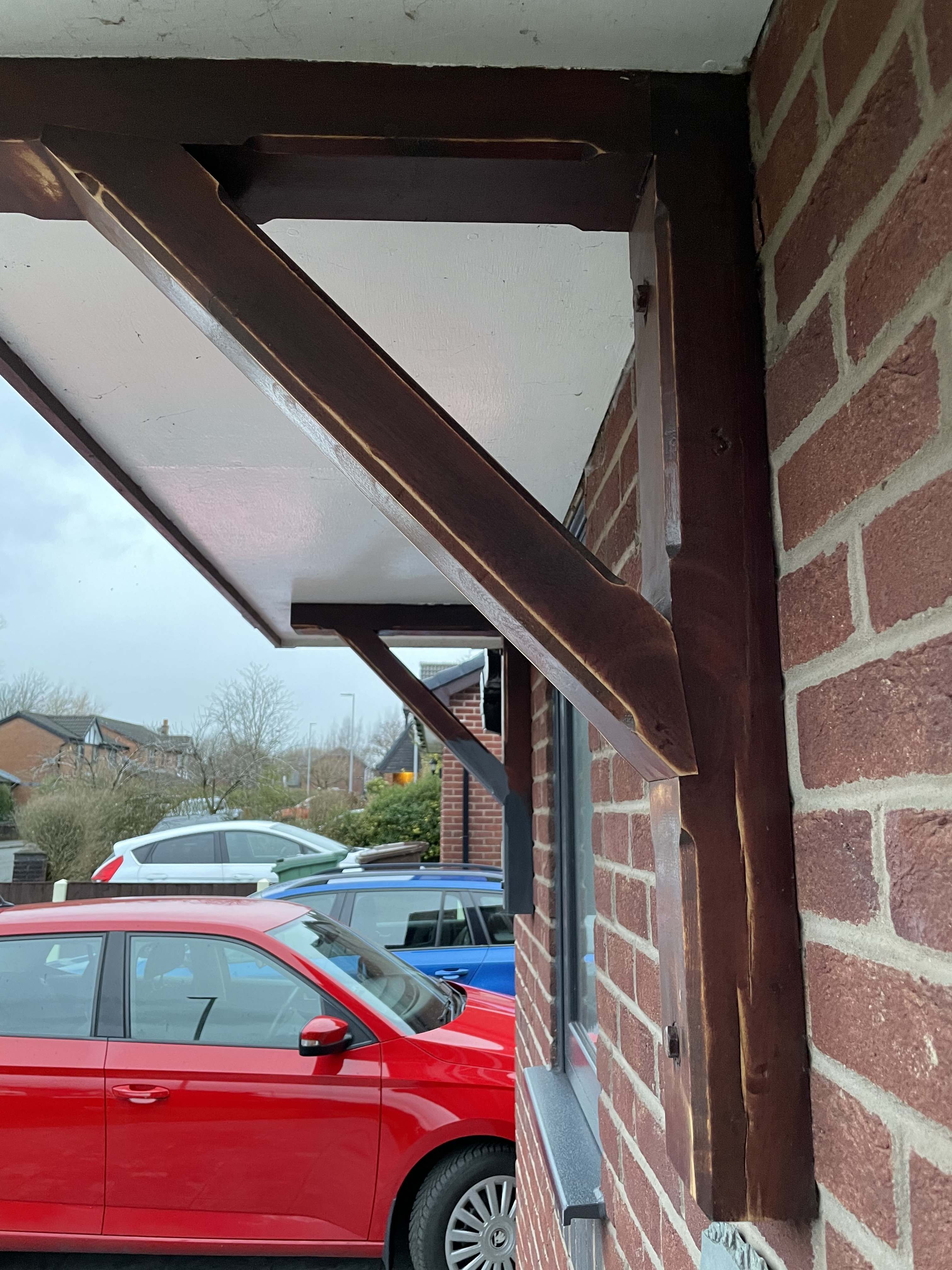
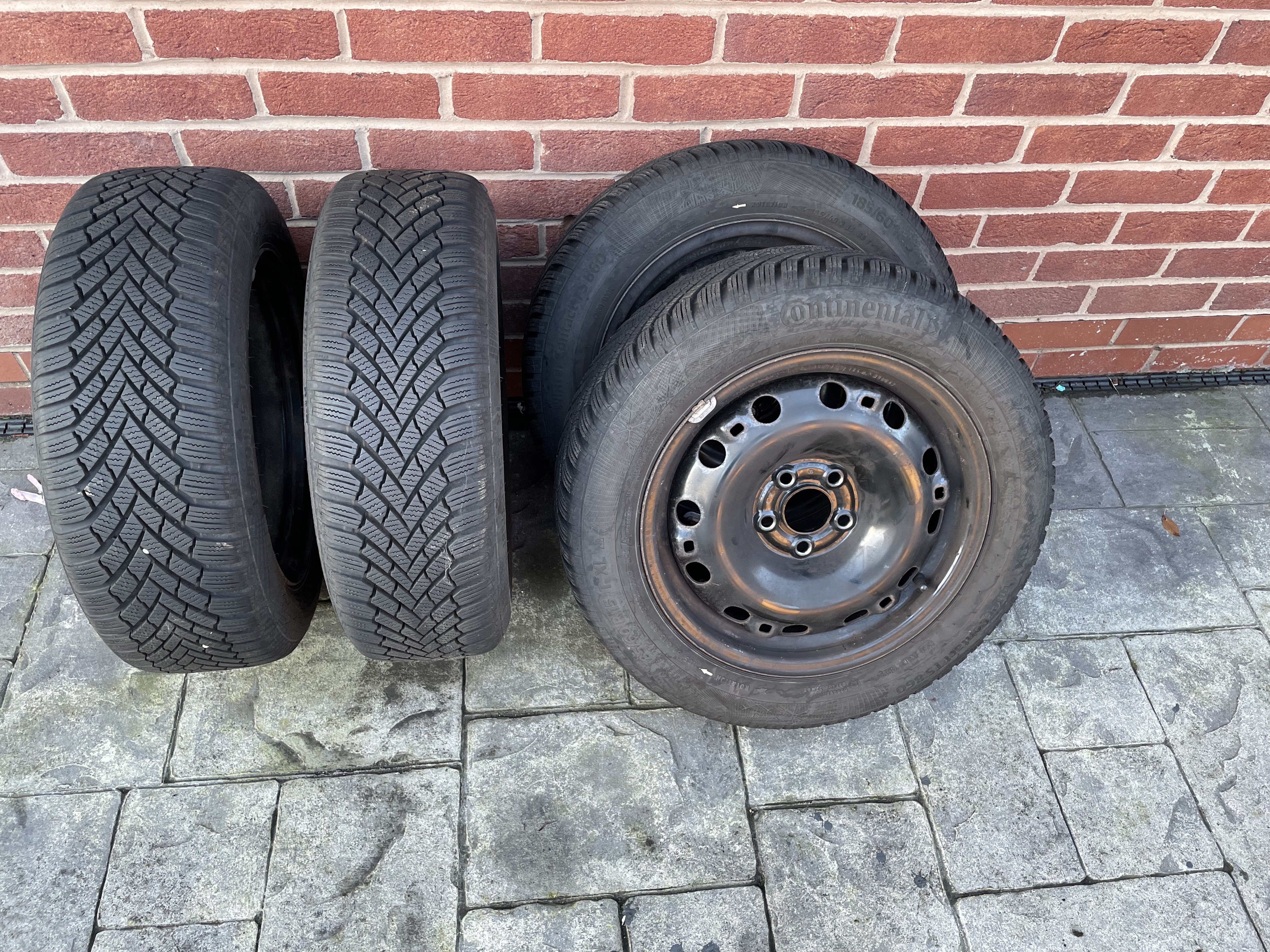
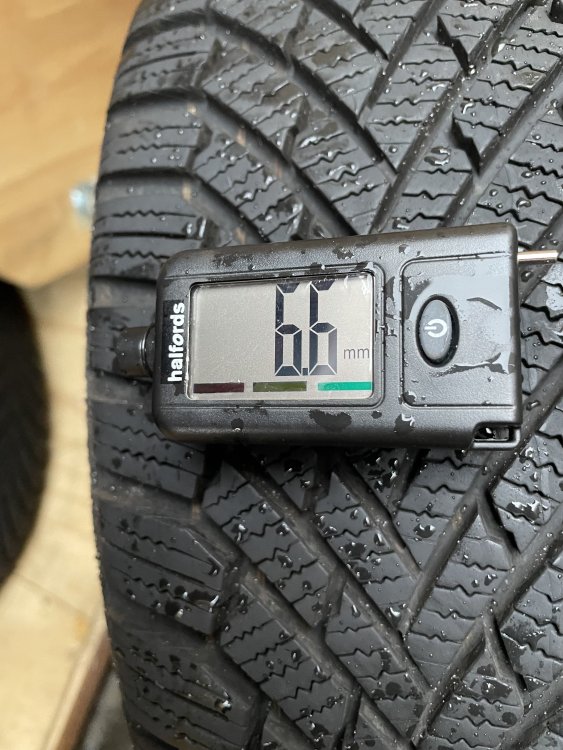
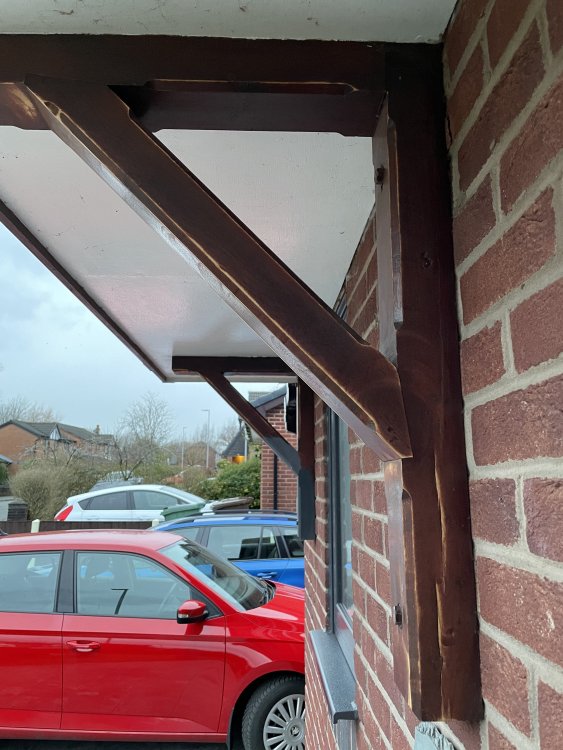
As requested, trims, tread depth is around 6 - 7 mm. Only pic I have showing wheels on the Fabia.
-
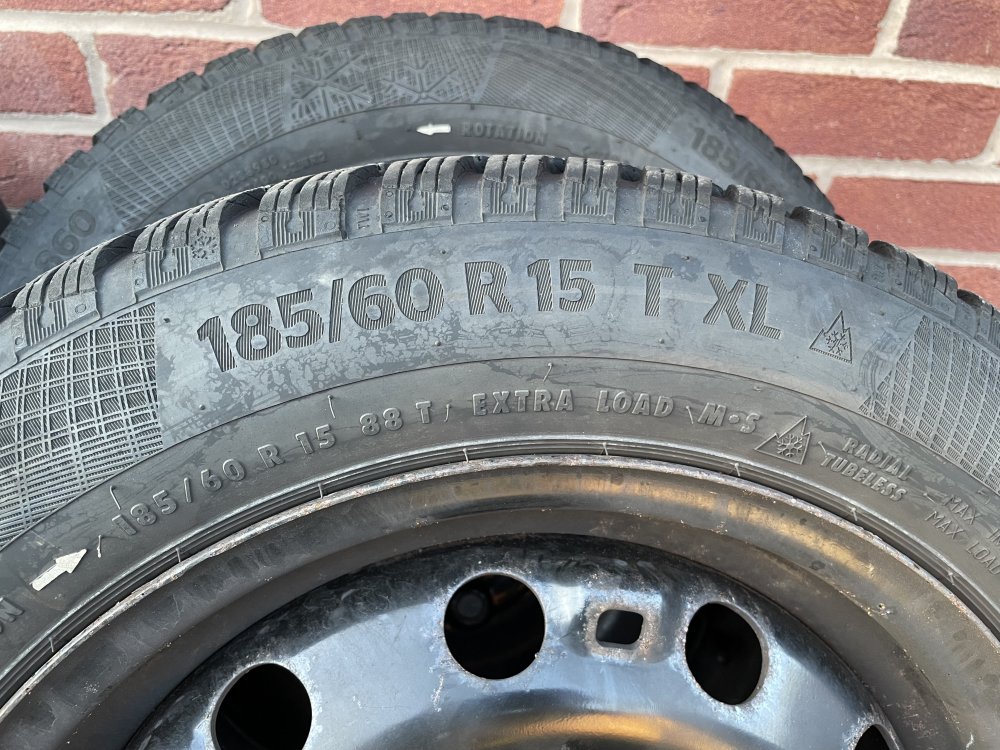
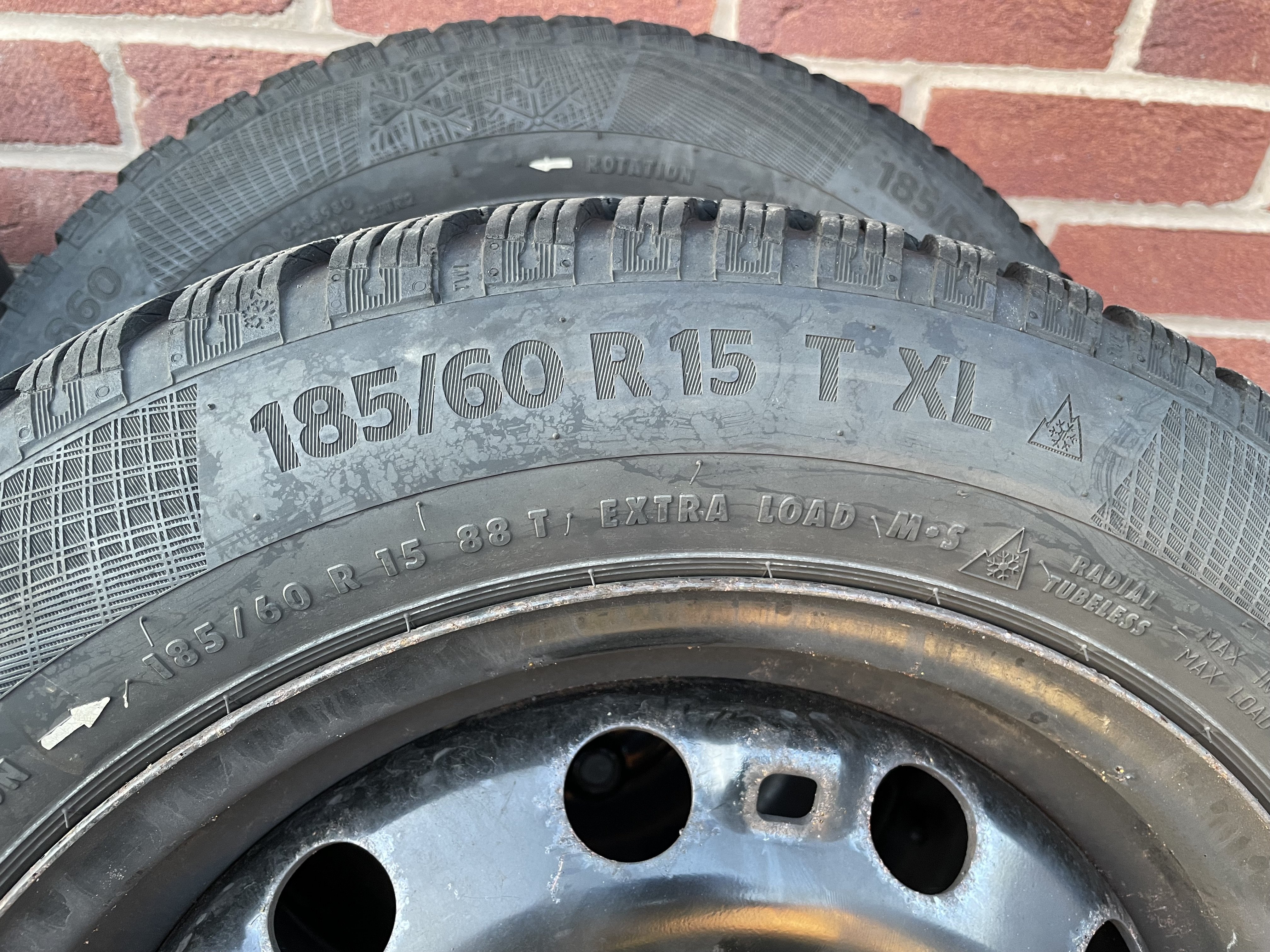
Granddaughter having sleepover will get pics after lunch. Tyres are Continental Continental Winter Contact TS860 (Winter Tyre) product description & features Auto Express Winter Tyre Award Winner, 2018 V-shaped tread offers greater grip and better traction Cool Chili compound reduces braking distances The Continental Winter Contact TS860 is a winter tyre designed to build on the safety performances and abilities of the successful TS 850. The WinterContact TS 860 was named as the winner of the Auto Express winter tyre test - 2018. To deliver a more effective braking performance, even on icy roads, Continental have produced 'Liquid Layer Drainage'. This new system works by incorporating an extra channel that is moulded throughout the tyre's tread block to allow water to quickly drain - helping to reduce braking distances on icy and slushy roads. Continental have designed the WinterContact TS 860 with a V-shaped tread pattern, featuring 'SnowCurve' technology. With its 3D groove wall structure and, additional groove, the tyre is able to enhance the meshing effect when driving on snow - this helps to deliver stronger grip and enable more powerful better traction when driving on snow.
-
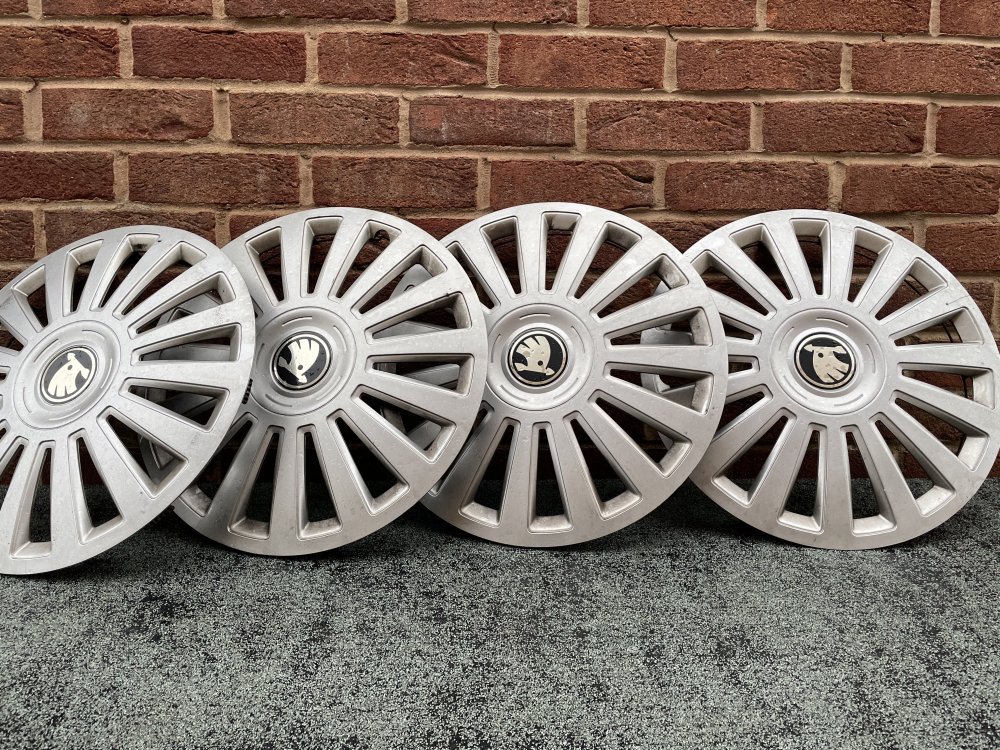
Mrs Domus has now sold her 2018 Fabia and so we have a set of winter tyres on steel rims cluttering up the place. Save those alloys from salt. £50.00 per corner with quite attractive full wheel trims with Skoda emblem, as new as her winter miles were few and far between. Collect from Manchester.