Dave2912
Finding my way
-
Joined
-
Last visited
Everything posted by Dave2912
-
Thanks for the overall positive review! Makes for a change and gives those of us who've placed orders but not yet received our cars, a bit of confidence that we've not made a massive mistake. I'm also in Fife - once I have my vRS (only ordered 2 weeks ago) I'll give you a wave if our paths cross!
-
I also have one on my current Passat. If it wasn't part of the GT standard spec I wouldn't have paid for it separately. It's nice but in reality I keep the sun shade closed most of the time so won't miss it when my Octavia arrives. Not worth the extra outlay IMO...
-
I like the colour, I'm just not sure it suits the Octavia. Just appears to be trying a bit too hard... Much like a middle-aged man dying his hair bleach blonde (think Paddy McGuiness), it's a bit too mid-life crisis. Each to their own though. I'm sure it'll look good in person, I just couldn't bring myself to own it.
-
I was talking to Skoda customer services through the online chat earlier today (checking the leasing broker had placed my order) and was told the current lead time is 24 weeks... VRS TSI hatch, manual in meteor. Only option is the rear wiper. Sounds like the 24 weeks will only increase if the factory is closed!
-
Oh, thanks for the warning! Wonder what would be offered as the base colour if meteor was removed?... Don't want to hijack the thread but interested to hear if German marked offers any clues?
-
Sorry, wasn't suggesting the PHEV was the one to go for, just the meteor grey. I'm looking to order a TSI in the next few weeks... In meteor.
-
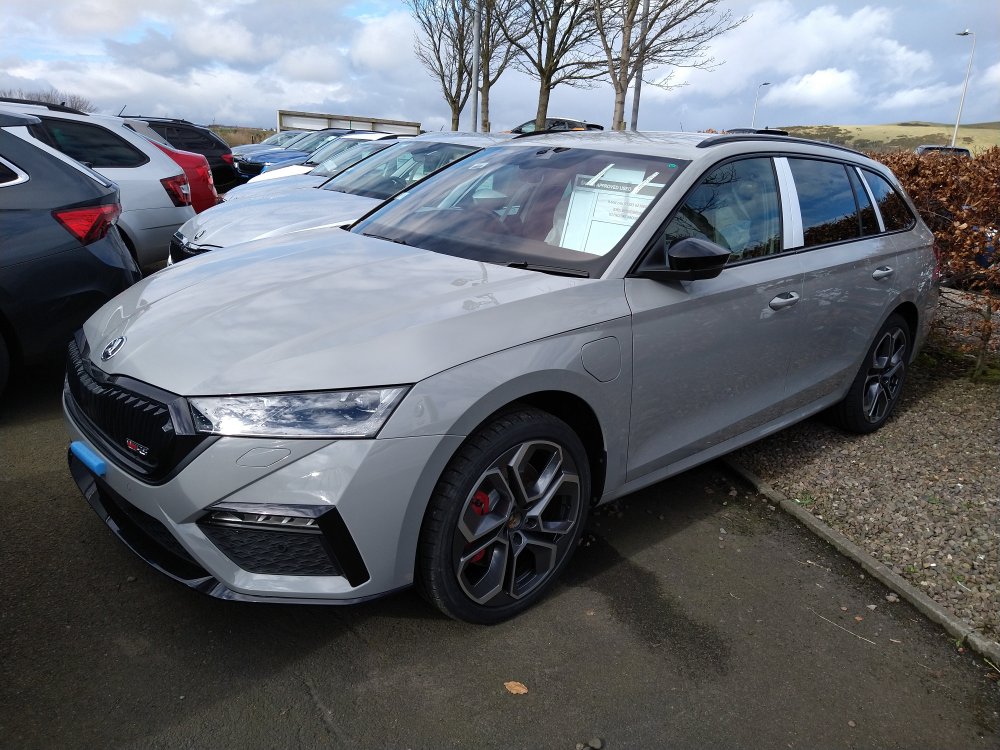
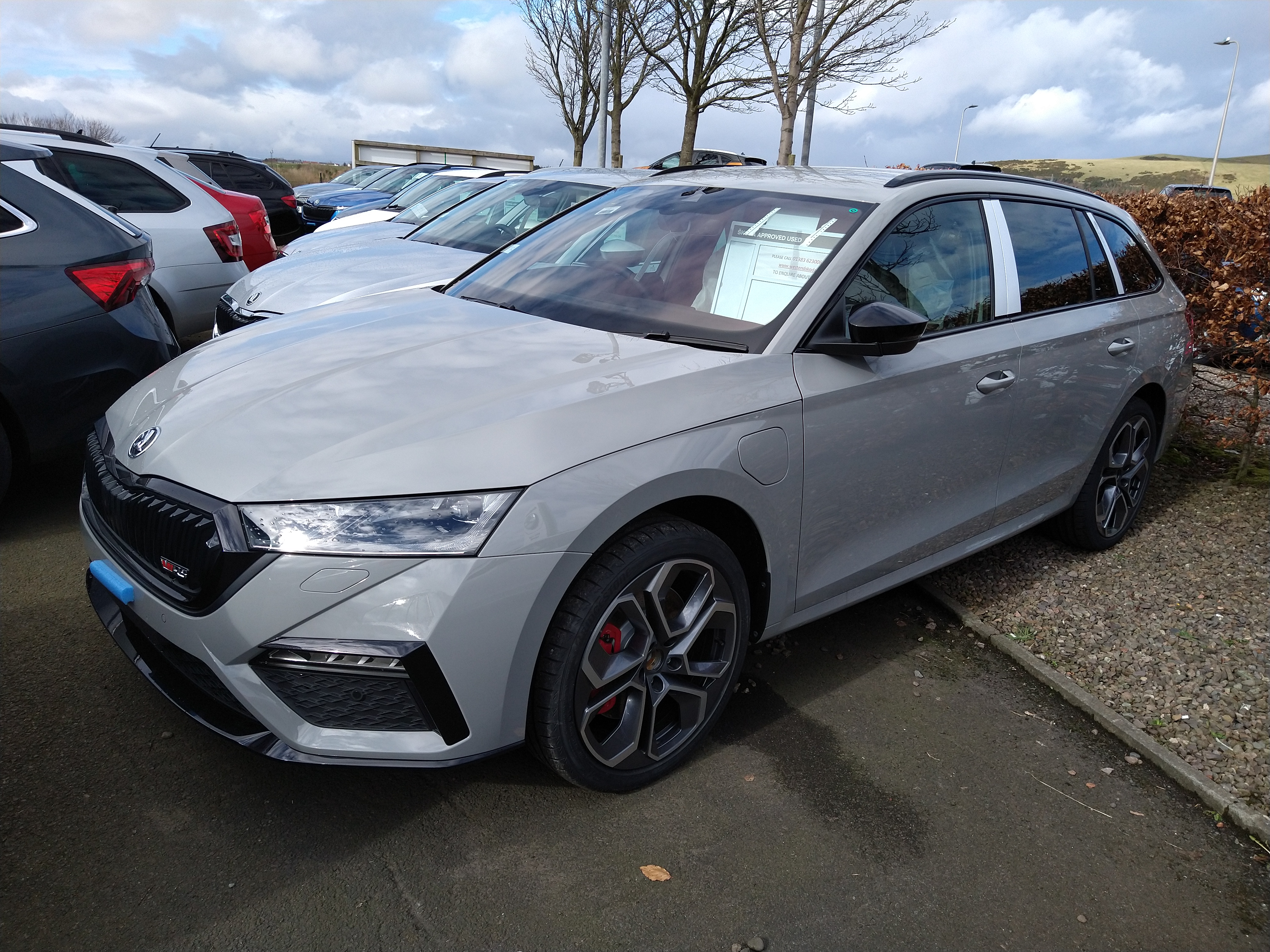
Just been at the local dealer for a walk around (just outside obviously) hoping to see a car in meteor grey and luckily they have one of the PHEV VRS on the forecourt. I'm surprised how much I liked the meteor grey. It's convinced me it's the colour to go for!