
Rybu79
Members
-
Joined
-
Last visited
Everything posted by Rybu79
-
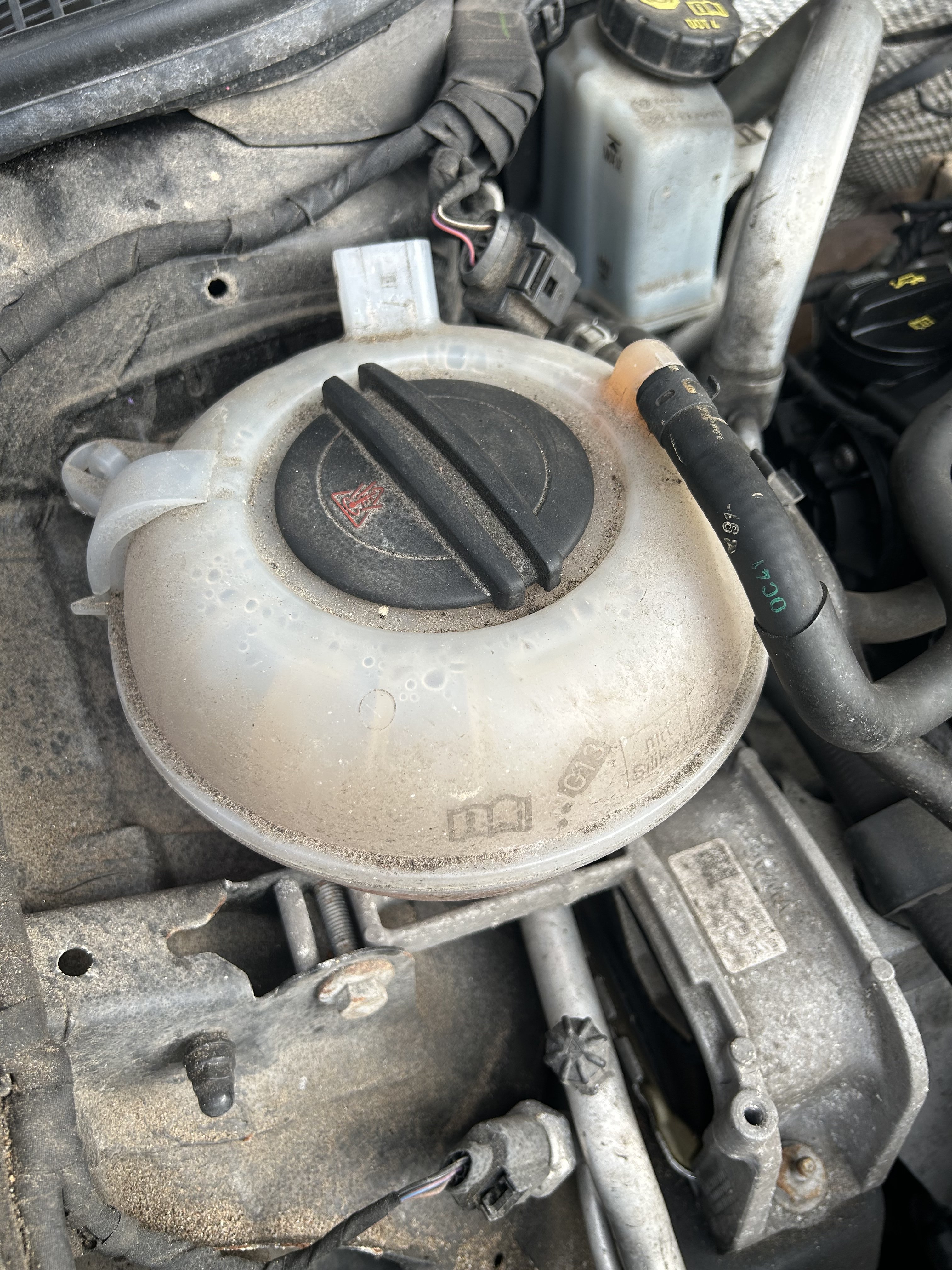
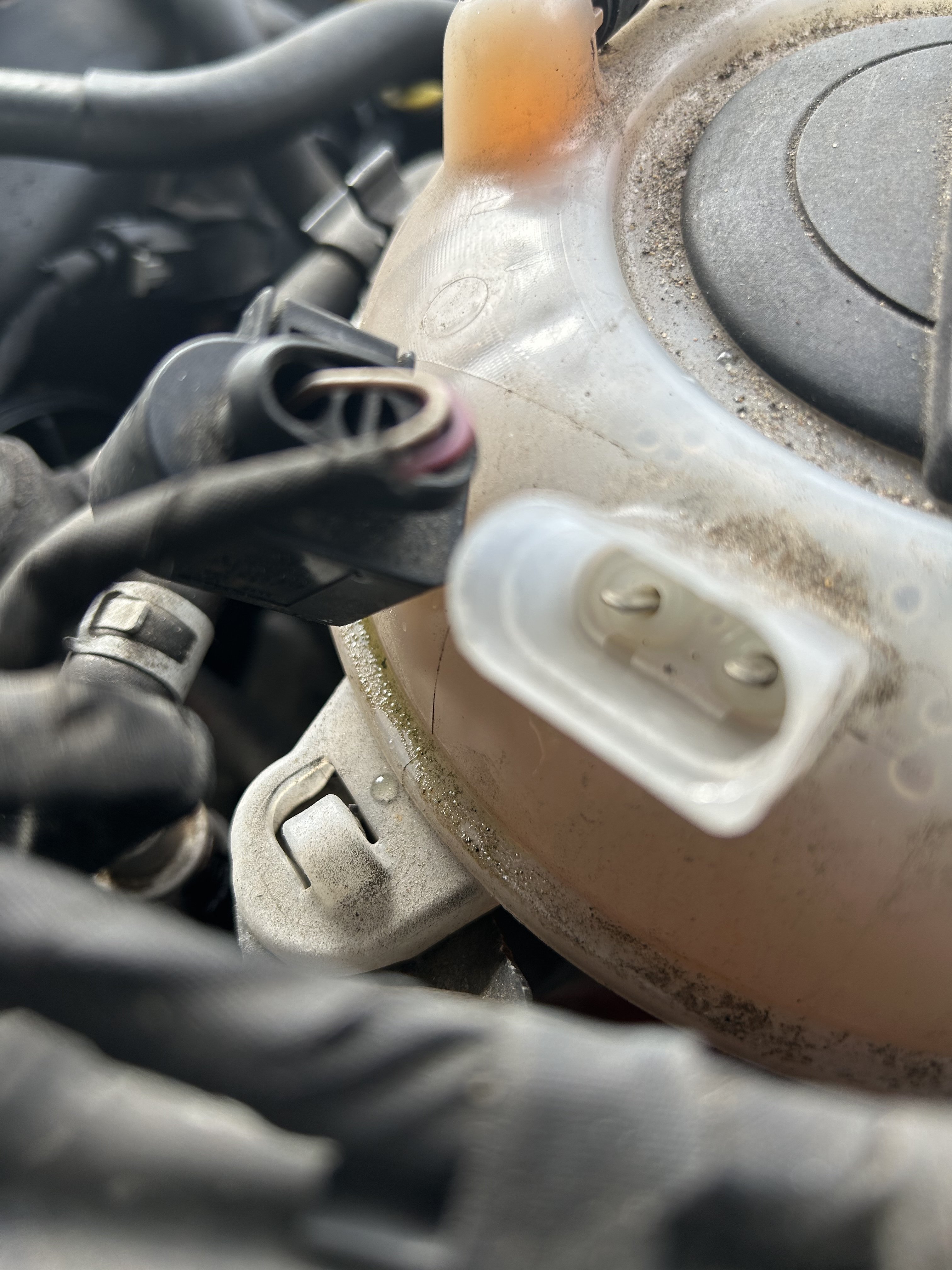
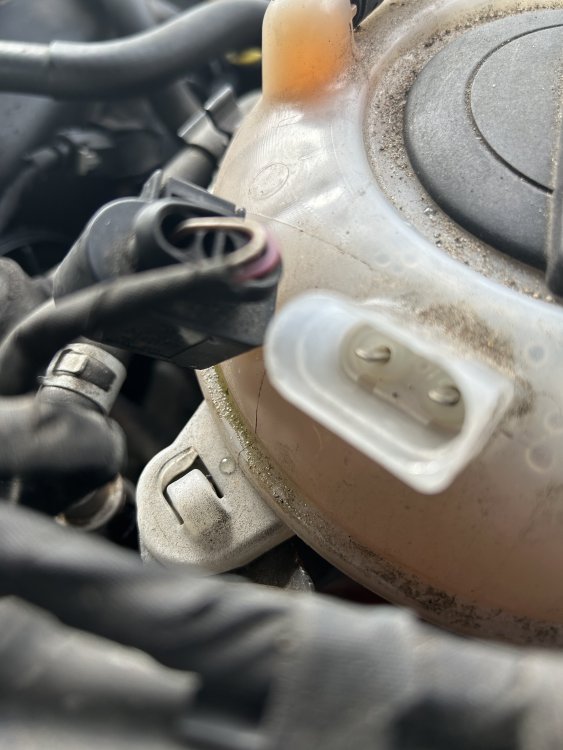
Hi all. I’ve yet to see it mentioned but my 2016 Octavia VRS estate had a leak from the connector port on top of the coolant reservoir. If I moved the connector plug back and forward you could hear the high pressure leak. this was getting the plug wet and I am sure would have led to electrical issues longer term. hope this might help someone else. pretty simple job to do with some hose clamps.
-
Yes it did. Sold the car a few years ago though
-
Yes purchases new ones and adjusted the fixing position for the boot latch
-
-
Hi all. I have had ongoing creaking from my car my car and have previously posted about it. Has as anyone ever had creaking g subframe die to loose bolt/s? apparently the bolts are ‘stretch bolts’ and one time use - of ever undone requires new ones. My my car is suffering with creaking and this appears to an mqb chassis issue. I’m not the original owner so unsure if the front subframe been dropped previously. So far I’ve had cv boots regreased, new shock absorber dust covers. It happends at slow speeds steering both directions lock to lock. Ill try to add a video. Anyway im off to Skoda tomorrow morning. Wish me luck. Also so I have found a golf on YouTube with same noise and mentioned subframe issue. Please feel free free to comment and any advice / thoughts appreciated A307B59A-EF57-4634-B3C7-97EE777B8D95.mov