Dietcokelight68
Finding my way
-
Joined
-
Last visited
Everything posted by Dietcokelight68
-
Hi, in the guide it states clearly that after filling it up you need to turn on the ignition but NOT start the engine and wait for 30 seconds. Turn off the ignition and wait again in order to have the system reset. Now you can turn on the ignition again and start the engine. The 1st ignition on allows the sensor to check the adblue level and reset the memory. After turnig of the ignition you start up again with a cleared memory just informing that the tank is refilled and in your case FULL. I've done it several times and iet works perfectly. To reset ad blue warning ignition must be turned on for 30 secs without starting engine. Just done mine. Reset no problem. Also won’t reset unless minimum amount added - mine took over 12 litres.
-
Hi, There's a Russian site (Drive2.RU) where I found someone who did the complete job but the issue is finding the parts. He didn't replace the windshield but removed the small camera underneath the rearview mirror and had the lane assist/ VZE camera. I'm still looking for support on different platforms (forums) but so far everyone is happy without this option. I was recently informed by the dealer that future vehicle will have these safety features standard, but you will pay for it :).
-
Correct, I created a PNG from the pictures she wanted and then modified the logo
-
I've traveled in Germany, the Netherlands and Belgium and the indicated speeds limit and traffic signs were always correct. Only in Belgium they sometimes forget to put a sign at the end of a speed limit so then what's shown is incorrect but due to ......
-
As far as I know when the speed limit is shown in your navigation system it comes from that database whereas when it's shown on your dashboard it comes from the camera on the windshield. This actually reads the traffic signs and informs you.
-
Hi, I've been looking everywhere for the parts and instructions for the lane assist and traffic sign recognition. Would it be possible to provide more information and the result, does it work properly? I wouldn't mind buying parts from a crashed (total loss) Karoq but where can I find these?
-
Hi, you can change into Sportline/VRS so Red/carbon via VCDS coding. STG17 > Anpassung > Kanal "Tuben Darstellung" > Change code For the skin, ...... > Kanal "Displaydarstellung" > Change code.
-
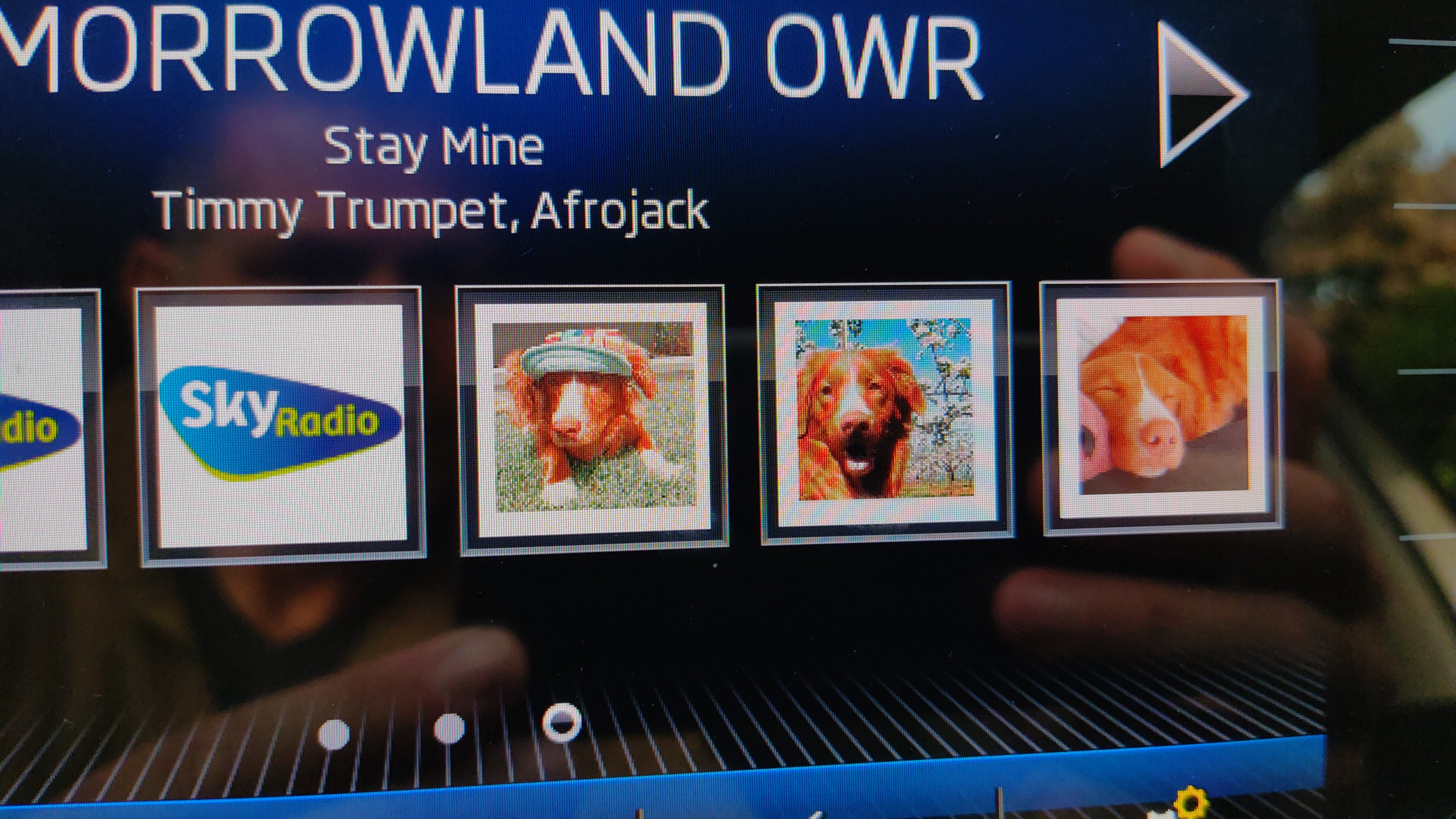
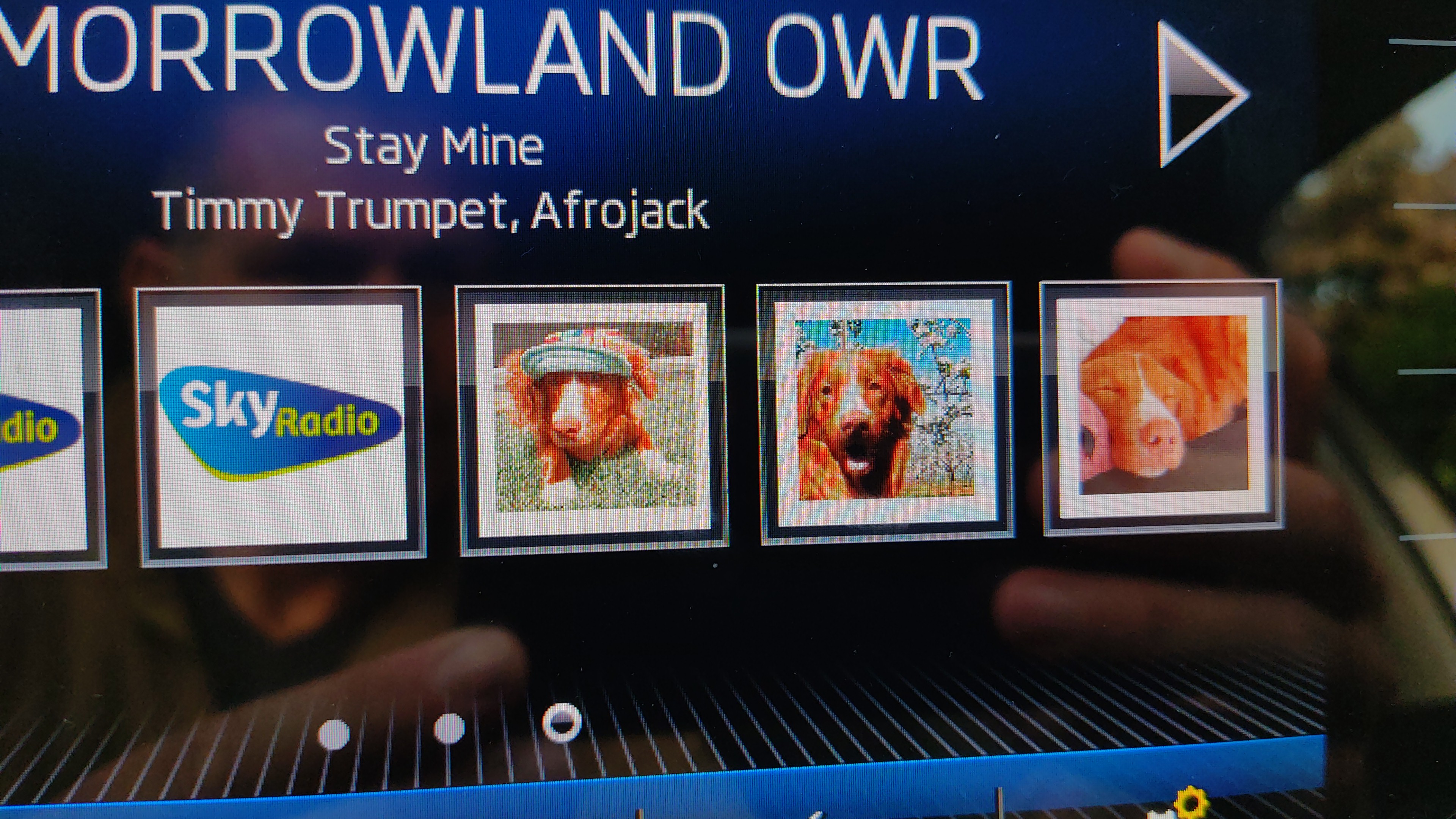
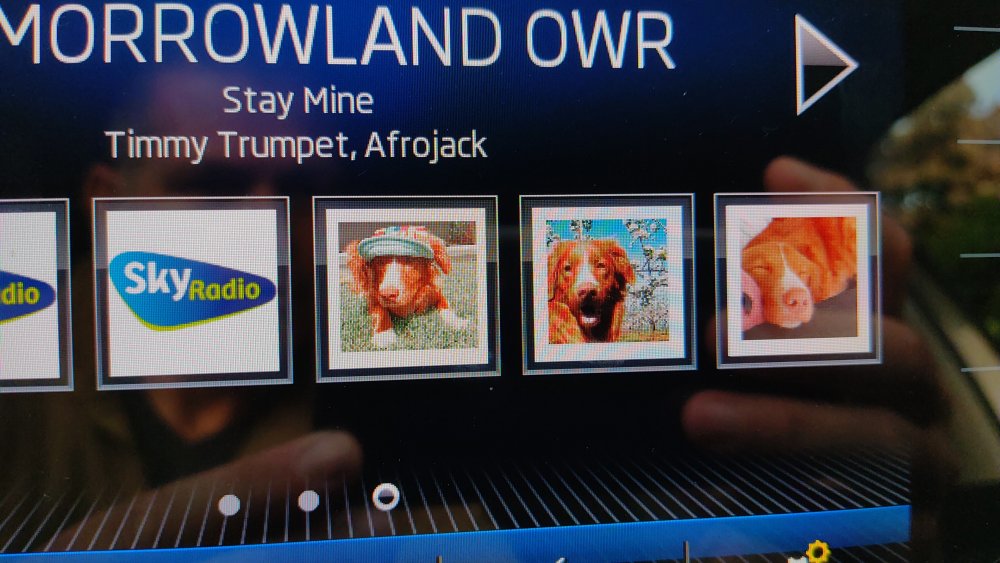
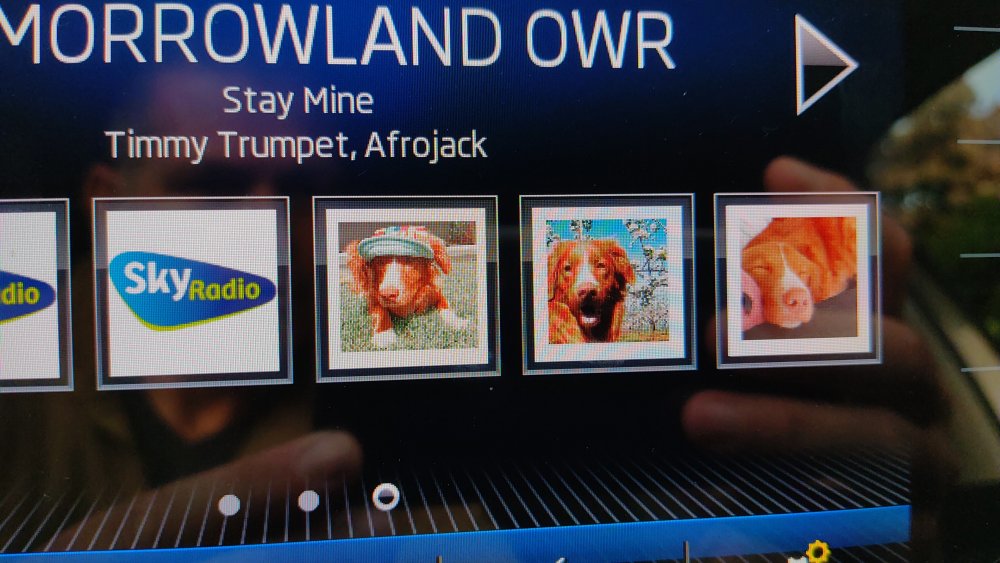
Please let me correct you. The images that you see from the dog are on DAB and on stations that had their logo being broadcasted but you can delete them and replaced by whatever.
-
In Radio mode go to settings. There you can find the option Logo.
-
My daughter wanted her dog as the logo for her preferred radio stations and this is what I created.
-
Why not create your own Logo's. My daughter wanted her dog and this is the result.
-
Like mentioned before you need a memory function for the mirrors and that comes with power seats. I'm currently working on a memory box that should be installed in the passengers door but not ready yet.