Tezaman
Members
-
Joined
-
Last visited
-
Anyway thanks a lot!! I found my issue, it wasn't in adaption but in long coding and specifically in the byte 19 bit 5 had to be true (1)
-
Could you please share your coding and adaption for 5F unit?
-
I Know this is a Very old Thread but i need your help . Skoda karoq 2018 I have a BOLERO (factory fitted) 5Q0035840C and i retrofited a Virtual Copkit , Recently i added a MOST Fibre Cable to get Album covers , phone call image etc into the VC. in order to tell the 5F unit that theres a Fibre cable i had to go to 5F > Coding> Byte 19 > Enable Bit 5 This showed me an ICON in the VC a default one with a music note BUT not the actual Cover art that it was playing However i got an error in the 5f unit that sais 03276 - Please Check Software Version Management error even when i changed to default coding , the error was there , its not a big deal its easy to get rid of For adaptaion Coding i changed the 17 / Adaptations IDE13094-Tachometer end value - 'Version 4' 5F / Adaptations ENG122230-ENG142097-Dashboard_Display_Configuration-ability_switch_nav_maps,OFF ENG122230-ENG122343-Dashboard_Display_Configuration-call_picture,On ENG122230-ENG122341-Dashboard_Display_Configuration-coverart,On ENG122230-ENG122340-Dashboard_Display_Configuration-crossroad_detail_map_compression_mode,H264 GIVES ME ERROR IF I CHANGE IT ENG122230-ENG122344-Dashboard_Display_Configuration-crossroad_detail_map_resolution,resolution_3GIVES ME ERROR IF I CHANGE IT ENG122230-ENG127006-Dashboard_Display_Configuration-crossroad_detail_map_transmission_mode,MOST_streaming GIVES ME ERROR IF I CHANGE IT ENG122230-ENG142153-Dashboard_Display_Configuration-dynamic_icon,0 ENG122230-ENG127501-Dashboard_Display_Configuration-fastlist_most,On GIVES ME ERROR IF I CHANGE IT ENG122230-ENG122338-Dashboard_Display_Configuration-navigation_map_compression_mode,H264 GIVES ME ERROR IF I CHANGE IT ENG122230-ENG122339-Dashboard_Display_Configuration-navigation_map_resolution,resolution_3 GIVES ME ERROR IF I CHANGE IT ENG122230-ENG127005-Dashboard_Display_Configuration-navigation_map_transmission_mode,MOST_streaming GIVES ME ERROR IF I CHANGE IT ENG122230-ENG122342-Dashboard_Display_Configuration-stationart,On So the question is , someone with BOLERO and Virtual copkit with enabled Art icon and logos etc , to share the Coding and adaption coding? PS the coding was done with VCDS cable , is it wise to check maybe with ODIS enginear?
-
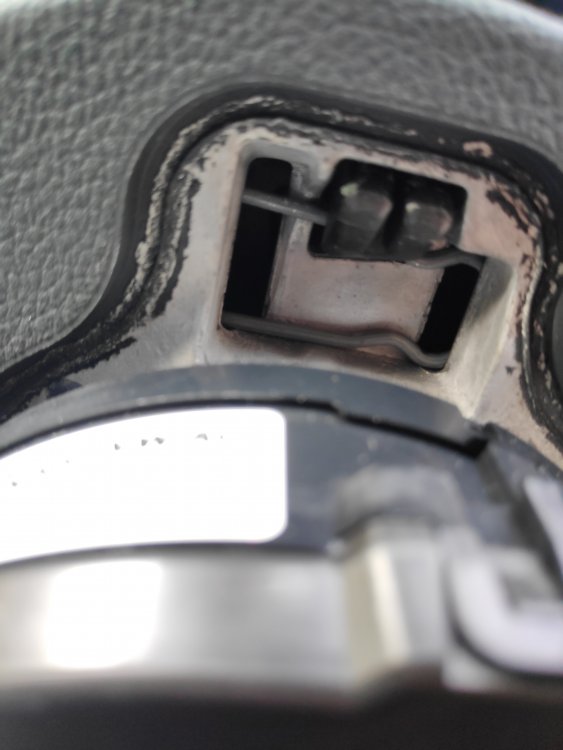
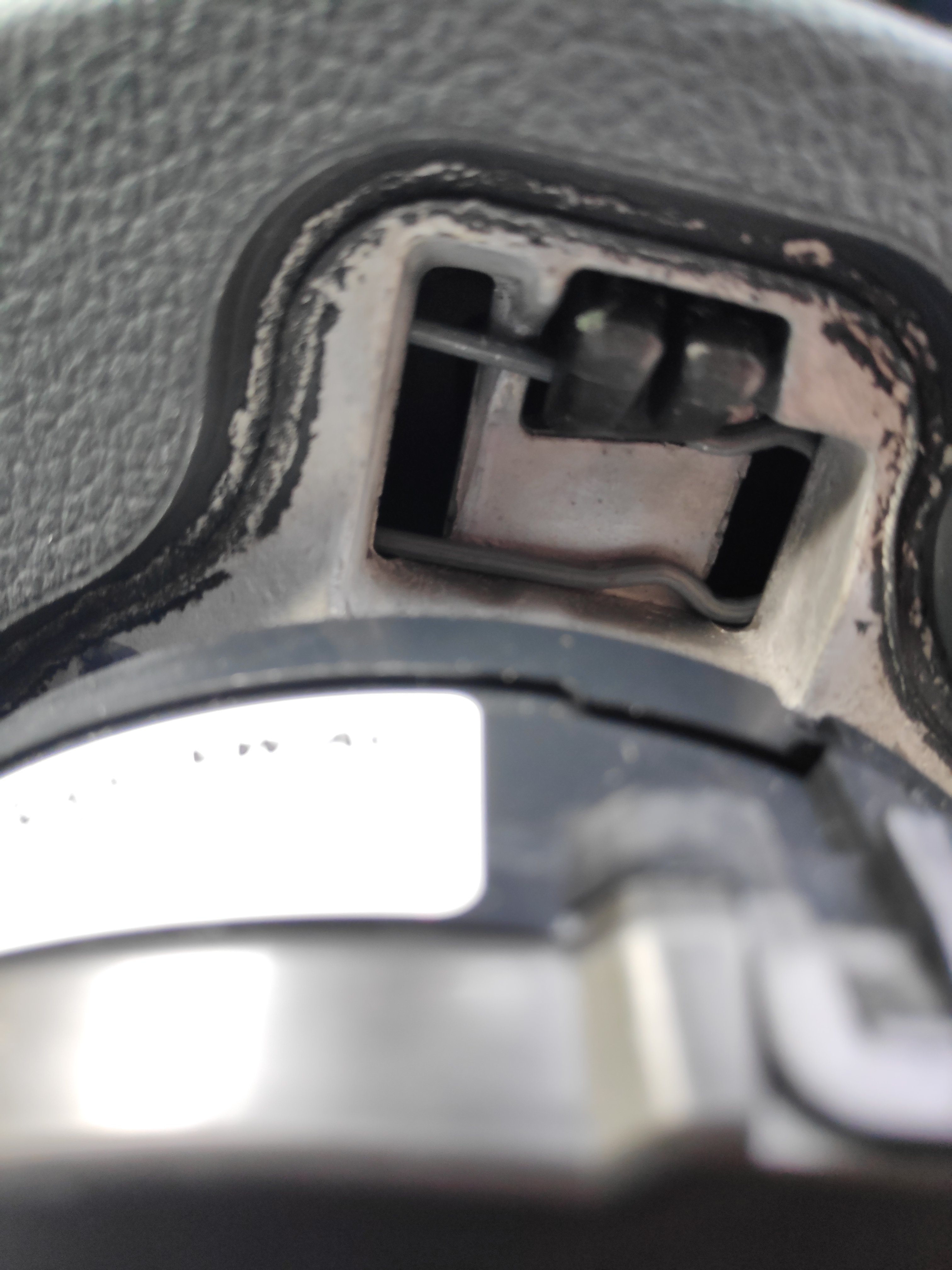
Can someone help me with this, I am trying to remove the airbag. And this safety is not in the workshop manual or in any video that I saw.