maxrpm
Finding my way
-
Joined
-
Last visited
-
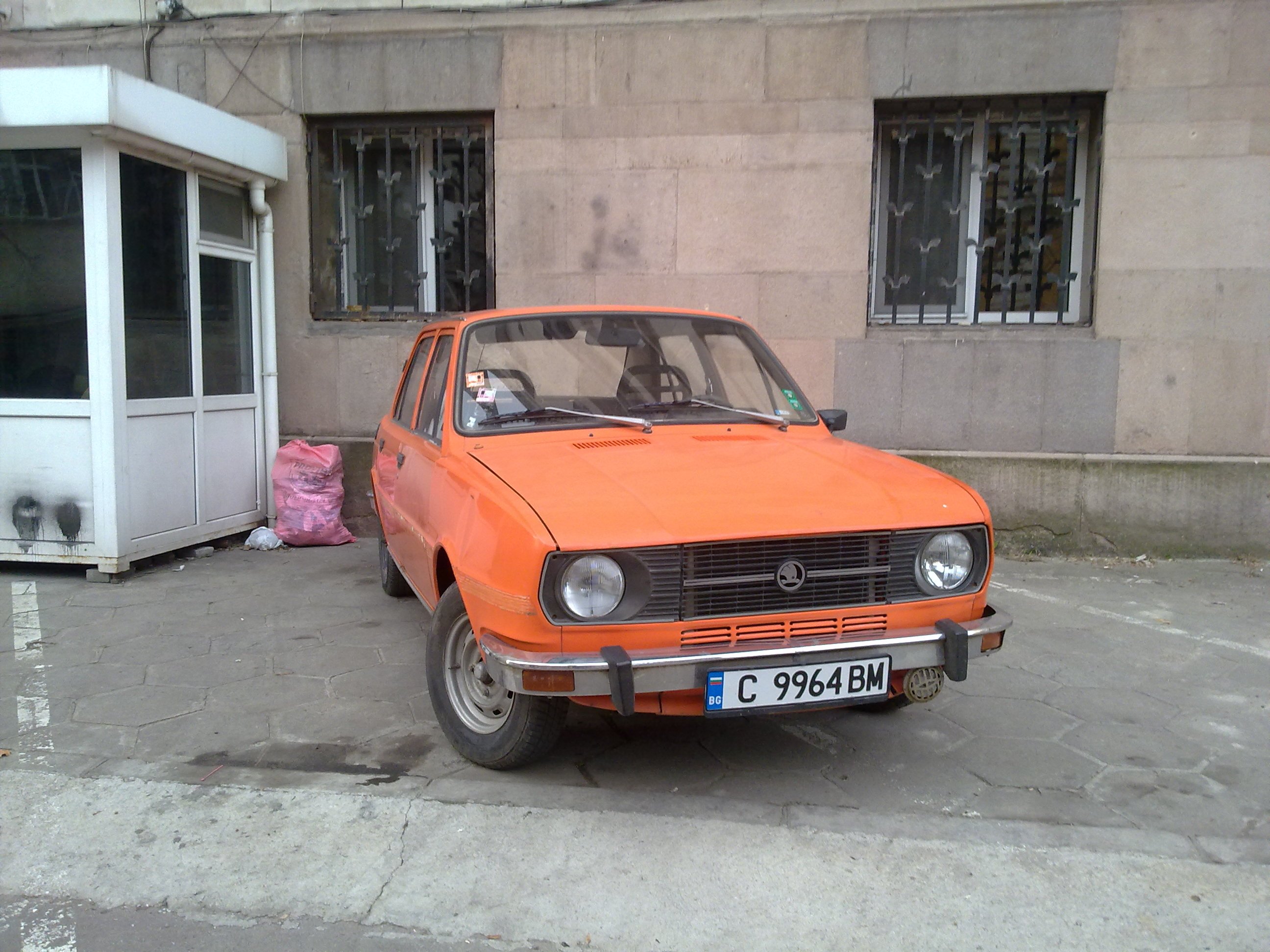
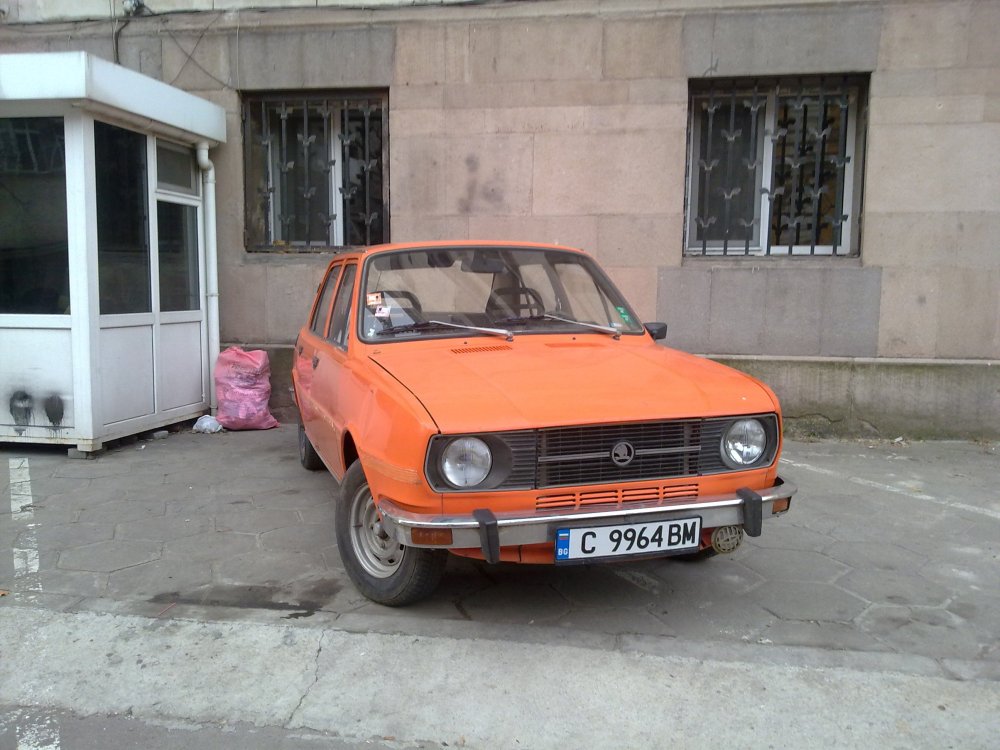
You are infact right , rear engine cars , are the best ever made , that's why i keep mine , and will never give it up. Today's traffic is not for them , but they are so lovely , from the moment you drive it!
-
It is a good thing , that both fans ,were in good condition , and not so covered in dust , after 20 years of service. The fact ,it is useless , we all know . Build quality was good, but so much components that do job so little , felt like the early 90's... I still have Skoda 120, and over the years have been a fan, but Skoda always tries to do so much, with so little , that electronics are prone to defects.
-
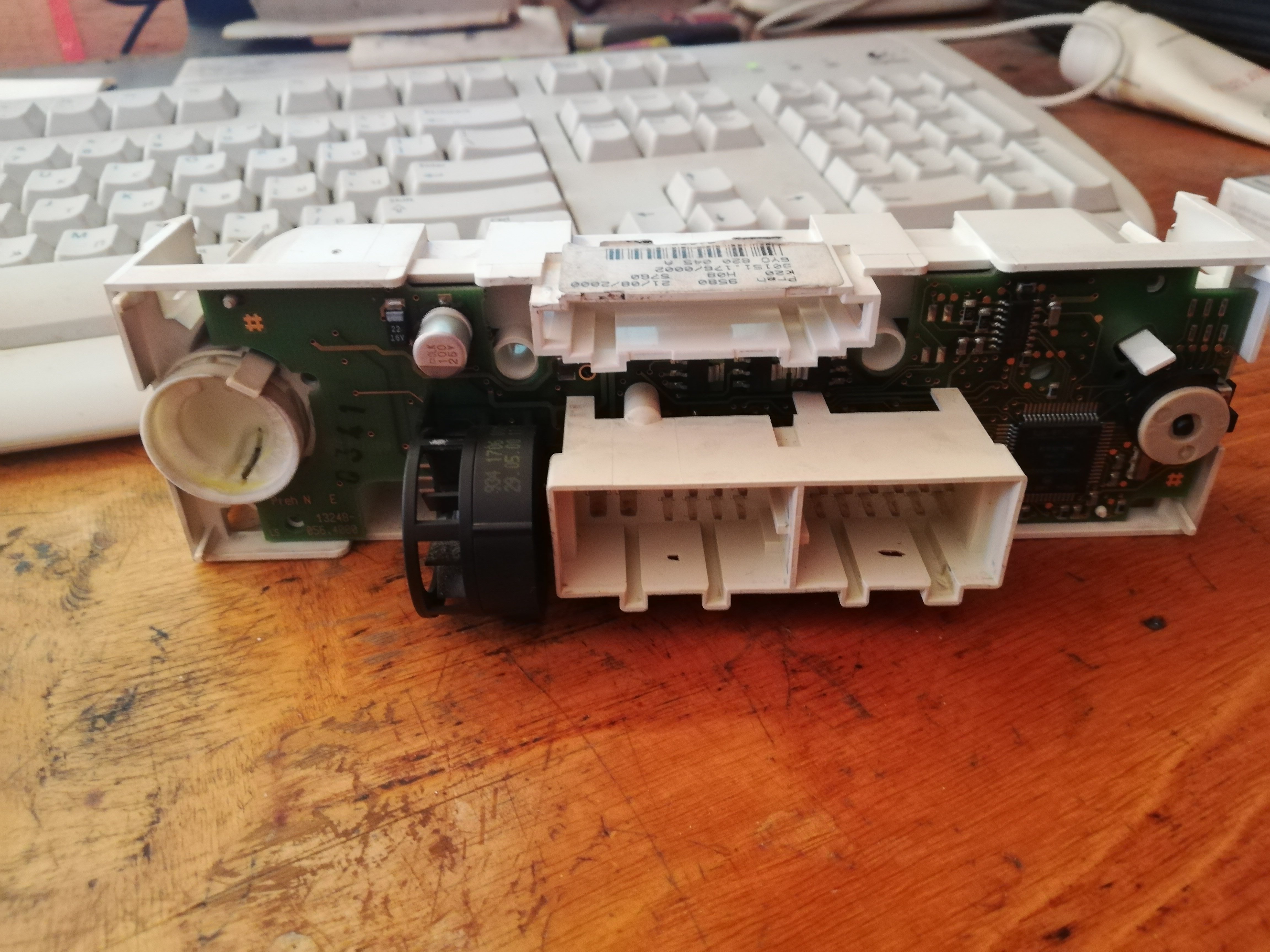
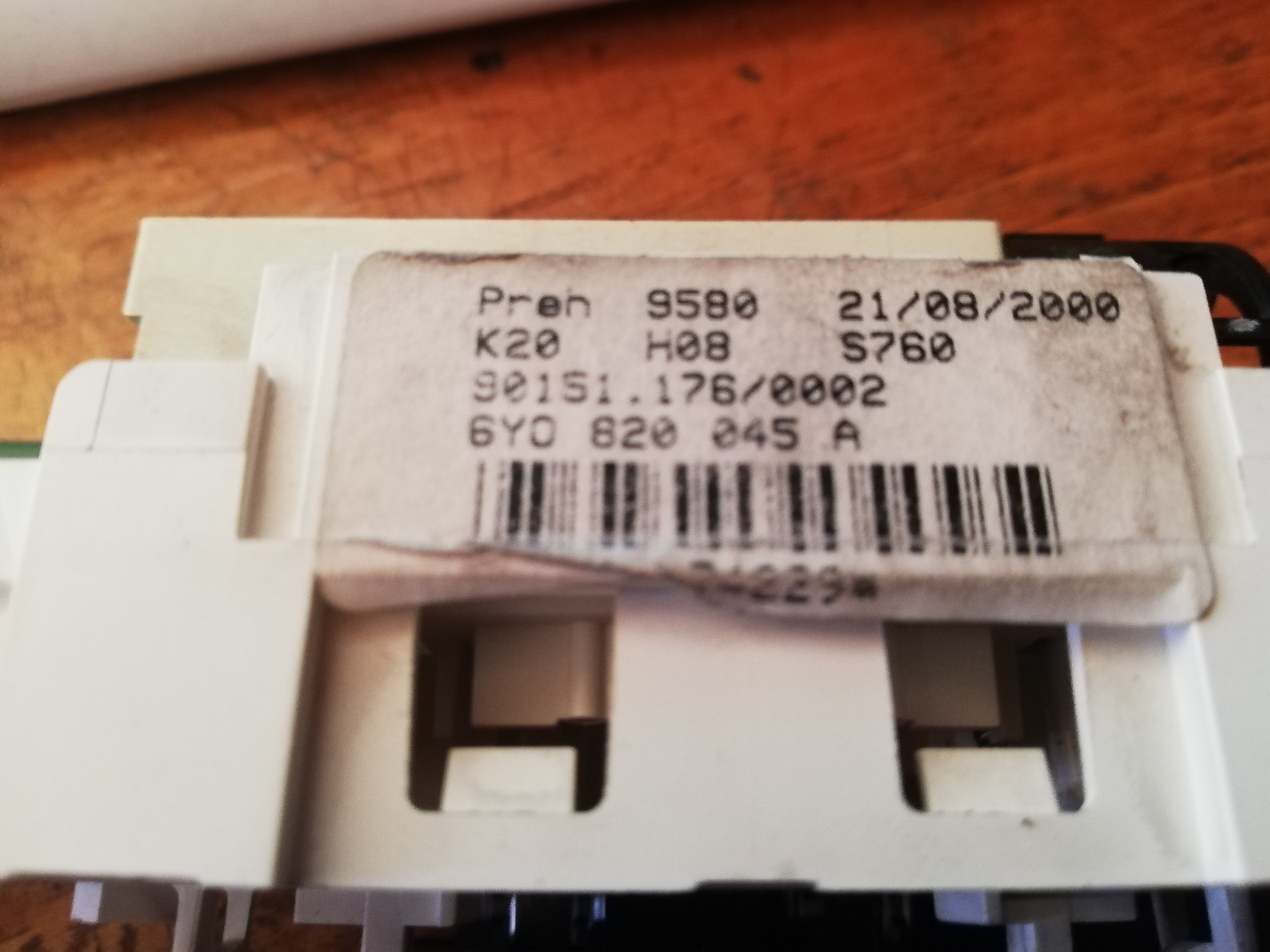
Problem is solved! The issue is the whole center console itself. It has module inside , and doubles as a A/C Controller. Once replaced, lights and A/C work properly. As far as i found out 1.9tdi 1.2htp and 1.4mpi, are all the same , with the small difference that the knob for the airflow is 180C upside down. Maybe the cable can be rotated , but it was a pain to put it , and i don't want a live this again. Part number for mine is 6Y0 820 045 A , and i replaced it with 6Y0 820 045 B. So this may be reason also.
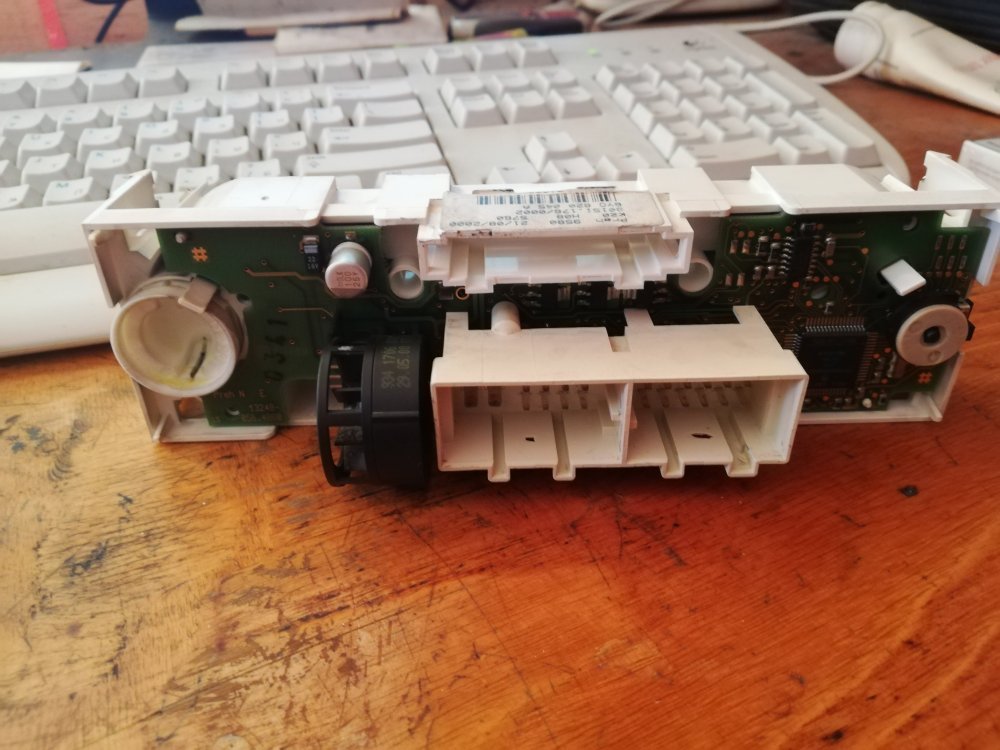
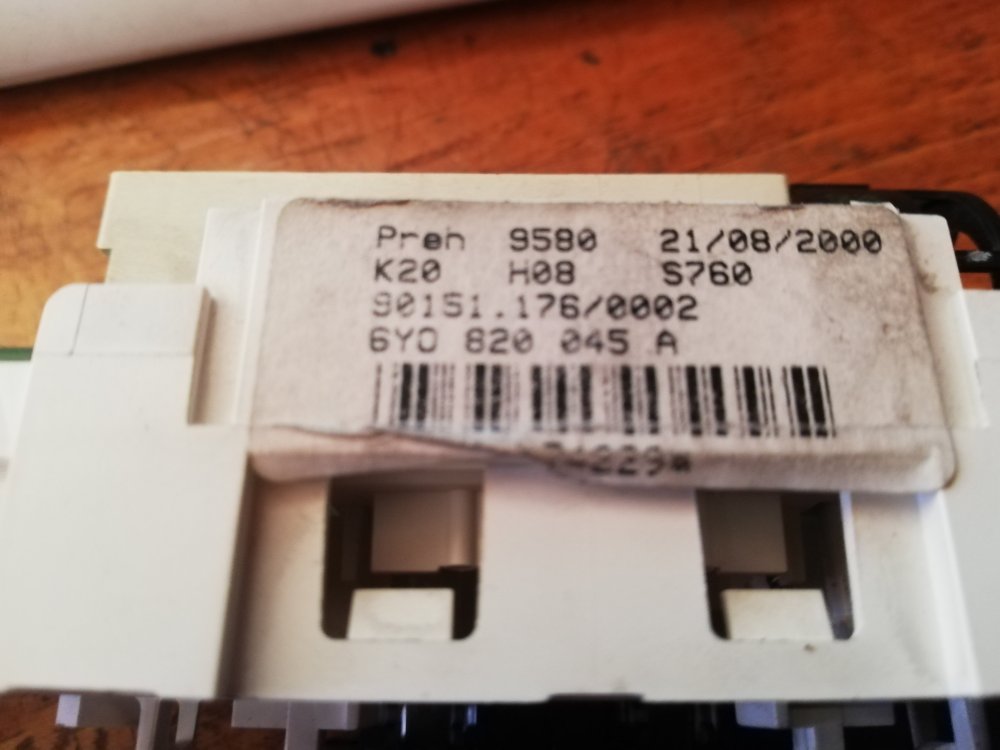
-
Here is something for you to enjoy , as the issue gets resolved . Greetings from Bulgaria! https://www.youtube.com/watch?v=l_PqHcUh-4s
-
It will be after the winter, as soon as i get it fixed , will post an update of course!
-
I can not believe , no one had this issue!
-
I have a small update since today. Went to replace the battery, and after reconnecting it , the lights on the center console started flashing on and off in approximately 1 second pattern, so respectively buttons and all electrics , started working on and off in the same manner.. The car was started. I noticed that a relay is clicking from time to time , and sometimes when it clicks , all is fine for 3-4 seconds , then when it clicks again , it was the same old blinking story. I managed to make the panel lighting work non- stop , by manipulating the headlights switch. So this made to believe it is a faulty relay. VAG COM says connection with HVAC is unreliable , due to many communication errors , because it is constantly on and off again. Here is a Vag Com log of an DTC autoscan
-
All of these are true. By the time the panel was functioning it was behaving just as you described, The car is 2001 elegance. A friend of mine told me , this panel is operated through the central electric module , using CAN, so i again think that faults are all connected to one reason. I may run Vag-com, later that day if i have the time.
-
Greetings , all. A few days ago on my Fabia I noticed my centre console lights (heater temperature and direction, re-circulate button, AC button) were not lit up. The temperature and direction still work but I the re-circulate button, and the AC does not. Does anyone know how to resolve it. It appeared a few days ago , and in the beginning lights were on all the time , even when the car was locked, after disconecting the battery , all was fine again. Then after a few days i noticed , that lights started to go on and off, unfortunately this was the end of them ..
-
I am sorry , i will make a new same thread , later this day. Happy holidays
-
Greetings dear fans. I have the exact same issue! Does anyone know how to resolve it. It appeared a few days ago , and in the beginning lights were on all the time , even when the car was locked, after disconecting the battery , all was fine again. Then after a few days i noticed , that lights started to go on and off, unfortunately this was the end of them ..