



Skip to content

MadDoctor

New here
  • Joined

  • Last visited

Everything posted by MadDoctor

  1. Did you decompress the file and copy the contents of the resulting folder to the SD? Using slot 1?
  2. Yes, you are... That's not how you update the firmware. For that, it depends on the unit, but usually you have to press menu key for some seconds until the option to update appears...
  3. You must decompress that archive and copy the contents of the resulting folder to the card
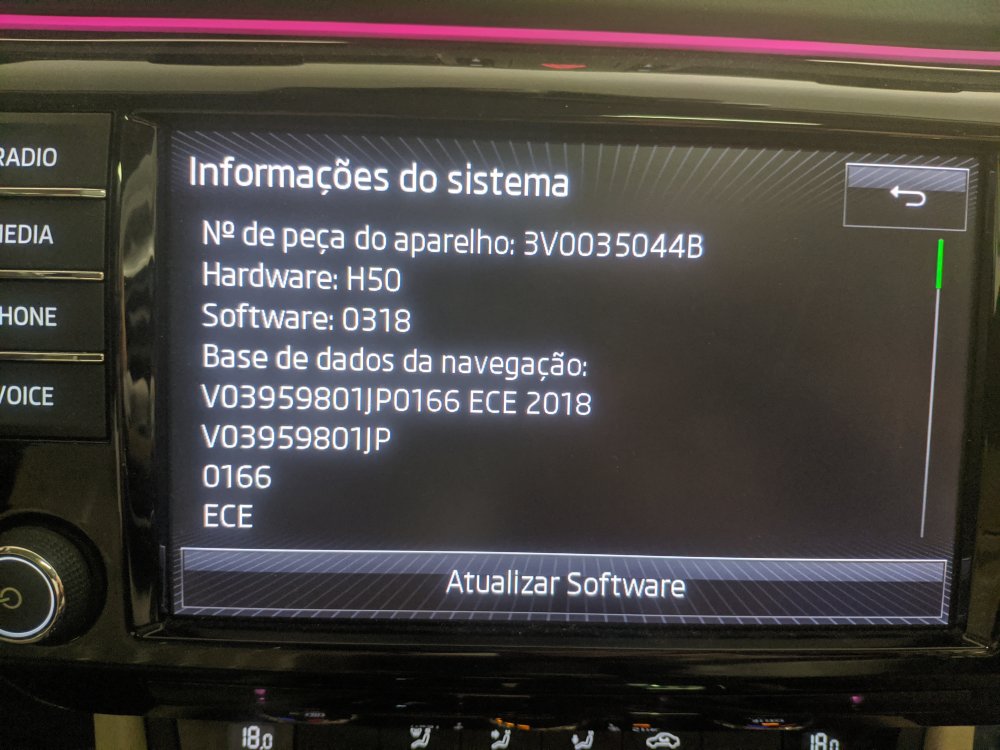
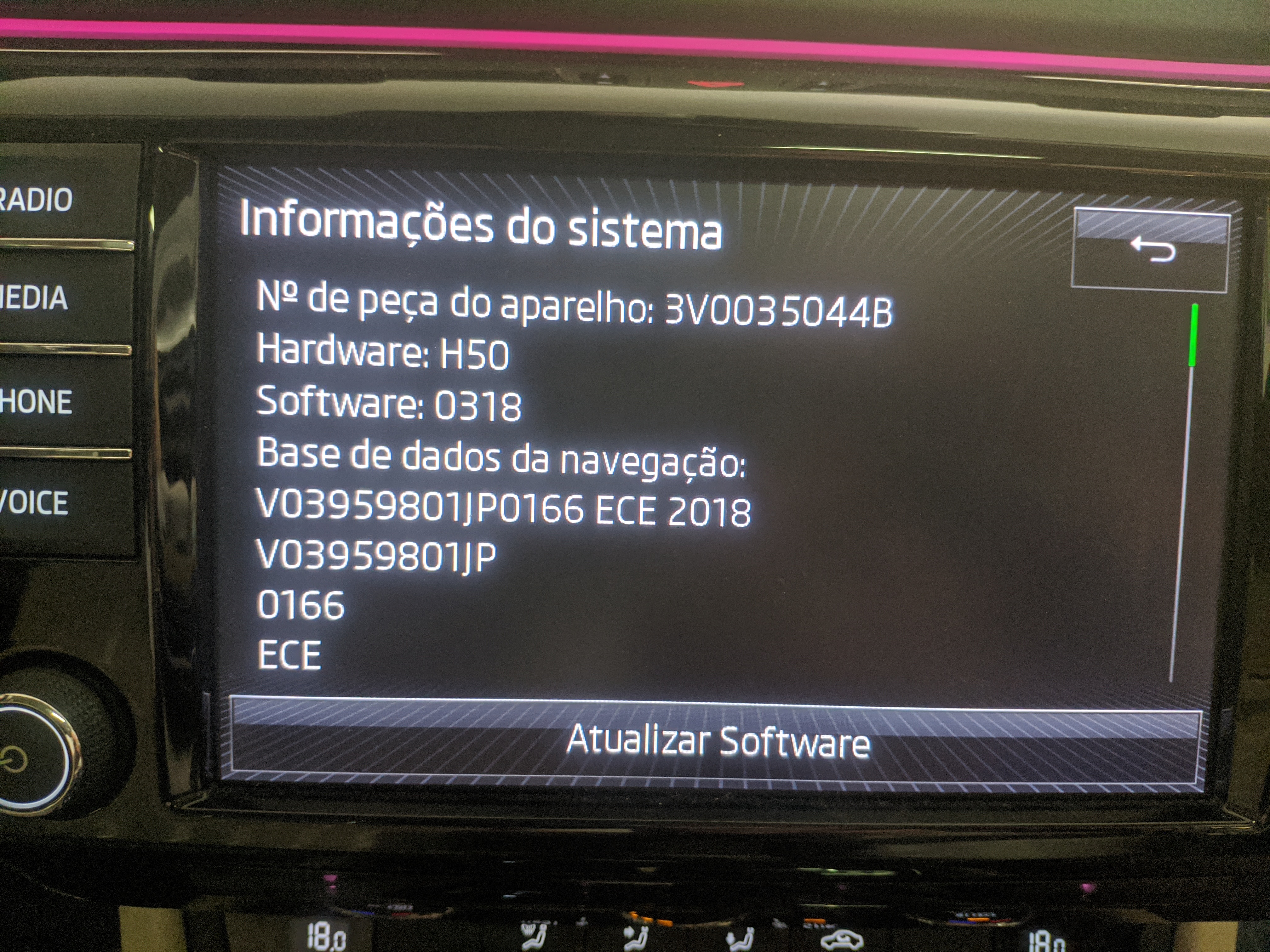
  4. Sorry if I'm posting in the wrong thread, but I have a Superb 3 and would like to update the Columbus mib2 (I'm having problems with android auto)
Important Information

Welcome to BRISKODA. Please note the following important links Terms of Use. We have a comprehensive Privacy Policy. We have placed cookies on your device to help make this website better. You can adjust your cookie settings, otherwise we'll assume you're okay to continue.

Account

Navigation

Configure browser push notifications

Chrome (Android)
  1. Tap the lock icon next to the address bar.
  2. Tap Permissions → Notifications.
  3. Adjust your preference.
Chrome (Desktop)
  1. Click the padlock icon in the address bar.
  2. Select Site settings.
  3. Find Notifications and adjust your preference.