Mark06
Members
-
Joined
-
Last visited
-
So re the experiment above, I kept the full data sharing on, you can then go in and switch off individual settings. I turned off driving data and drove a bit to try alter the score. Last night the score hadn’t altered but this morning it has so deselecting driving data didn’t stop it altering my score unfortunately.
-
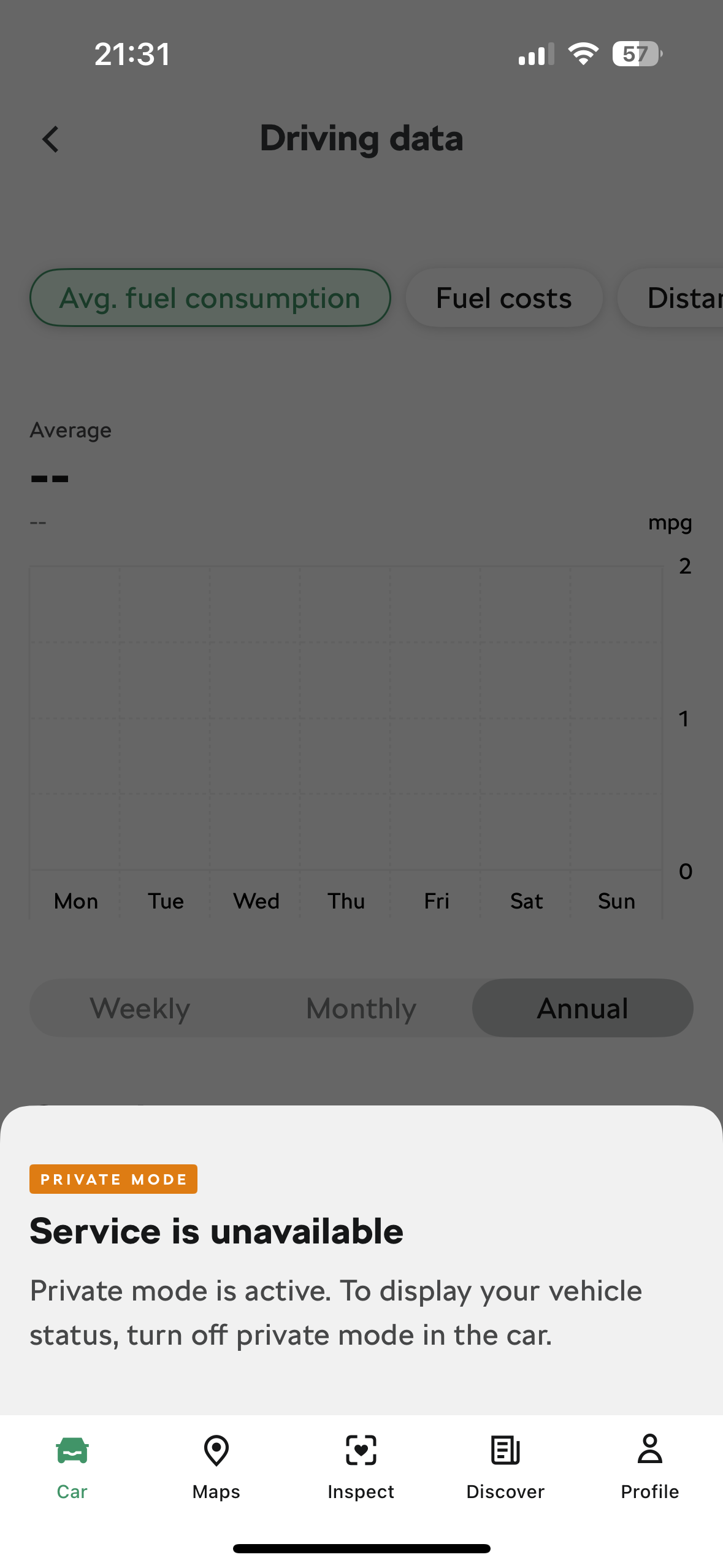
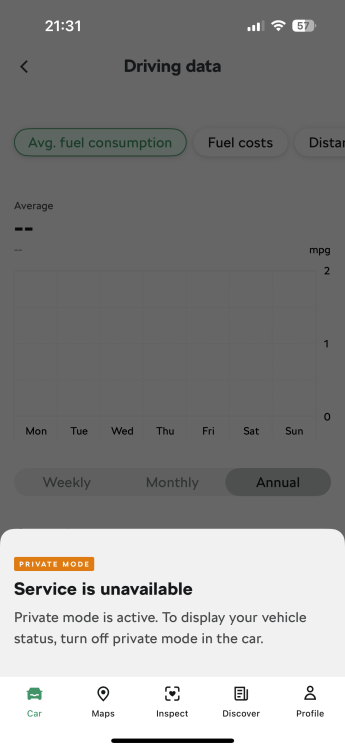
So in the above screen I just deselected driving data. Did some hard braking to reduce my score and it hasn’t changed anything in driving score, but the driving data you can view has also stopped. Doesn’t seem to have affected anything else.
-
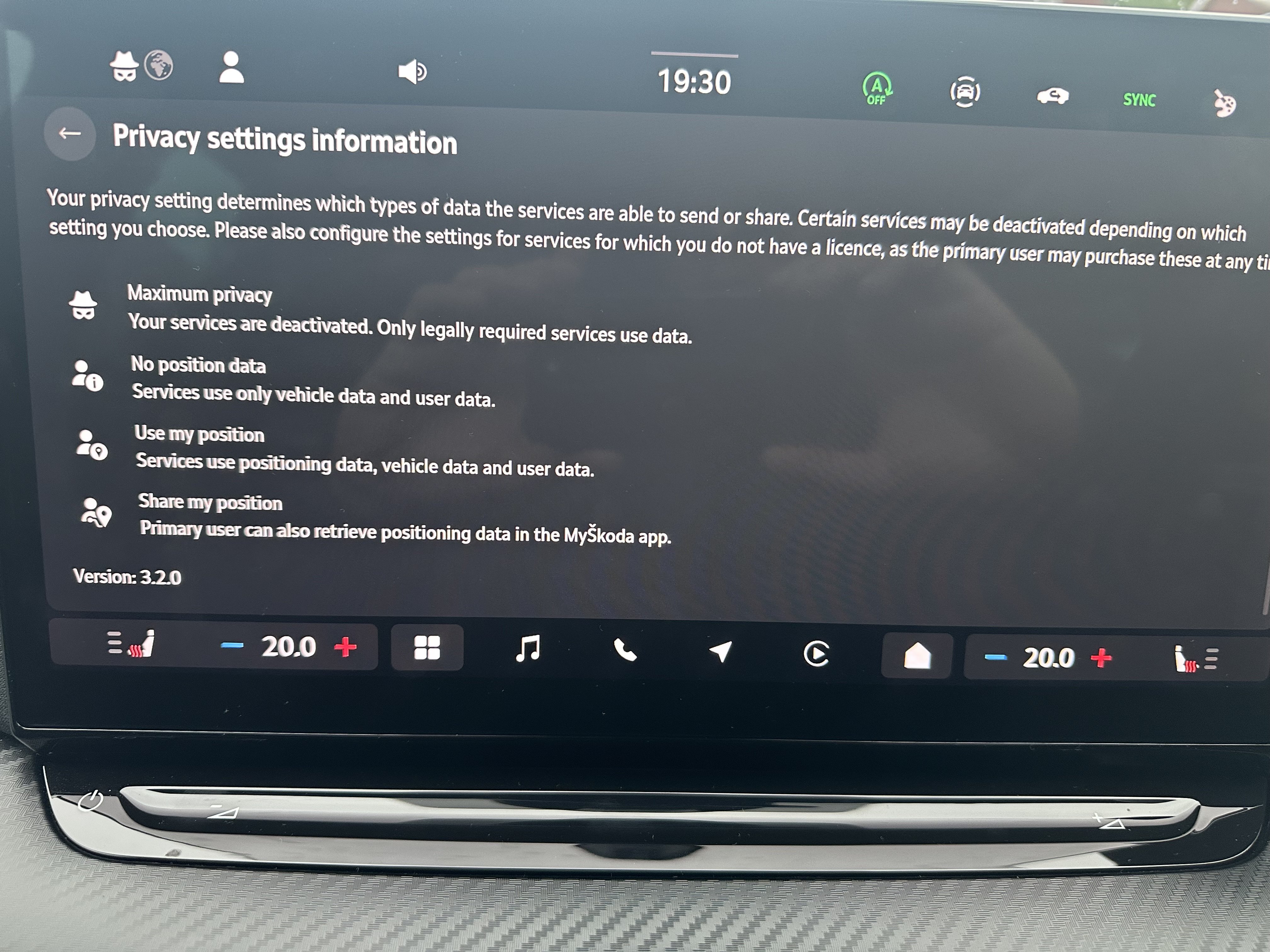
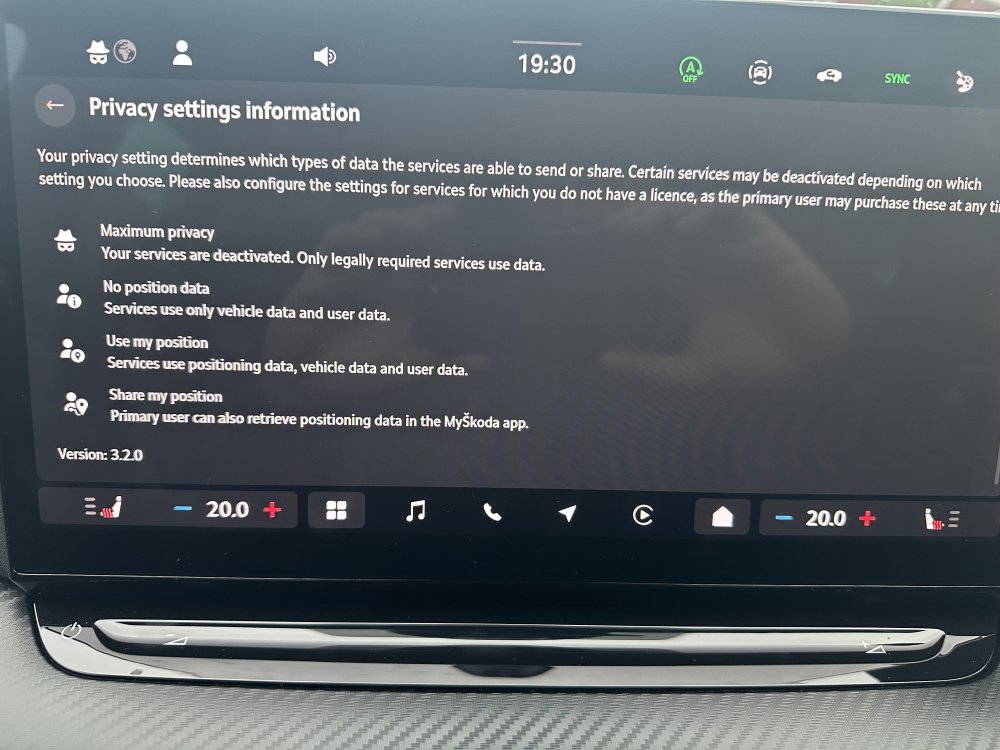
So these are the options. The symbol for maximum privacy is a mask and a hat lol
-
Ok after a re-read this probs won’t prevent the data collection just your ability to see the score. But maybe the data won’t be linked to you if you’re not logged in as primary user
-
When you go to driving score, click learn more. Tells you more info about the driving score and how to opt out. I’m going experiment with something. For it to collect data for your driving score you have to be logged in as primary user, so I’ll try as not the primary user, see if the score changes.