mjp99
Finding my way
-
Joined
-
Last visited
Everything posted by mjp99
-
First impressions are success, but the 'tweaks' were very much 'experimental' and probably overdone, and more tweaking is necessary. Hopefully no more flashing!
-
Thanks so far to all who have helped. I have had a 'tweak' on the headlights and I will see if the adjustment remains as set. I am confused in the manuals as to whether the 'automatic levelling' will reset to its original setting! Hopefully I won't get 'flashed' so much now.
-
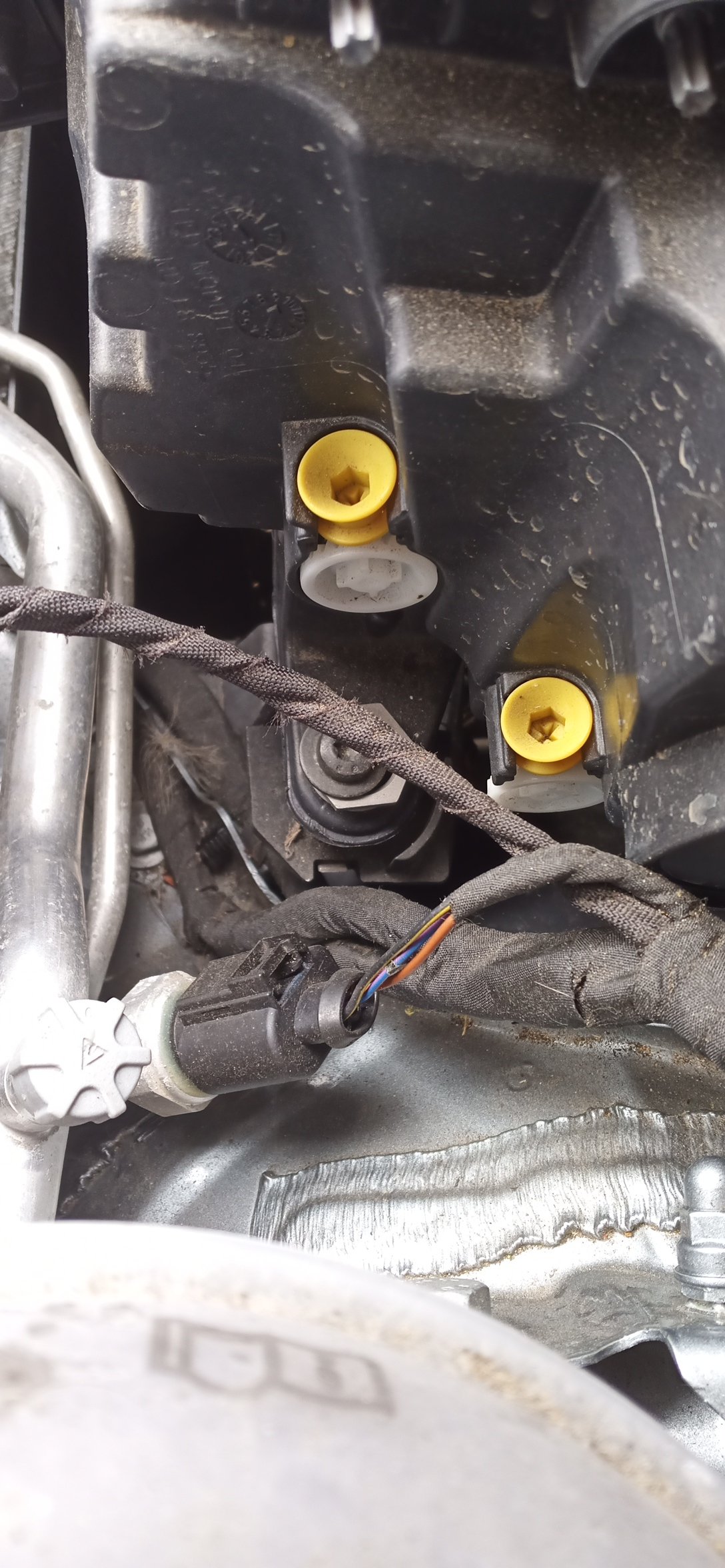
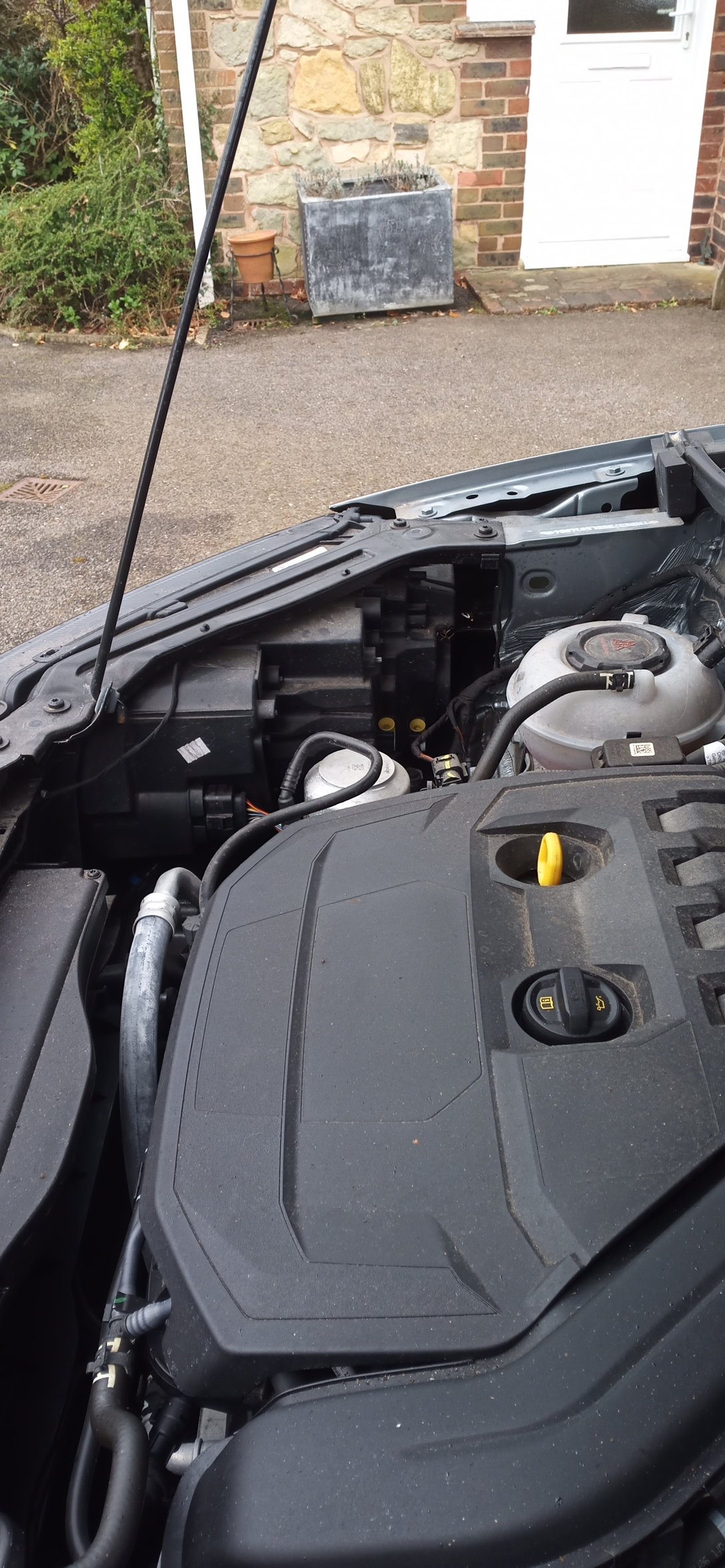
For sportline and sussmb, pics of offside unit. Any idea which is up and down? Do the yellow bits have to come out before adjustment or are they just 'restrictors' or possibly the actual adjusters looking at the allen key shape? Thank you to winston for reminding us of the 'Harvey wallbanger'
-
Winston - see post 1?
-
Were? Or perhaps they were not? Are you certain? Have they moved? History is useful but not definitive. Or, to put it in simple terms, because something 'was' does not mean it 'is'?
-
-
-
Well, back again to see if anyone might know the answer, but, amazingly, no? However, back to the top in case
-
Amundsen and it doesn't have any headlight settings other than the 'auto' settings.
-
That would have been nice, but no. I see two yellow collared ?screws? on each unit. Are these what I need?
-
Many thanks, K. I read somewhere that the levelling system has to be set up with specialist (and hence costly) equipment. A 'DIY' option would be very good. How can I see an image of the 'suspension arms' - I could not see anything obvious when I last looked? Is there a diagram/pic in any of the manuals carried on here?
-
Dear Scooby - thank you for your helpful reply. I am not aware of the different choices - could you tell me and I might be able to help you? The car is a 1.5 Petrol 'SEL'
-
I feel the headlights on my 2019 Karoq are set too high on dip. I am a little confused as to whether I can adjust them or if I have to fork out a fortune to have the 'levelling' setting adjusted?
-
-
Many thanks to all here - successfully updated (no screaming). It would appear all that has been 'lost' is elevation data which shows '0' everywhere, but...................... It is a shame that information as to which system is fitted is not more readily available on the Skoda site (if it is I missed it over 2 days!) and once again briskoda.net to the rescue.
-
I see it says to 'reformat' the SD card and load with the update. I am nervous! Is it likely to damage the (expensive!) Skoda card....? Stone - my screen has more lines than 5............. Anyway, hoping the reformat will not destroy my card I am off to download the required updates. I will try not to scream too loudly if it goes up the swannee! 🙂
-
-
-
2019 Karoq 1.5 SEL. My Columbus has an SD Card (with the Skoda logo on) in SD1. I am looking to update the maps, but nothing I have done with an update SD card works. When I remove the 'original' SD1 card the system cannot find the database so I have no way of accessing the menu to update. I do not understand how the system works, and I thought the SD card was only for updates and not for the actual running of the system? Does the system store nothing internally? If someone could give me a 'basic' on how it works and how to update the maps that would be great! I have followed the Skoda update PDF.
-
To update: As I said, I have installed the hard-wired dash-cam successfully routing from the glovebox fuse 47 piggy-back up to the A pillar with access via the dash end panel and 'lost' the wire in the gap between the dash and the A pillar. Only thing left to do is to 'persuade' the wire to remain in the gaps between the pillar and top liner and windscreen as it tends to occasionally 'peep out' :-). I suspect a dab or two of Evostick on the wire will do it? Many thanks to all who replied and have gone before, especially Don. Could have been easier, Skoda!!
-
"- ask your dealer how it comes off. " I did and he said "Don't try it - it is a nightmare" No questions, your honour. Old video, seen it and not encouraged! 2014 Golf not 2019 Karoq.
-
I was told about this when I picked up my Karoq from servicing - seems to be fitted on the 2021 range but not, according to the service manager who has investigated, available as a 'mod'. A market there!
-
My last input here - car into dealer today and I trapped friendly helpful mechanic for the 'secret' The answer is Don't! He said it is a nightmare to remove in the Karoq - they ease the pillar away from the door seal and use long-handled pliers to 'tease out' the clips BUT they nearly always break them! In his opinion the pillars were '**** put on to stay on'! Not for me. I will try and 'lose' the wire down the join between the dash and the A pillar. I think a thin wire will go. Wish me luck! Thanks all.
-
Yes, I had seen that thread and I quite agree with post 1 there!! It looks, however, from the description, as if the clips are on the door side of the trim in that car whereas the service manual pic for the Karoq suggests they on the windscreen side which renders the 15 finger trick unusable? :-)
-
Thanks, both - it really is frustrating. Sanqhar - good idea! Stimpy - how did you get to the bottom of the pillar to 'fish' out the string - and I assume you ran the wires on the windscreen side of the pillar to avoid the airbag??