87rapid
Finding my way
-
Joined
-
Last visited
-
Stevoablett, once you changed to the correct Mann filter did the rattle noise disappear?
-
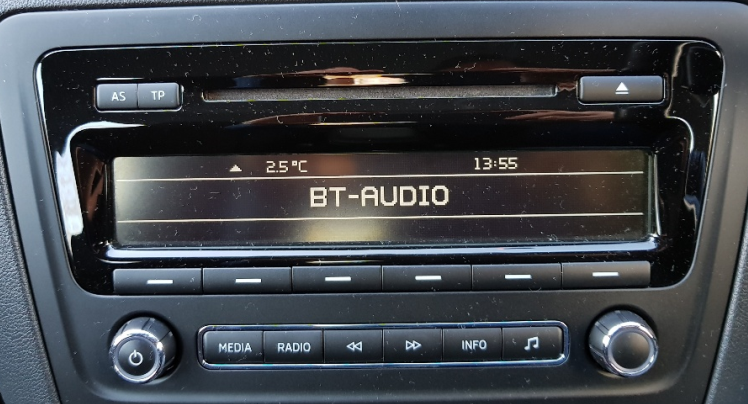
Hi All, My first post on here and i'm not aware that anyone has found a solution to skipping track on the BT Audio playback So i connect my phone to my 64plate skoda rapid via the bt audio. I listen to my songs through the swing radio using deezer, spotify etc. Having read a few threads, from what i gather is it isn't possible to skip songs whilst using this setup? We've had a courtesy car from skoda and it had a new radio unit with the touchscreen which does allow you to skip songs. Anyway to get to the point what i have found a way to enable you to skip songs with the swing radio in the picture above, is if you press the voice recognition button (once you have connected your phone and have the music already playing through it) allow it to ask you for a command (about one or two seconds) and then press the voice recognition button to end it, you will find the song playing has now skipped onto the next song. Or at least that whats happens when using mine. So i thought i'd share this to see if A) Anyone knows of a better way? or if there isn't an existing way then this may help. Let me know you thoughts? Thanks Ian