SeanG
Members
-
Joined
-
Last visited
-
How did the install go? Any pictures of it in place? Cheers.
-
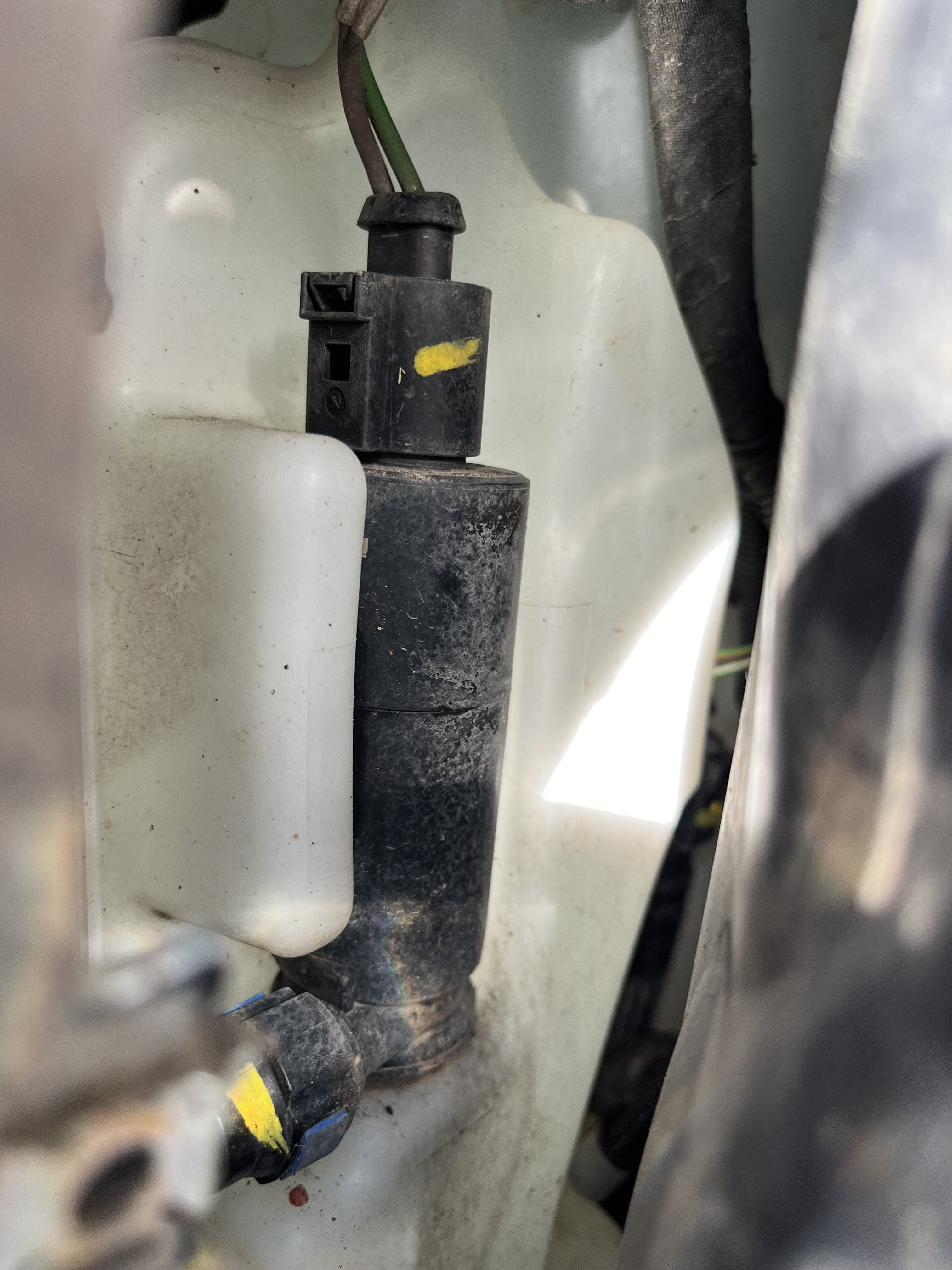
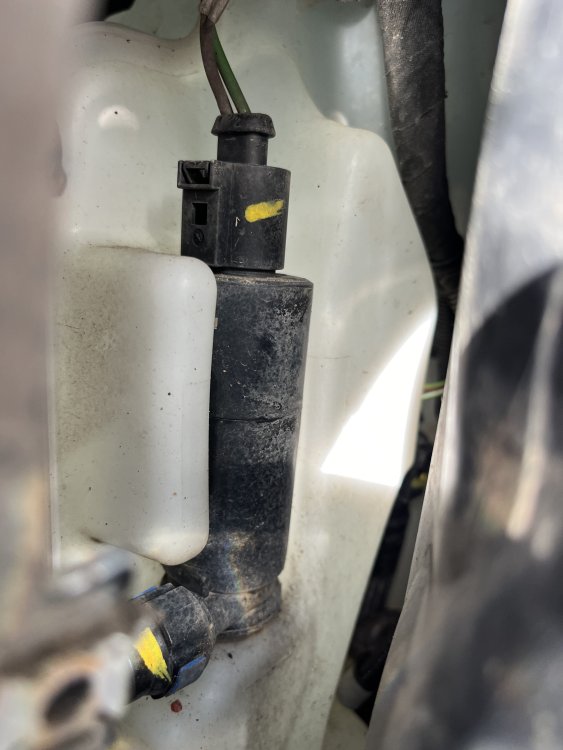
The pump under the front passenger-side wheel arch.
-
Yes indeed @TanvirK just the one pump sorted all problems. Front, rear and headlight washers all working. I assume it’s the “master” pump (both water and electrical) and sorted everything.
-
Hi, only needed to replace the pump located behind the wheel arch. Bit of a faff to replacing it but ultimately sorted the problem.
-
Quick update. Installed new pump. Everything working again. Happy Days.
-
Further to my previous post.... stripped back the wheel arch cowling and, lo-and-behold, there is another pump! Maybe the one to the left is the headlight washer pump. In any case, I checked all fuses again to be sure nothing blown. Nothing blown! Not sure if the RH pump (for the front and back windows) feeds (power wise) to the other pump but at this stage I need go see someone that can test the electrics side and hopefully determine where the problem lies.
-
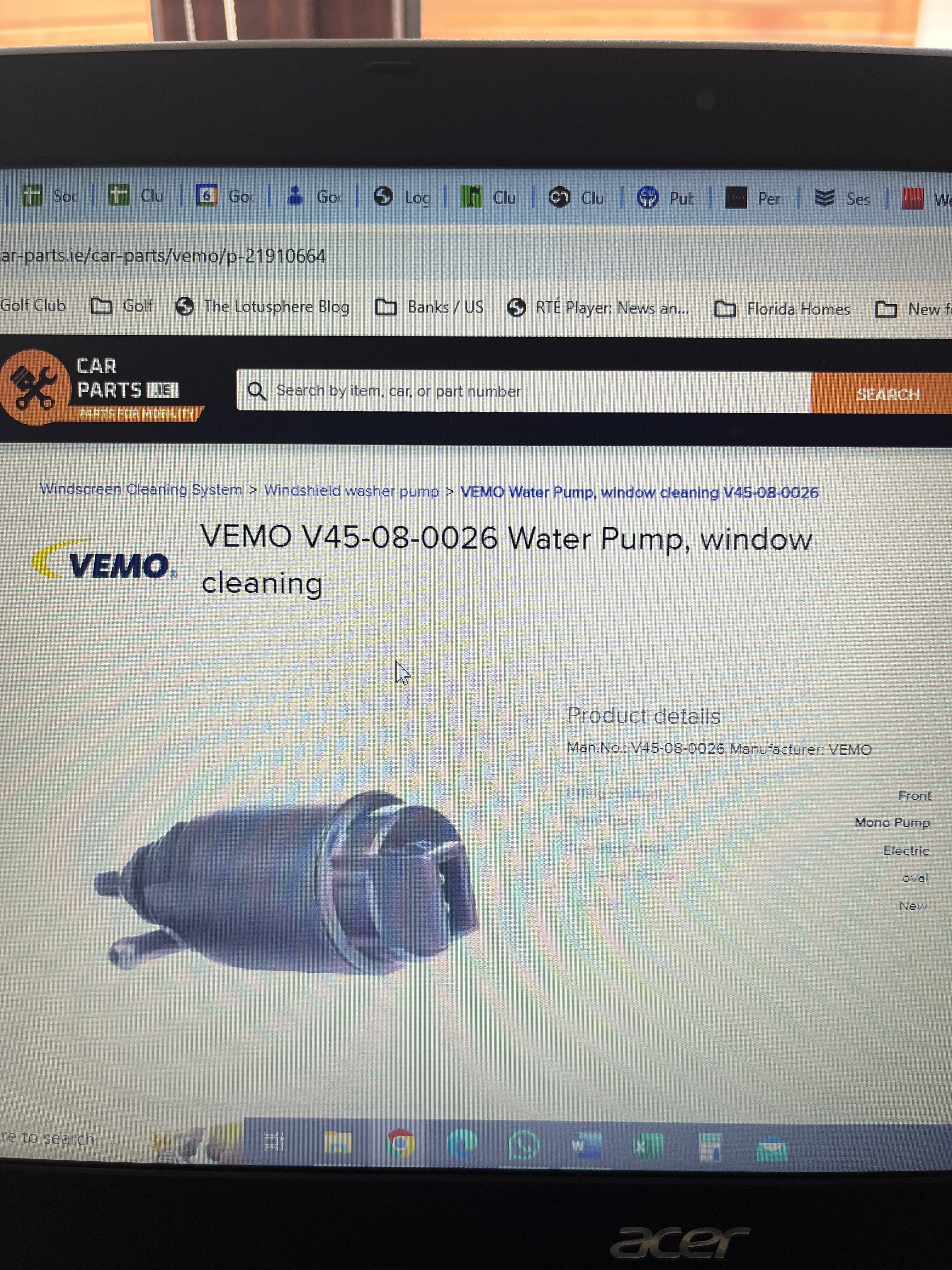
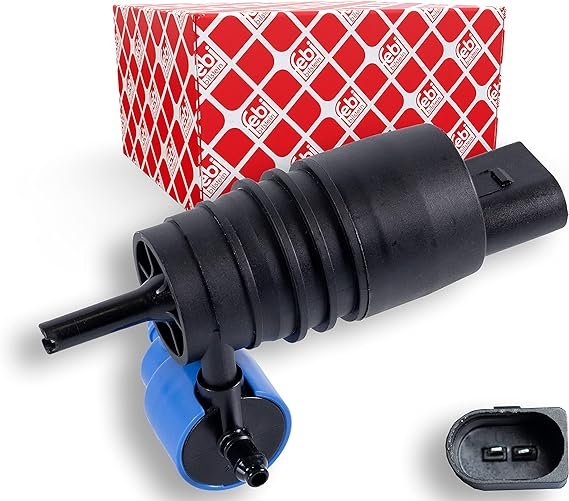
Hi Folks. I didn't want to start a new thread, hence the 'reopening' of this old one. I have a 2018 Octavia with LED headlights. I'm having a similar issue with front/rear wipers operating but no water being sprayed (and reservoir has water). I also have headlight washers but not extending/washing etc (I understand the procedure with HL on and only sprays after certain number of pulls etc). The pump is not making a sound. I've checked fuses) and nothing appears faulty. I bought a replacement on-line (googled reg number/make/model as you do) but having gained access behind the wheel arch plastic trim, I could see that the pump installed did not match what I'd bought. Finally tracked down a part number that seems to match the old pump but haven't ordered yet (1J5 955 6512 / URO-001649). I would seem that the existing pump (and the new correct one) only has one 'outlet' for the pipework. Asking before I replace it in case I am missing something. Is there a second/other pump or another part that required? Any and all help and assistance much appreciated. Sean
-
I’ve no idea what a tyre plan is.... first time seeing such an option...... unless the torque is so “good” it shreds the tyres when you floor the “go” pedal....
-
Email from Skoda Ireland with expected prices for Irish market. The ENYAQ iV will come to Ireland in two versions, initially. THE ENYAQ 60 Specifications The ENYAQ 60 has a range of 390km thanks to a 58kWh battery. It comes with a generous standard equipment list, which includes 19” Proteus alloy wheels, Front Parking Sensors, LED headlights, Climate Control and a 13” infotainment system. Price Before grants are applied the ENYAQ 60 is expected to start from €46,570 inclusive of a 3 year service and tyre plan. We estimate grants of up to €7,800 could be claimed, resulting in an on the road price of €38,762. Find out more THE ENYAQ 80 Specifications The ENYAQ 80 has a 77kWh battery, capable of up to 510km and gains additional equipment such as a heated steering wheel, drive mode select, adaptive cruise control and 3-zone climate control. Price Before grants are applied and inclusive of a 3-year service and tyre plan, the ENYAQ 80 will cost from €54,360 on the road.
-
I got the same mute issue when also using Google Maps but agree it’s most likely an iOS issue. When I connect now, I get the “home” icons screen on the car radio display so it doesn’t auto launch any apps. Before I disconnect the phone, I also press the home screen button on the display so it’s like that next time I connect. More a workaround that a solution but at least when I launch wave from the screen icon it doesn’t mute at the moment.
-
Running 14.2 iOS but still an issue. When connected it launches Waze and radio mutes. Have to enable radio as mentioned in first post. Now have it set that it just connects to CarPlay without launching any apps. Radio works (i.e. not being muted). However it then mutes the radio when I launch Waze or Google Maps.....
-
New iOS 14.1 released so might be sorted.... but I have to wait until my business phone is allowed apply the upgrade before I’ll know.... 👍
-
Hi folks, I've noticed since that last iOS upgrade (14.x) when I connect my iPhone to CarPlay, it “loses” (or mutes) the radio channel and I have to manually select the radio channel again for sound. Anyone else experiencing this issue? Cheers, Sean