Isleman
Finding my way
-
Joined
-
Last visited
Everything posted by Isleman
-
I have sorted the issue . I have bought a Carista device from Amazon and cleared it in couple of minutes 🙂
-
I have tried one of those Android units in an attempt to improve my infotainment system. However when removing the glove box I had to remove the airbag connector and now I am getting a light on dashboard . It seems the code can be cleared with VCDS and noticed that it used to be a map with users which could help but not sure if still active . I have also seen that this can be cleared with a ODB11 so I can purchase one but there are so many of them and not sure which one to choose as on some it says they do not clear SRS /ABS errors while others seem to rely on software which is a bit of hit and miss Any advice is appreciated
-
Thank you Nicky for your advice . How much did you paid for your MIB2 in the end ? Which screen did you paired with ?
-
Thank you Nicky . I have already ordered one https://www.ebay.co.uk/itm/186123072112 . I will test it and see if it meets my requirements. Good thing is that I can return for free without any postage cost . I would definitely like to go for a MIB2 but unfortunately I can not justify spending over a 1k on a car that now is valuated at around 5-6 k
-
Thank you Happy Sam I will definitely have a look as its full of very useful info .
-
I've been thoroughly enjoying my Skoda Octavia Elegance, which has been running smoothly for some time now. However, there's one aspect that's been bothering me lately: the lack of Android Auto functionality due to my MIB1 5E0035874A system. From what I understand, my current MIB1 system doesn't support larger screens, which means I'd need to upgrade to MIB 2 or 2.5 to enjoy Android Auto and a bigger display, necessitating the removal of CP. Unfortunately, this upgrade comes at a significant cost, ranging from £700 to well over a thousand pounds. In exploring alternatives, I came across a module box manufactured by Ebilaen, which can be installed between the screen and the glovebox unit. Priced at around £150, this option promises to retain all current car functionalities while seamlessly integrating Android Auto: https://www.aliexpress.com/item/1005004199215635.html?spm=a2g0o.best.0.0.40b52c25noM564&mp=1 However, opting for this solution means I'll still be stuck with the same small screen. Another option that caught my eye are these Chinese 10.1 Android Car Radios, which not only offer a larger, more visually appealing display but also fulfill all my requirements, including Android Auto integration. However, I'm unsure if there might be any limitations in functionality compared to my current MIB system. I'd greatly appreciate any recommendations or suggestions you might have regarding the best course of action. With numerous companies selling these products, it's challenging to discern which one offers the most reliable and feature-rich solution. I'm particularly interested in your thoughts on the following product: https://www.ebay.co.uk/itm/315176410113 Your insights and guidance on selecting the optimal upgrade path would be immensely valuable. Thank you for your assistance and expertise.
-
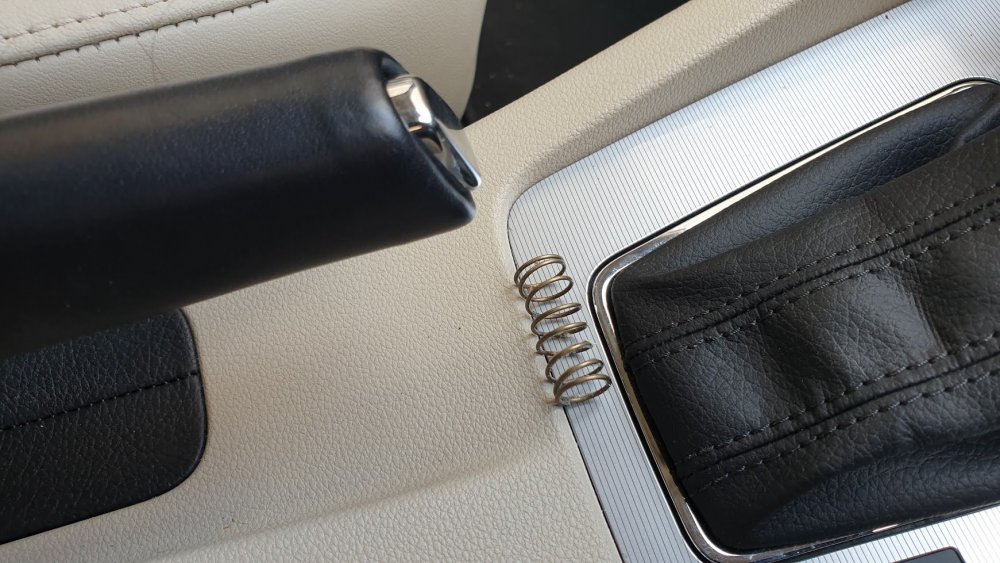
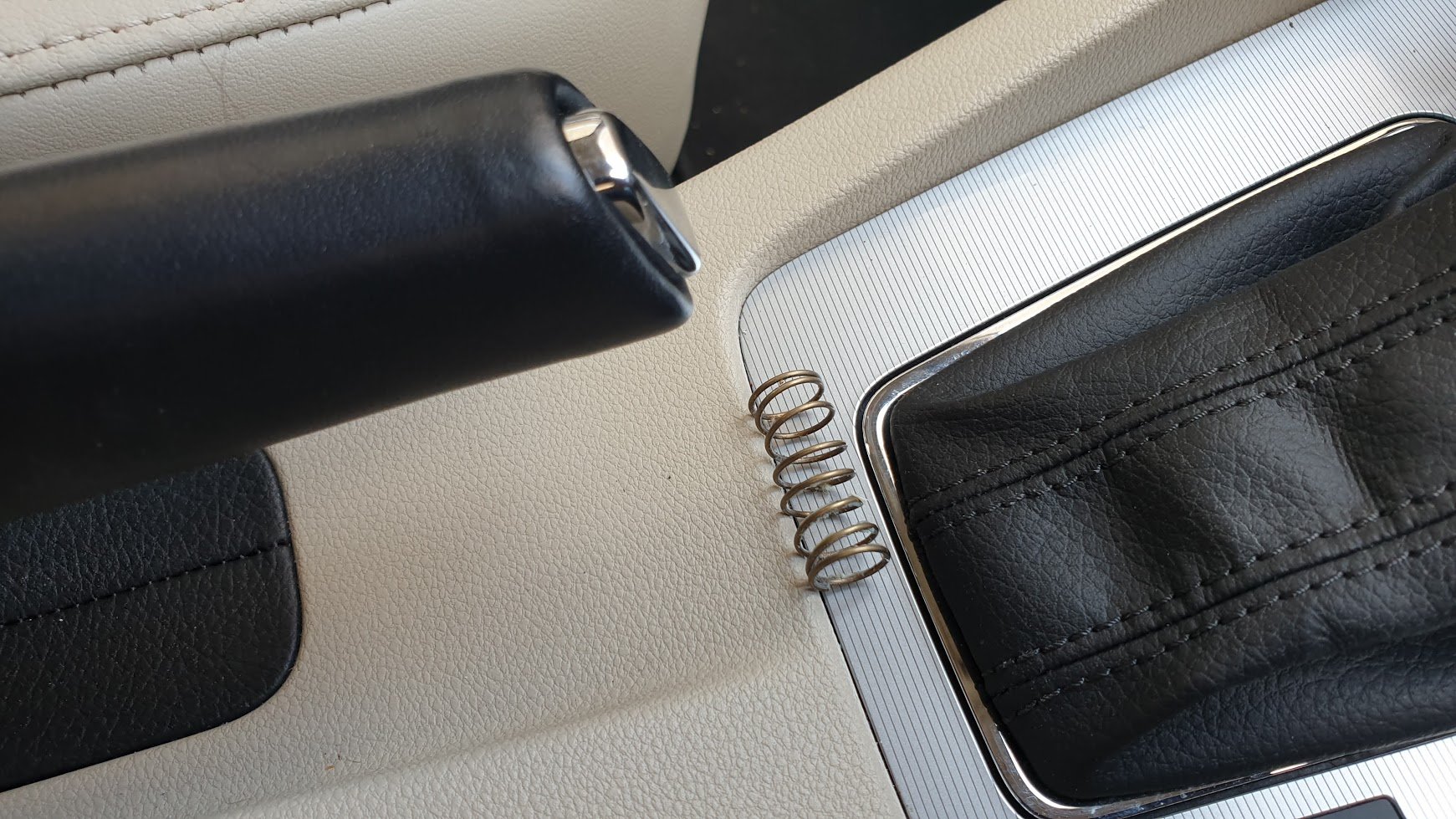
This morning went in the car on my way to work and realised that handbrake was down and button was missing with the spring hanging out. I locate the missing chrome button under one chair and tried to fit it back but did not succeed as when pushed it seem it did not grip to the lip on the lever inside. Took the spring out and tried to see if it holds and it now the button will not come off. I don't want to force it as I am sure I will break it. Anybody got any advice on how to fit this ?