
t5power1980
Finding my way
-
Joined
-
Last visited
Everything posted by t5power1980
-
OBD11 all day long ( pro )
-
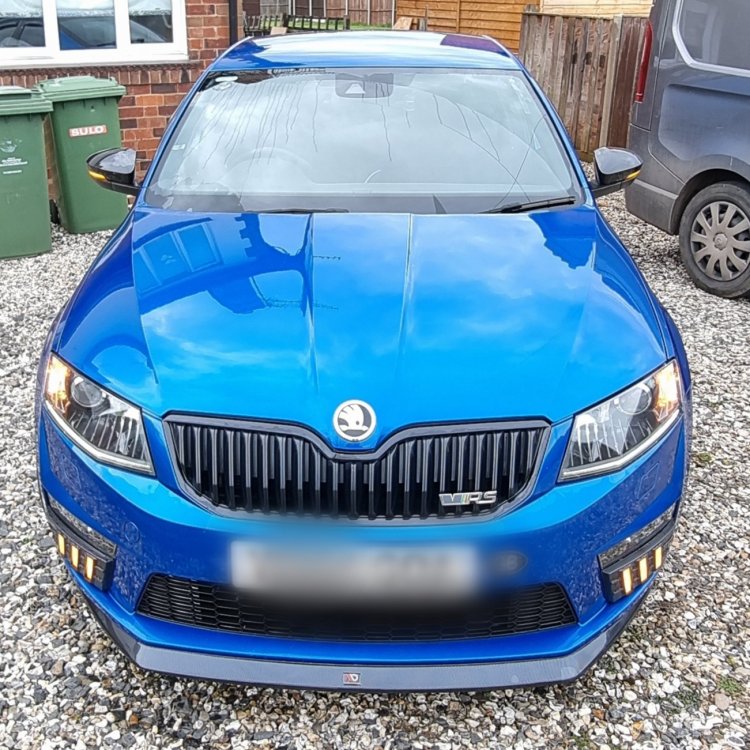
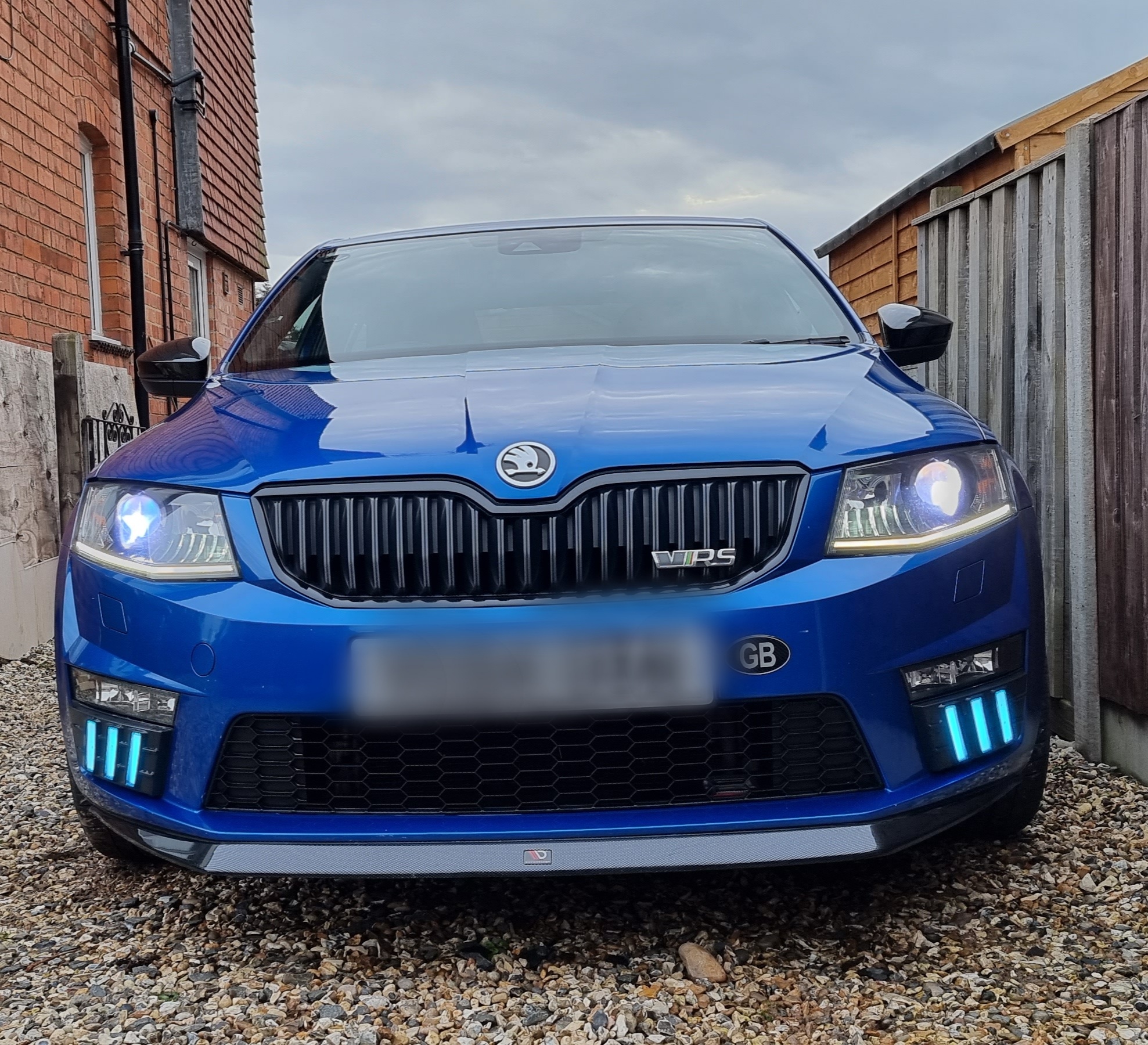
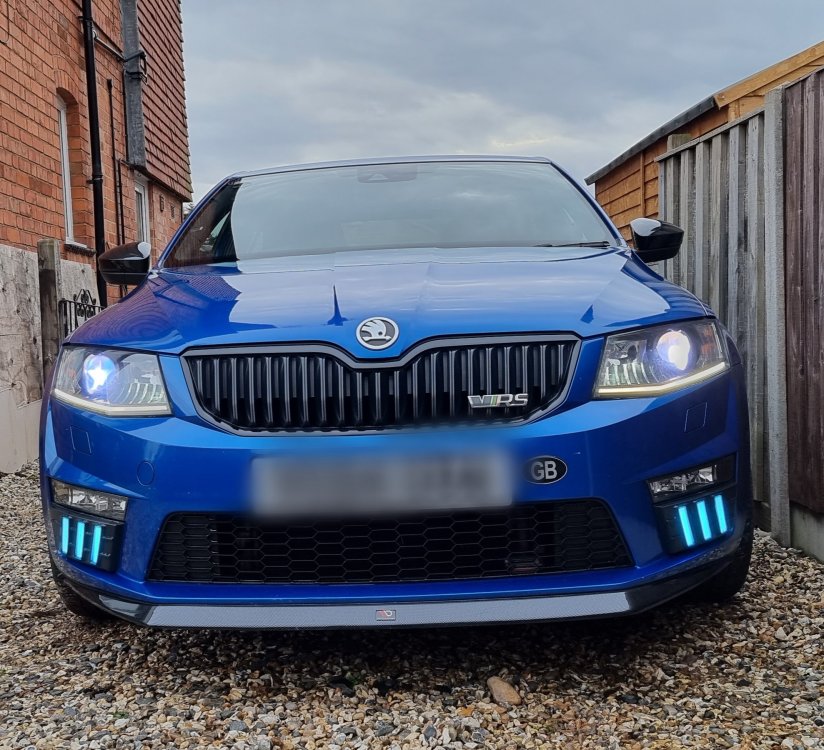
10000k blue xenon bulb and powerful LED side lights - factory fitted xenon cornering lights.
-
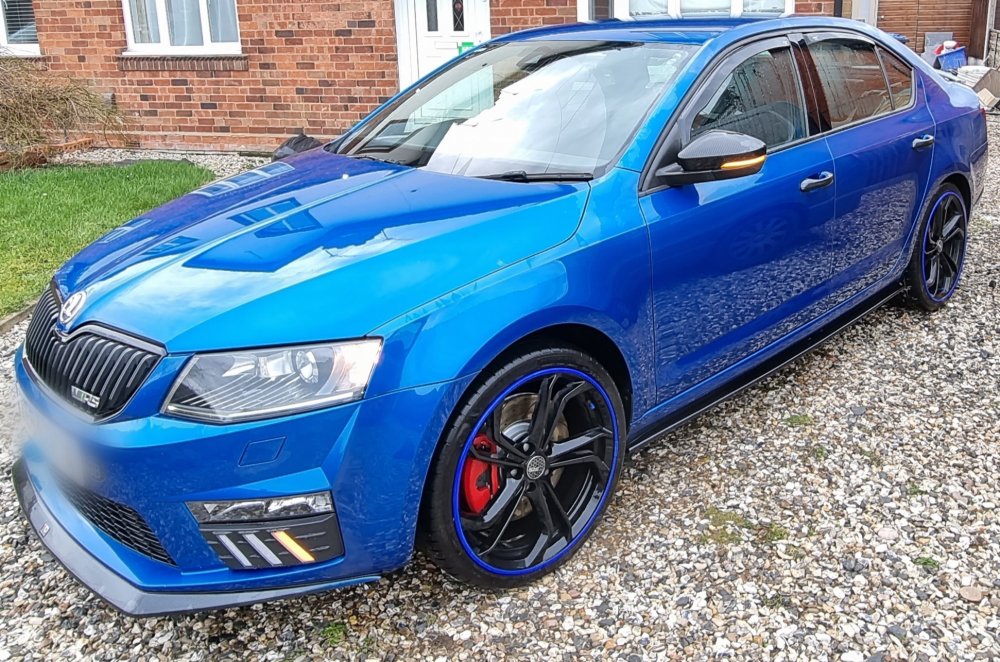
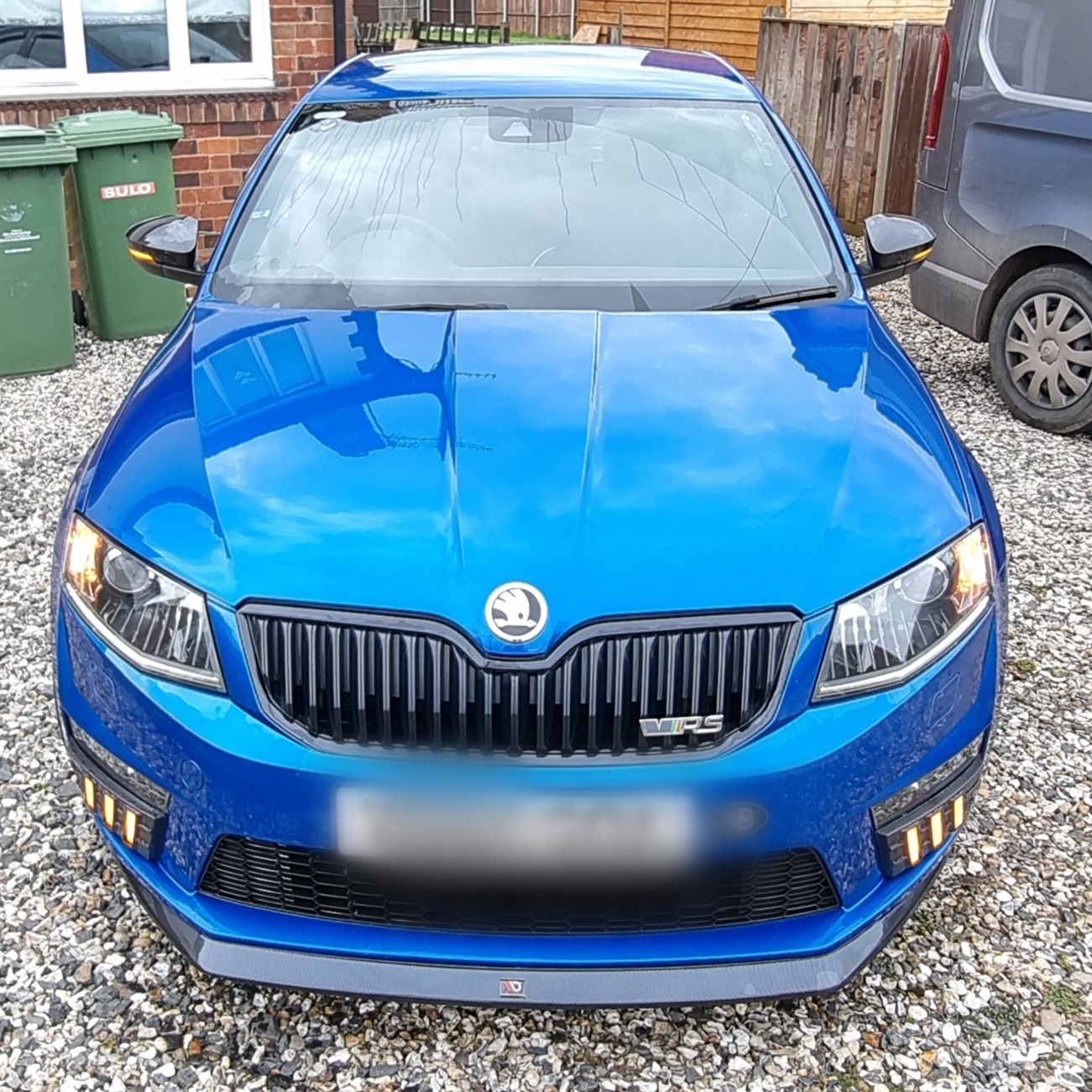
DRL bumper indicator lights added. White - Blue - Orange. Blue while driving - White back to door lights and orange for turning.
-
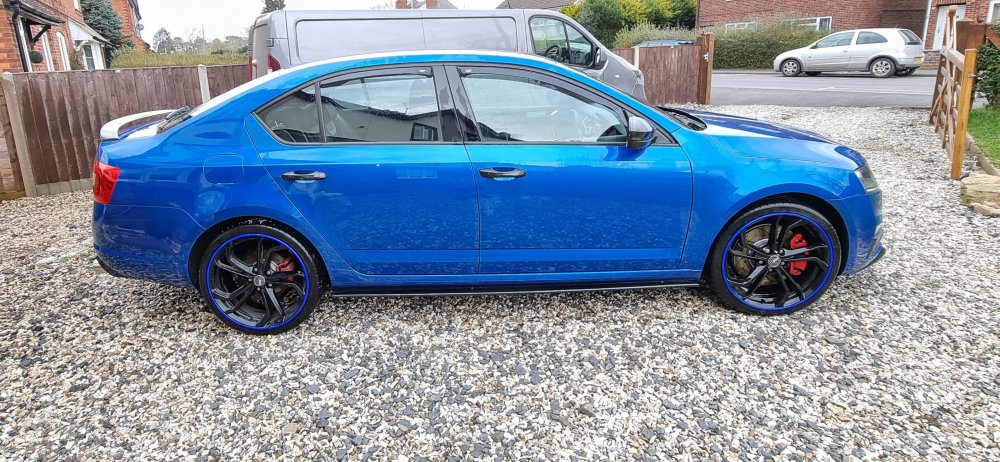
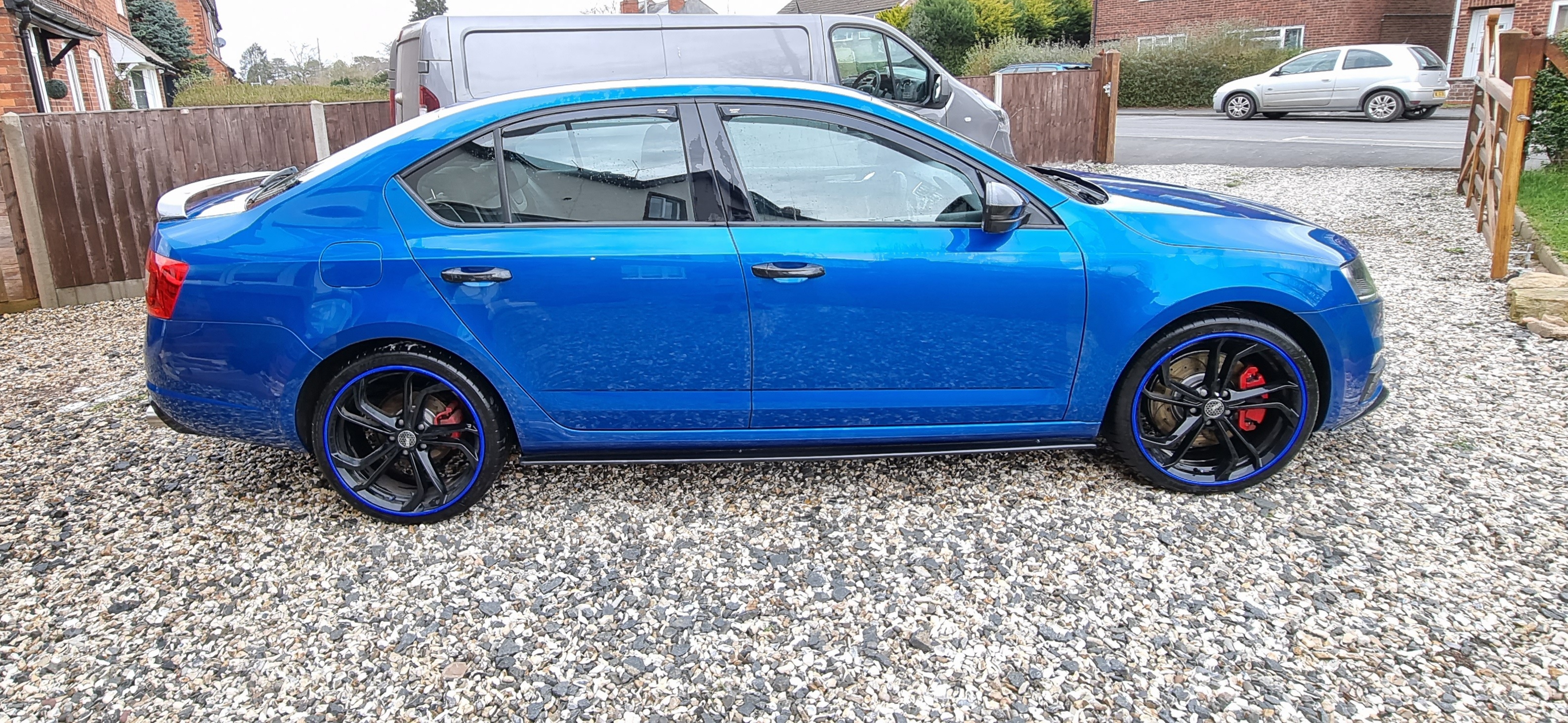
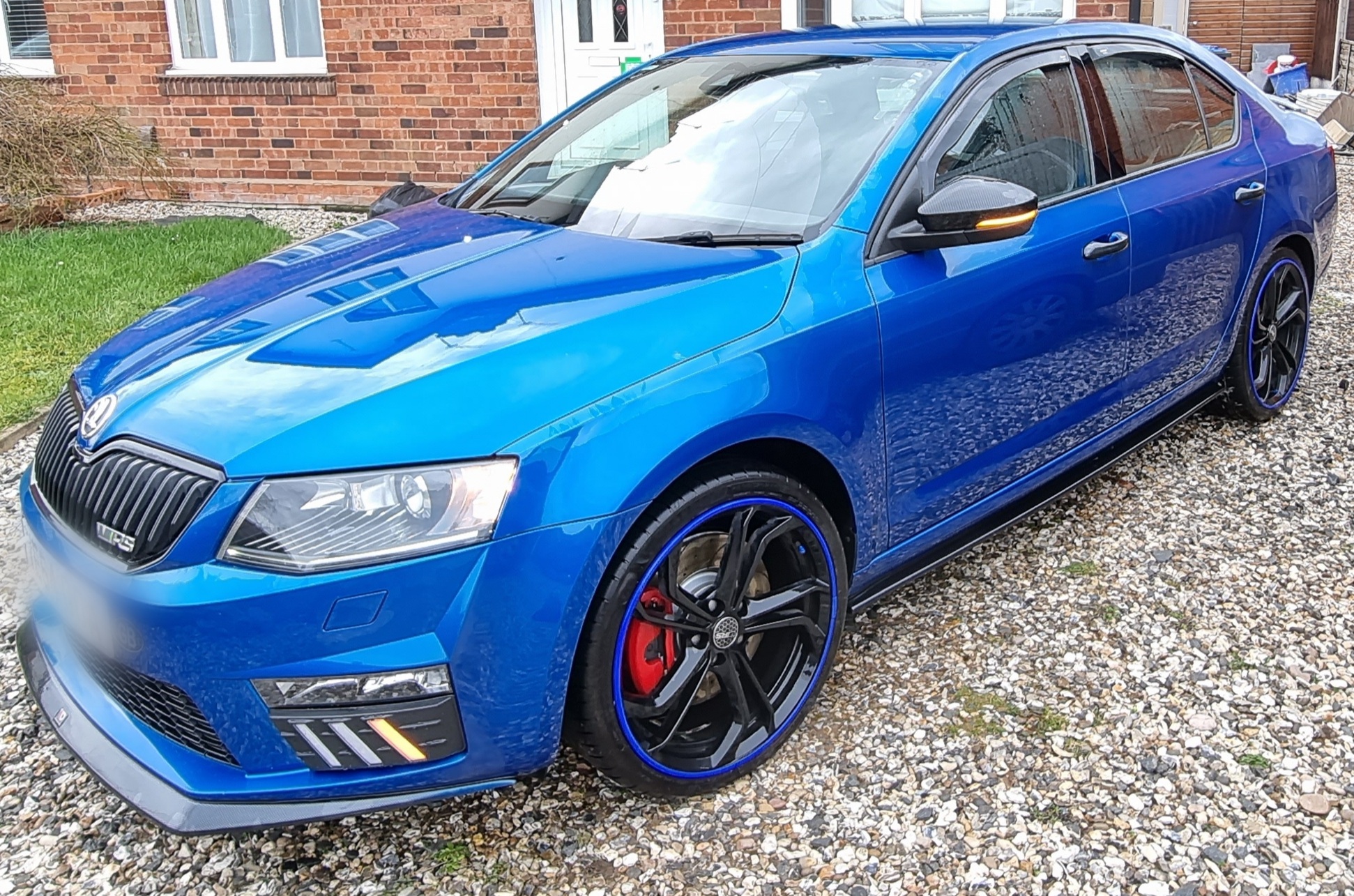
Very quick car - can't believe the uptake with the new wheels and throttle response adapted with OBD11 - performance panel filter and air intake opened up and back blocked - snow shield removed also. Part leather version interior.
-
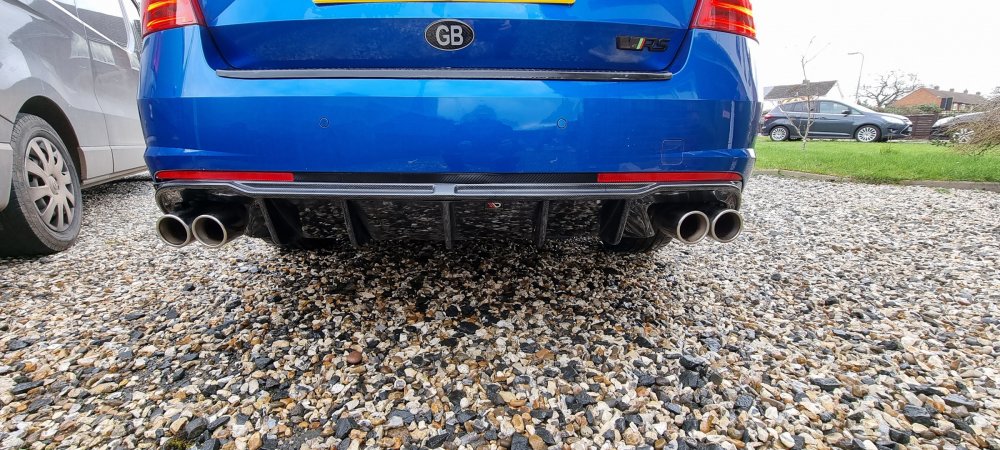
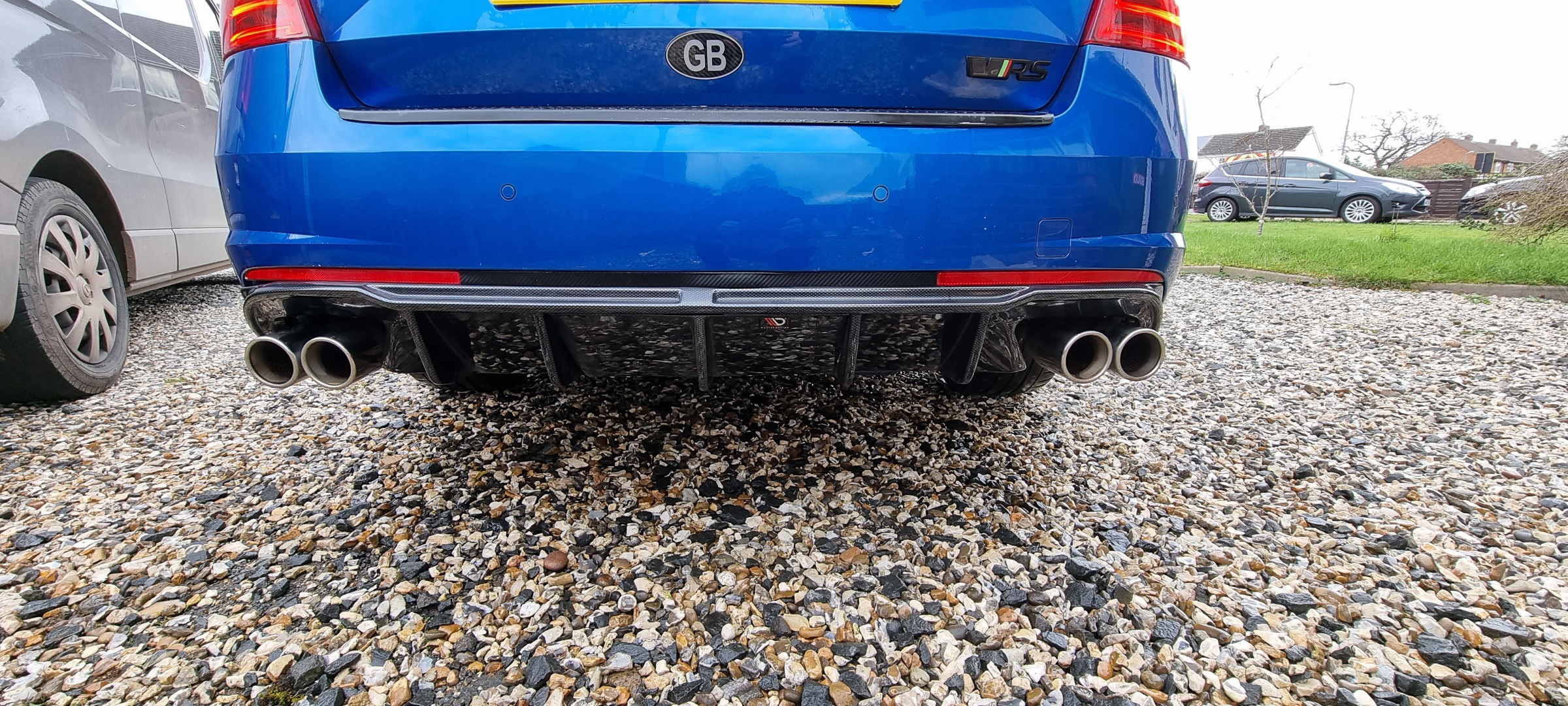
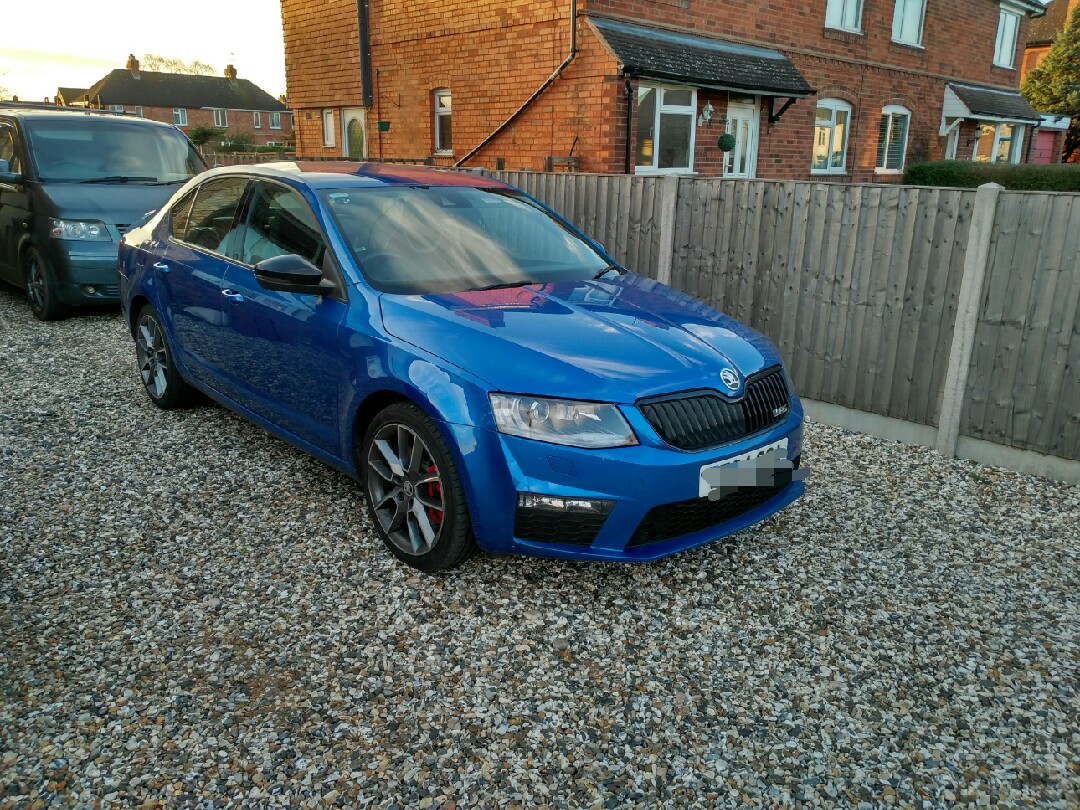
This my much loved 64 plate 184 TDI VRS - DSG - paddle shift - well maintained and upgraded (19" Alloys worth €3k load rated lightweight with alloygators - Maxton body kit - twin sensor tuning box - twin stainless double outlet exhaust - Aftermarket Android head unit designed for the car and functions - new side mount sub in the boot - wiring ready have reverse camera attached (Supplied) - original 18 " alloys and good tyres and original bumper attachment and exhaust trim and head unit etc if you'd like to return it to standard. Milage 84820 - water pump and belt being done Tuesday to be on the safe side. Serviced more or less on a yearly basis. This is not a for sale add it,s saying I will be and to see if fellow members are interested 1st before putting it on Rip-off Bay. 🤣👍 Hope Admin understands and allows. Feelers out out that's all.