




vran22
Members
-
Joined
-
Last visited
-
Mine is january 2025. I am waiting for next week inspection.
-
For example mine vibration.. after all changes i now came from most 109km/h to 127km/h shaking i came to shaking from 100 to 142km/h.. We have changed: wheel bearings --> little less shaking control arm bushings / suspension arm bushing --> more shaking again Its hard to record to have best video 20260924_122212.mp4
-
Waiting for your feedback if any better on your side after changes. I am waiting if they will come to something new what it could be wrong.
-
On wheels 20' yes and there was no deviation. All okay with tyrees and wheels.
-
I have winter 17' wheels. Its same on them, so there is no difference on wheel type.
-
Wheel my car is still not fixed yet :( They first replaced wheel bearings but there was no difference. Now they replaced suspension bushes but i think now its even worse. I will get in contact tomorrow to see futher steps. They also checked the wheel alignment/centering again but there is no deviation. I am getting crazy with car..
-
Well not yet. I finally manage with another skoda service where we start to work on something. They saw on car that it really shaking and we managed to replace on warranty wheel bearings, but this not solved issue, so they have now car on service again where they are searcing again for issue.
-
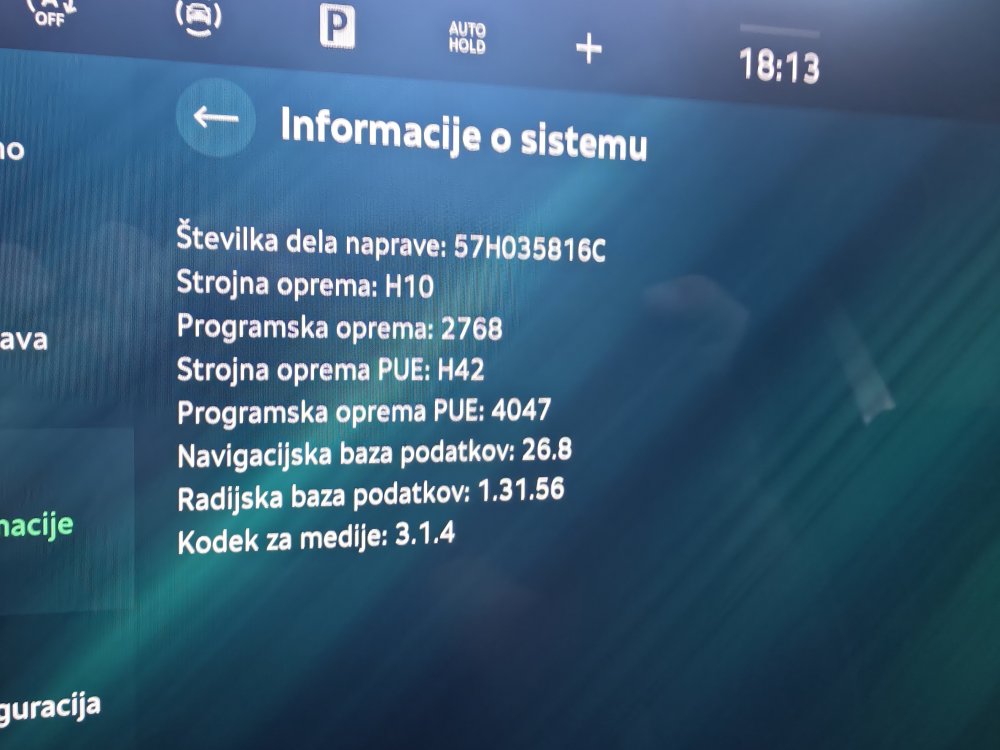
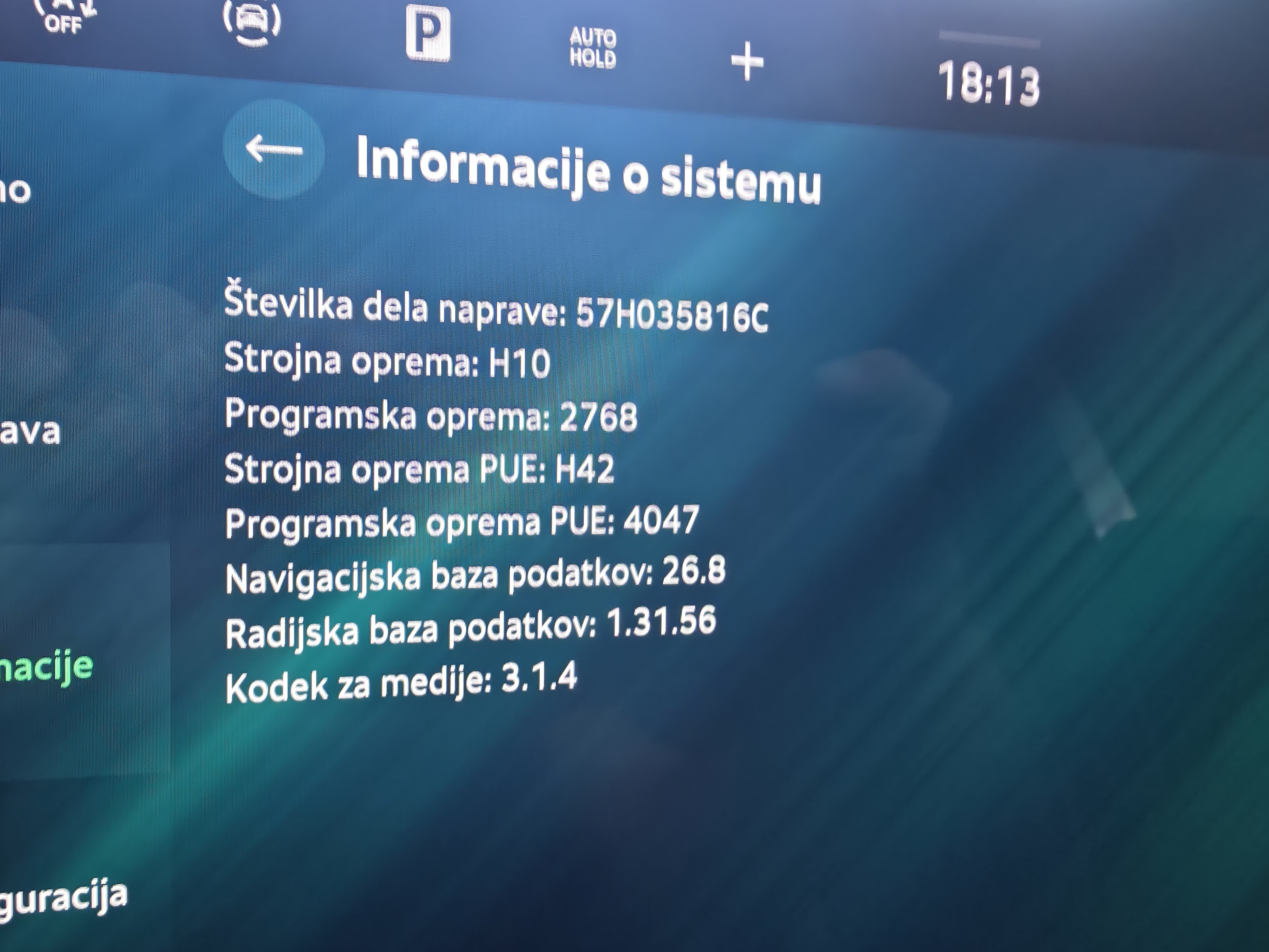
Hi, What is latest version for infotainment? I had updated to version: 2768, because of bug if you increase/decrese temperature and then change were air needs to blow it throw to main scree
-
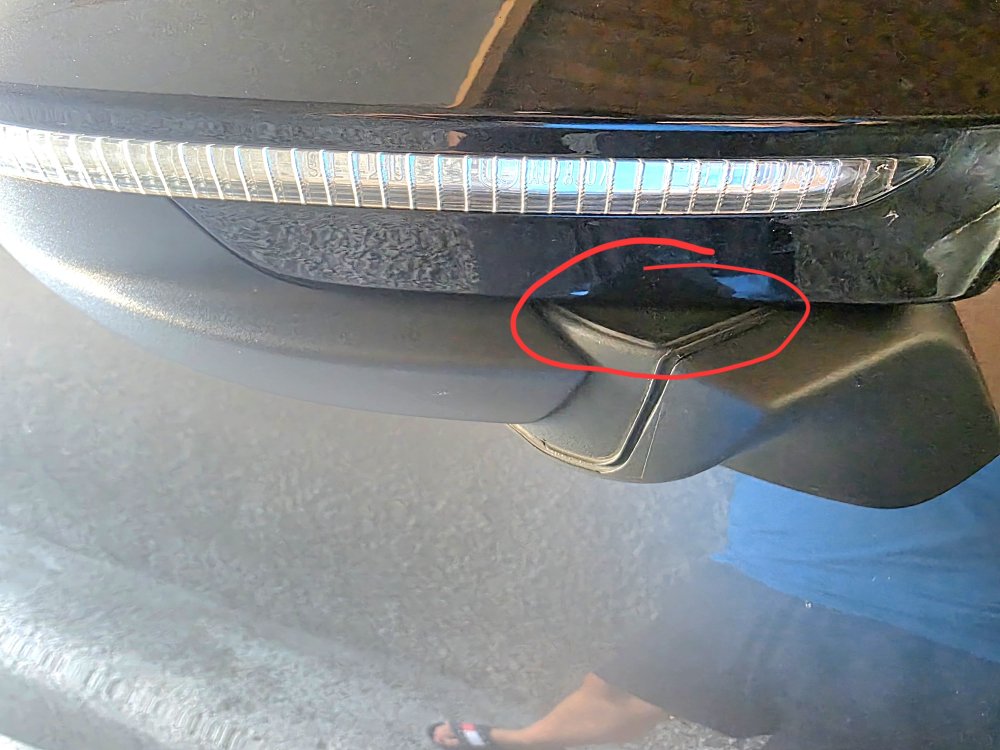
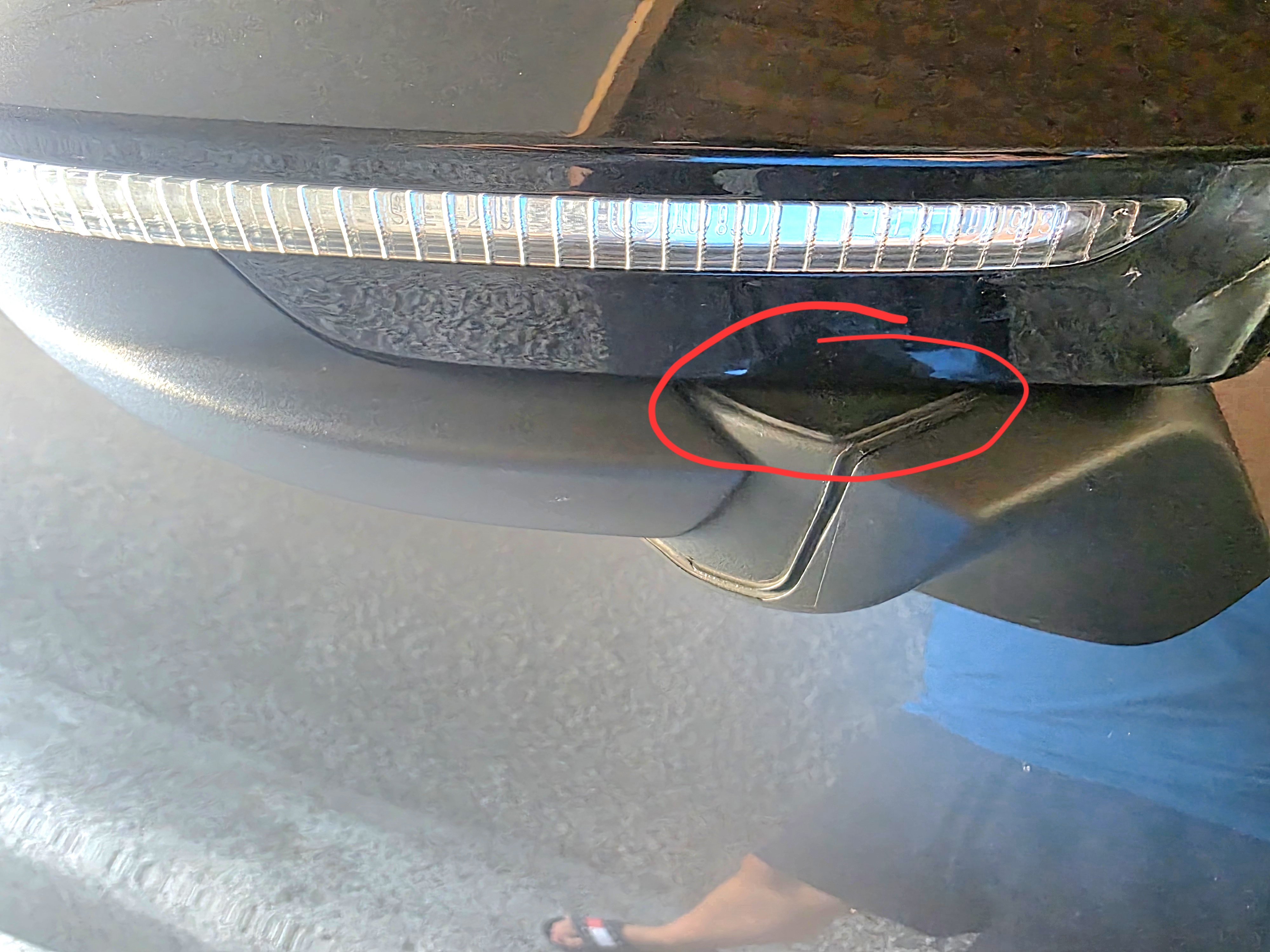
Just put lubricant where it fold on both sides..
-
I used wurth silikon spray. Its okay from then.
-
This version dont have leds inside..
-
My Kodiaq 2025 sportline have travel assist. So if you have 2026 sportline you should also have it. You need to select in cruise travel assist and activate then control at that time car take control over speed and steering.
-
Is this normal sound for Kodiaq 1.5TSI mHEV? While showing ti dealer they said its normal behaviour. But this sound is making while moving car forward or reverse od maneuring on parking. 20260307_124301_1.mp4
-
I am not avoiding them. I already contacted my dealer. I have some opet topics with my car where dealer need to fix them in warranty and i have also pointed to them that i saw recall and we need to fix this with all open points.
-
Picture of mine Kodiaq Sportline.
.thumb.jpg.9f445e52e2d63e4101a01ac0a7afaef3.jpg)

.jpg.8ab1d92dabd5f18fdf78059f74541a2d.jpg)
