Steroidas
Finding my way
-
Joined
-
Last visited
Everything posted by Steroidas
-
Yup the second fan (smaller one) is AC fan. i am not sure if there are any difference between AC and climatronic, but now once the clima is on - both fans are triggered and spinning up
-
So the problem was in the main fan controller, as smaller fan connected directly to the battery was spinning. Thank you everyone for the help and suggestions!
-
Agree, i think i will do it during inspection. The only question is: what is the percentage what the bigger fan will start to fail soon and is it worth to change the both fans at the same time and forgot about them..
-
Okay, so did VCDS output test which is called Coolant fan control circuit 1 ( which is shown in this video ) and i find out that this test should kick out both fans, but in my case only larger one is spinning up..:(
-
Thank you very much for your input! lets see other opinions
-
In the other words how should i know if my fan or control module is faulty and had to be replaced?
-
So they always have to work in parallel or do thy have different purpose?
-
2006 1.9 BJB
-
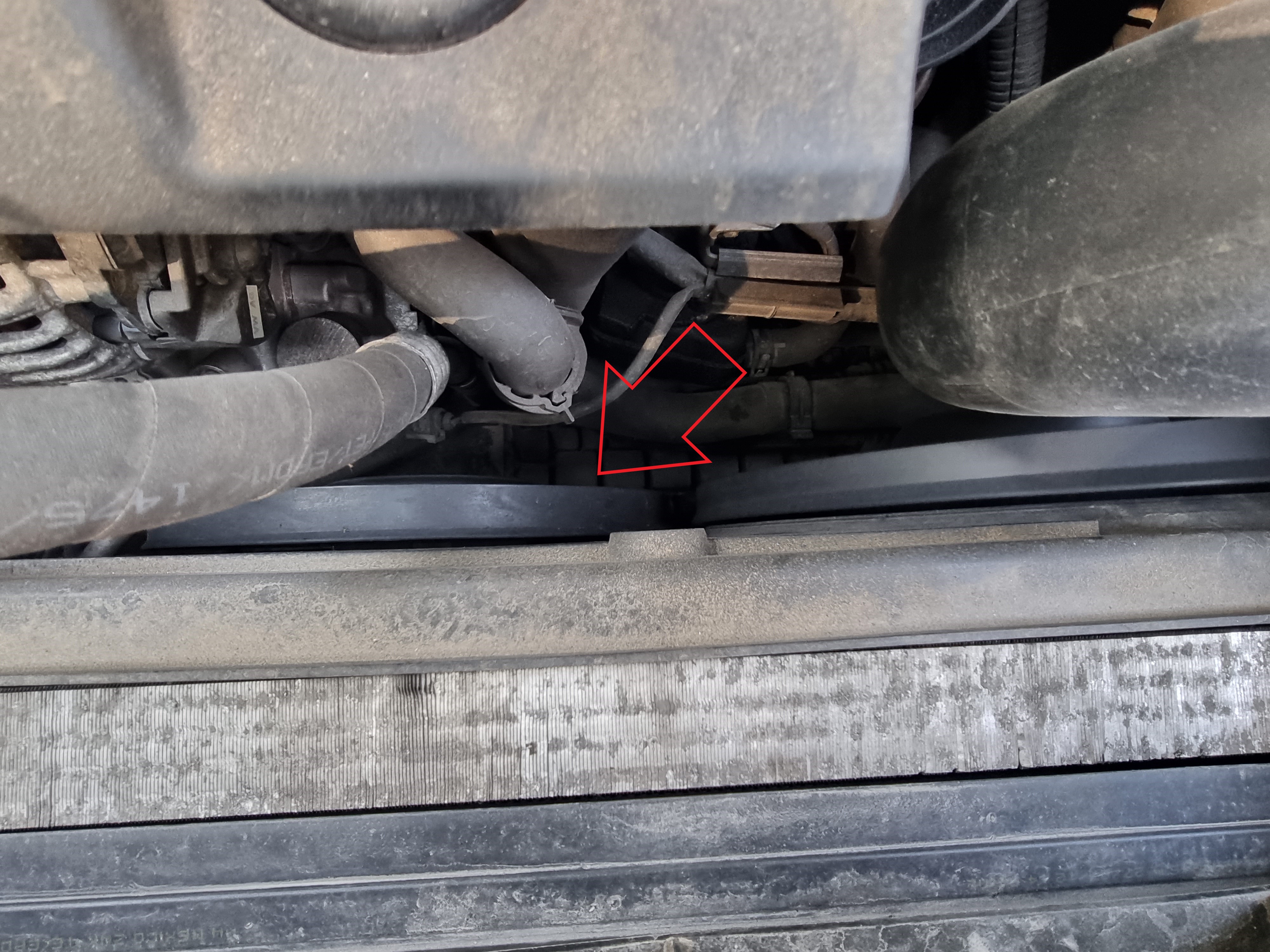
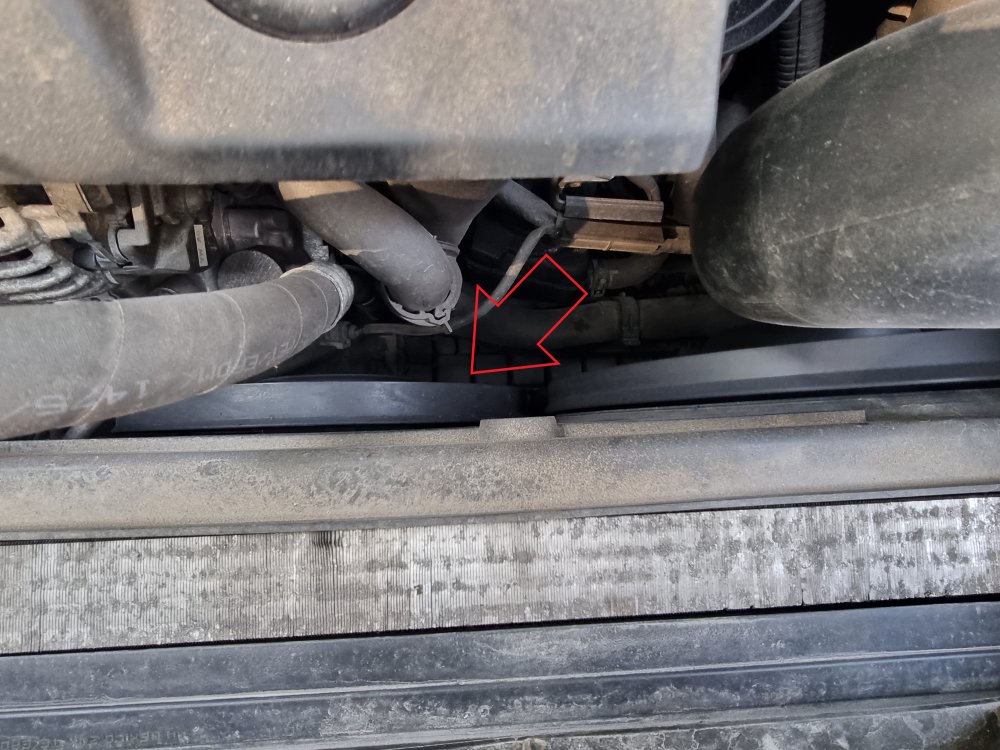
Hey guys! Just wanted to ask for explanation: whats the purpose of the second radiator fan (marked in the photo) and under which circumstances he will kick off? Asking because i noticed that second one is always off and while clima is on auto mode the large one is only spinning. Thanks for the info!
-
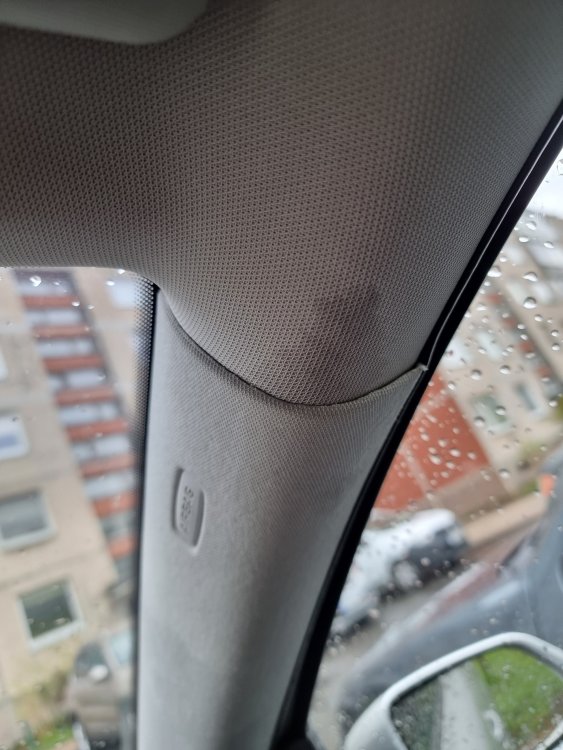
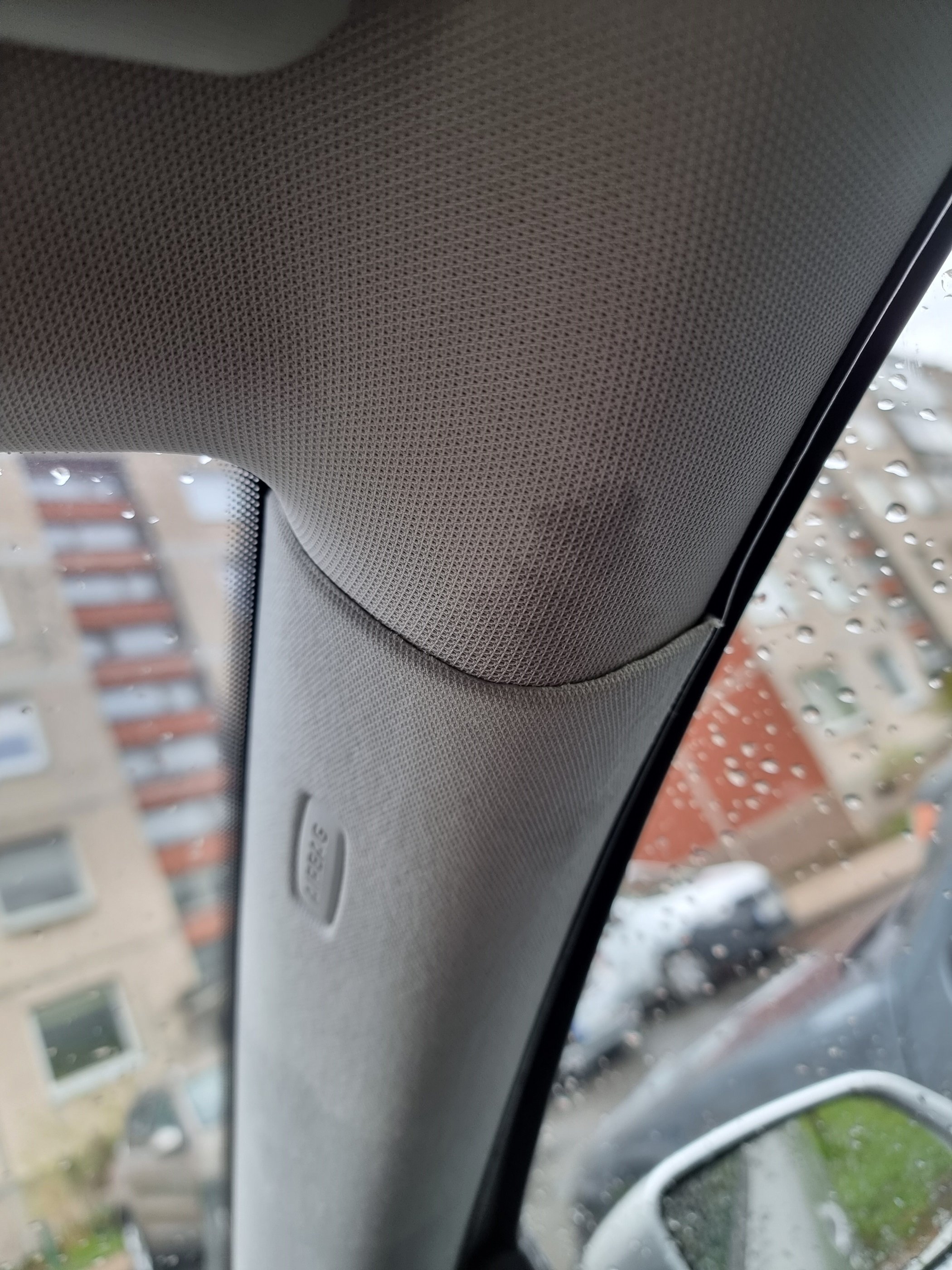
It's a bit tricky then there is a airbag... I will try to do it.
-
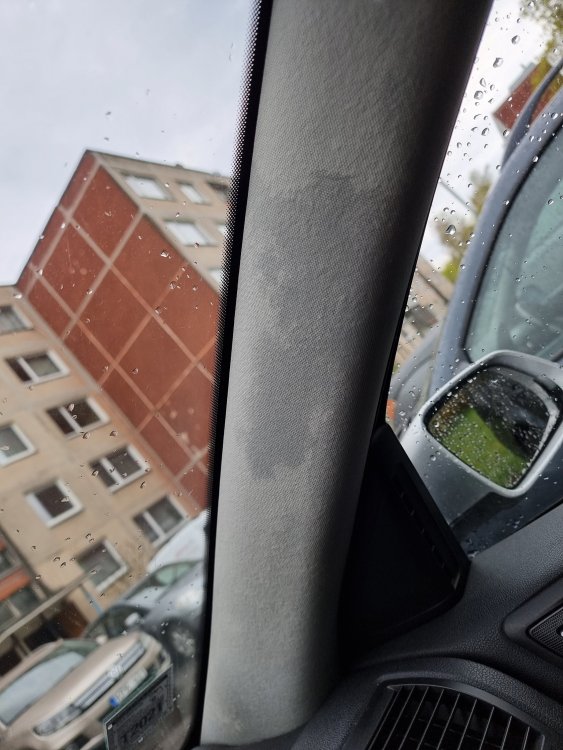
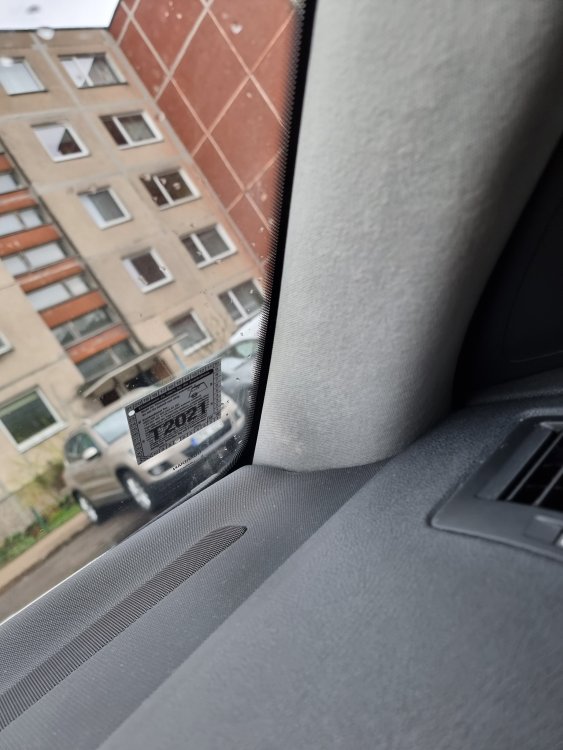
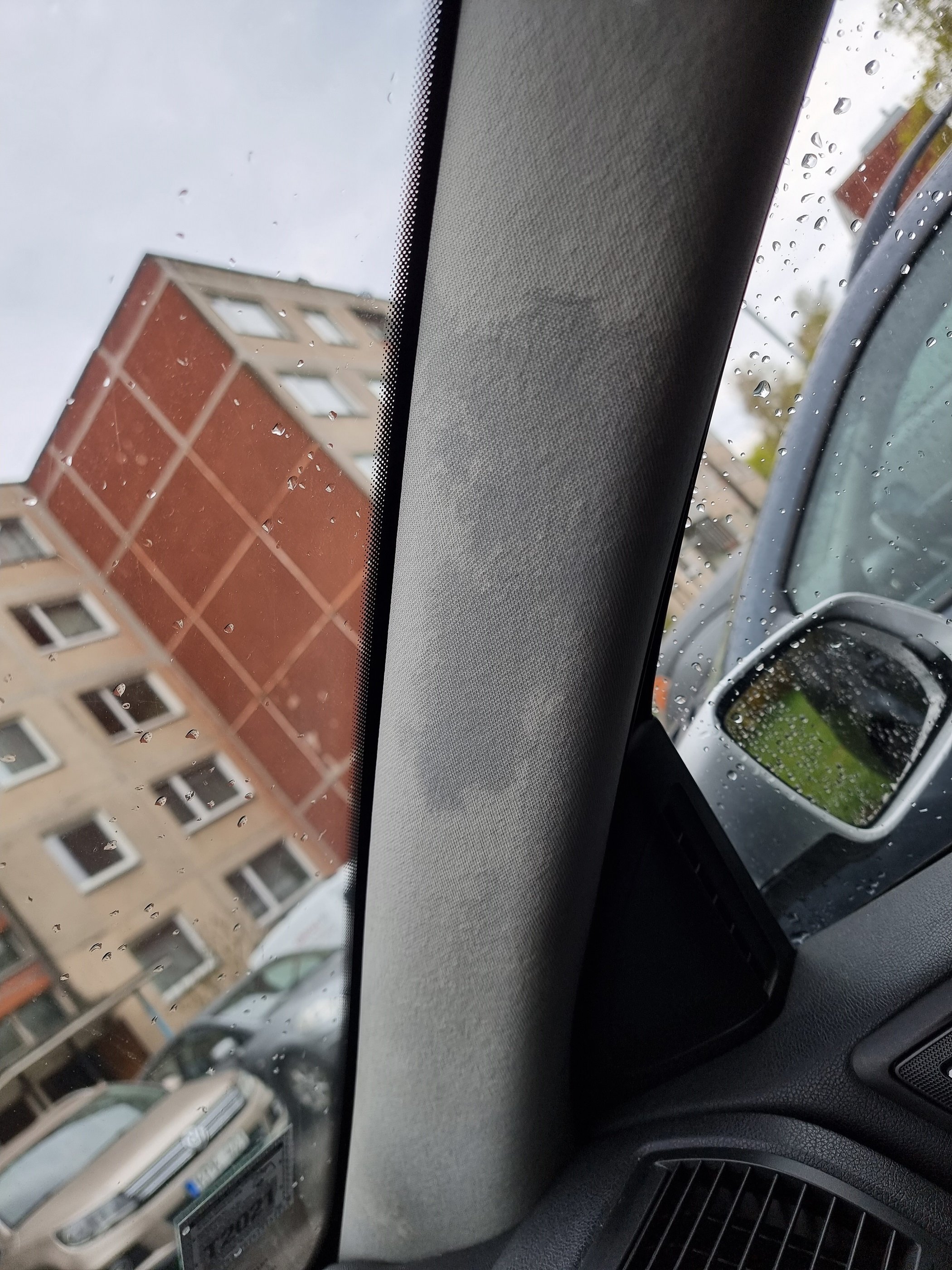
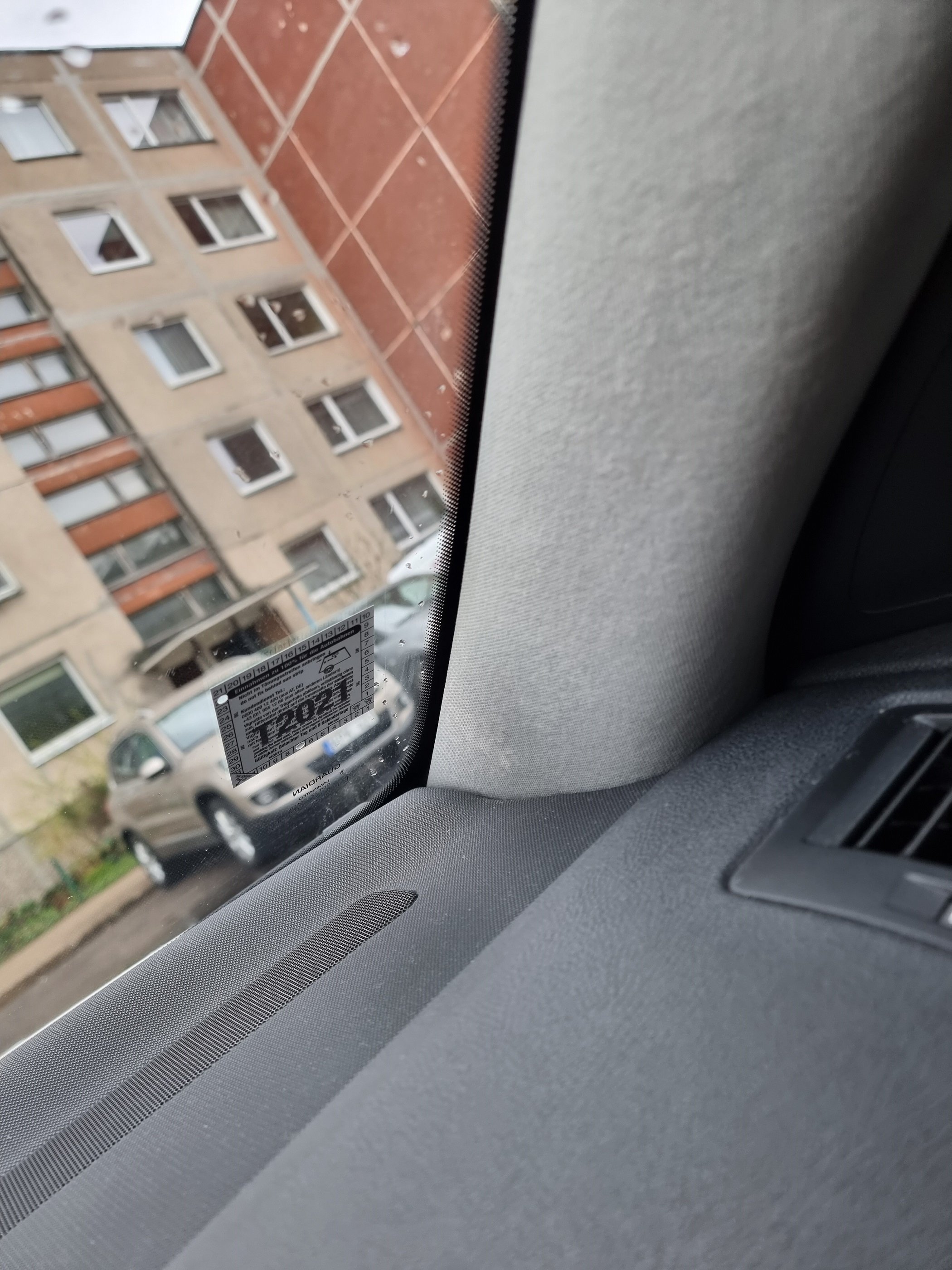
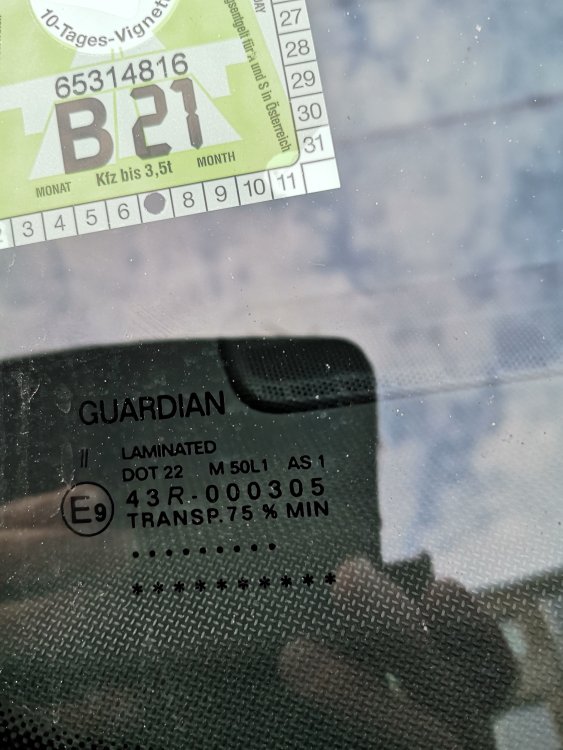
Hello, So after a rain i got some leakage on the pillar. Car is without sunroof.. Any ideas from there this leak could be? Can it be a front window?