seelyrrem
Finding my way
-
Joined
-
Last visited
Everything posted by seelyrrem
-
Make sure using genuine Xiaomi cable. My Mi9T and Poco X3 Pro only connect with original cables supplied with phones and no trouble with Android Auto.
-
As above fitted and working with no coding. All covered in this .
-
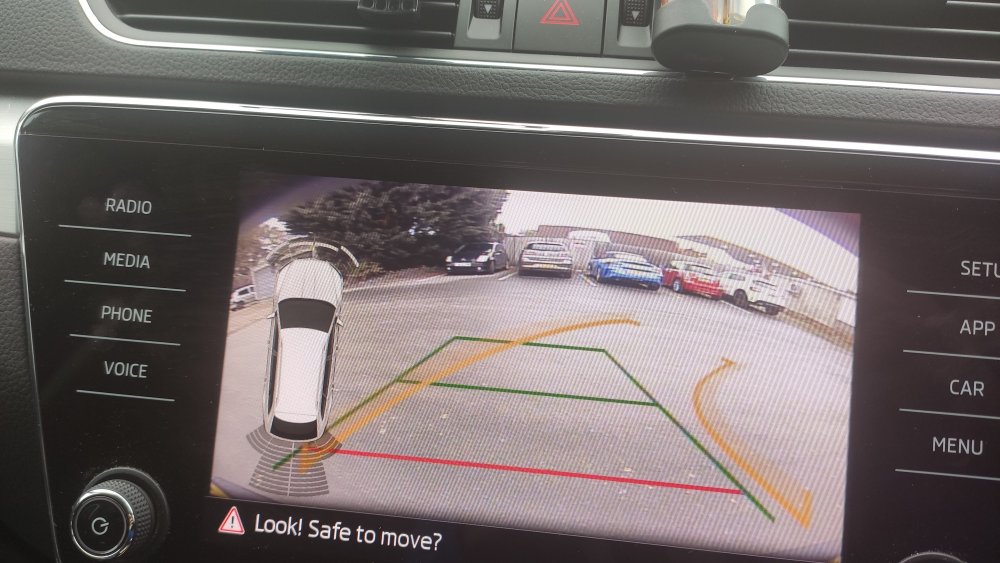
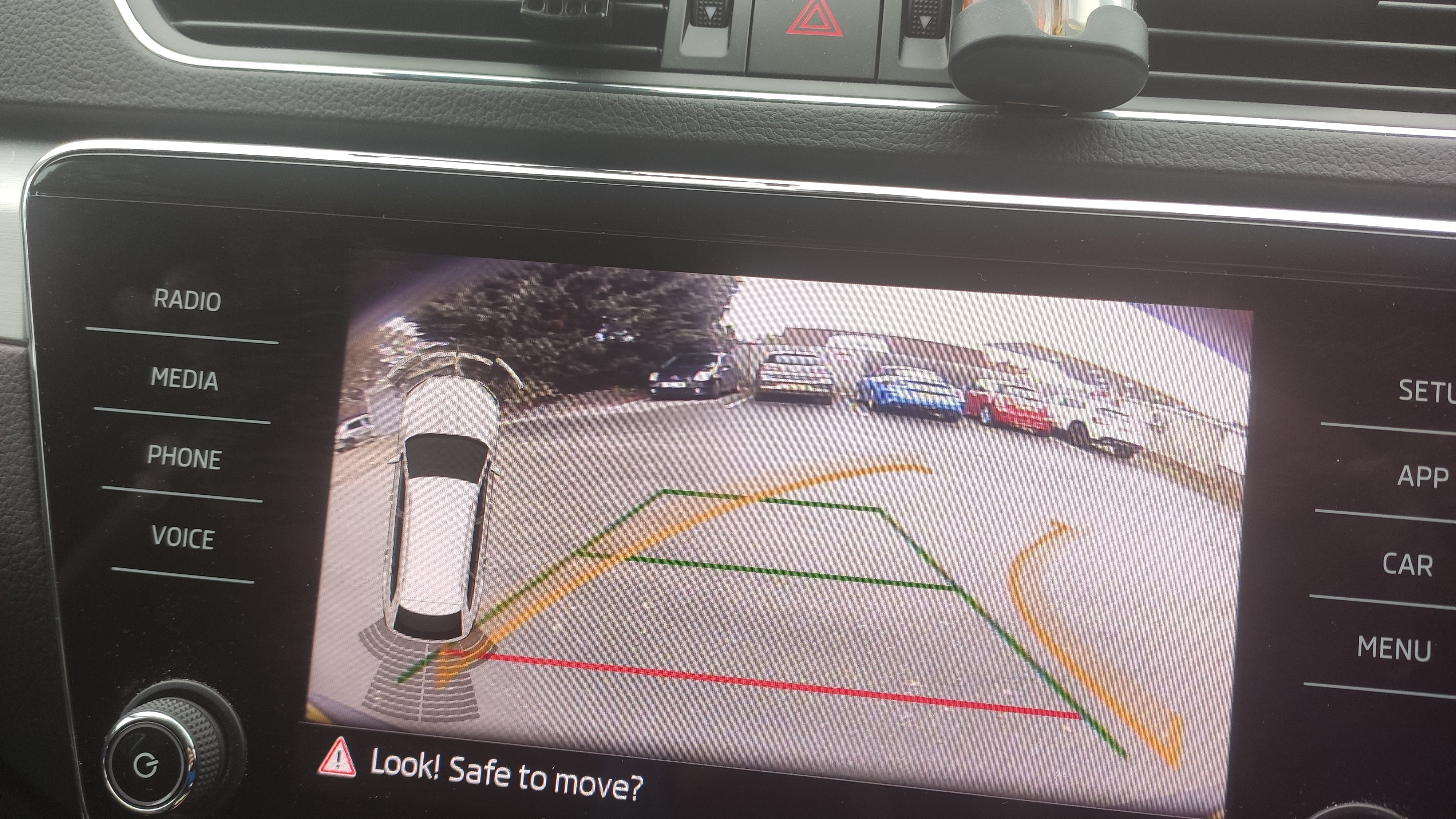
Just plug and play working straight away when engaging reverse gear with no coding at all. MQB camera type B in my case.
-
Fitted myself and routed cable thro rear drivers side pillar into rubber umbilical gator, did this side as already got an extra cable in passenger side because rear dashcam previously fitted. Then tucked cable in to roof lining and over to rear passenger side and again along roof to front as already knew procedure from rear dashcam cable installation.
-
Thanks for confirmation works on my model. Ordered, took 10days to ship and now fitted and working. Thanks to all contributors to this thread and forum as a whole👍