Giff
Members
-
Joined
-
Last visited
Everything posted by Giff
-
So my Octavia 1.8 TSI (2010) just died after 140K KM. It's the good old issue of TSI engines burning oil discussed at length here in the forum: I did enjoy the car, so I am considering getting another, second hand, Octavia. How to look for and pick one with an engine that does not have the same issue? Can I limit the search based on the production date? Thank you.
-
Thanks. The oil is always very dark brown/almost black. Can post a picture tomorrow.
-
The car just passed the emission test with no issues. Also, no obvious smoke that I can detect. Don't get me wrong, I'd love to fix it, but when I asked the Skoda service they said that it'd cost a lot, they'd even need first to perform a procedure to validate my experience and be sure that the car consumes too much oil (like I don't know...).
-
If you browse the forum here you'll find quite a few people complaining of similar high but not huge oil consumption. I think the manual says up to 1L/1000Km or so is to be expected... though for me it only started happening after the 110K Km mark.
-
This is going a bit OT. There is no puddle, the oil is most likely going through some not-anymore-perfect engine sealing and being burned up. The question is whether I should still change the oil even though I changed the whole amount a couple times during the last year.
-
Seems like a common issue for these TSI engines...
-
Soon I'll be driving a few thousands KMs. During that trip, a year will have passed since my last oil and filter change so I am considering doing it before rather than after. But I wonder: given that my TSI 1.8 consumes about 1L of oil every 800/900 KM, do I still need to change the whole oil? Or can I just change the filter?
-
Actually no! Well, it was gone for some 20 kms, but then it reappeared :( Now it does not show again when the car is parked.... go figure. I just need to do the Swiss equivalent of a MOT tomorrow so I hope it won't show then Indeed, the bulbs that would not turn on were the reserve ones (facepalm)!
-
-
-
-
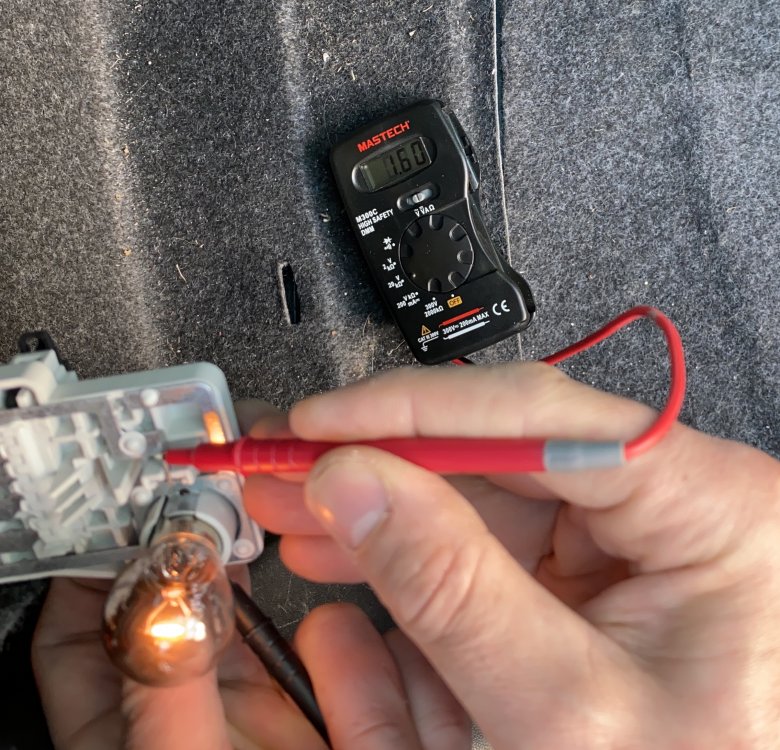
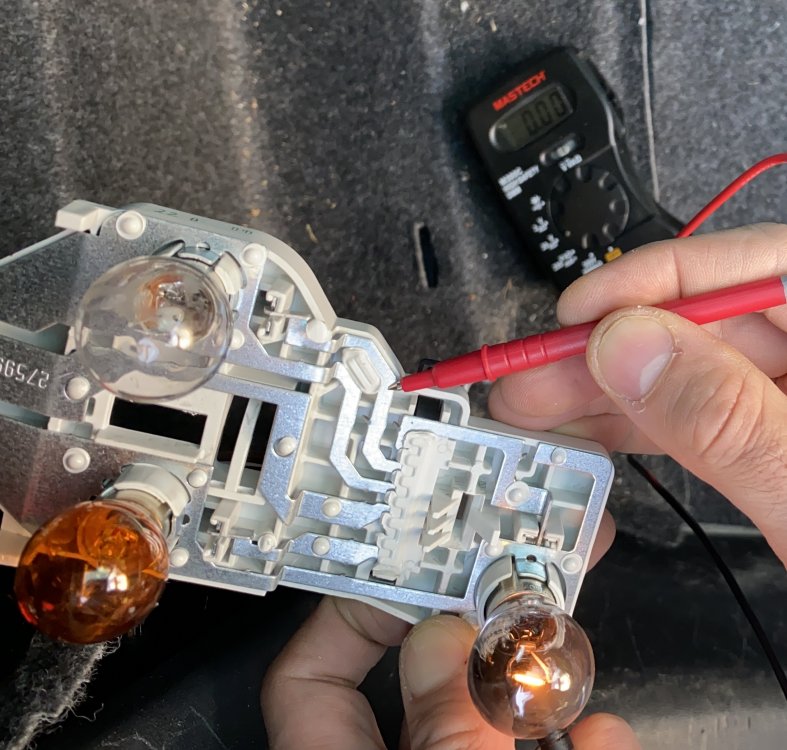
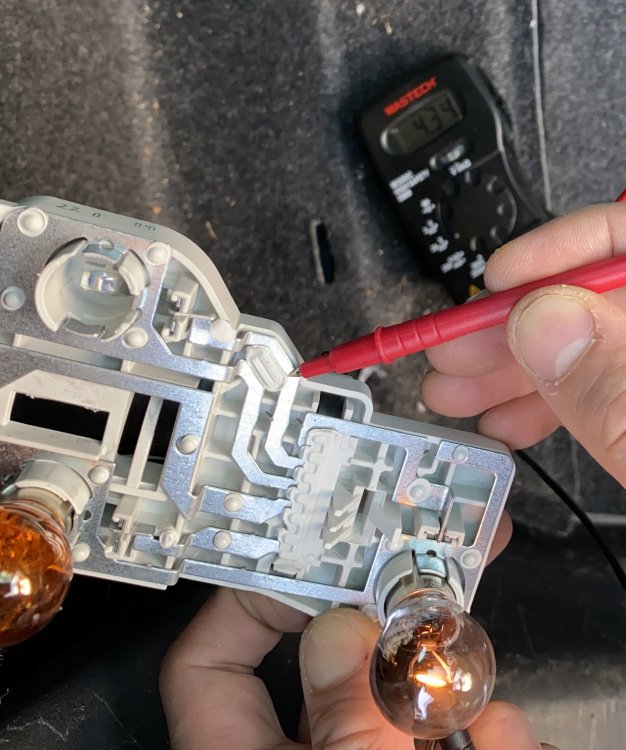
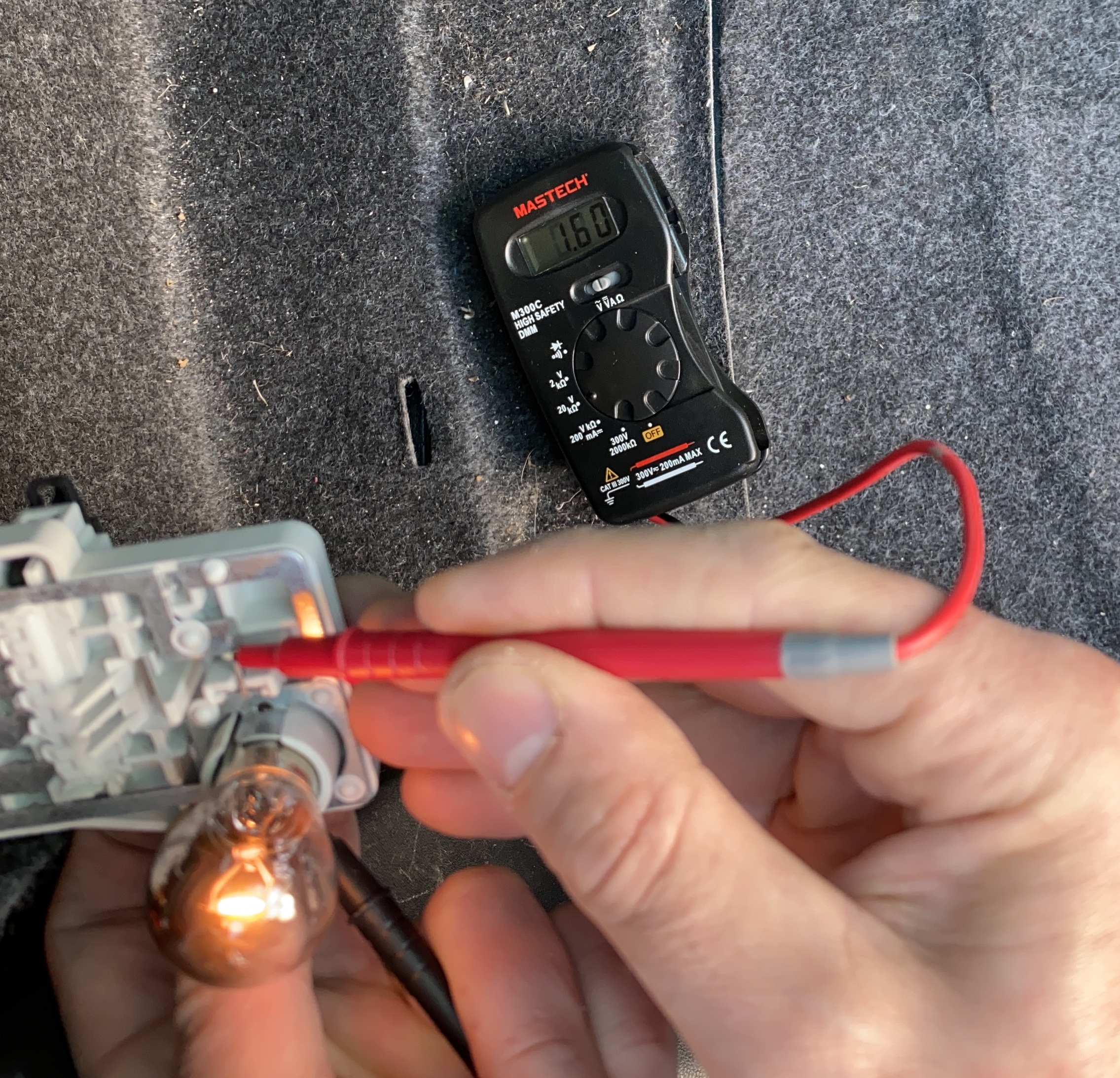
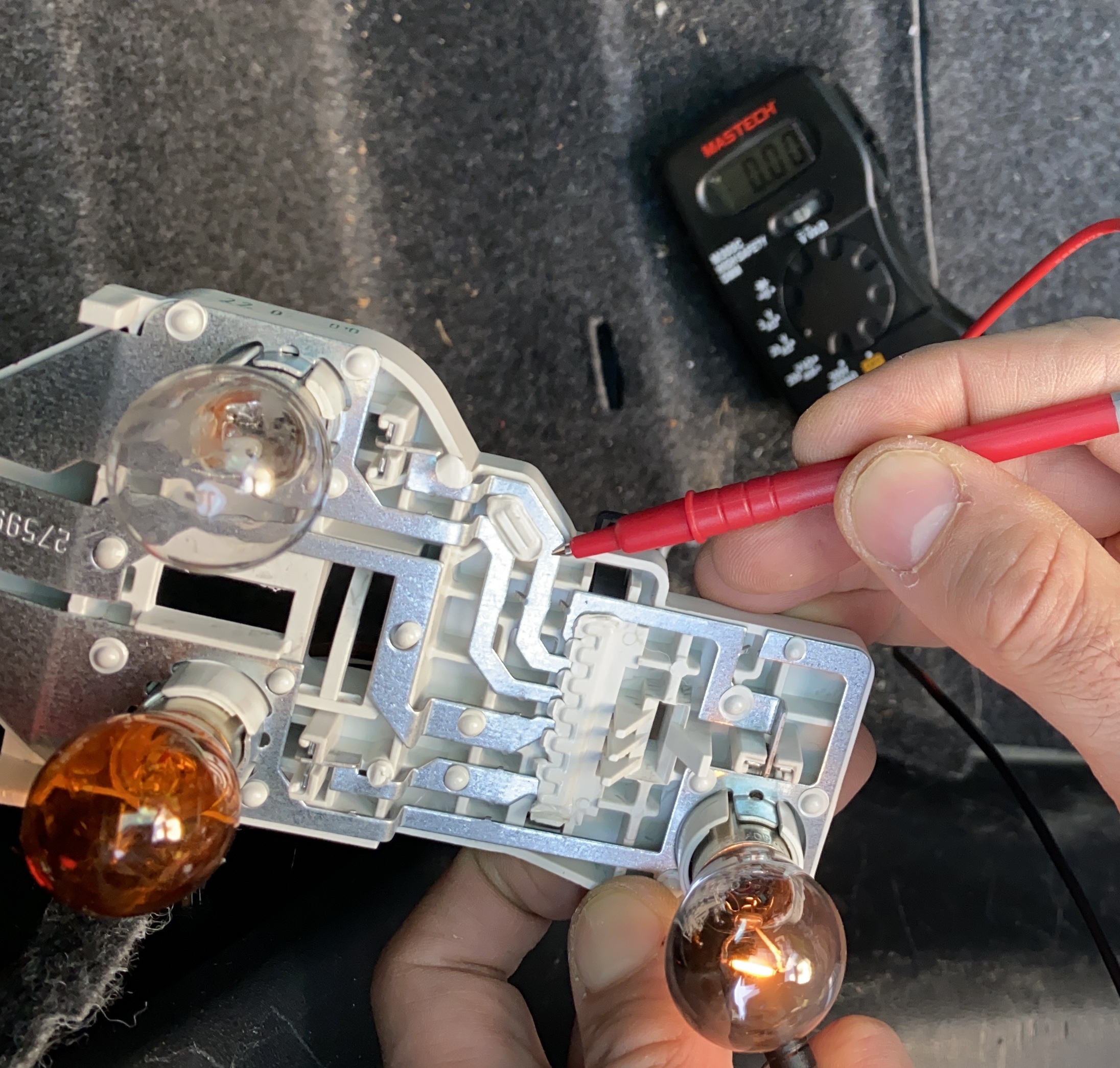
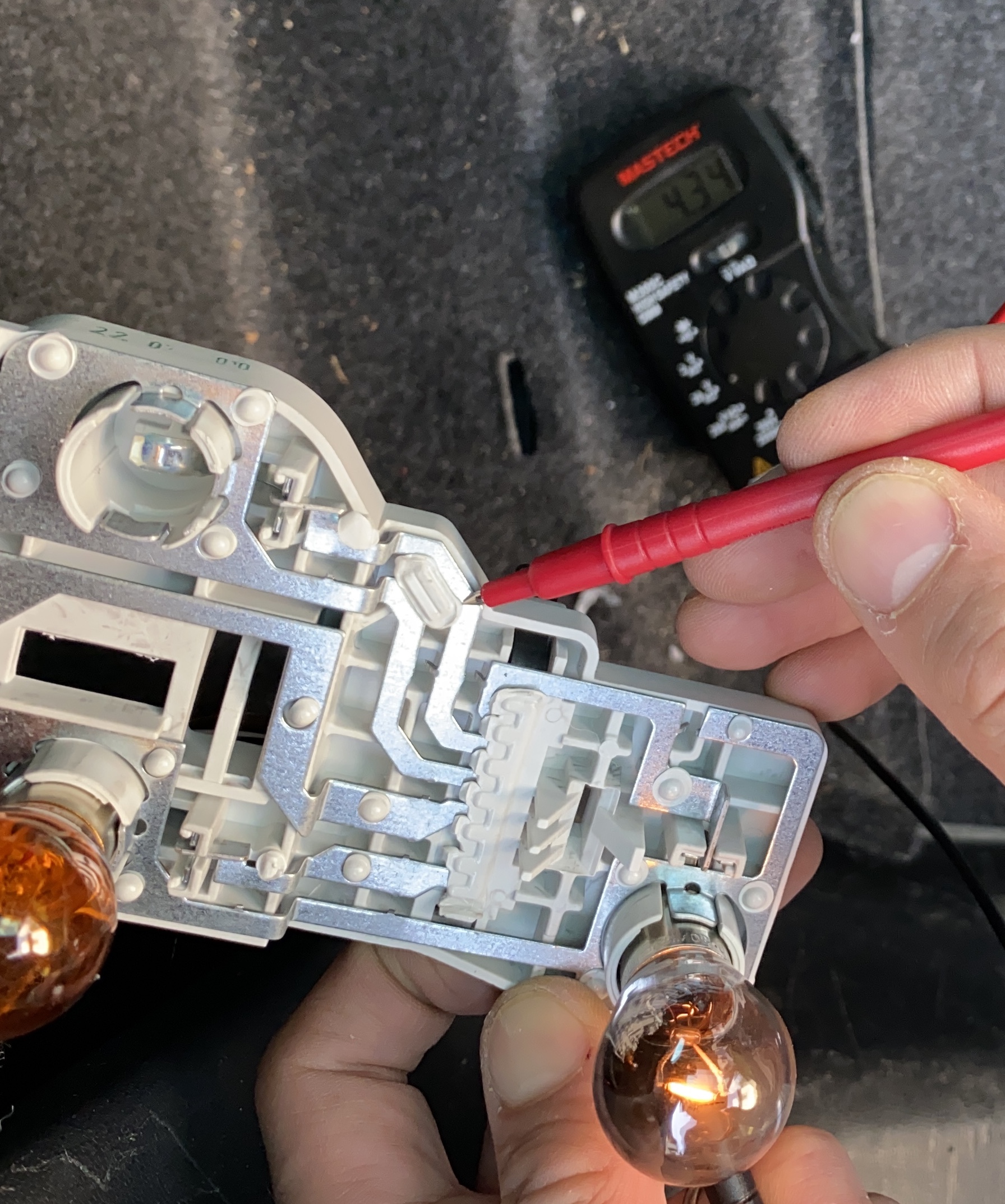
Thanks MicMac for chiming in. You can see from the tester that there is power on the circuit and the bulbs are all good, when placed in a different socket. The black lead is on the earth and the tester is set to show 10V units. Is it normal that I get so different readings, though all bulbs are 12V (and make approximately the same light)?
-
Hi, Perhaps someone here can help me solve what looks like a mystery to me, I am really a noob though so it could be a silly/easy thing to fix. The light bulb warning started turning on, telling I should check the brake lights. Turns out all brake bulbs work. But one of the "normal" rear light bulbs doesn't. Obviously it's not just the bulb. What I don't understand is why I measure tension on the circuit leading to this particular bulb when the bulb (any bulbs, actually) is not in place, but I see 0 volts when I attach the bulb. In one of the attached images you can see the tester measuring 16 volts on one of the (working) circuits. The other two images show the problematic circuit with the bulb in (tester shows 0) and without the bulb (test shows 43 volts - isn't that too much? - anyway the third "working" circuit shows ~100...). Ideas on what is going on? Thanks for your hints! G