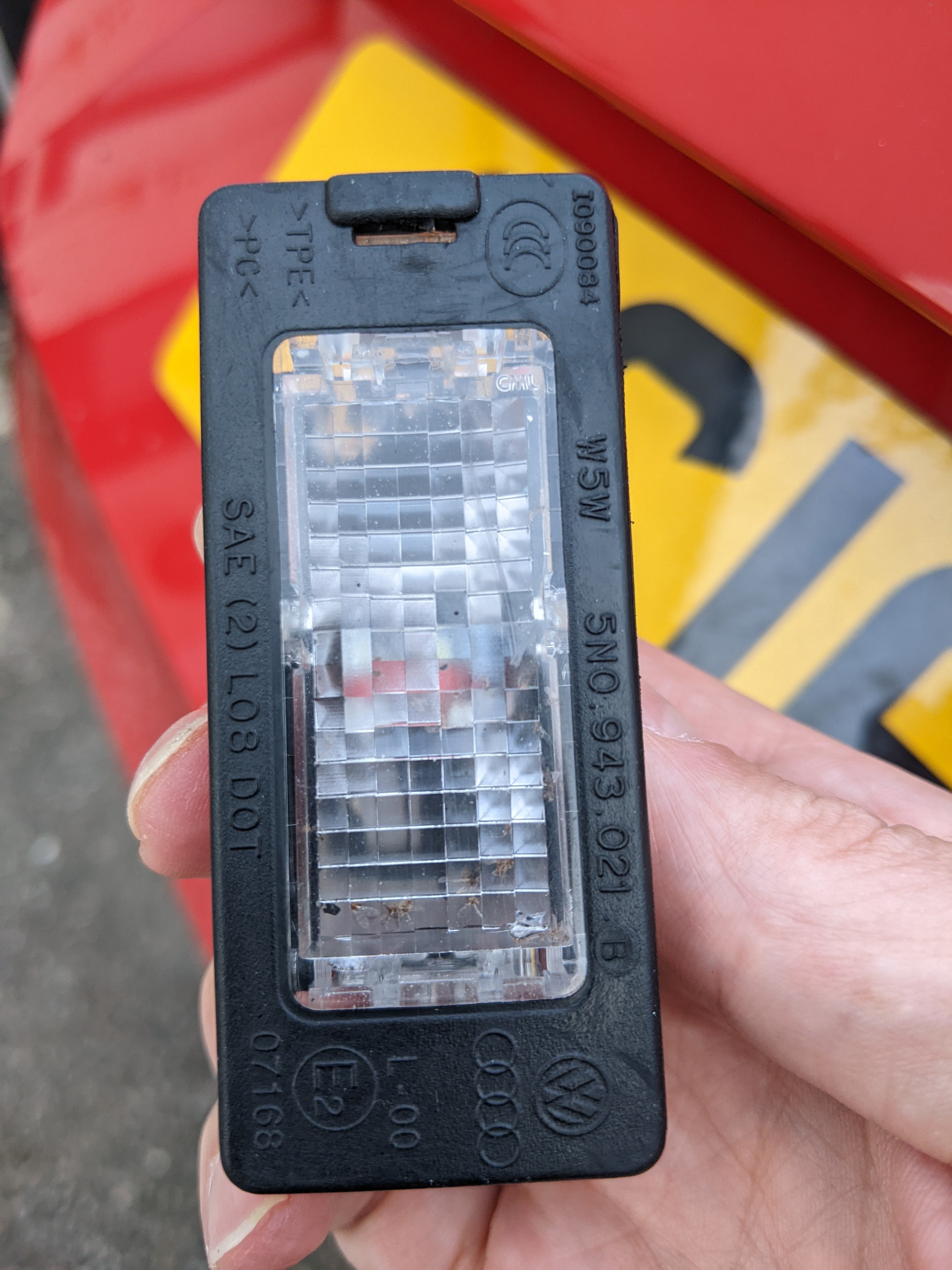
# bulbs
-
- mki fabia
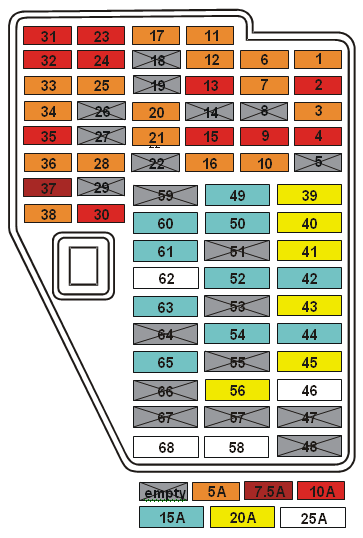
- fuse panel
- fuses
- fabia
-
Tagged with:
- 2 comments
- 127,088 views
-
- 2 comments
- 1,252 views
-
- 11 comments
- 2,239 views
-
- 1 comment
- 834 views
-
- 3 comments
- 1,871 views
-
- 2 comments
- 1,472 views
-
- 3 comments
- 1,716 views
-
- 4 comments
- 4,173 views
-
- 6 comments
- 2,027 views
-
- 9 comments
- 1,353 views
-
- 1 comment
- 796 views
-
- 1 comment
- 1,416 views
-
- 7 comments
- 1,942 views
-
- 5 comments
- 1,321 views