Skip to content

Crapula

Finding my way
  • Joined

  • Last visited

Everything posted by Crapula

  1. Hi. I can share you de Karoq Towbar. It’s similiar. I think can help you. Accesorios - Towbar - GDW - Instrucciones de Montaje G2281.pdf Accesorios - Towbars Instrucciones de Montaje y Codificación 3DG0317_748343_SK_Karoq.pdf Accesorios - Towbar - ECS - without towbar prepared connector VW146B1SKA.pdf
  2. Hi. The rear camera of the Skoda Karoq is different from that of the Kodiaq. There are two types of Camera. The High Line with Rear View Camera with Guidance Line version. And the Low Line without Rear View Camera with Guidance Line. Karoq MY18 / 19/20 equips the LowLine version. Starting with the MY21 version, the High Line version, necessary for the Trailer Assist, will start to be installed. The High Line version also has different types of views. ·Low Line Camera (Karoq): 1 single view mode Static guide lines · High Line Camera (Kodiaq) Different points of view (trailer, battery, fisheye, ...) Dynamic guide lines It allows (with the other cameras) 360 ° view
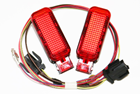
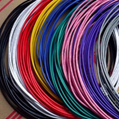
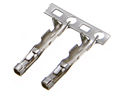
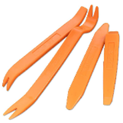
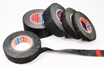
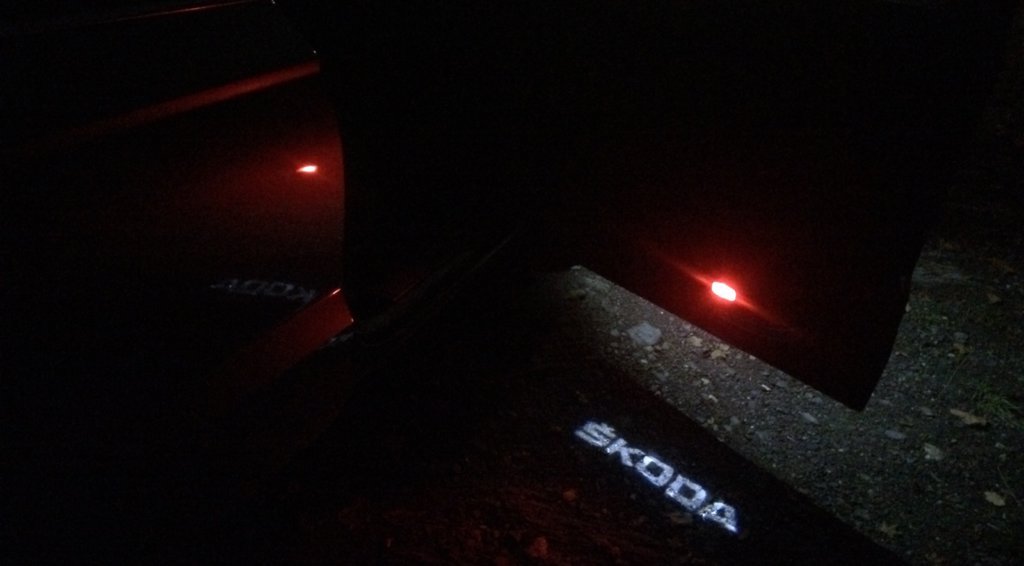
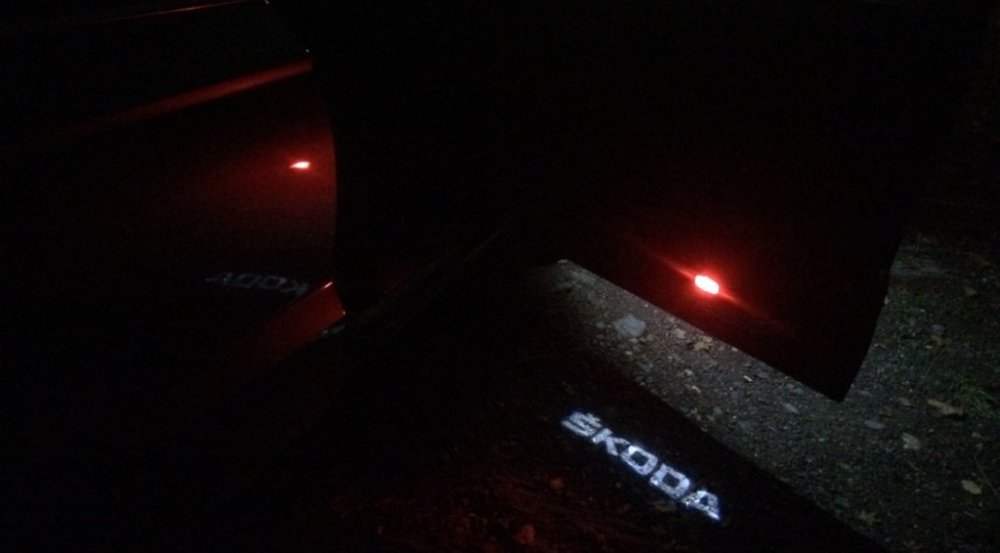
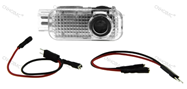
  3. Now we will explain step by step how to install the Led Welcome Lights (Logo Skoda), and the Red Emergency Lights of the Front Doors. INDEX: 0. MATERIALS 1. DISASSEMBLY OF THE DOOR PANEL 2. UNPLUG THE PANEL ELECTRICAL AND MECHANICAL CABLES 3. CONNECTIONS AND WIRING 4. MOUNTING THE DOOR PANEL 5. CODING ___________________________________________ 0. MATERIALS • Welcome Lights (Logo Skoda) LED: 7,36€ Link • Warning Lights (Red): 7,00€ Link • Connection Cable (about 5 m😞 7,82€ We can use a Cable 0.5mm (24AWG) o 0.65mm (22AWG) • 2 Connection pins for Door Switchboard ConnectorT32b “000979009E”: 2,08€ I recommend taking a kit of these to ensure that the pins are of the correct diameter: Link • Plastic Tools: 1,39€ OPTIONAL • Steal current connectors: 1,53€ Link • Tesa Coroplast fabric adhesive tape for wiring: 1,43€ Link • • Buckle closure clip (Should not be necessary. Only ifbroken): 2,61€ (5uds) Link
Important Information

Welcome to BRISKODA. Please note the following important links Terms of Use. We have a comprehensive Privacy Policy. We have placed cookies on your device to help make this website better. You can adjust your cookie settings, otherwise we'll assume you're okay to continue.

Account

Navigation

Configure browser push notifications

Chrome (Android)
  1. Tap the lock icon next to the address bar.
  2. Tap Permissions → Notifications.
  3. Adjust your preference.
Chrome (Desktop)
  1. Click the padlock icon in the address bar.
  2. Select Site settings.
  3. Find Notifications and adjust your preference.