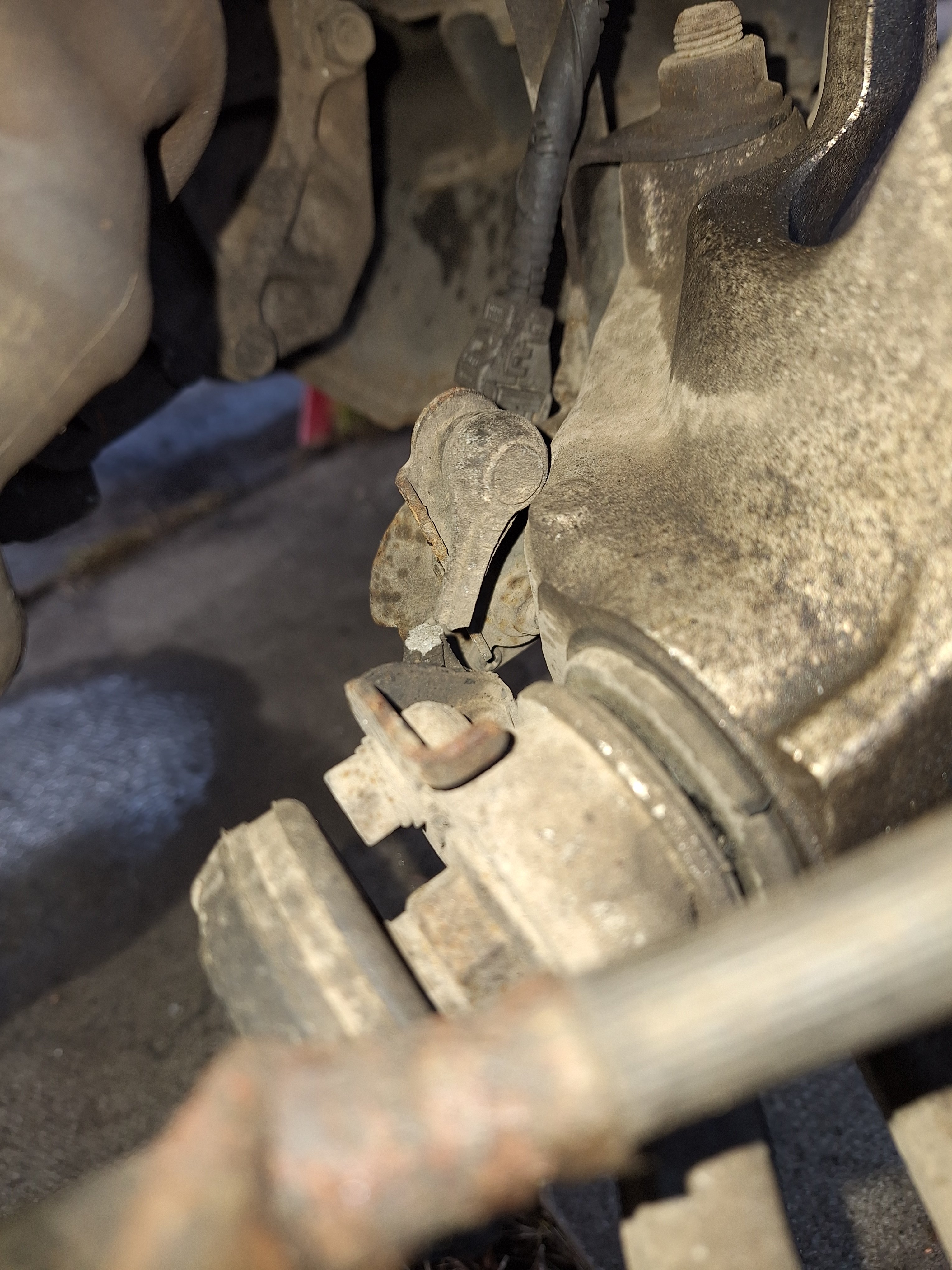
Stewartasb
Members
-
Joined
-
Last visited
-
Hi all bit of an issue. I need to change my belt but when I insert the 5mm Alan key socket into the auto tensioner to release tensioner the bolt comes loose do im unable to release tensioner so I can put the belt on.
-
Bump ???
-
Hi all, just a quick one nuts 11 and 12 which help hold head down do they go below or on top of the bracket that holds the coil pack on ???
-
So after just 2 years but a lot of miles last year my head gasket has failed again so it's time to change again. Is it still possible to get the temac hg and if not what's the best one to get now ???
-
Let's see who is clever lol can you name this part and what it does.
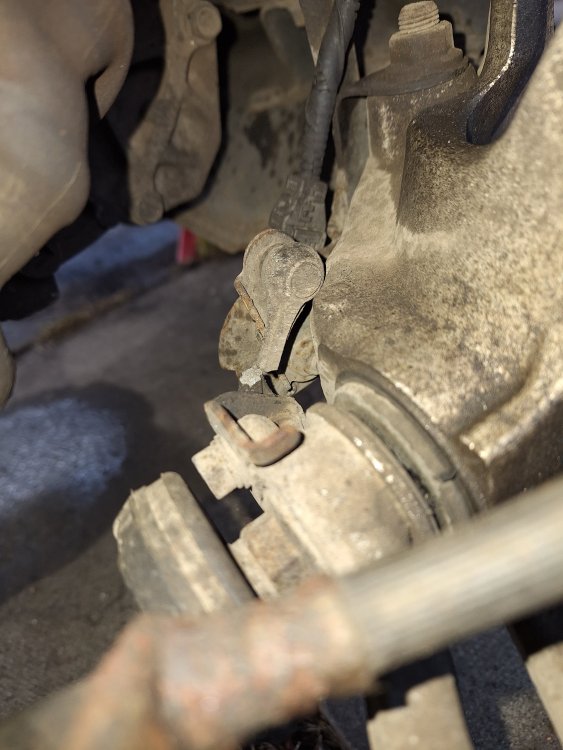
-
I'm assuming it has to be a ground issue with switch on when should be off and vice versa ???
-
Bump
-
Hi so going change ignition barell firstly how far and hard do I need to push in the thin spike to release the barrel and with the keys am I able to just pop out that transponder chip in the plastic key housing and slip it into the new key housing ???
-
Well it's not the ignition switch I'm really scratching my head eith this one.
-
It's just the actual switch so I would be good to just change out if needs be not the barrel thanks
-
So latest it appears that when the light switch is turned off it illuminates but when I switch lights on the switch is not illuminated I keep hearing it may be the actual ignition switch but if I replace it needs to be coded is this correct ???
-
Skip the heter part I've resolved that issue lol.
-
So I went to put on the heater this morning for first time in ages and it's just blowing cold and ac not illuminating or turning on so is all the above connected.
-
Anyone know ???
-
Just a quick one where do the 2 little star washers in this kit locate I've not seen these before when doing drums and I'm changing my mates out.https://www.ebay.co.uk/itm/264872586495?mkcid=16&mkevt=1&mkrid=711-127632-2357-0&ssspo=un-HlK_bQBC&sssrc=4429486&ssuid=yd9rtE_3TFm&var=&widget_ver=artemis&media=COPY