Danielwhitt
Finding my way
-
Joined
-
Last visited
Everything posted by Danielwhitt
-
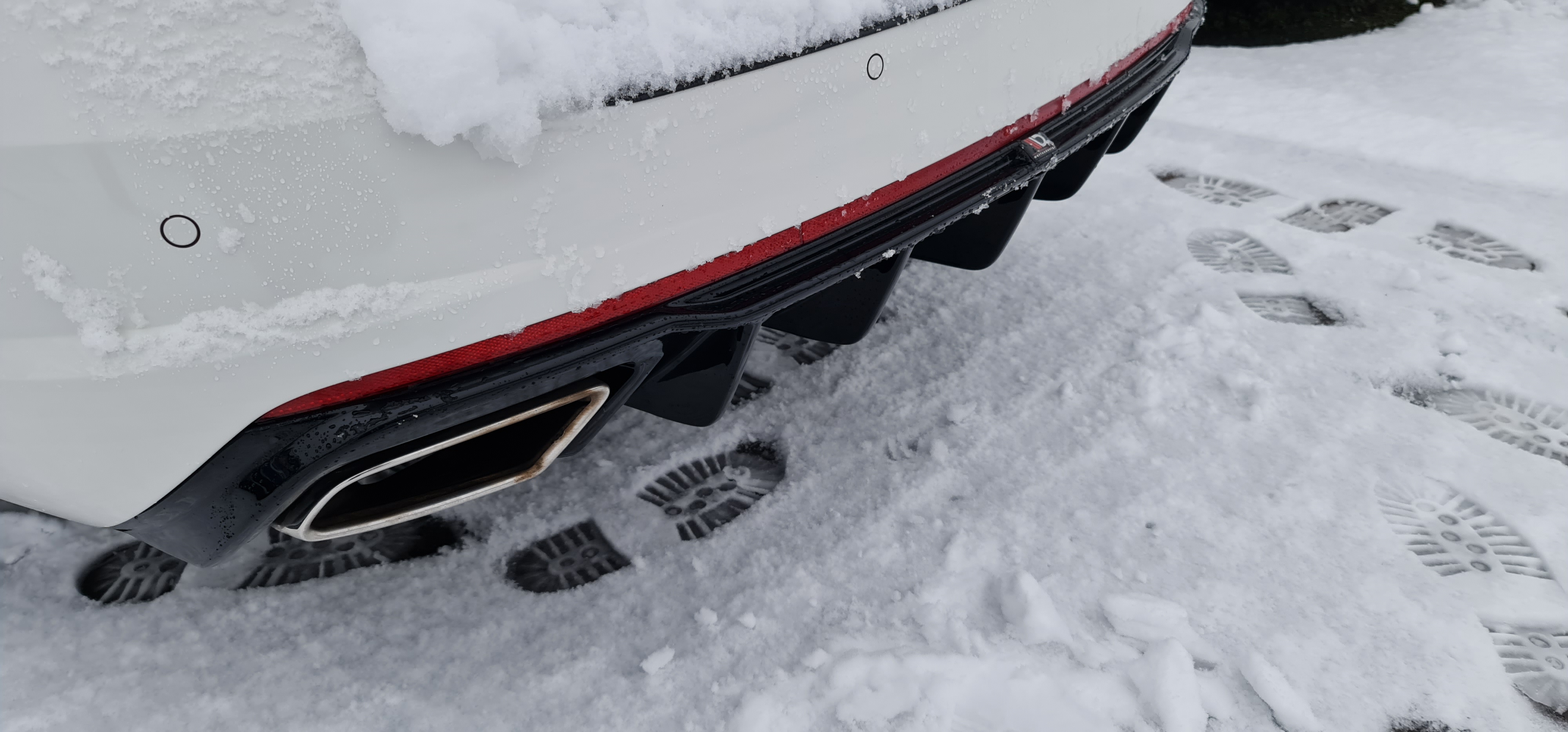
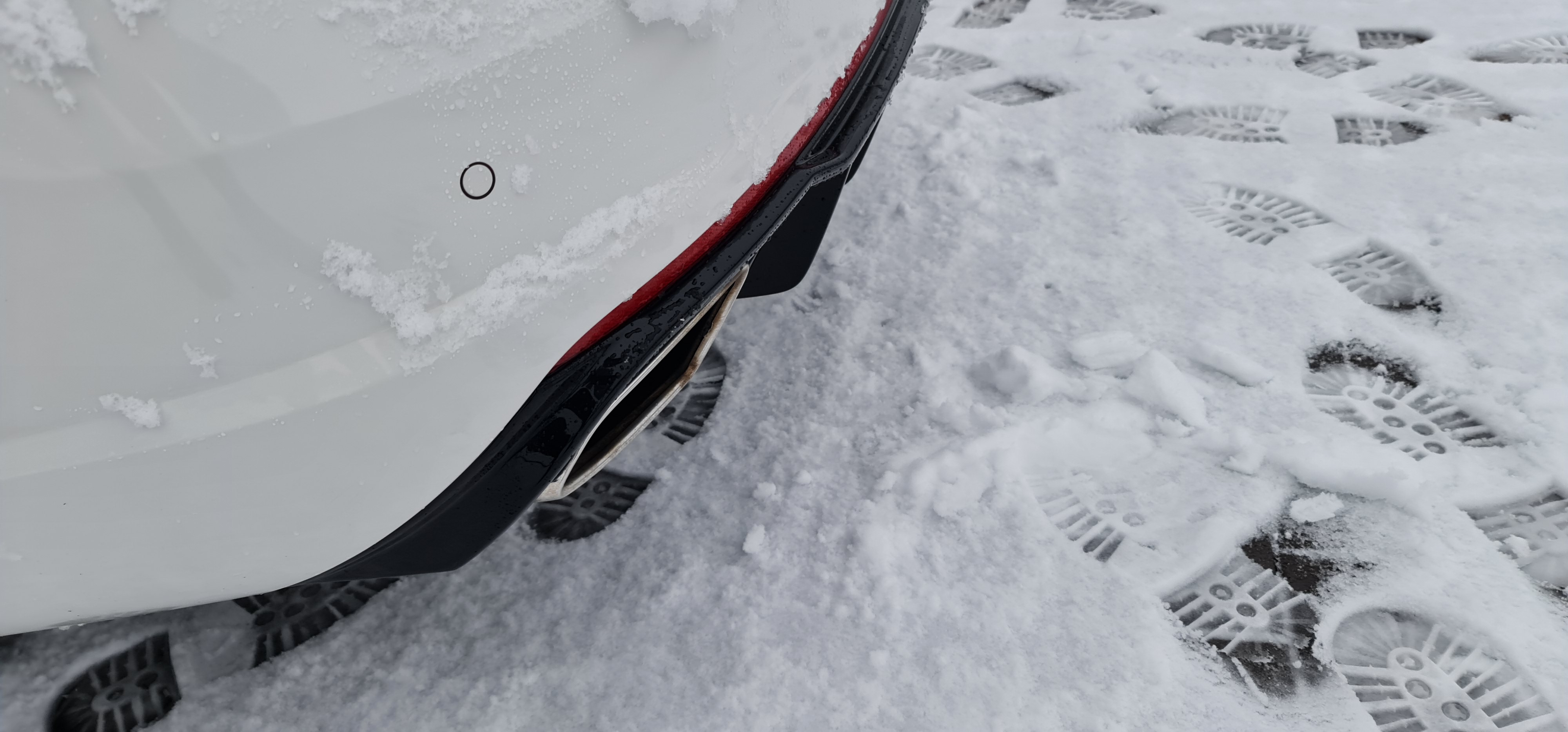
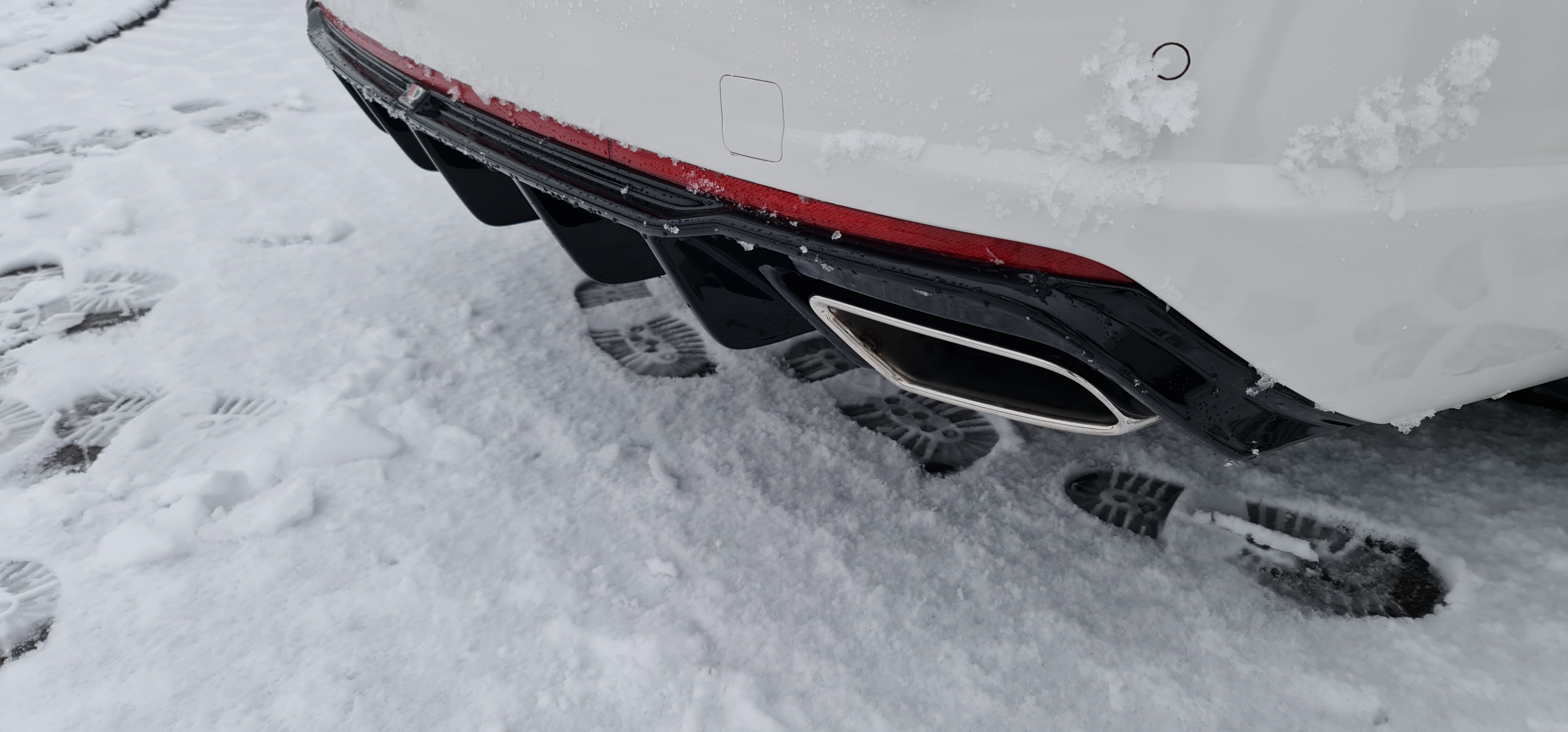
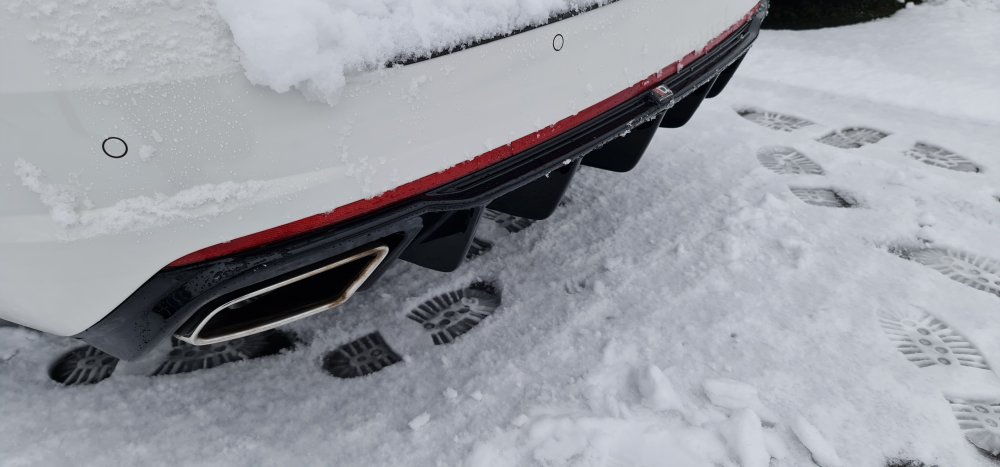
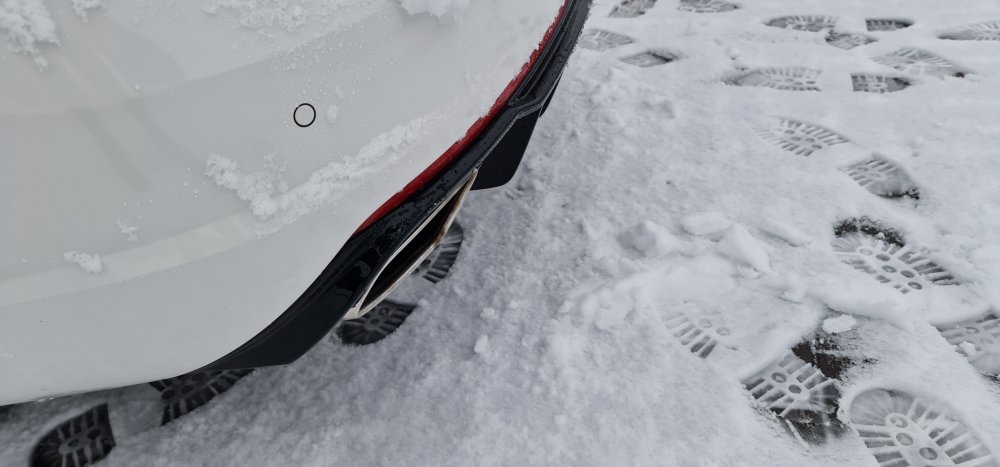
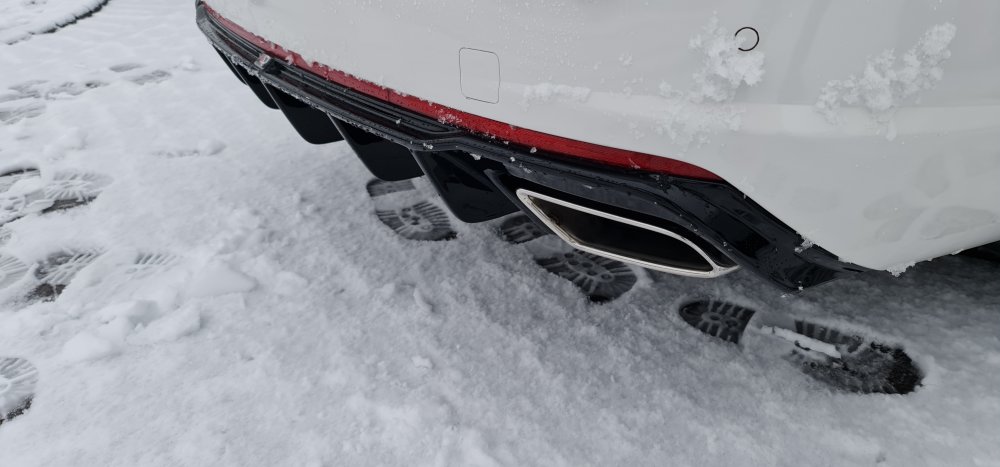
After searching here to see if anyone else had Intalled the revised Maxton design rear spoiler, I thought I put up mine as I installed it over Christmas. It's the version 2 diffuser and I think it looks amazing, fits amazing well ( which was a suprise after reading so many reviews about bad fitment ) and comes with an exhaust extension peice to move the exhaust away from the diffuser as it apparently melts them otherwise. Apparently you can fit these with the bumper on but I couldn't be bothered so took the whole bumper off instead. Took a few hours but that was really taking my time and I'm really pleased with the results. Also fitted new wheels, the reiger front splitter and I have Maxton design side skirts to install next but haven't worked out how best to fit them without drilling into the sill ? Then fit my lowering springs....... Anyway, here's some pics of the diffuser installed and just wondered what you think. Also my love the fact it hides my detachable tow bar and has a removable panel 👍
-
It refers to the main head units, the screens don’t have any component protection on them at all, so screens are just plug and play, with the correct head unit.
-
What’s the difference between these two screens ? 5E0919605N 5E0919605M
-
why do you mean by ATD ? Have you got a link to what you fitted and was it fitted to an octavia vrs ? Kind regards