
Kirksherratt
Members
-
Joined
-
Last visited
-
Kirksherratt changed their profile photo
-
Please help me. I have a premium Spotify account but for whatever reason Android Auto in the car WILL NOT accept the fact that I have a premium account. For example, if I press the voice command icon and say "Play Crazy Train by Ozzy Osborne on Spotify" she tells me "Choosing songs is only available to Premium Spotify Members" The account linked to Android Auto is the same one as is on my phone, which is the Premium Account. I can manually search on my phone for a specific song and it will play it on Android Auto. The only thing I can possibly think of is that Spotify is classing the car as a completely different entity and thus not allowing Premium (if trying to select a song via Android Auto). If this is the case, it's completely retarded! Any suggestions?
-
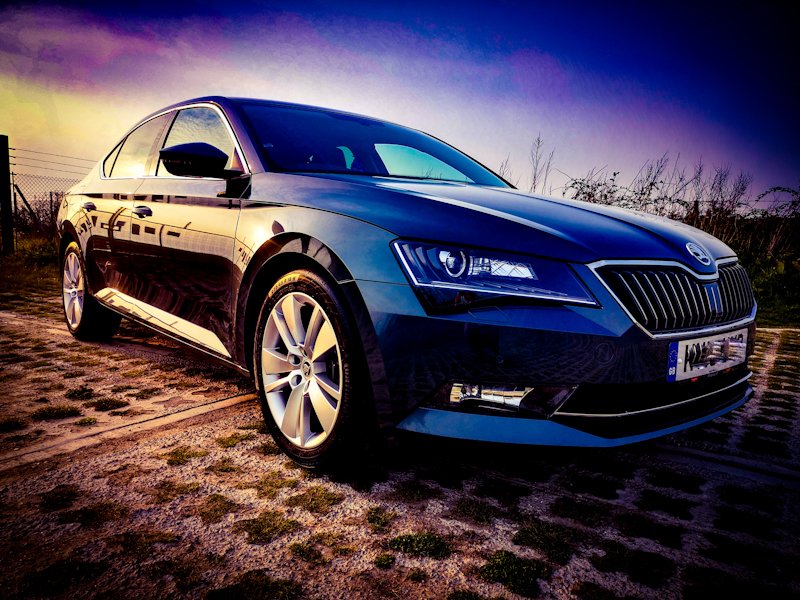
Right folks. Opinions on what people think are the most efficient driving modes for different road conditions. What I mean is, would it be best to keep it in Eco around town or is that better suited to extra urban. I'm struggling a little with how long the DSG box holds the revs before changing up. Currently I mainly use Eco everywhere and rarely use sport as it just revs for the sake of it and holds too high for too long. I use the semi auto setting if I am (coughs) putting the gas down shall we say. Also is Stop Start worth it or does that make minimal difference. I have the SEL 2.0 150bhp DSG. Thoughts please.