bihslk82
Members
-
Joined
-
Last visited
-
No i dont have it
-
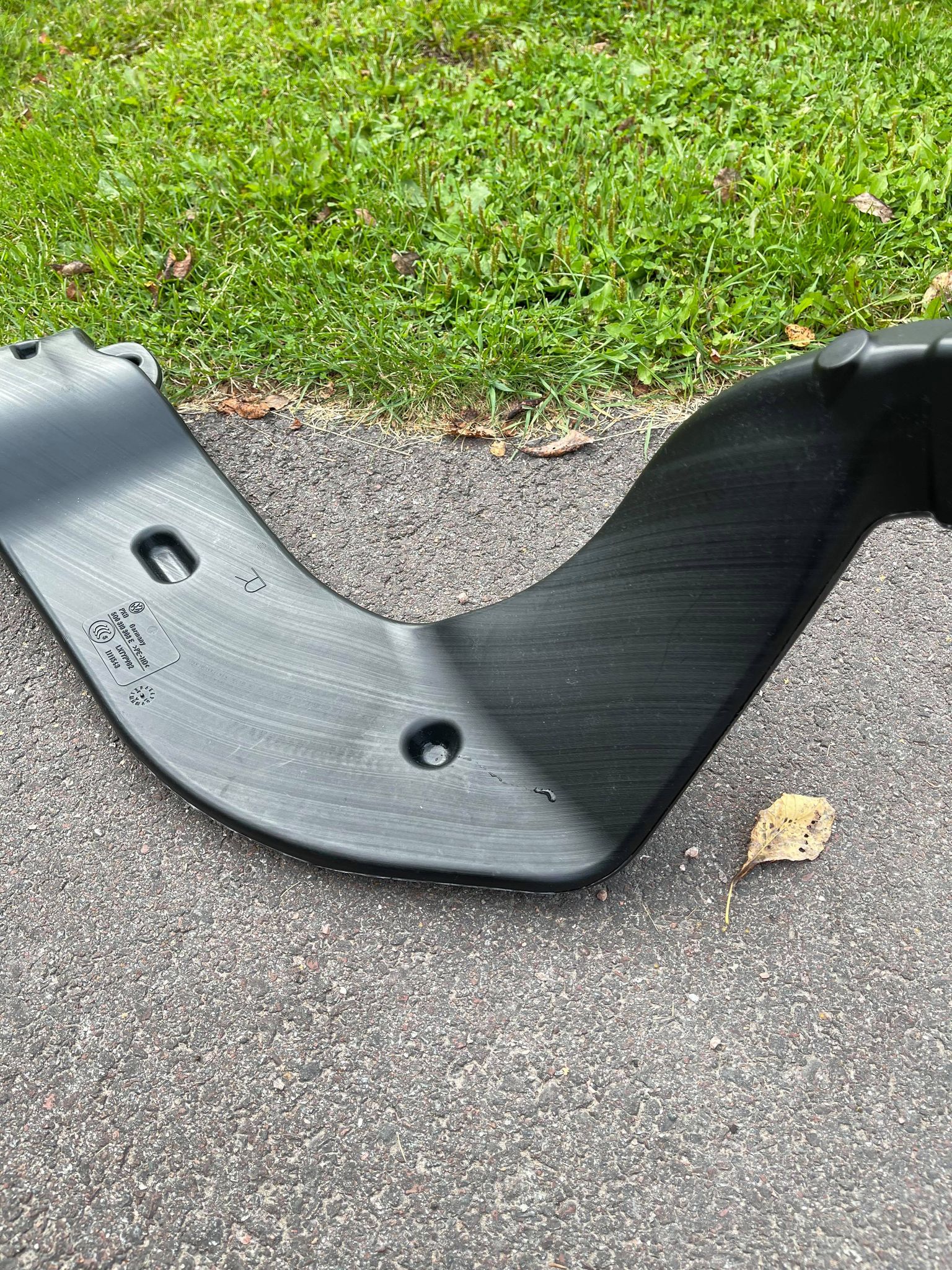
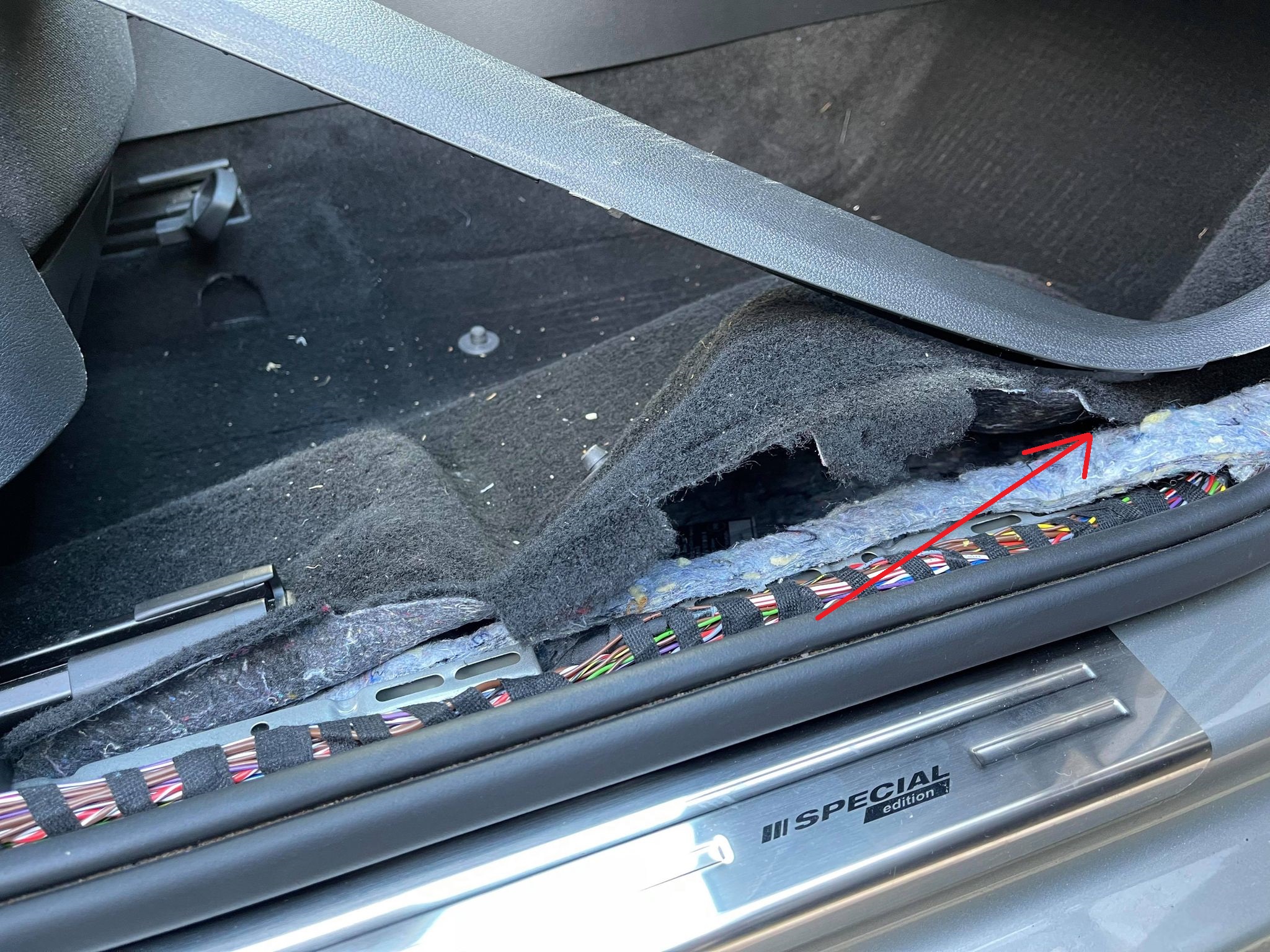
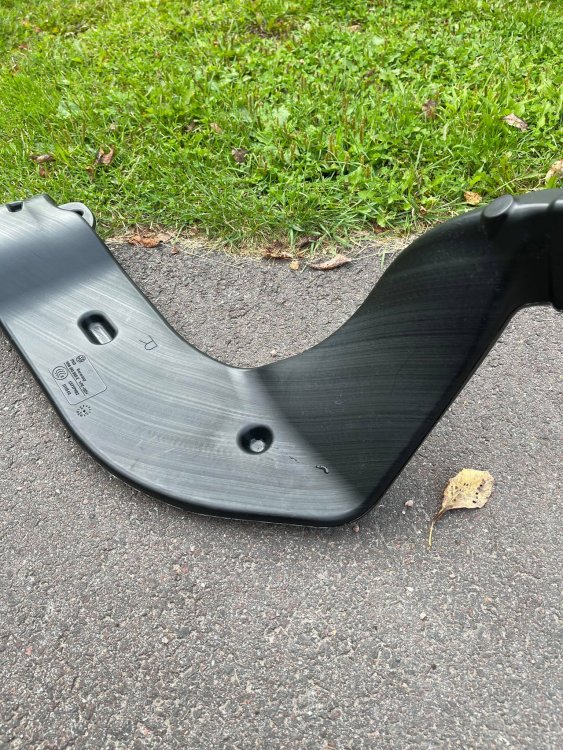
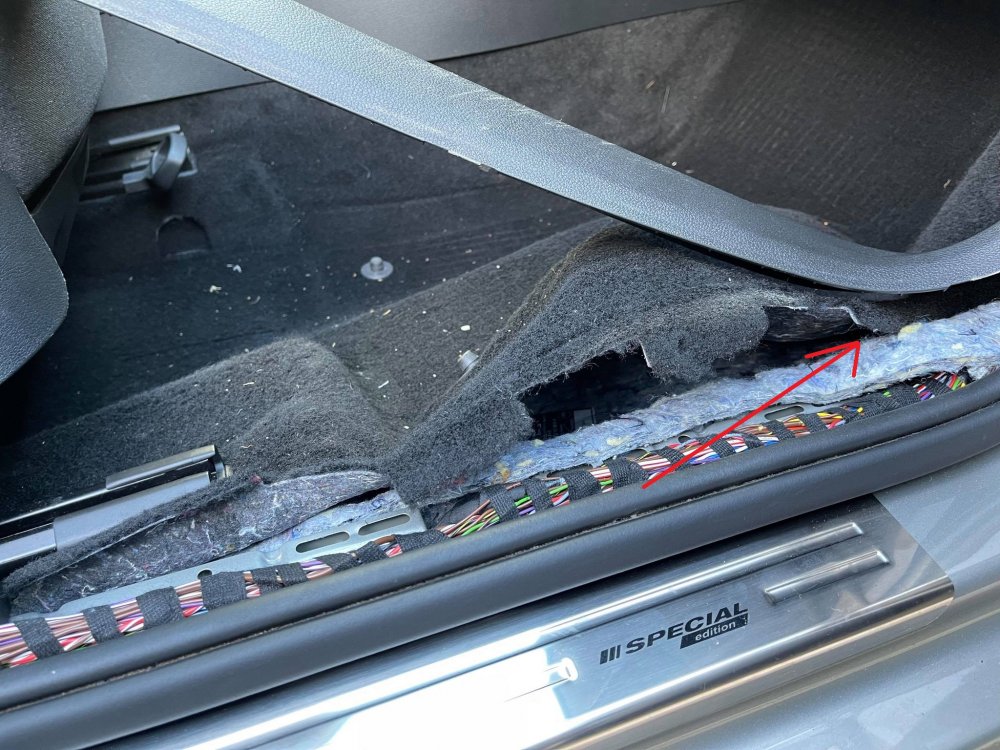
Hi I removed my passenger seat today to remove small stones from the plastic air thing under the seat (see attached picture) because small stones moved back and forward so it was disturbing when driving without music in the car. Then when i lifted both mats i found wet floor, not much water but it was wet. Where is the water coming from? I checked left draining under the wiper plastic and its not clogged. Anywhere else water can come in? Anyone had this issue? The car is Octavia MK3 Facelift 2019
-
Thank you!
-
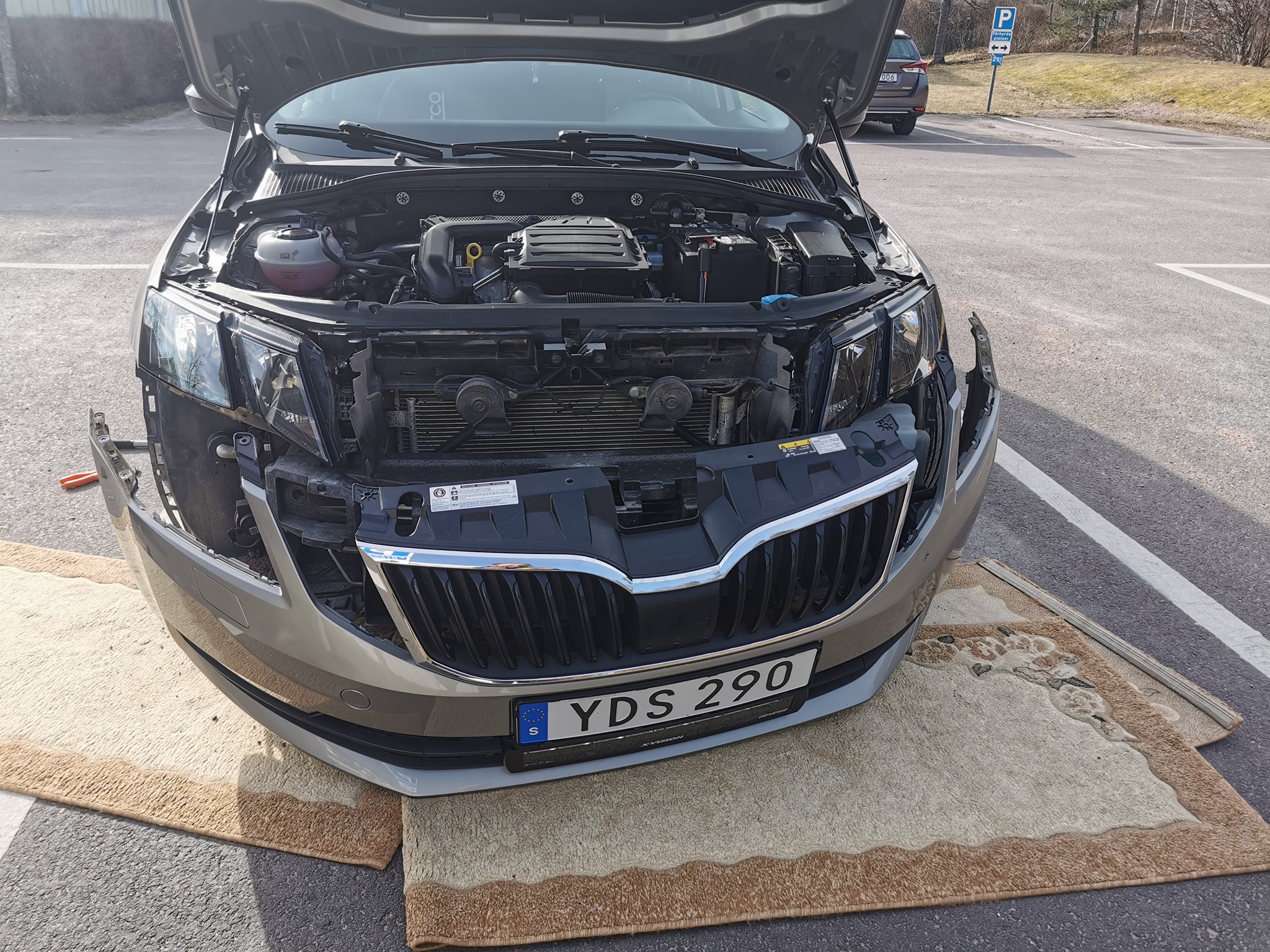
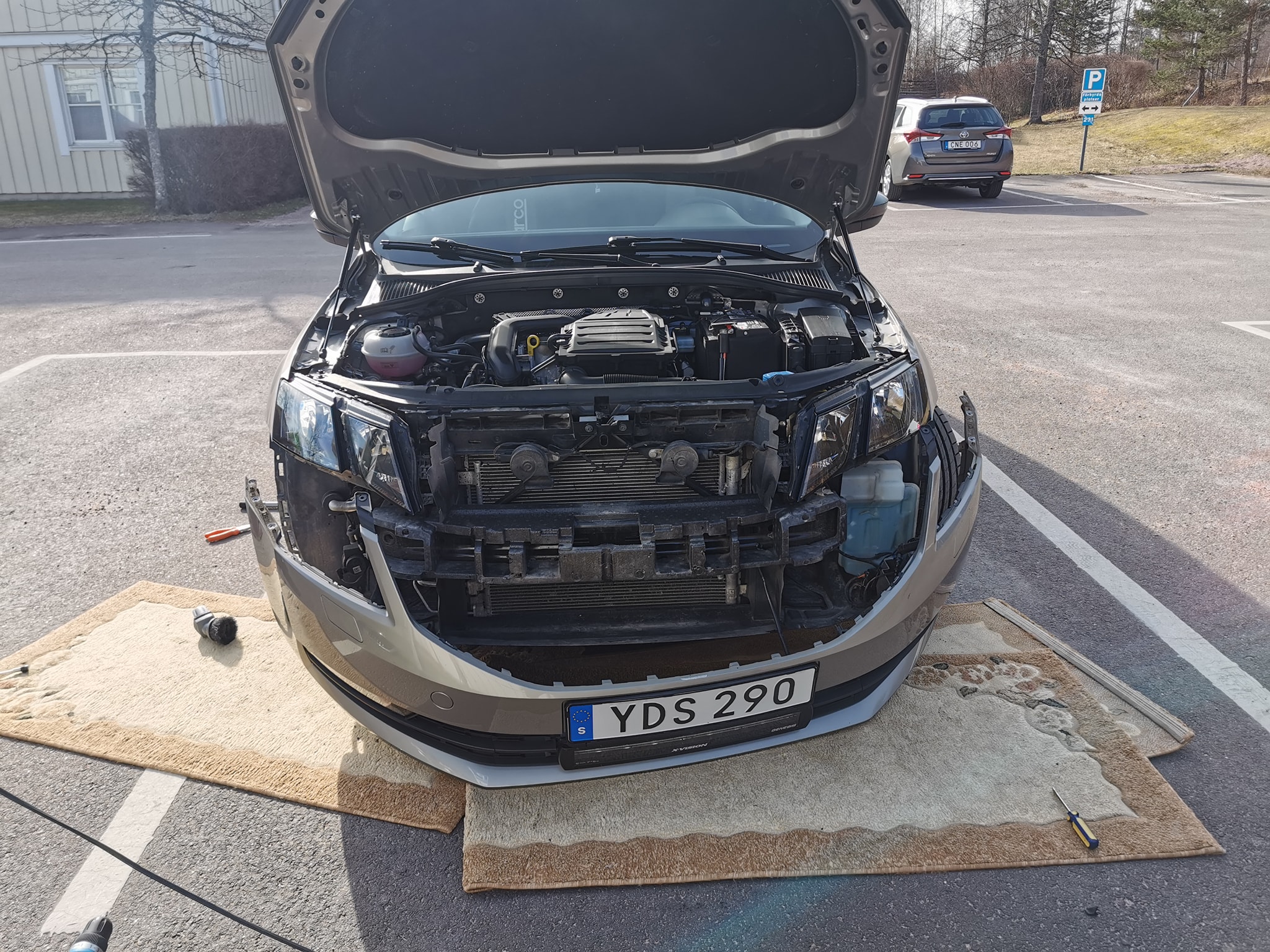
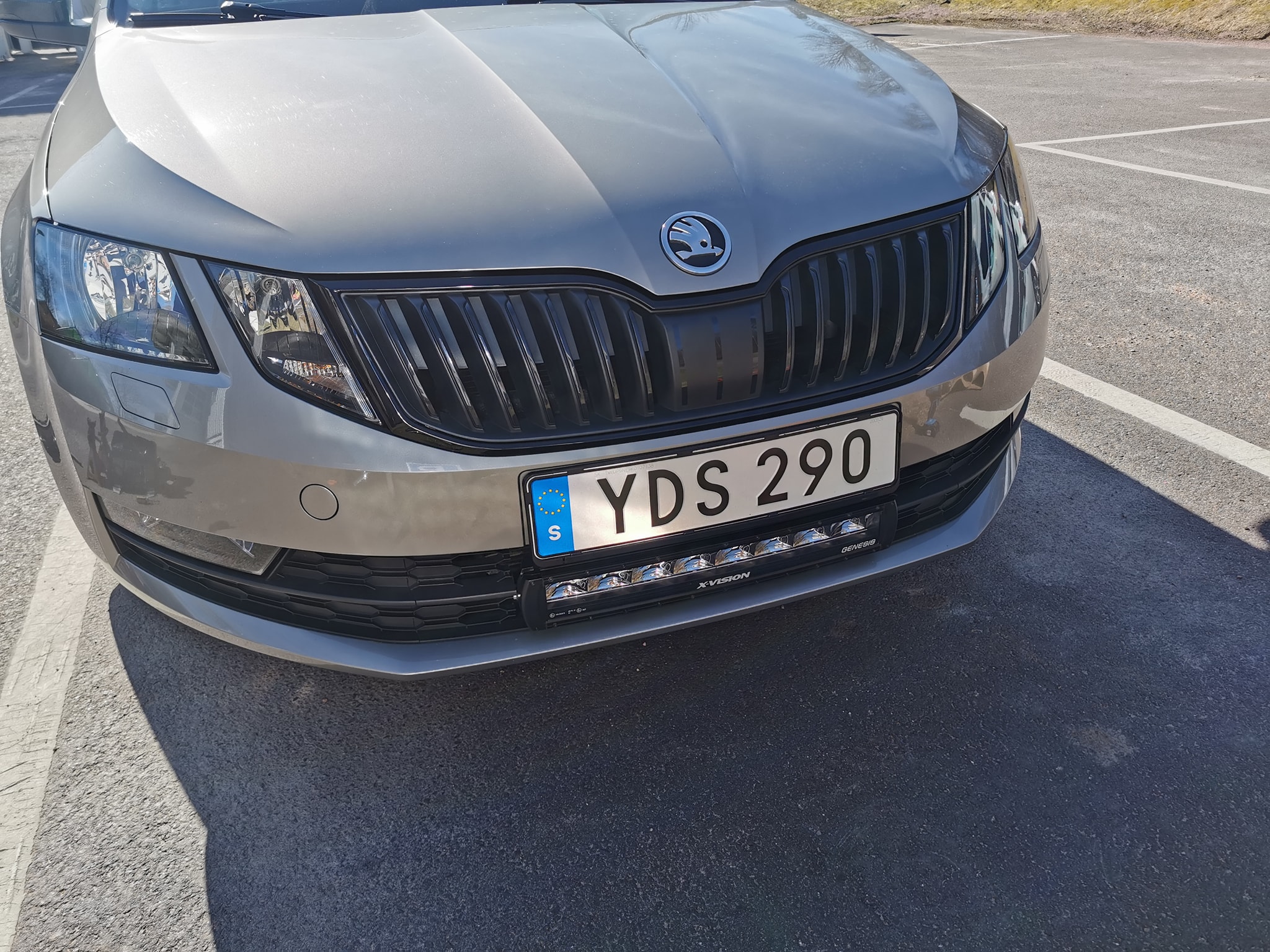
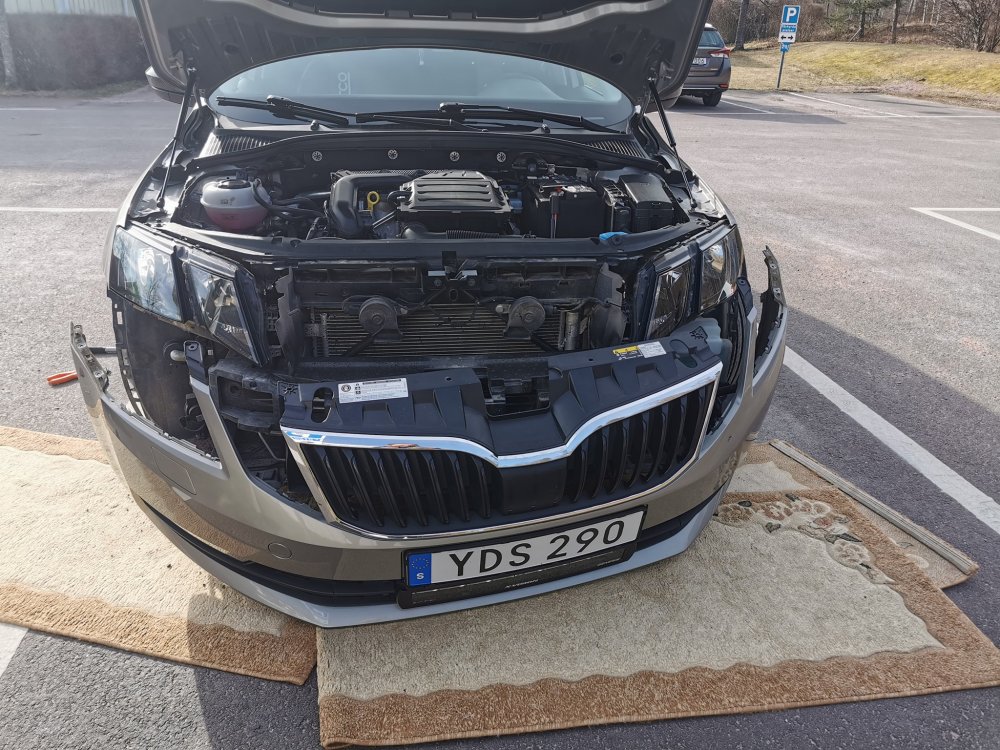
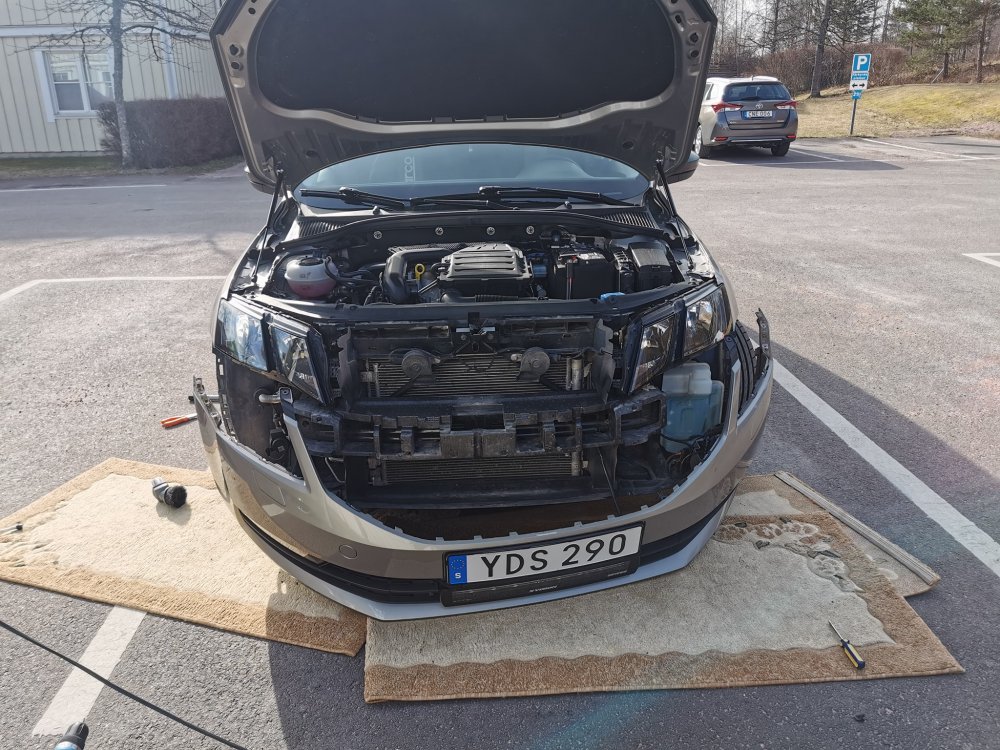
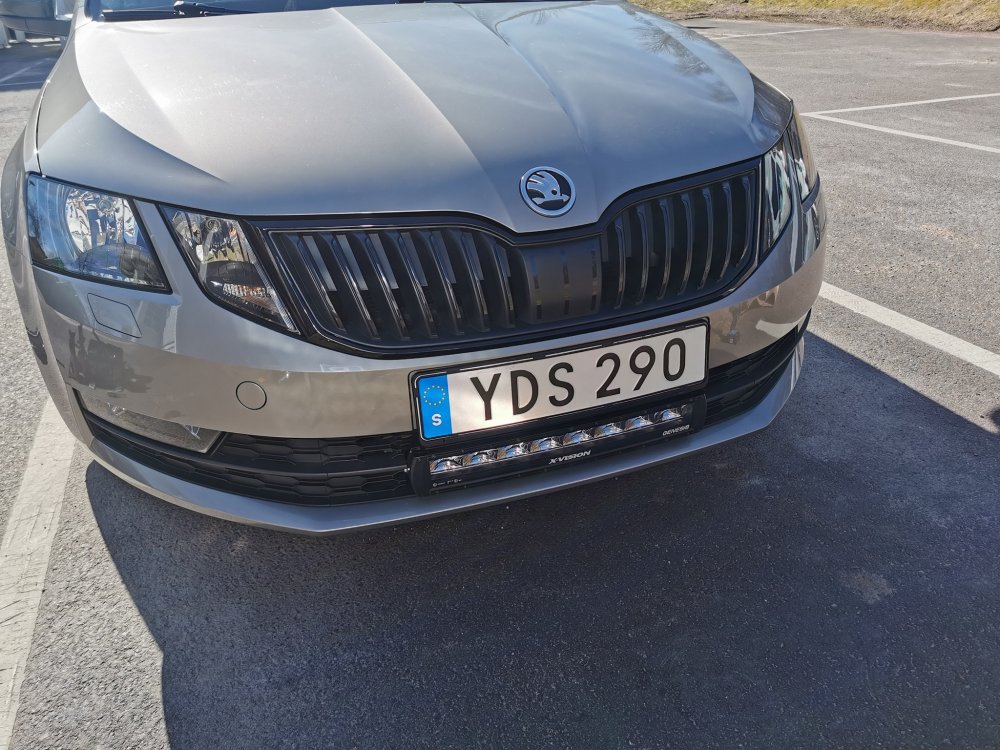
Grille mounted today. Took 1 hour and easy as FCK And the question about if its welded or not so NO its not on FACELIFT
-
I think manual cars only have Neutral and reverse position sensor not the others
-
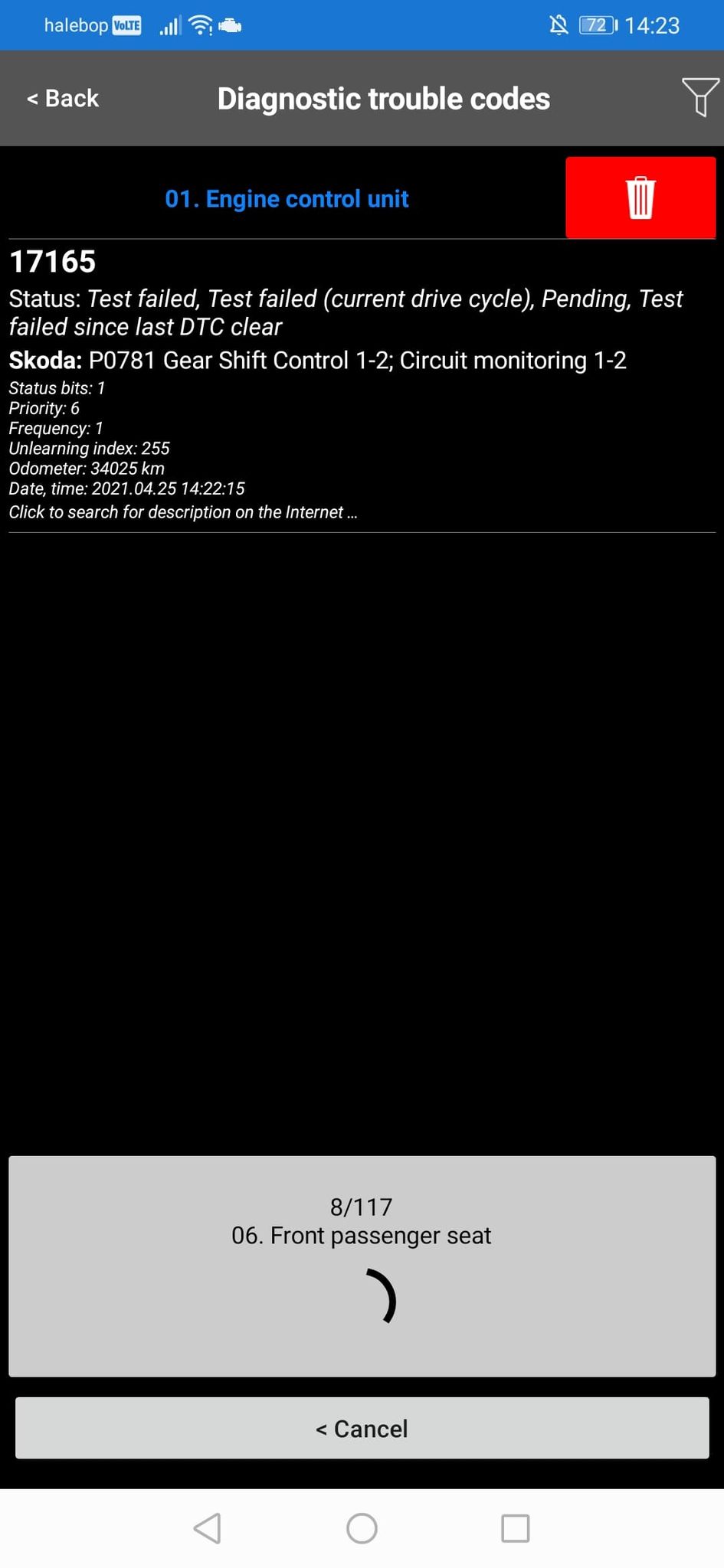
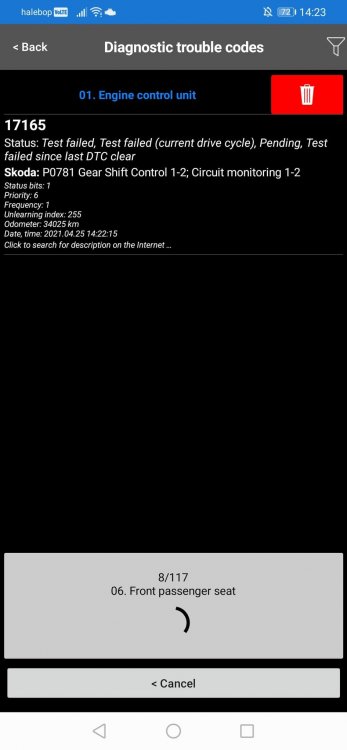
Idk either its wierd i have manual not automatic. Must be som kind of a ghost code or someting. I do not have any check engine light only when i full scan all systems with the car scanner ODB Pro i find this one otherwise when only scan ECU i have no codes.
-
Ye wierd it is
-
Ah ok thanks.
-
Update. After a while the code is back and pending but no check engine light on. I wonder if i replaced wrong sensor. What is this sensor for? OEM 05e 906 277a
-
Hi I found this code today P0781 Transmission 1-2 but i have no check engine light and i have manual transmission. Anyone had this one? Engine 1.0 TSI with manual transmission
-
Yes know that now it will be ok. I will post a PIC when its done.
-
Hi mate. Mine is FL yes 2019
-
I know that but if you look at the video i linked it shows clearly no welding. But i will take photos and post it here when done with replacement
-
There is alot of info but no photo of grille is welded or clipped in place . Removing bumper is not the problem for me, i just wondered if whole grill was welded in place on the bumper or not. I know that surrounding is clipped but not sure for the whole grill. But i found a vid on YT after my post so i got my answer. ITs not welded
-
I will remove whole bumper and i did not order just surrounding i ordered whole new grille with surrounding on it. Its glossy black