Skip to content

Marshy33

Finding my way
  • Joined

  • Last visited

  1. Not sure about the amount of power, but mine is left always plugged in. I'm pretty sure the usb does disconnect after a while. With my octavia it powers up when I unlock the car. Then is connected before I drive off. Its actually the headunit loading smartlink that takes the longest not the device booting. Just tested plugging it in a few times and it's about 12 seconds from the USB going in to android auto being on the screen.
  2. Send a support ticket to aawireless, you don't need 5ghz, it also works without the wireless option. The app allows you to set it up so the headunit still thinks it's plugged in.
  3. @the_rebel It's in the AAwireless app, so can only adjusted when using the dongle..
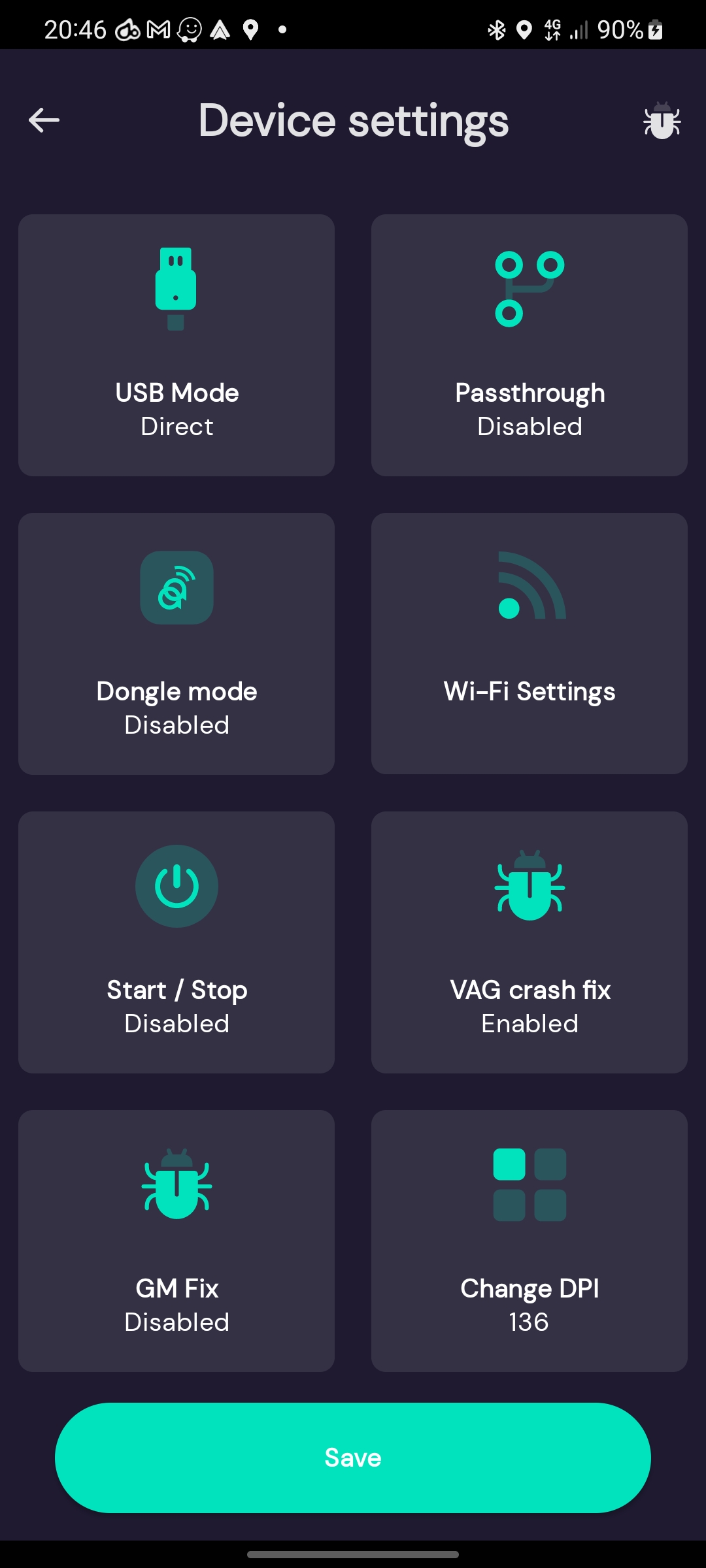
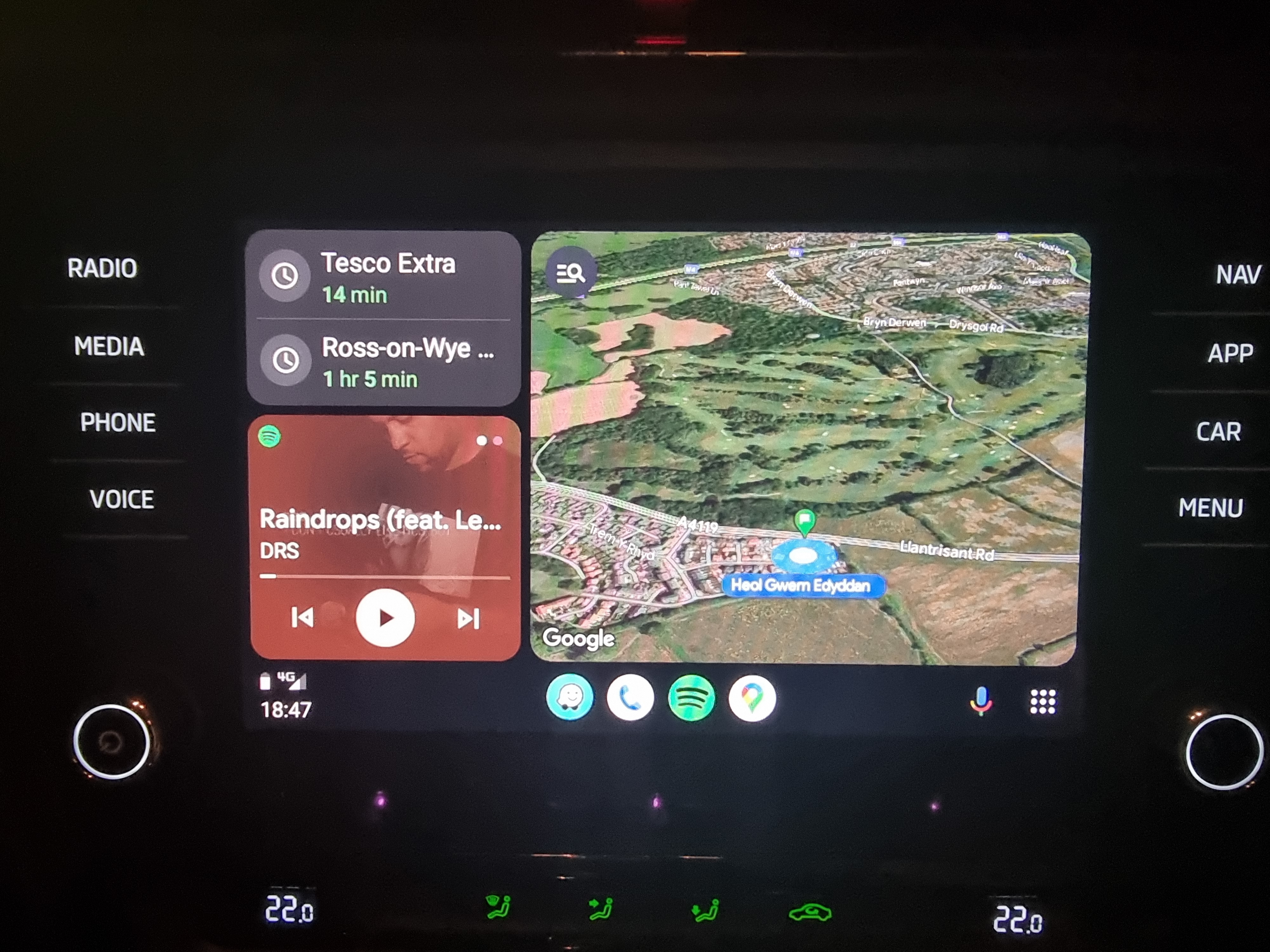
  4. Have you played around with the dpi settings yet? After playing around with them for way too long, I settled on 136, looks a lot better I think...
  5. No issue asking Spotify to play music and playlists. Maybe trying clearing cache of both Spotify and android auto?
  6. I put it in the sliding compartment under climate control. And slide the door shut as far as it can with the cable sticking through. Seen some people use velcro to stick it out the way, which is probably a cleaner way of doing it. As for the error, I only ask Google to set destinations for waze. I'll try Spotify when out in the car later and let you know.
  7. Haha no commision unfortunately, but I had a few devices sent to me for free whilst we were testing and another once it went into production.
  8. Yeah works perfectly. I have on occasion had a random reboot, but thats more the crappie integration of android auto on technisat units.
  9. Update to 4xx firmware and the app button will work. Its not a normal update process but can be done.
  10. I was a beta tester for this one, so have been using before it was released. Any questions just let me know. https://aawireless.io/ I solely use android auto and don't actually use anything else on the headunit, well apart from the dab radio. Good thing is now you can use a fast charger through the cigarette lighter.
  11. You could get an android auto wireless dongle, but more of a workaround than solving the issue.
  12. There's no other solution for the mib2s.
  13. You need to buy a dongle like this... https://aawireless.io/ If you've got any questions let me know. I've been using it for over a year for androidauto. They're currently making this same dongle work with carplay, but it's still in beta stages.
  14. You have a mib2. Use the mib2std toolbox or update to 253 and install the 253 pre patched file to activate smartlink. All avaliable online for free. The screnshots you have shown they have also updated to 4xx.

Important Information

Welcome to BRISKODA. Please note the following important links Terms of Use. We have a comprehensive Privacy Policy. We have placed cookies on your device to help make this website better. You can adjust your cookie settings, otherwise we'll assume you're okay to continue.

Account

Navigation

Configure browser push notifications

Chrome (Android)
  1. Tap the lock icon next to the address bar.
  2. Tap Permissions → Notifications.
  3. Adjust your preference.
Chrome (Desktop)
  1. Click the padlock icon in the address bar.
  2. Select Site settings.
  3. Find Notifications and adjust your preference.