JetonFehmiu
Finding my way
-
Joined
-
Last visited
-
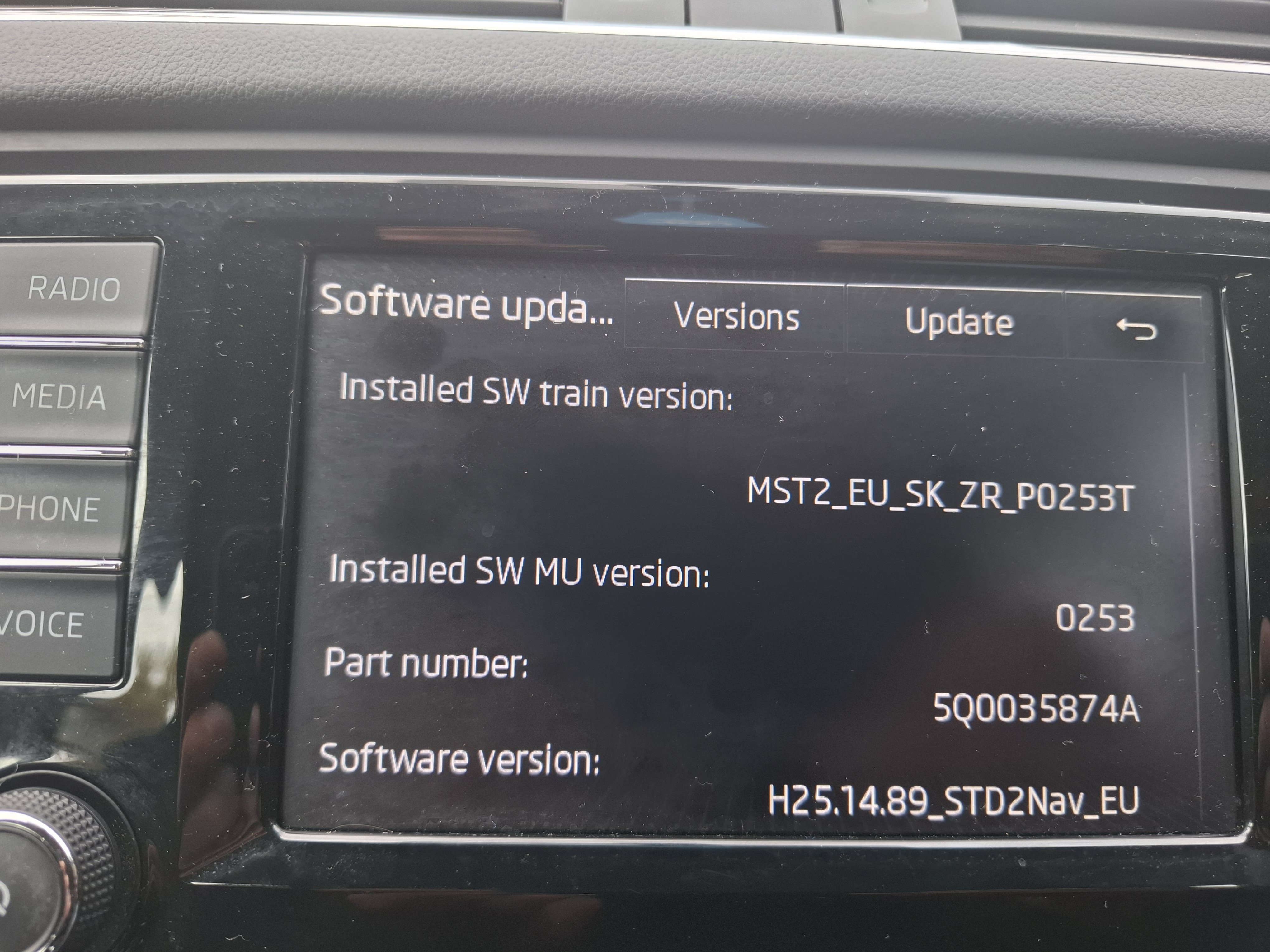
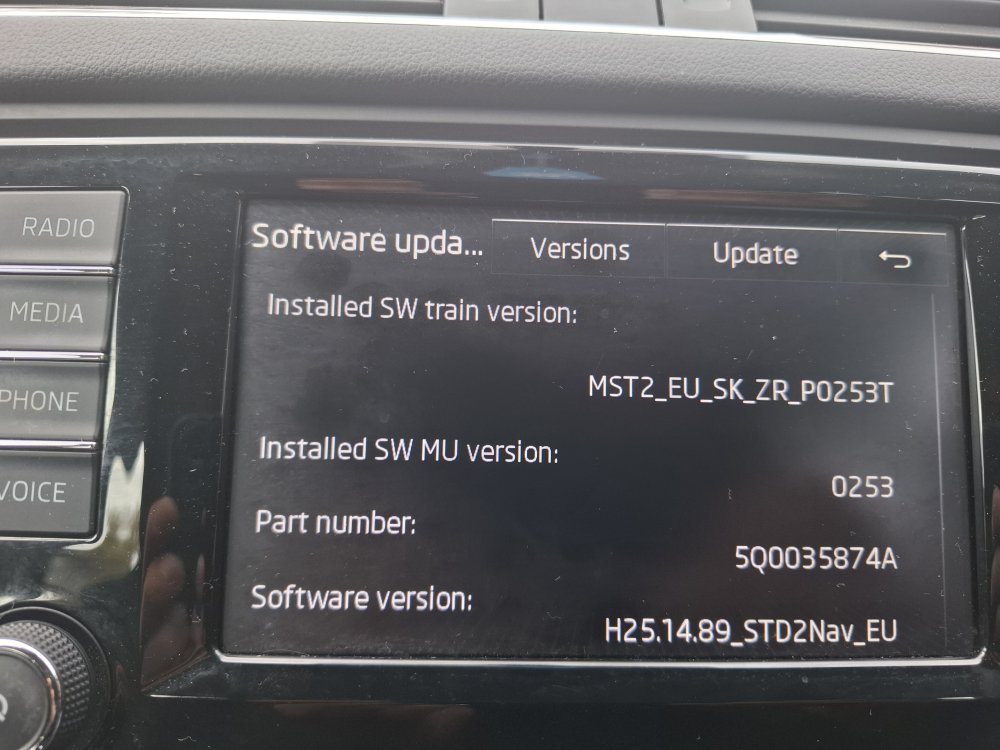
It is built mid 2015, not sure exactly what month, but I am definitely sure it run an MIB2.
-
Hi guys, I would like to enable smart link in my octavia's 15 reg, been reading all threads in this topic and it looks like it can be done. Just updated the infotainment software thanks to pab567. Just thought to try my luck asking if I am nearer to some fellow member who got obd to enable the so called green engineering mode. I am in North London, wouldn't mind a 1h- 1.30h drive. Thank you
-
Thank You mate.
-
Found this item on ebay, is this what I need?https://www.ebay.co.uk/itm/Fit-for-VW-Golf-Jetta-Polo-Passat-RCD510-RNS510-9w2-9w7-Bluetooth-Harness-Kit-/383561384029?mkcid=16&mkevt=1&_trksid=p2349624.m46890.l49286&mkrid=710-127635-2958-0
-
My car is fabia mk2 61 reg, I had swing unit without bt.
-
hi guys. bought a RNS 510 head unit today, it power up, radio work, bought an gps antena for sat nav, but cant conect my phone to blutooth. do I need to get any blutooth adaptor?
-
Honestly, I went for the cheaper option, i have pioneer head unit and though to use it.
-
Thnx mate, hopefully it works. Bought a double fakra arial too, just waitinf for them to come. The only reason I am changing is I wanna use bluetooth and usb to play music, the aux is in weird place.
-
I did try too, first I bought a harness adaptor with facia for 16 pound, but didnt work, then I bought the other one today
-
Hi everyone. Bought this item for my fabia mk2 2011 reg.https://www.ebay.co.uk/itm/Skoda-Octavia-04-13-Fabia-Mk2-07-14-CAN-BUS-Radio-harness-ISO-adapter-lead-/363279294044?mkcid=16&mkevt=1&_trksid=p2349624.m2548.l6249&mkrid=710-127635-2958-0 will someone tell me that is the right part? Thanx