solanaman
Finding my way
-
Joined
-
Last visited
-
I´m trying to ascertain whether the above light will definitely fit my 2021MY Karoq. I´ve asked Kopacek (Superskoda), and they couldn´t help about MY and didn´t know the size of the front lens in mms (mine is 58 x 25mm). The photos on previous threads of this topic show a different mounting to mine, presumable earlier models. Any help much appreciated.
-
I discovered the knack of removing these wipers is to twist slight upwards as you pull, having depressed the square button - they slide straight out easily.
-
Can anyone tell me what colour primer is needed under 8E brilliant silver metallic over black plastic to repair car park scrape on front wheel arch? Any help much appreciated!
-
Thanks but its metallic silver - I think its 8E8E, from looking at the touch-up paints available.
-
Thanks for the link Kenny R, confirms what CJJE suggested I think.
-
Not power tailgate which I have, so looks like virtual pedal - as suggested by CJJE.
-
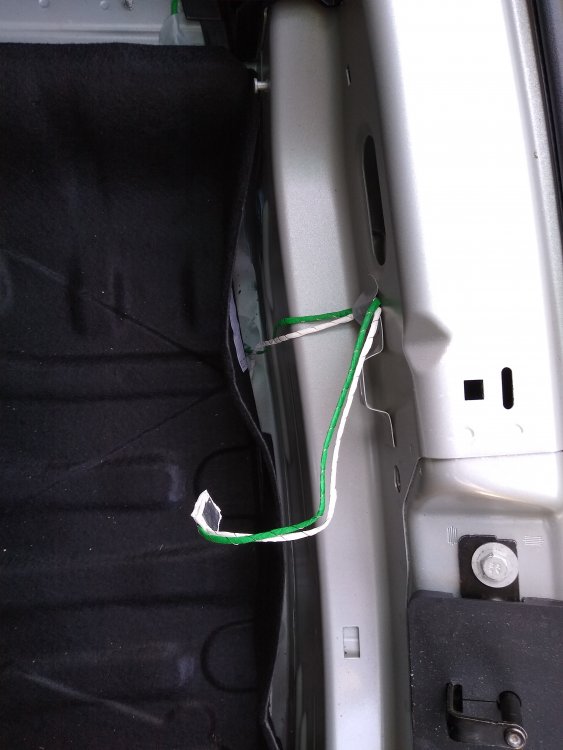
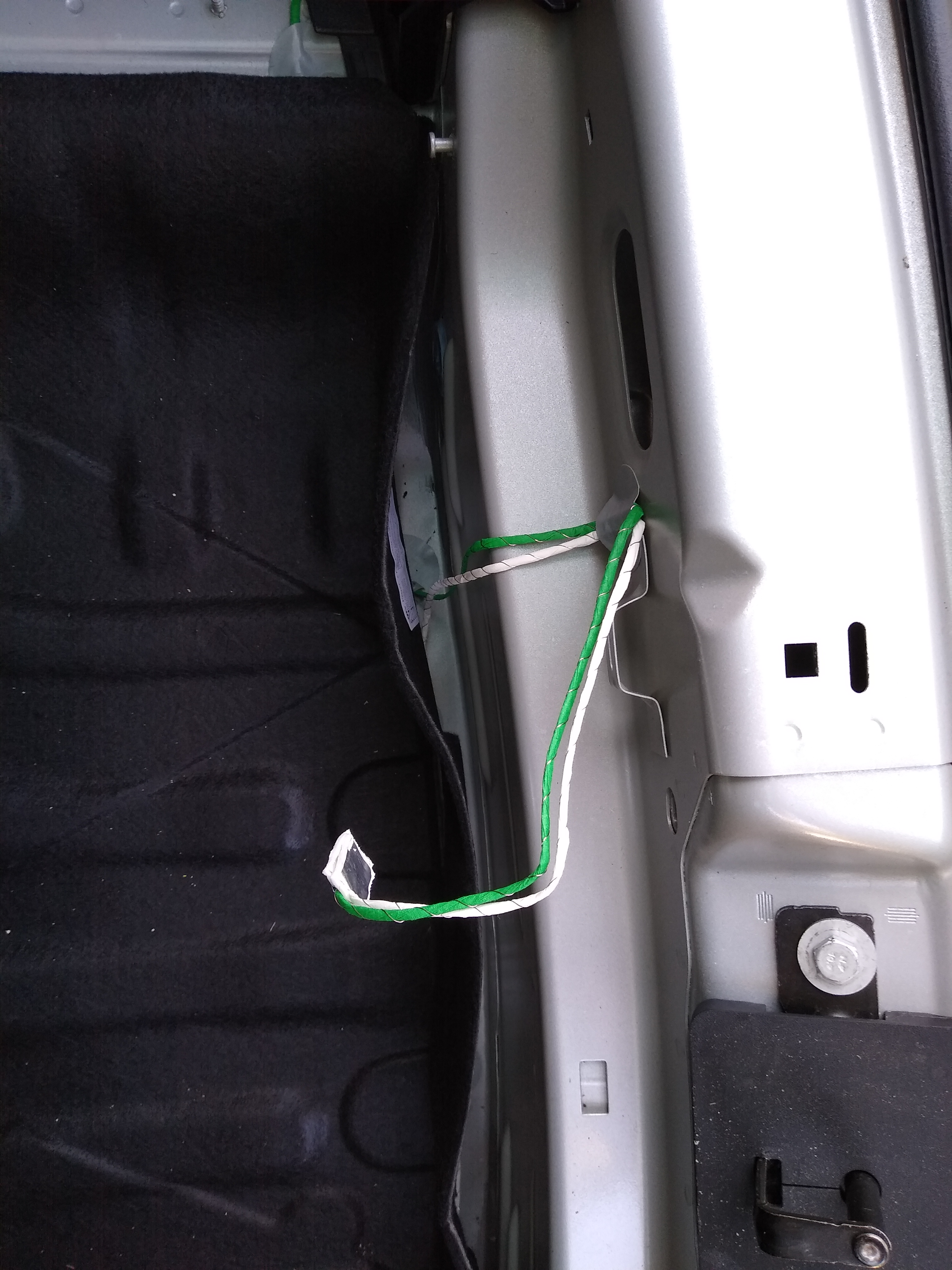
Hi CJJE. I haven´t got that option but I think you could be right - the 2 wires are stuck together with double sided pads rather than being connecrted to anything. Thanks for your help! Now back to searching for the paint code, as some kind soul has scraped my front wing while parked.
-
I was trying to find the paint code for my silver 2021 Karoq (it isn´t in the spare wheel well, still haven´t found it) and discovered this wire floating about in mid air after I removed the plastic front lip to remove the felt spare wheel liner. Does anyone know what it is for and where it should go? Any help much appreciated.