Stevediggo
Finding my way
-
Joined
-
Last visited
-
Hi all, so I purchased a new radio head unit that fitted my wife’s car, now I have seen many posts that wires have to be changed around for preset memory, I am a quite a novice so could any kind person please advise what wires I actually need to change or spice to enable the head unit to retain the memory of presets, I’m still figuring out why the CarPlay keeps disconnecting and the WiFi radio switch keeps turning off, the head unit came with all the correct connections, and has a rear camera and steering wheel controls which I don’t need, i guess there have been many posts in the past but searching without the correct wording is very tedious, I have what I believe followed all the instructions but to no avail, also do I need to change any setting with the canbus connection that came with it as well, I know this seems long winded and a few things but I am struggling to find the info I need, thanking you all in advance
-
Thank you again Steve
-
Listen to them who know, better results will follow
-
So, done a multimeter test, all electric connections worked fine, undid the main multi plug from the door pillar, nothing broken, plugged it back in and low and behold the windows started to work again, all sorted now, just a quick question should I be able to activate the windows from the key fob ? it all works with key in the door etc, just a thought, no issues if you are too busy to explain as you have helped enough. best regards
-
Thank you for this
-
Thank you, that’s what I am planning to do, spent too long on it today so as they say, tomorrow is another day. really appreciate your input thanks
-
So, the passenger window stopped working, so I bought a new switch, broke the original switch getting it out of the housing but still never worked, when I pressed the button I could hear a click but no motor, I replaced the motor as stated and the passenger window opened from the drivers double switch, when the key is turned in drivers door it goes up and down no problem, even bought another switch and still nothing not even a click, there does not appear to be any corrosion on pins so I’m guessing that there is obviously a break somewhere but apart from the wiring in the door gap/pillar I have no idea, totally dumbfounded
-
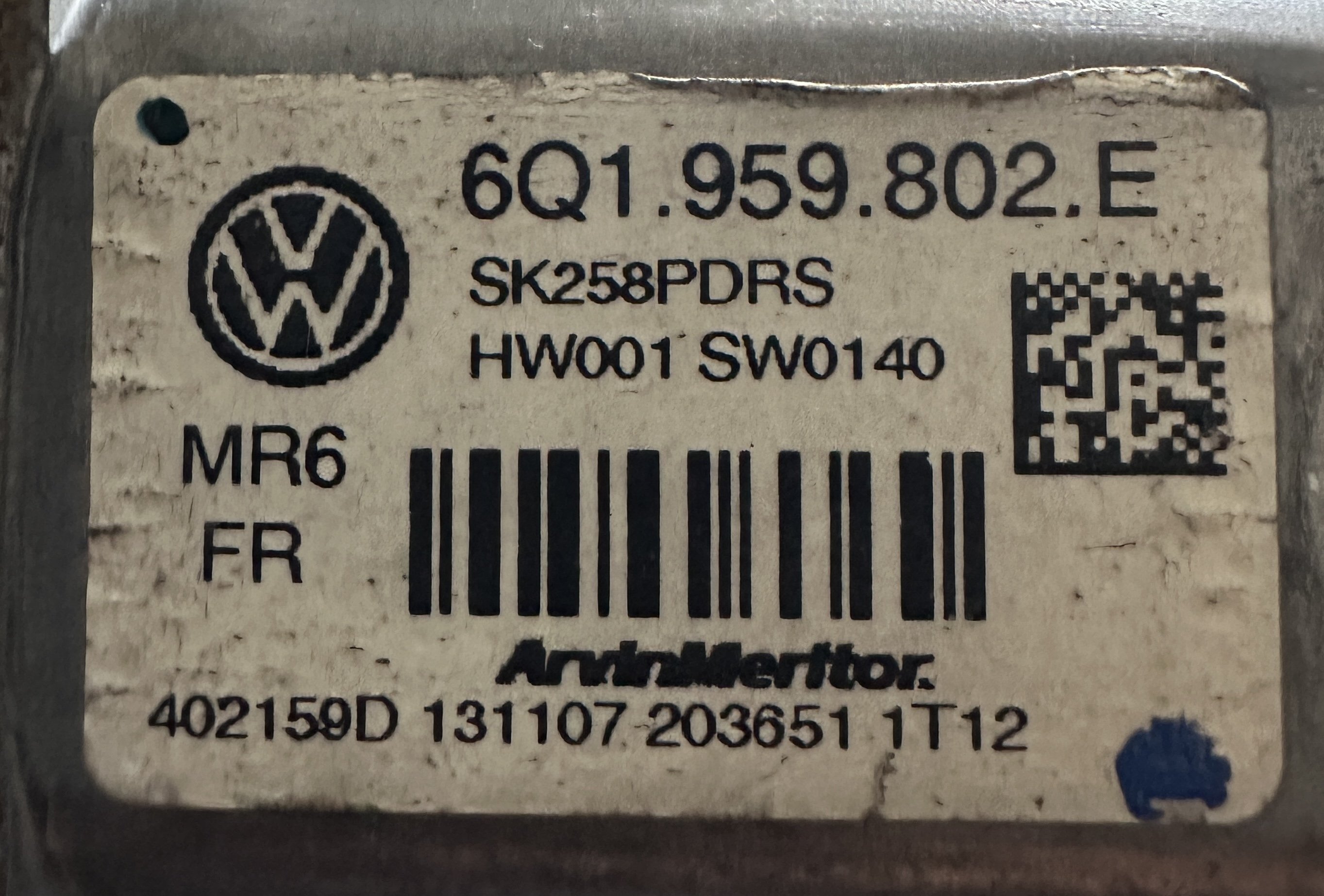
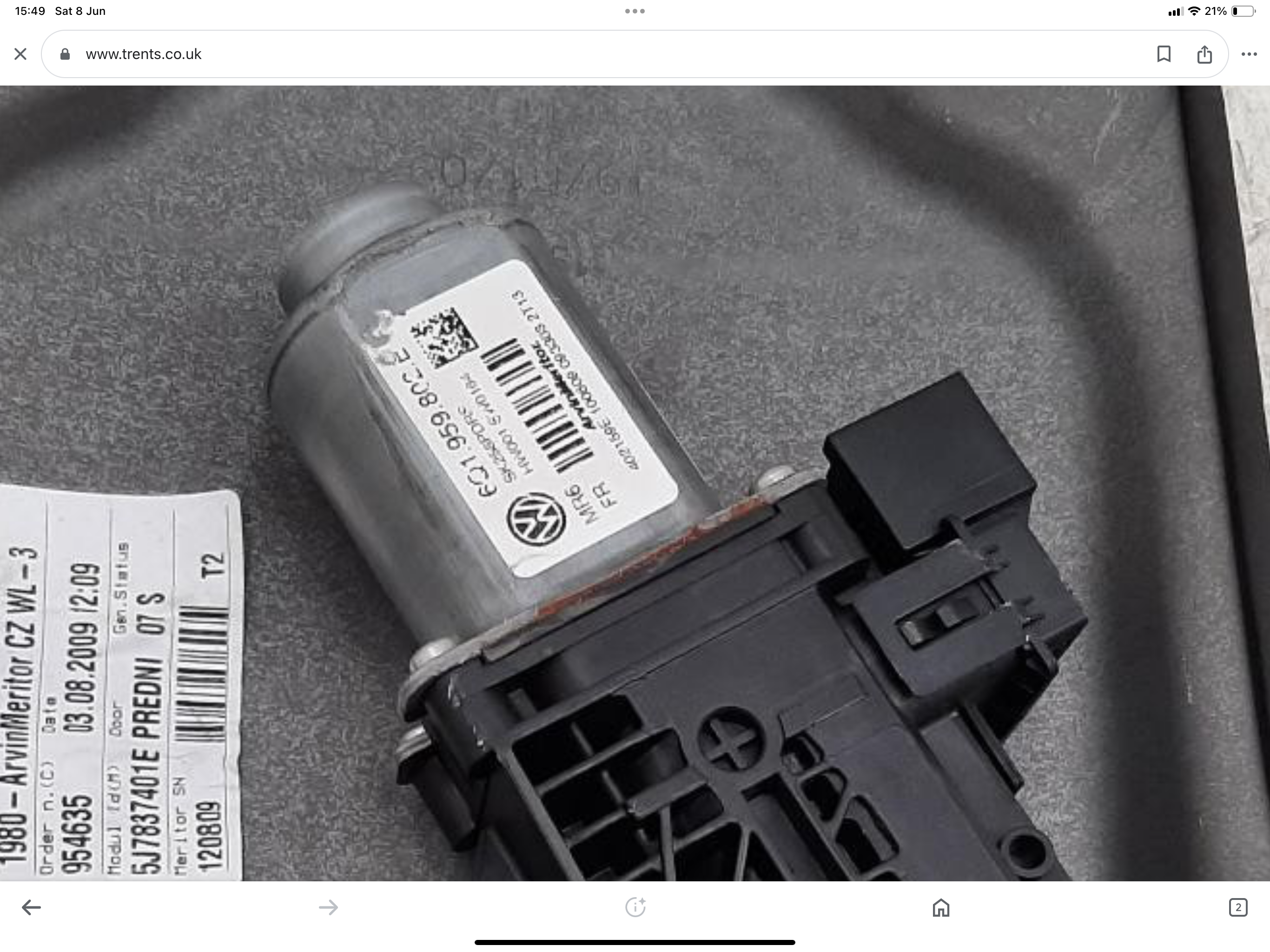
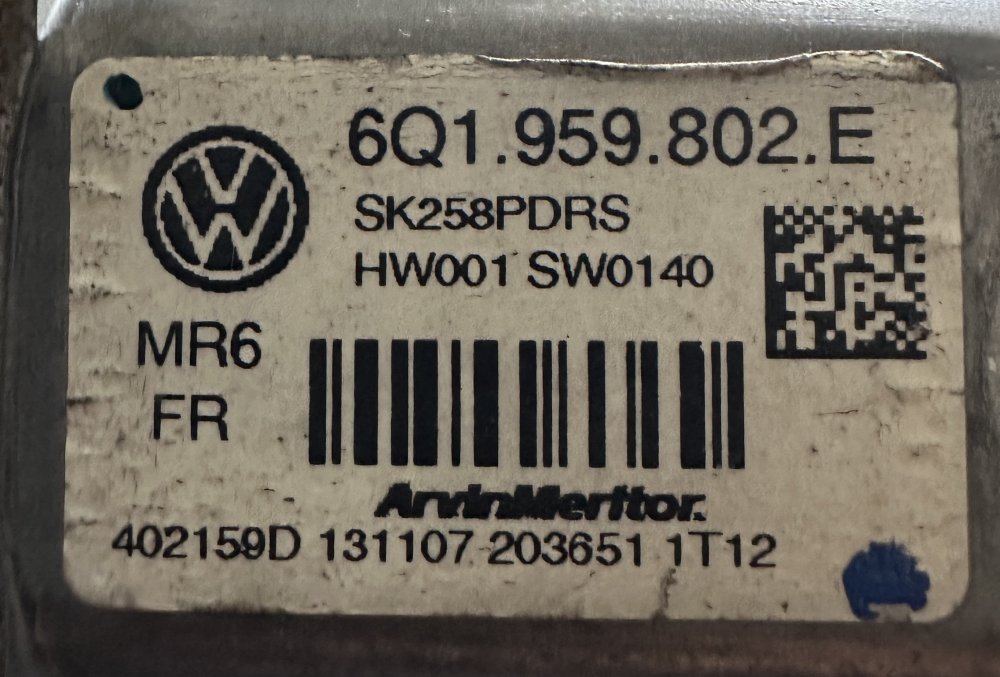
Ok thanks will look but all looked clean, I have noticed that the motor has different Nos the new part I have put in says HW001 SW0164, the old one that has been replaced says HW001 SW0140 would this matter, it’s real baffling as the windows work well from the drivers double switch and turning key in door lets them up and down without any problems, thanks very much for taking time to post for me
-
Hi thank you for replying the backlight on the switch does light up yes and the part is 6Q.959.802.E, it is totally baffling me
-
Can someone please assist, the passenger window stopped working, I replaced to motor, exact part, the window now opens and closes using drivers button on door, opens with key but fitted new button on passenger door and it does not operate, could this be a fault in wiring between door and body, any help would be appreciated please, Skoda roomster 2 1.9d on a 2008 (57 plate) thank you
-
Can anyone assist please, my wife’s radio dance in her 57 plate roomster has died and I want to replace it with an up to date radio system- sat nav if possible, however I have no idea what will fit and what will not due to the big connector at the back, can anyone advise of a simple plug and play model to replace it please many thanks