Andi-Octa-tsi
Finding my way
-
Joined
-
Last visited
Everything posted by Andi-Octa-tsi
-
Thanks for the reply, appreciated. I'll have a gander when I next service the Octa, may be worth a check too as I've still got a very slight oil leak, but nothing significant. Thankfully the belt remains oil free so far after replacing the seal. Thanks again
-
Hi, I managed to sort the majority of my issue by replacing the crankshaft oil seal as described above. Followed a YouTube tutorial and replaced the seal. Took a good few hours due to getting the wrong seal initially. I purchased a crank shaft pulley tool from ebay and cut the handle down to size as I was working on axel stands. The official vw tool is somewhat expensive and managed to find a 3rd party equivalent for around £20. I'm approx 2000miles in after doing the work and all seems to be OK from the oil seal at the moment. I still have a very minor leak but I suspect that's from elsewhere. If I were to do it again, I would replace the pulley while I'm at it for peace of mind.
-
From further research it should be a relatively straightforward job to do. Thanks again for the suggestion.
-
Thanks for the reply, I'll look into that. Was yours an engine out job?
-
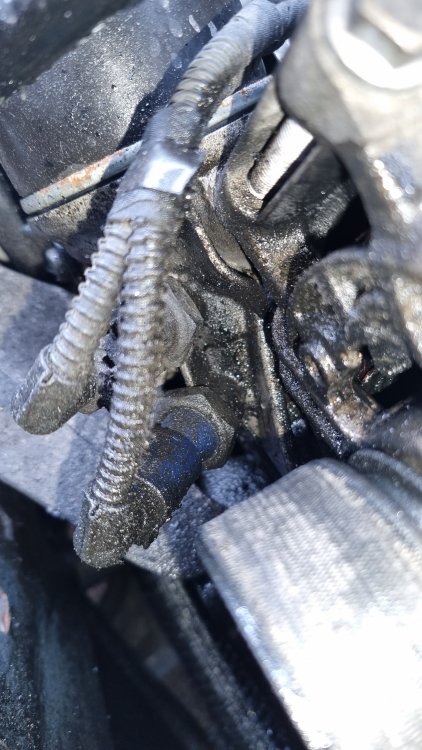
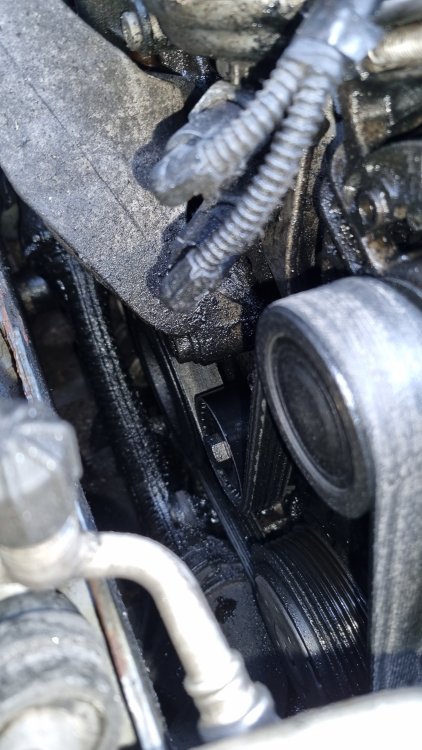
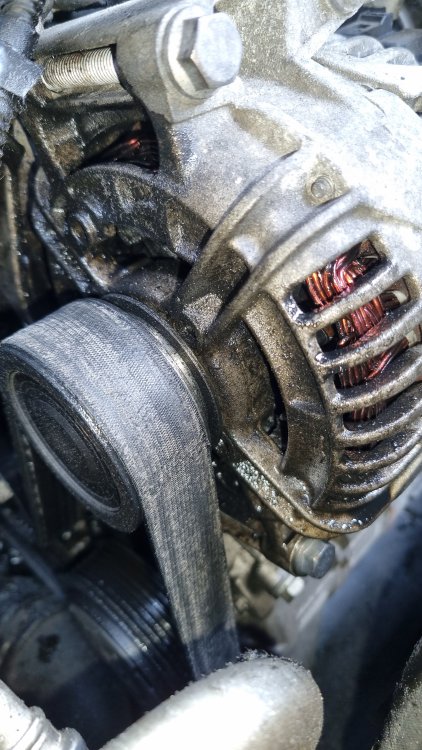
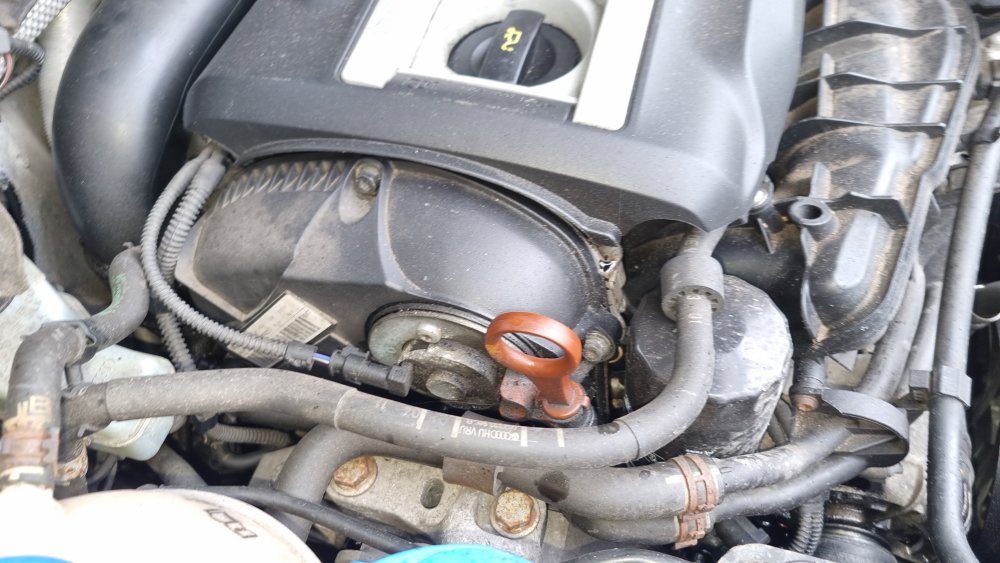
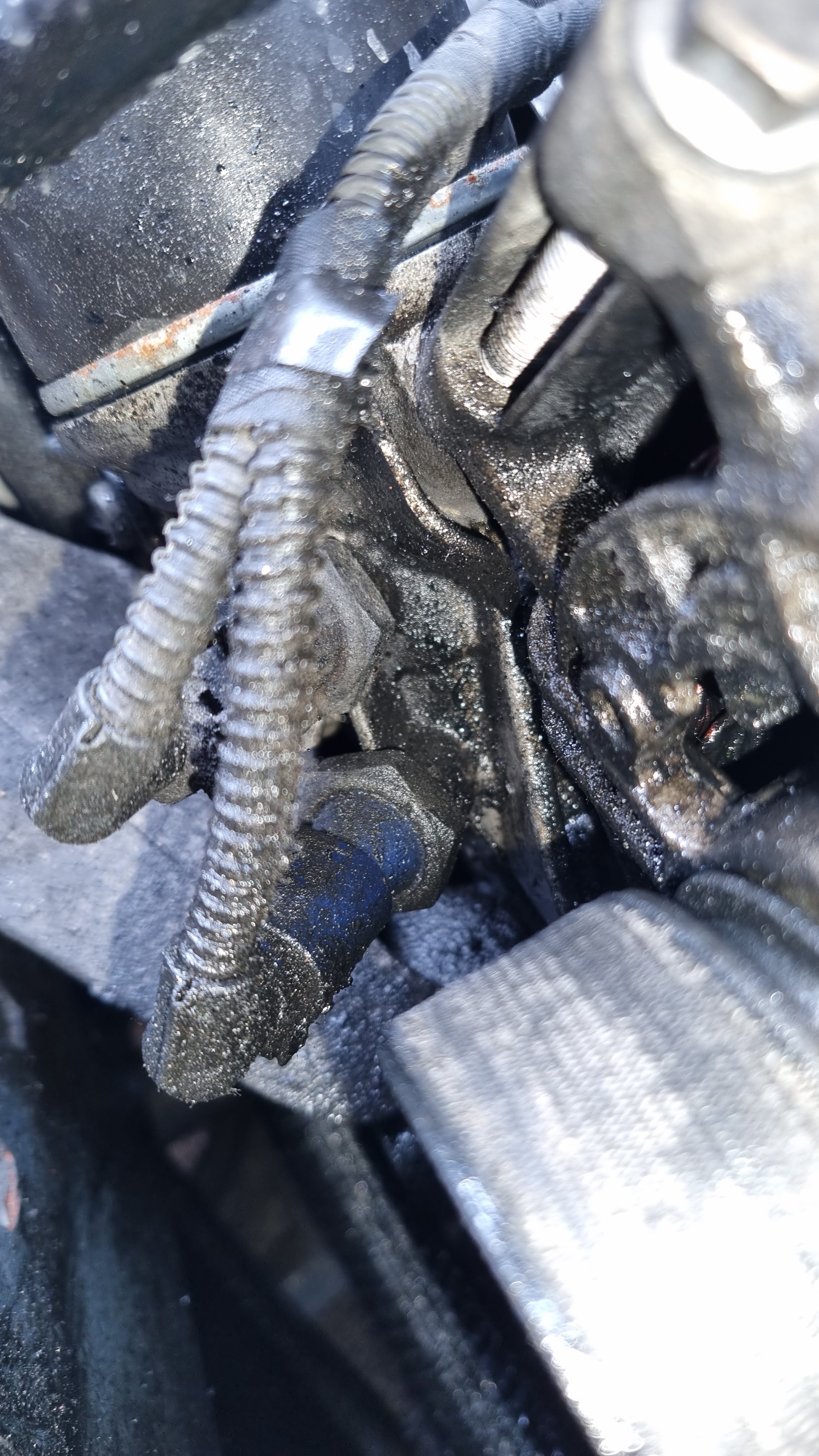
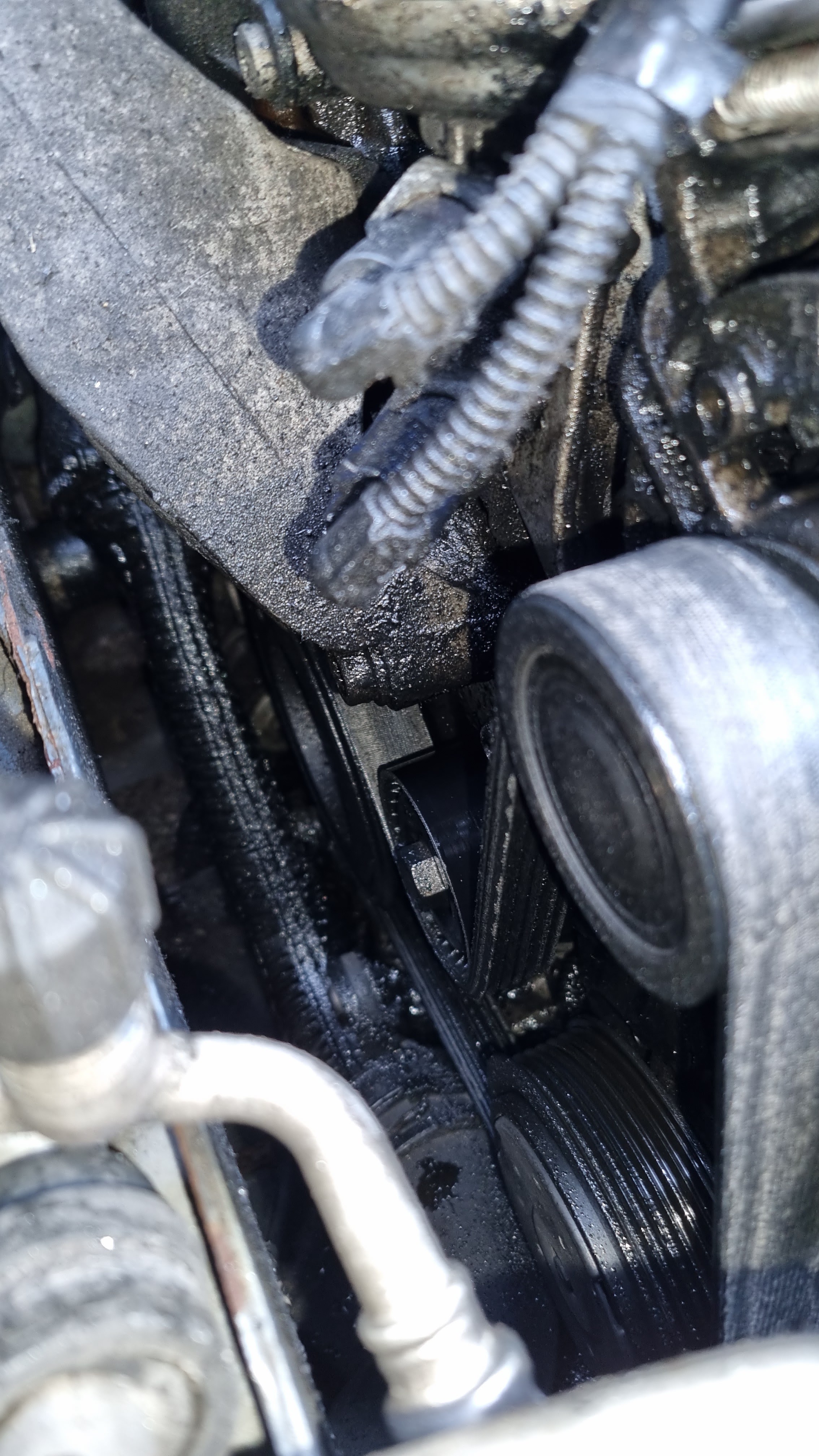
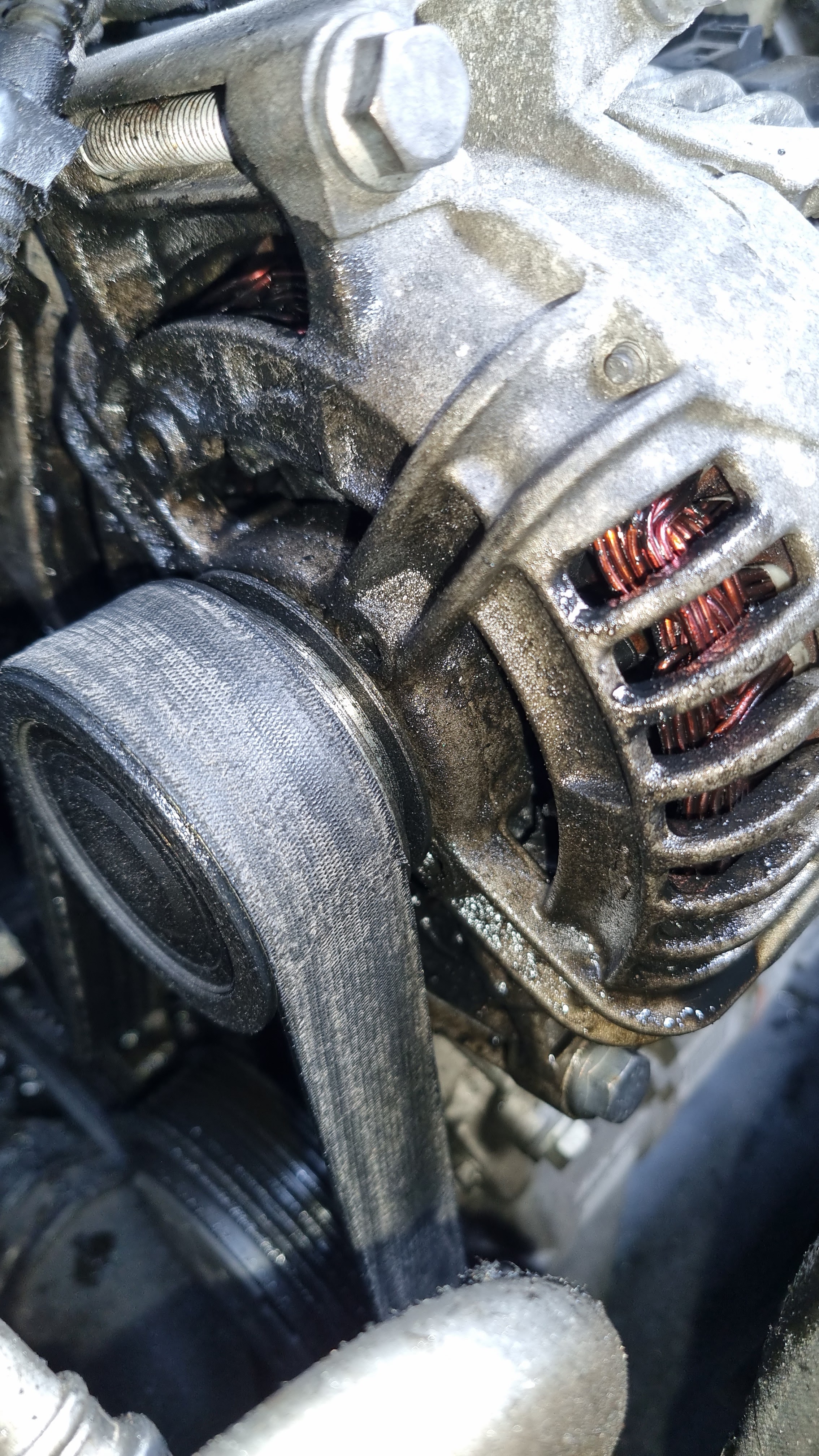
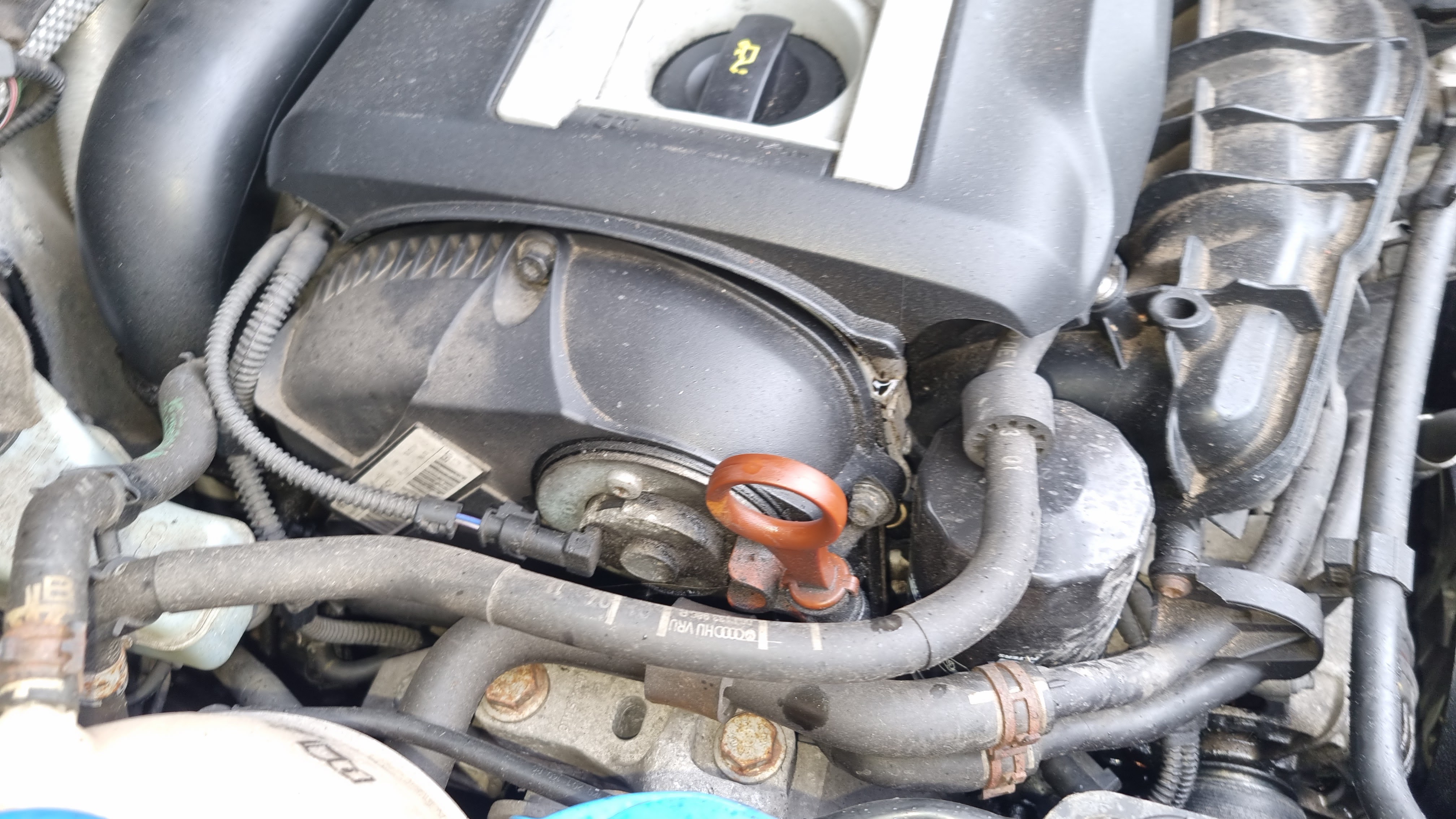
Hi guys. Been a while since I've frequented the forum but could do with some thoughts and advice. Have a 2011 1.8tsi. I've had a slow oil leak for the last few months on the left had side (as you face the engine bay) of the engine. Its leaking around the belt and being flung all around the left hand side of the bay. I've had it into two separate garages who've either said it was the sump plug leaking or the filler cap needing replacing. So far none of these fixes have rectified the issue. Its not leaking a massive amount of oil, I'm concerned about the damage and further issues it may cause. I've included some pictures hopefully to illustrate. Anyone any ideas as what is likely to be the culprit? Cheers