exantas
Finding my way
-
Joined
-
Last visited
-
@Dinna89 have you managed to set up the car to show navigation info at the instrument cluster?
-
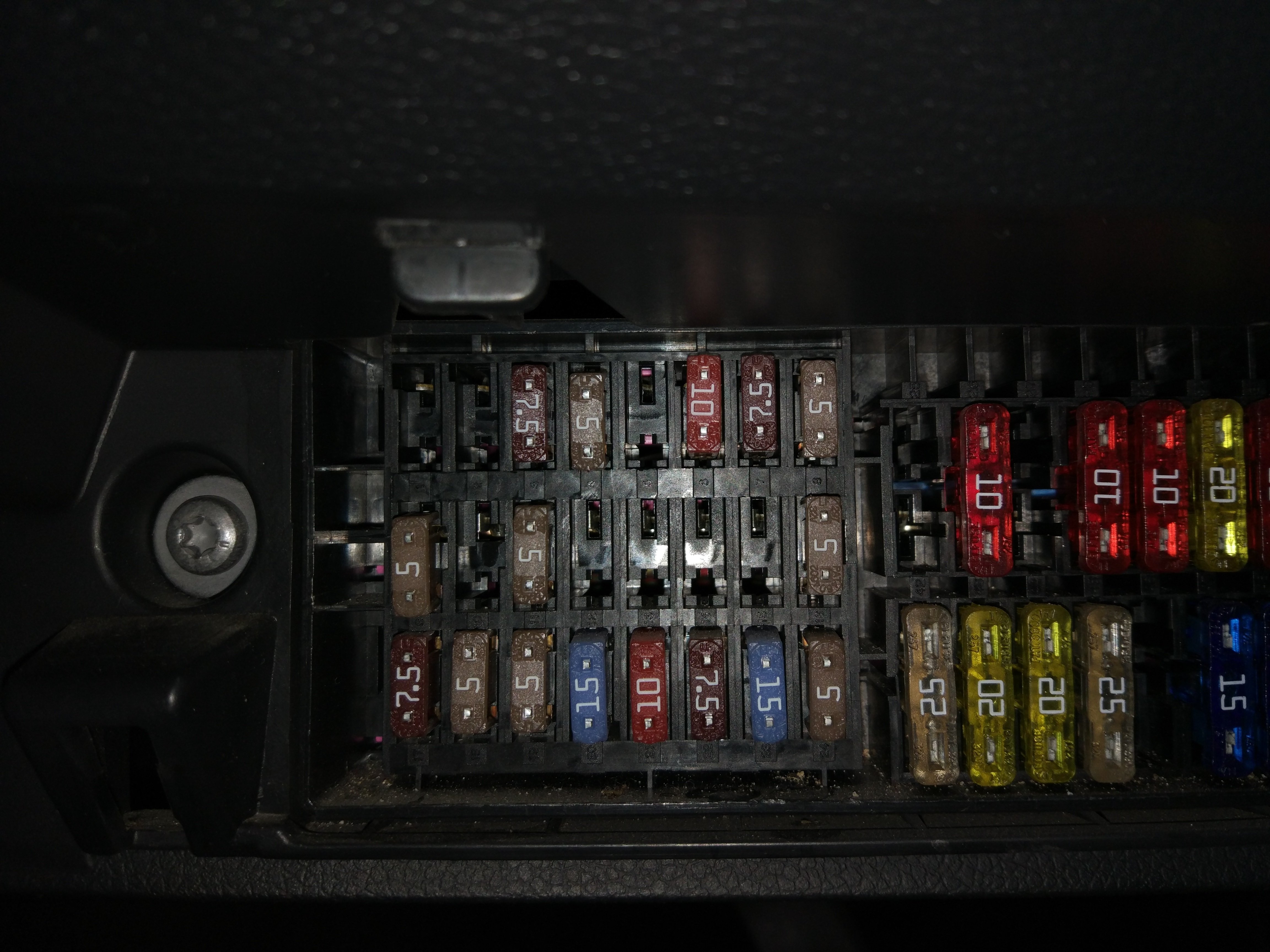
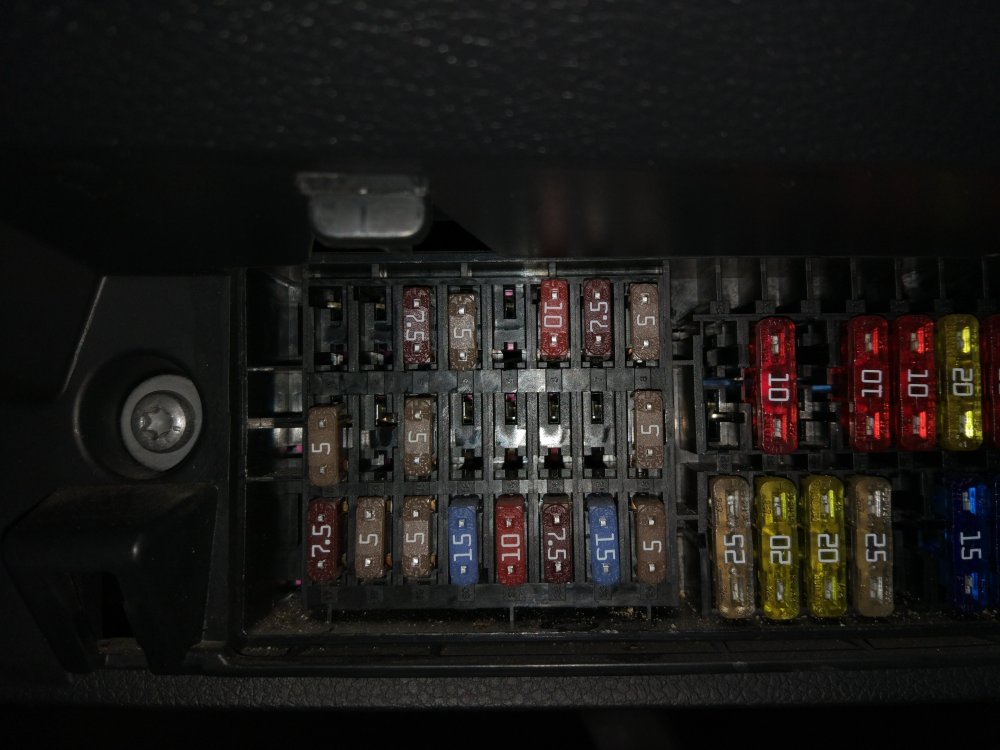
I try to add a new fuse on the empty slot 5, in order to power CC. My car didn't come with CC and I am retrofitting the wiring
-
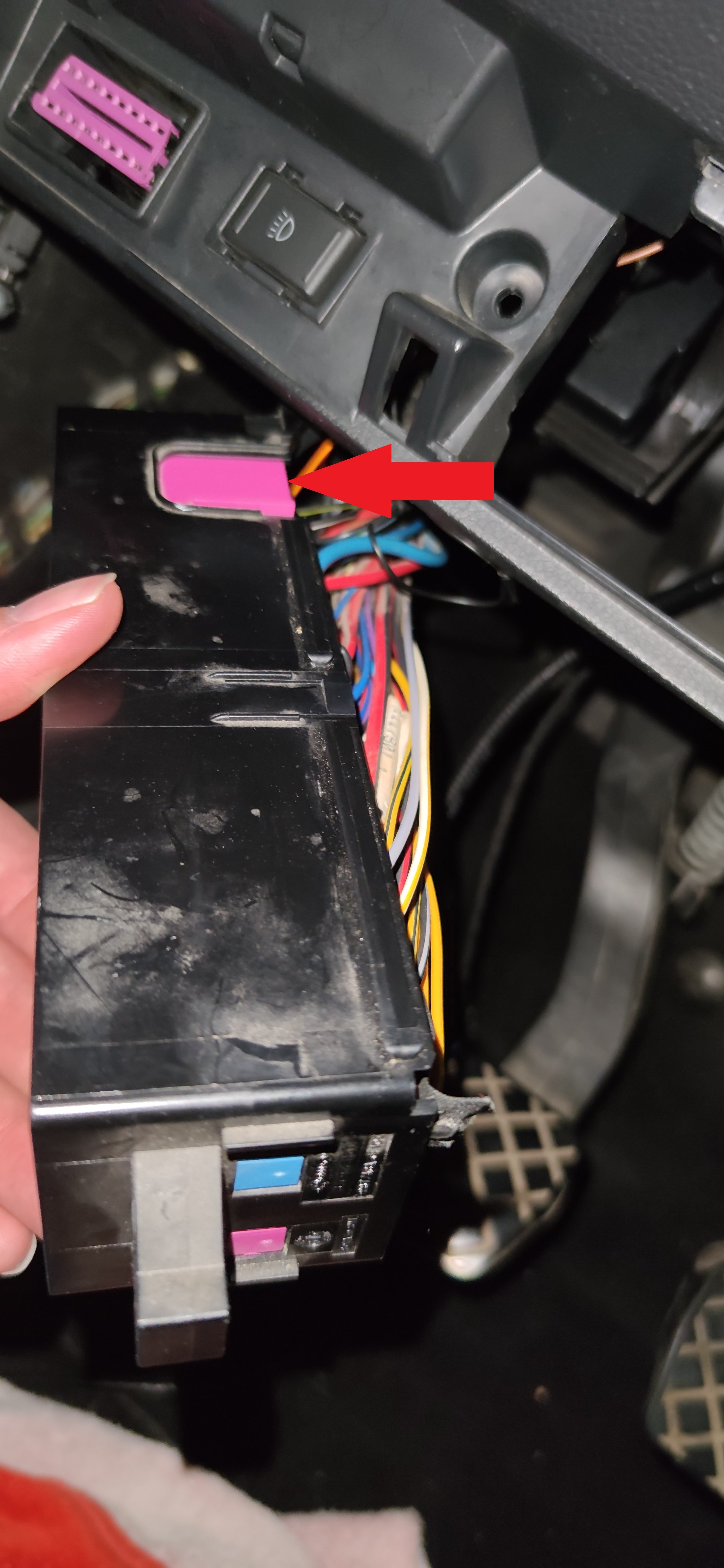
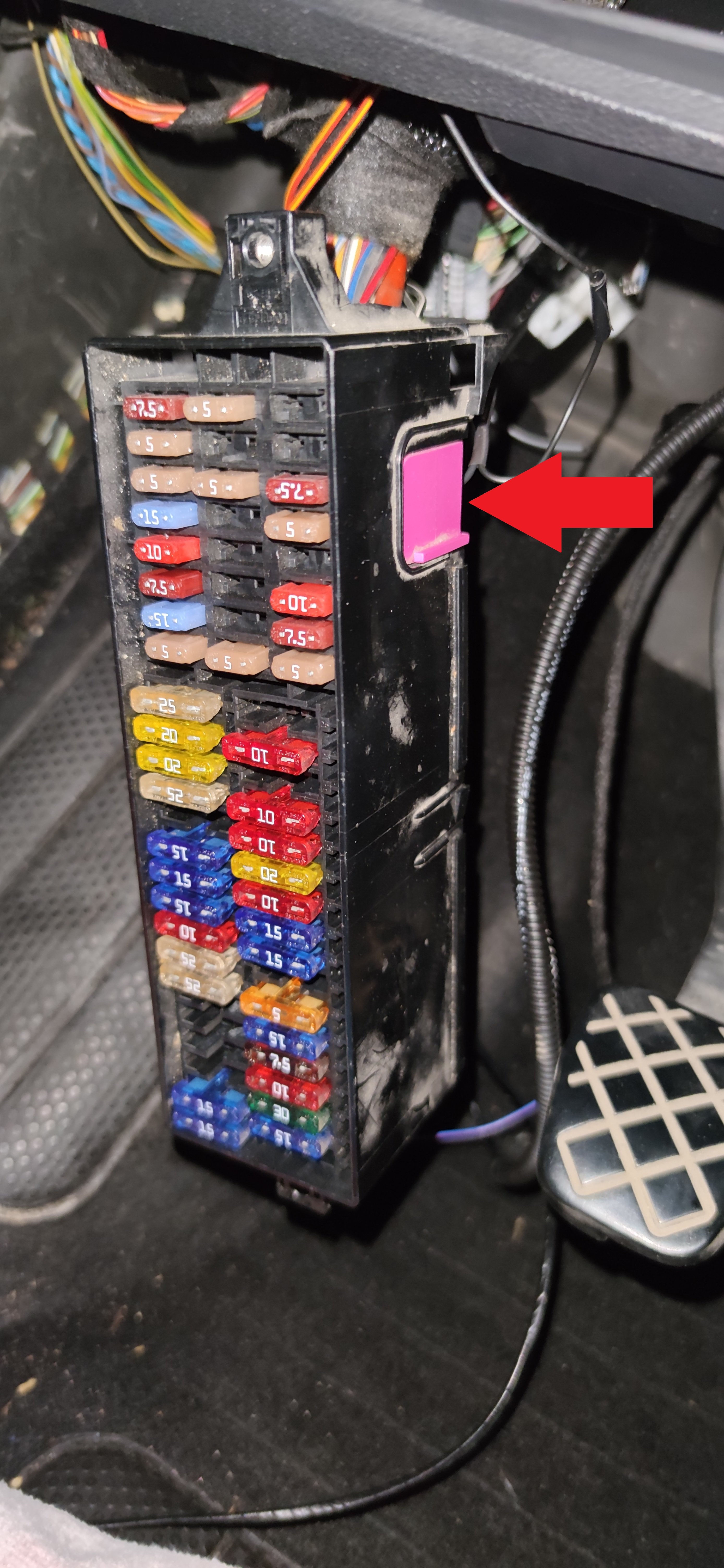
Does anybody know how to unlock the locking mechanism for the small fuses in the fuse-box under the steering wheel?
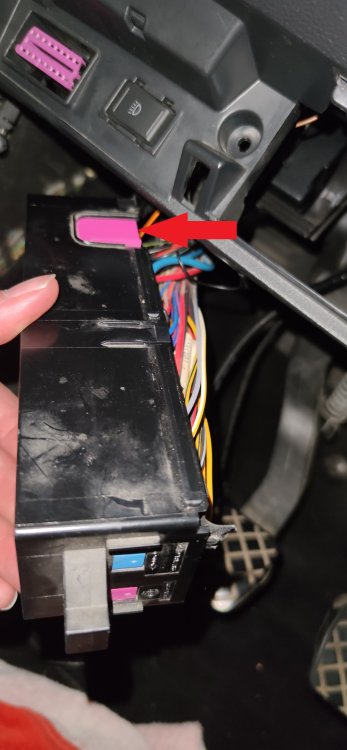
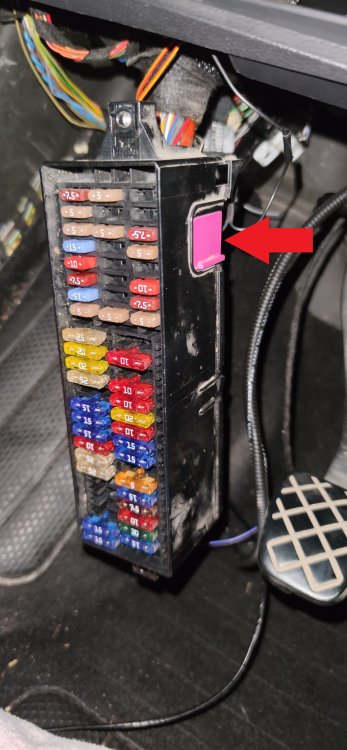
-
An update on this old thread to set things right: When it comes to MFSW with the old style of the steering wheel, the correct airbag cable is part number 3T0 971 584 It has to be like that only. Revision 3T0 971 584 A won't fit. The pins that are supposed to connect with the horn pins are the wrong size. When it comes to MFSW with the new style of the steering wheel, 5JA 971 584 works also. That part number won't work with old style of steering.
-
Hello I want to install cruise control on my model 2011 Fabia 5J 1.2 TSI, and I am collecting the parts that I think I will need. My car came with trip computer stalk but the only reasonably priced new OEM kit that I could find was one that is including 6Q0 953 513 AL Instead of finding a stalk with cruise control and trip buttons, I am thinking to install a MFSW from an 2010-11 Octavia or Superb that has the trips function buttons on the steering But I am also thinking, is it possible to fit a steering wheel from a later model fabia 5J instead ? More specifically, will the existing slip ring (6Q0 959 653 B) work with the new type of steering wheel? Does the connector on the existing slip ring physically fit on the connector from the new type steering wheel ? Also, does anybody know the part number of the MFSW airbag loom for the new types of steering wheels?