Chokobanana
Finding my way
-
Joined
-
Last visited
-
No not yet. I had a small operation and could not walk for 2 weeks. Now I'm back on feet again. I'll give it a shot. It feels like it's mounted pretty firmly though. Like if I'm missing something.
-
No one? 😅
-
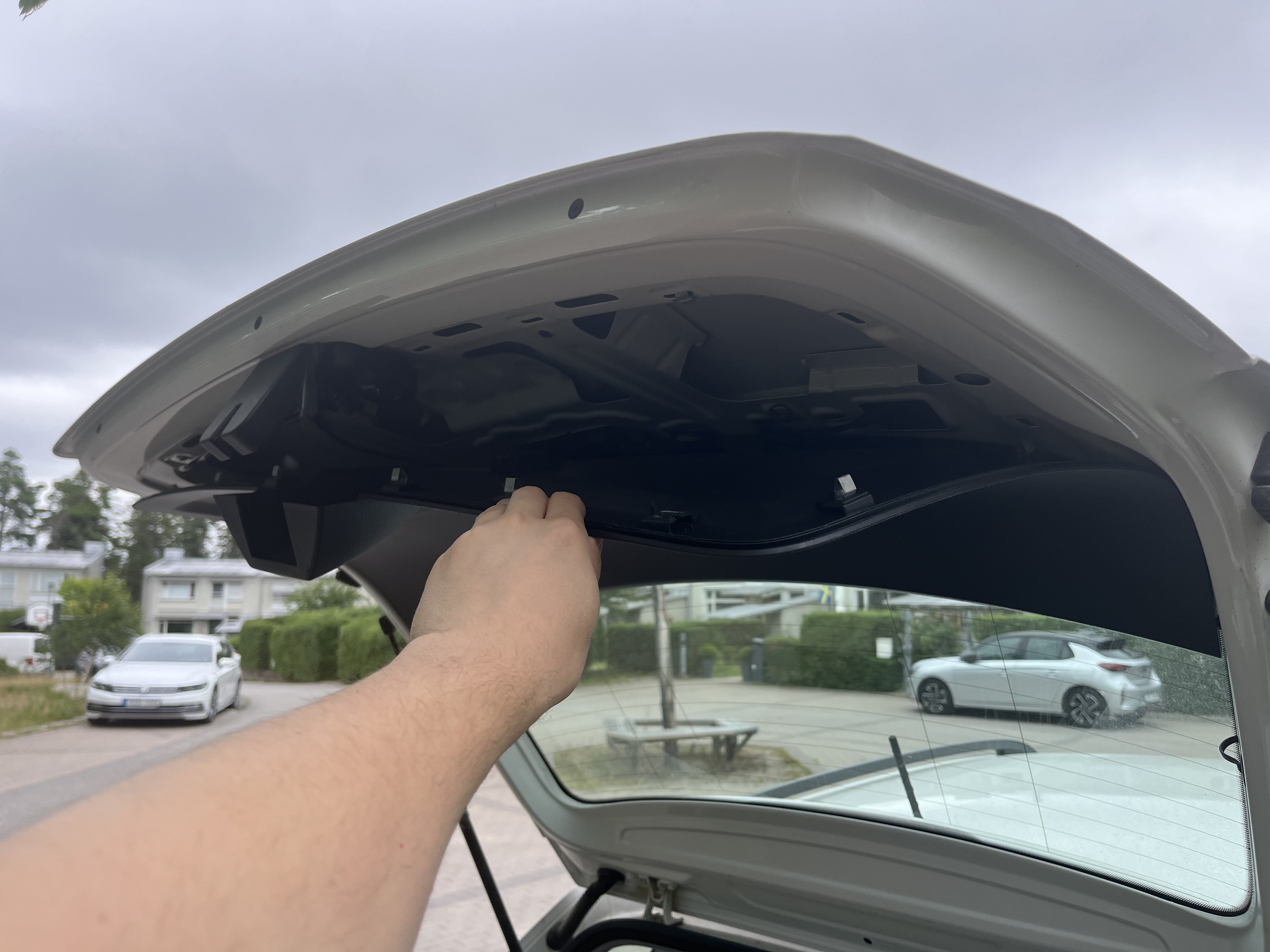
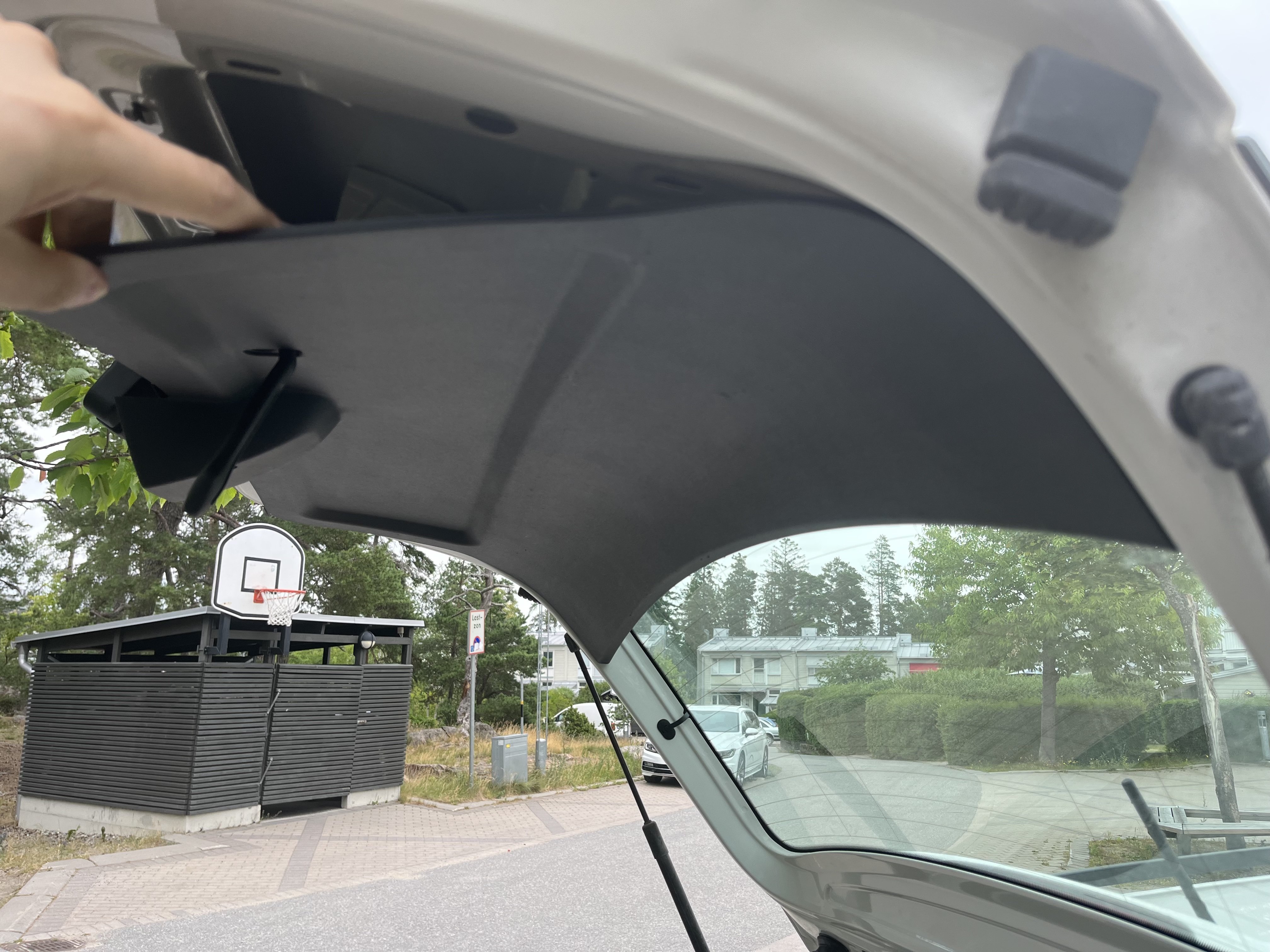
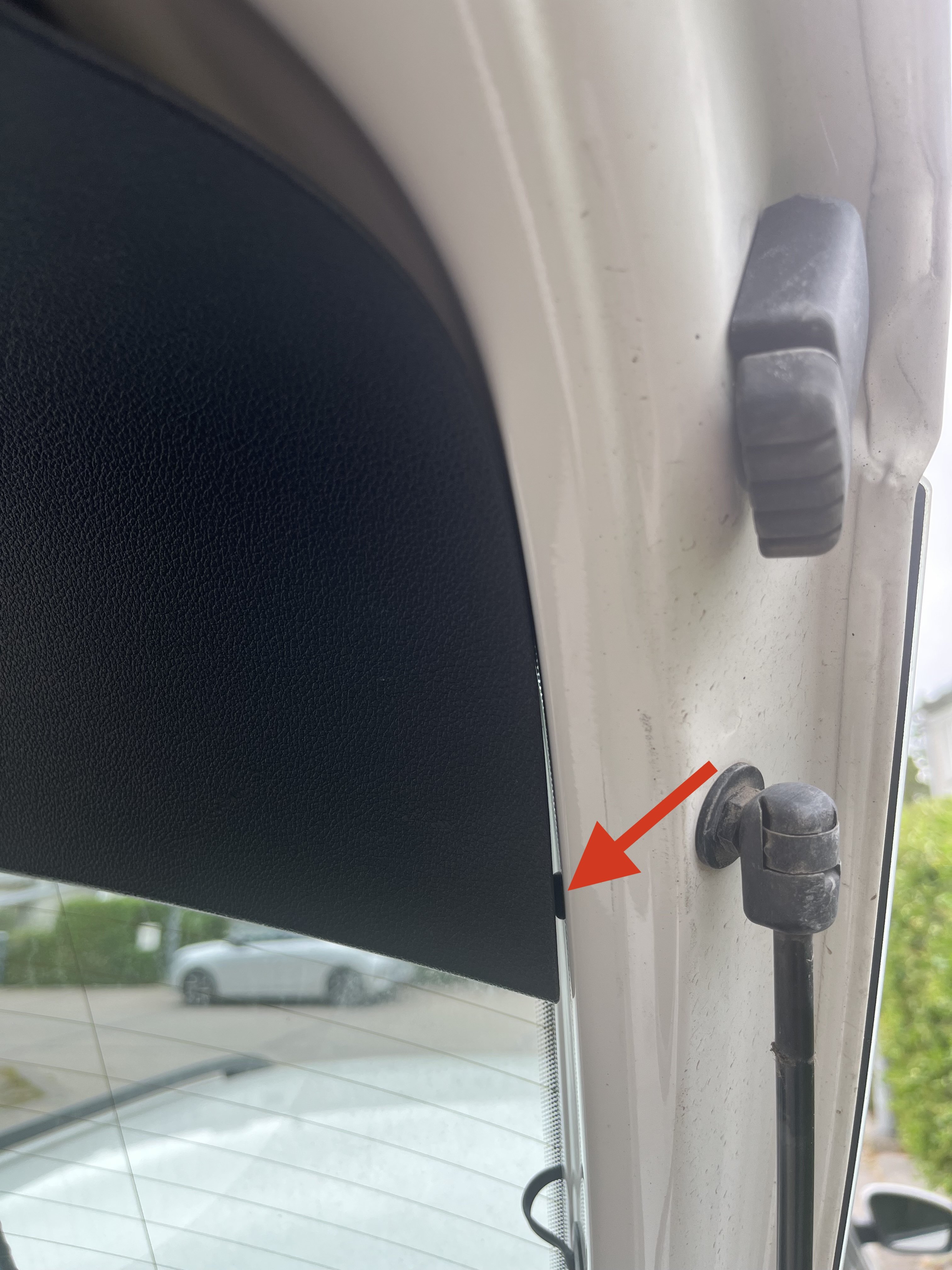
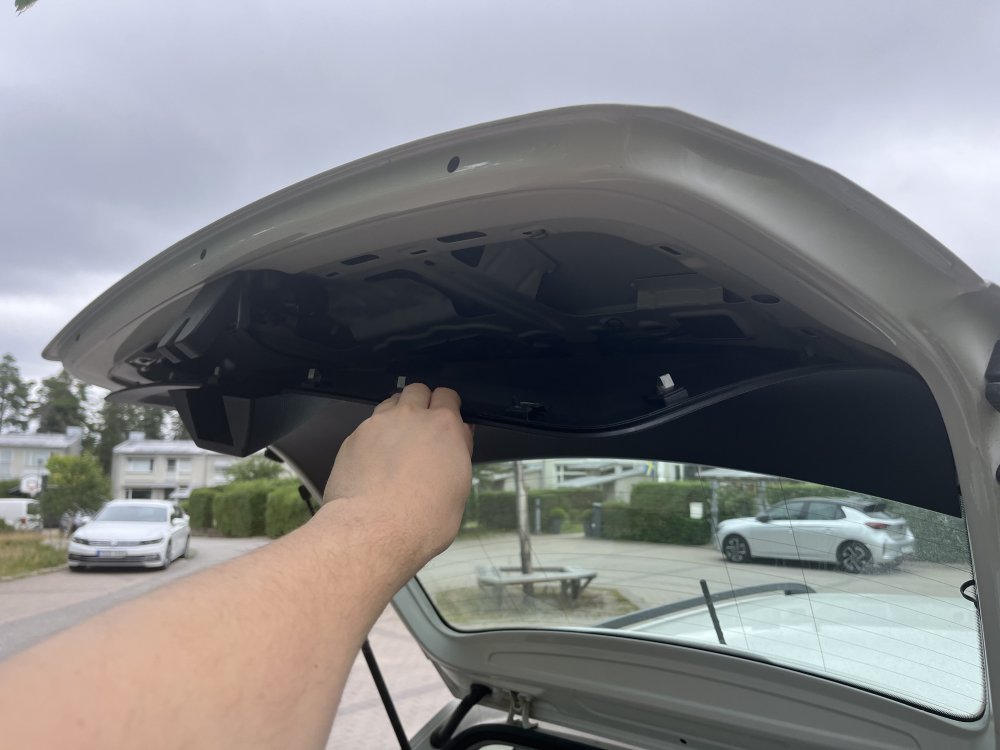
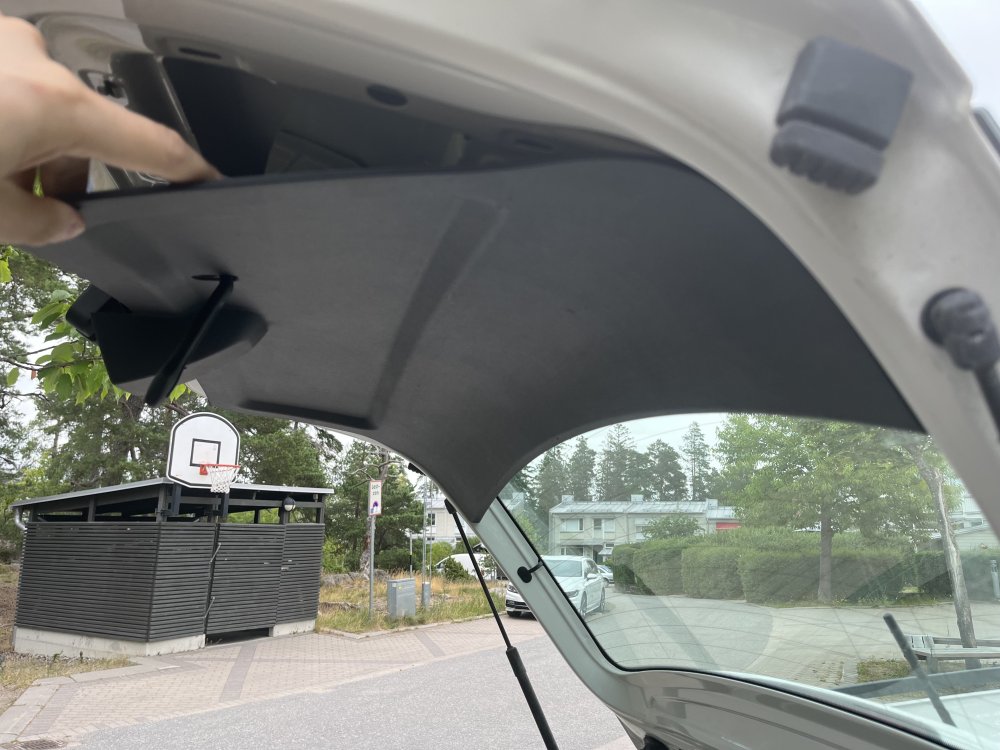
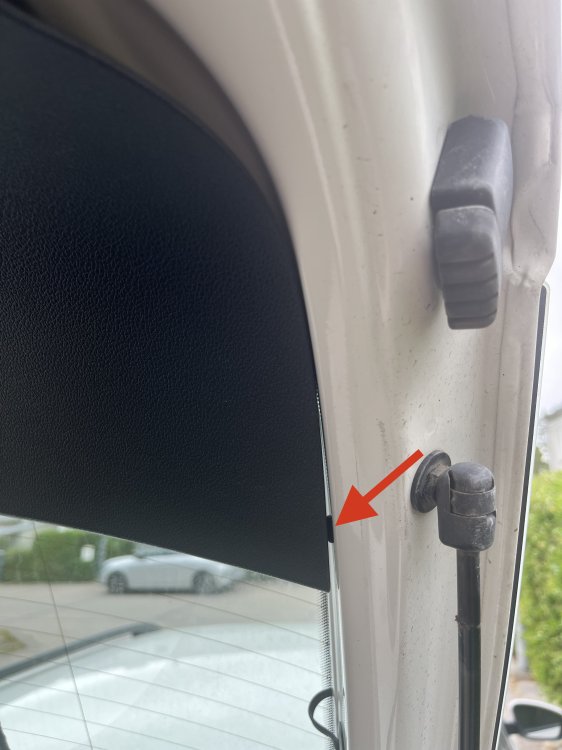
The handle to open my trunk has stopped working. Also the numberplate-lights needs replacing so I want to remove the inside cover. I forced it out of the clips but how do I remove the last part? Which direction should I pull? 🤔 Does anyone have a photo of how it looks on the inside? I can only see a small pipe on the sides..
-
Thank you! I found the SD card slot and the update went fine!
-
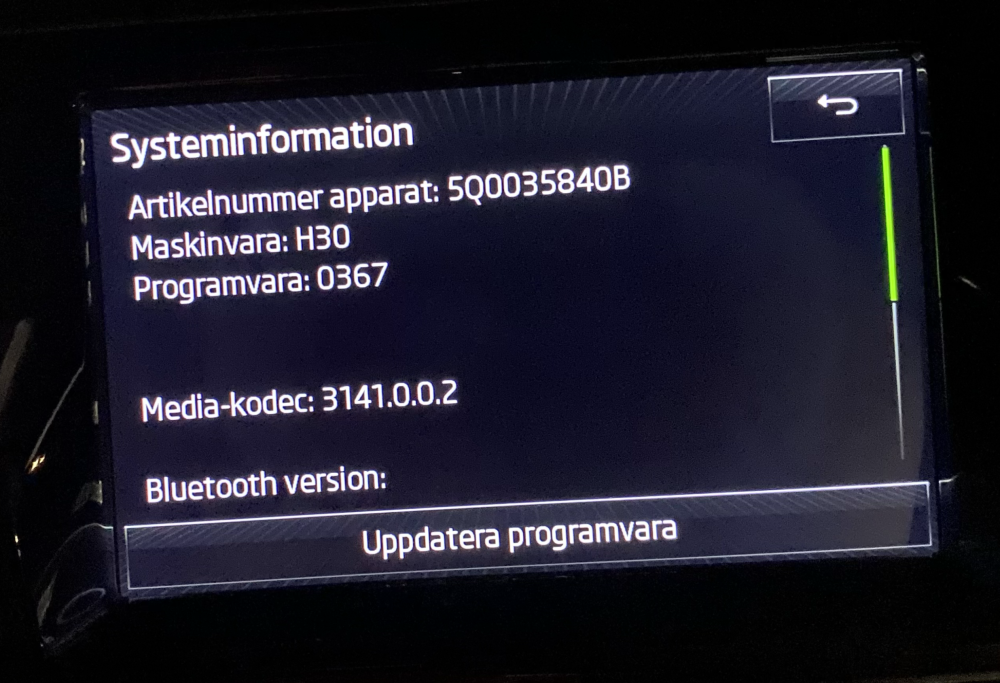
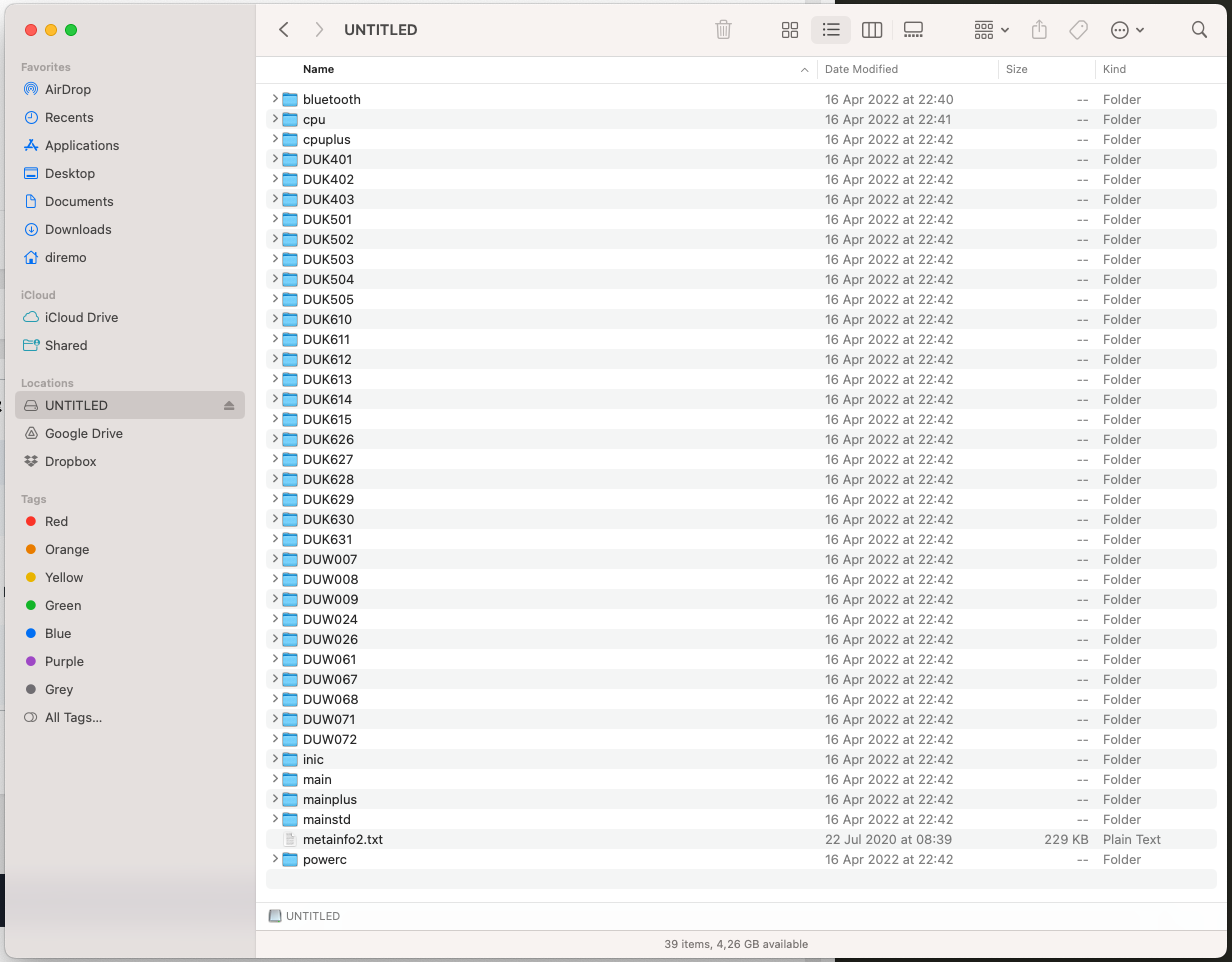
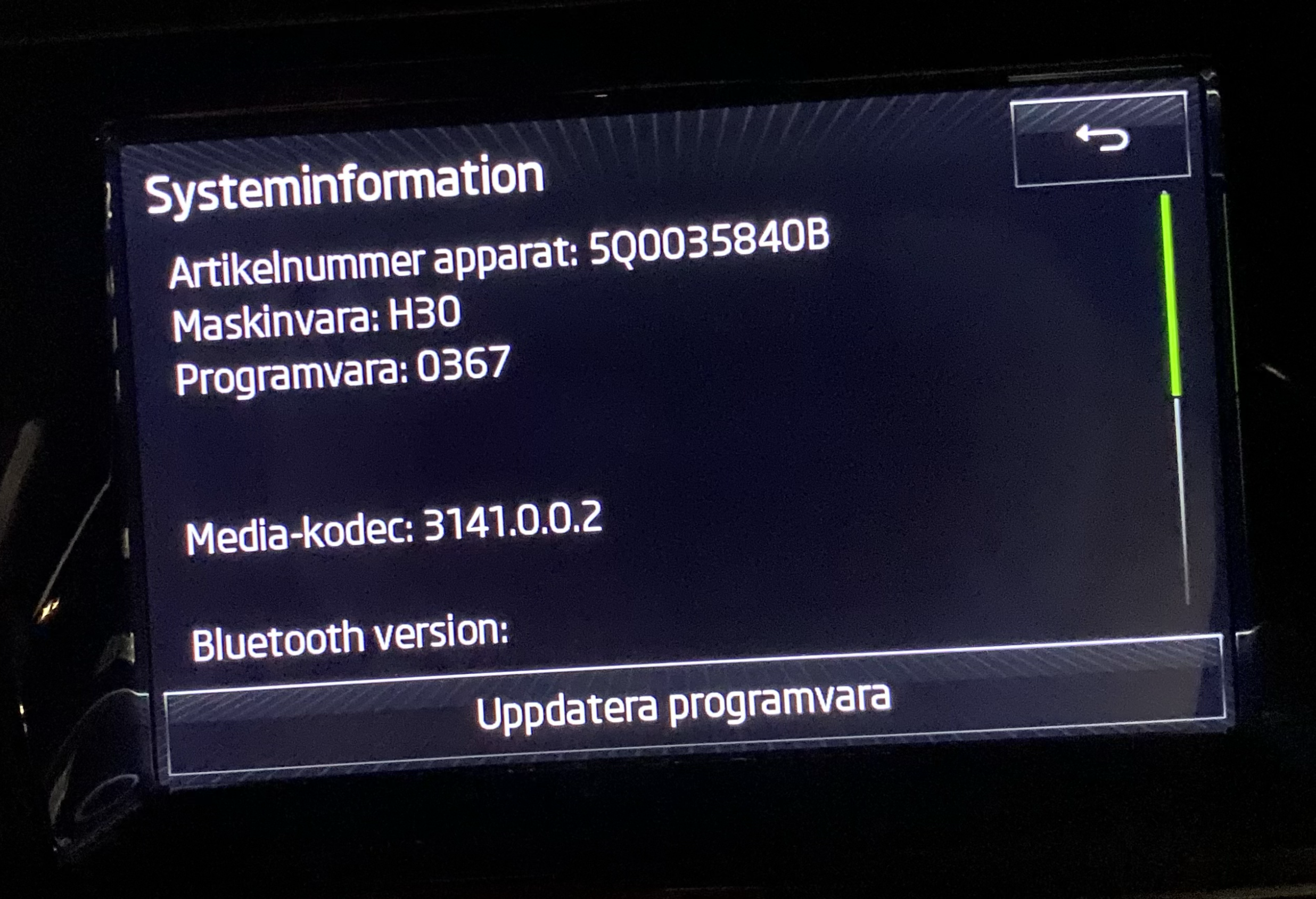
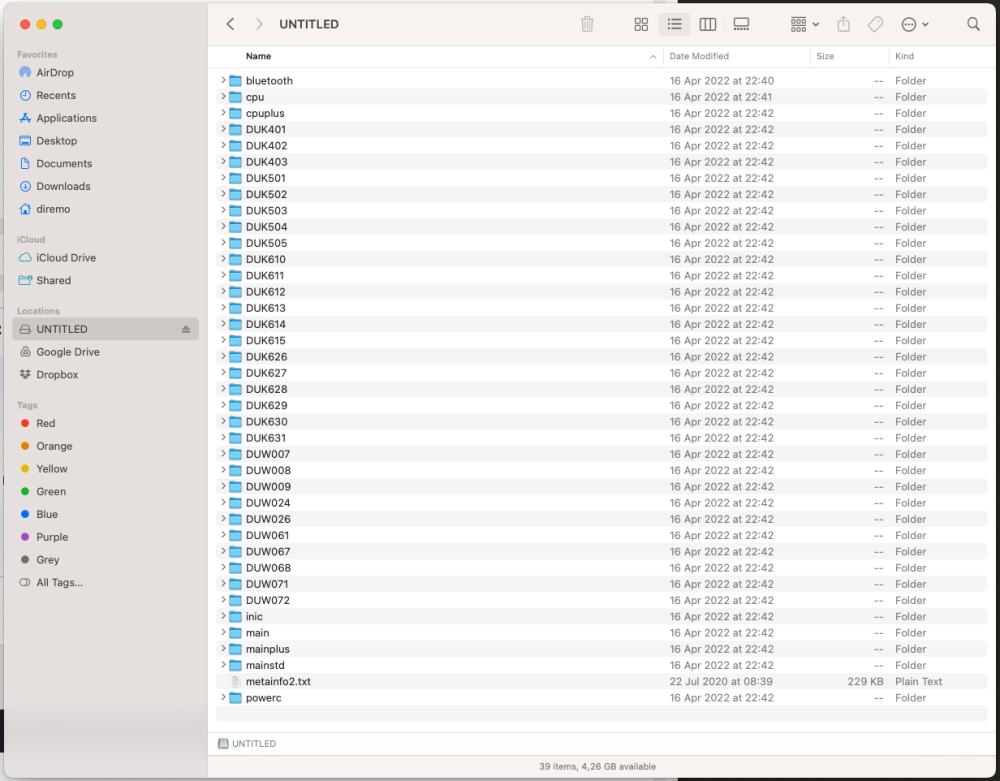
Thank you very much pab567! But I can not get the system to detect the firmware. I tried 3 different USB memory sticks. 8GB, 16GB and 128GB. I formatted them on Windows and on Mac as FAT32. I unpacked and placed the content in root on the drive. I tried updating from the Menu > Settings > System menu but also by holding the Menu button for 5 seconds. Bolero does detect the USB stick but absolutely not the firmware. The "select source" menu is all greyed out - CD ROM, USB Memory and SD Card. It's a Skoda Fabia so there is no CDROM or SD Card.. just a USB connection. I have updated this Bolero once before in 2020. It worked fine back then. Before it was on version 353 and I updated to 367. The update that I can't get to work is the 369. Is there a bug in 367 that prevents from detecting firmware on USB?
-
Hello. My mother has been having problems with CarPlay ever since she got her car. We've tried iPhone XR and iPhone 11 with 3 different cables and they always disconnect. Is there a newer firmware for her system?