Demontec
New here
-
Joined
-
Last visited
-
I have had this issue for a while where the car doesn't recognise when the boot is open. This means the dashboard doesn't show it as open but more annoying it means that if I unlock the car, open the boot and no other doors, then the car locks itself again after a short period. If I still have the boot open, the alarm goes off which is annoying. I am having to replace the 3rd brake light and so will be taking the boot trim off for access. Do you think the issue is with the boot lock mechanism? I could replace this but only want to if it could at all cure the issue.
-
Hey, On my 2013 Mkii estate, when I unlock the car and open the boot, the car doesn't detect that the boot is open. As a result, after a short period the car will lock itself and the alarm will go off. It's really annoying. I have got around it by unlocking the car, opening one of the doors and then the boot but occasionally I forget to do this and the alarm goes off which is a pain (especially for the neighbours). Has anyone seen this before and can point me in the direction to maybe DIY fix it? Thanks
-
@obnoven Thanks so much for posting that. I have used the torrent download today and managed to burn it onto CD and successfully fixed a similar issue to what the OP was having. I spent hours searching for a solution and I am so please I saw your post.
-
All sorted, managed to get the firmware update from another thread and have flashed it and all looks good now.
-
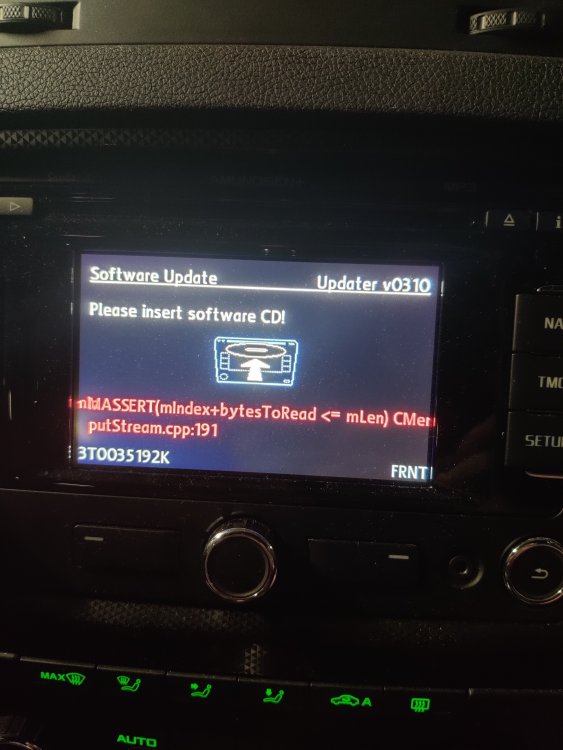
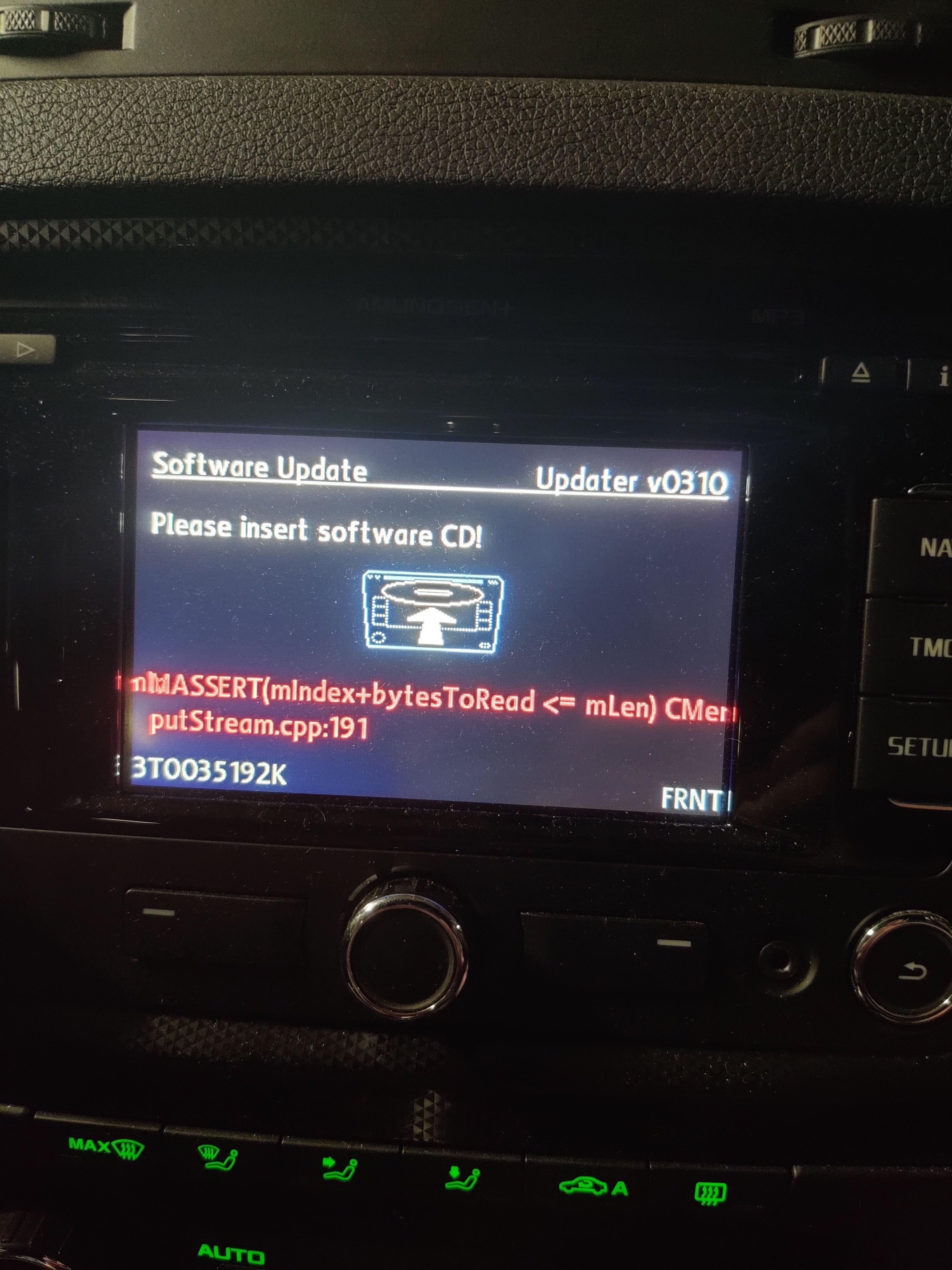
Morning, My Amundsen+ in my 13 plate Mkii Black Edition Octavia goes to lock screen wanting a software update. This appears to be a firmware update and not a map update but it won't let me use it. It will stay on this screen for 15 minutes or so and then just turn off. I have disconnected the battery for 30 mins and same issue. I am not sure what to do; try and get a firmware update CD which will be difficult as I don't have a cd burner or just replace it with a different headunit. Any ideas or suggestions be it how to fix it or recommended replacements?