PD_Roomster
Finding my way
-
Joined
-
Last visited
Everything posted by PD_Roomster
-
Pulled the scuttle covers but all looked good as far as the loom goes in there. Ended up running a new cable from the plug under the dash to the alternator along the original loom route. All seems to be working as it should now, light comes on with ignition and goes out once started 👍 Cheers for the help!
-
Not getting anything when taking it to ground so don’t think it’s shorted anywhere but not getting any continuity if I go end to end on it either?? Showing 11.9v at the blue cable on rear of the brown plug above, but 8.2v at alternator socket. I’ve just ran a piece of cable straight from the blue wire on the brown plug to the alternator and the battery light is now coming on with the ignition like it should. I didn’t start it to see if it extinguished as the air box/maf and battery are still out of the car and it’s now gone dark. I’ll carry on with it tomorrow.
-
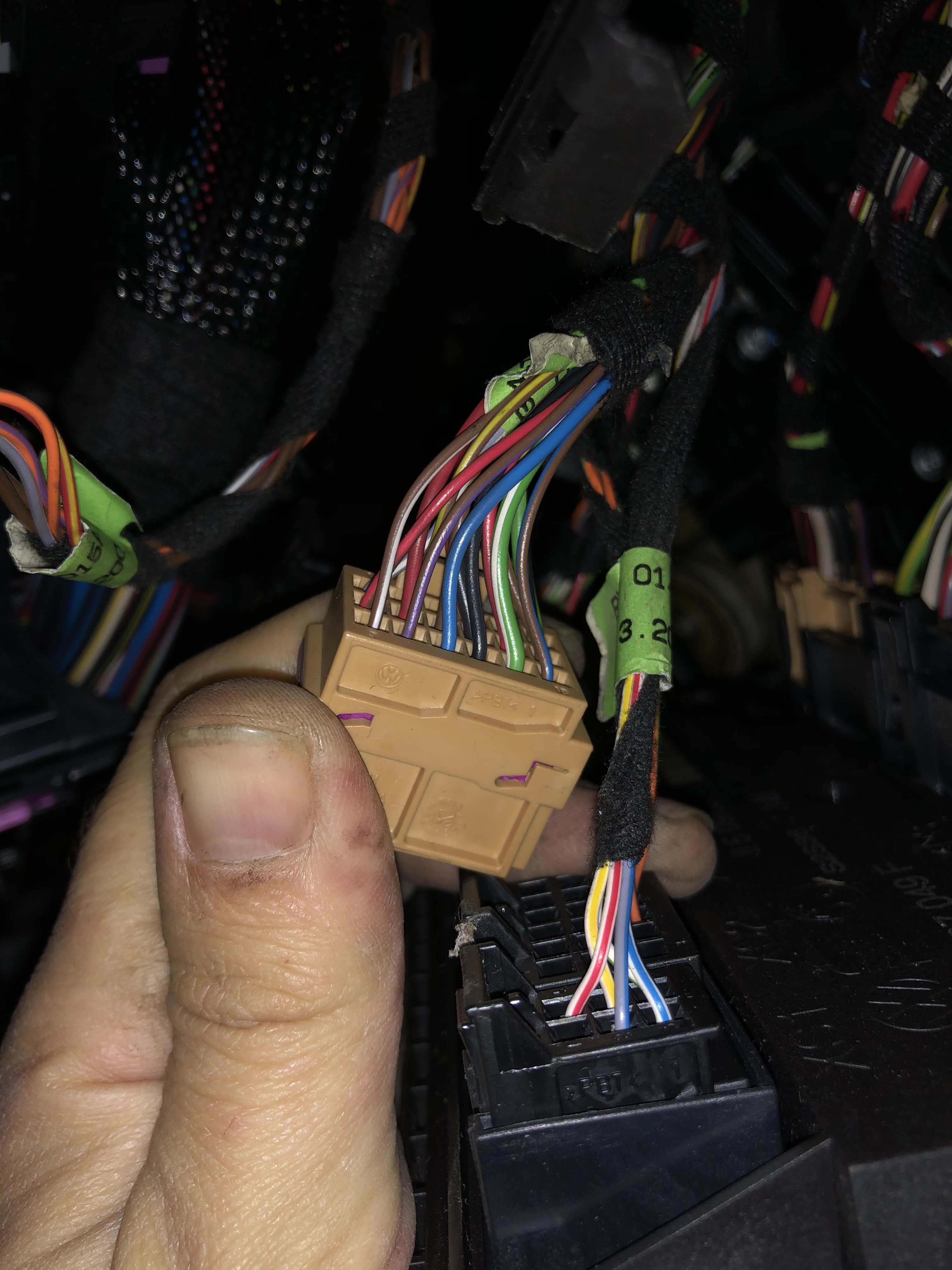
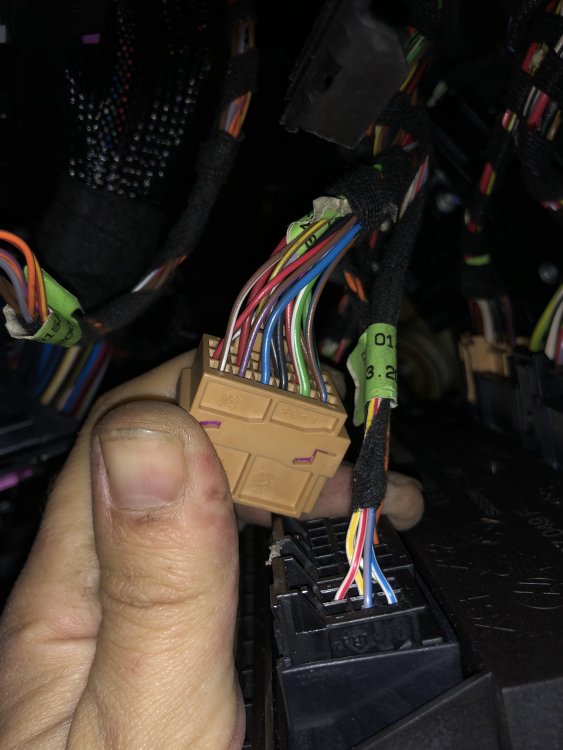
Is this the one?
-
Cheers for the help! I’ve had the battery tray and air box out and checked the wiring along the chassis leg up to the bulkhead but there’s nothing obvious wrong. Looks like it goes up into the scuttle rather than straight through the bulkhead. The car doesn’t have DRL’s. I’m just trying to figure out how to access the module above the pedals now. I’ve removed the polystyrene cover but looks like I might need to remove the lower part of the dash and move the module to allow for the plugs to be removed.
-
It’s a 58 plate BSW motor. Resting voltage of the battery is 12.8v
-
I was thinking I should but had other cars where components are a ‘pass through’ for other systems, so one thing failing can take out a few.
-
With just ignition on, the brown with red tracer was showing 12v and blue just over 8v at the alternator plug. The blue was unchanged when running but brown/red was showing 13.8v after I gave it a blip of the throttle. I was getting the same figures at the other side of the plug near the starter and there was no resistance showing in the short run of loom between there and the alternator. Not sure how to check with alternator plugged in? This was with the alternator unplugged. The wiring looks good after taking the small black Flexi conduit of up to the point where it joins a larger loom under the battery. Looks like it runs along the chassis leg then but can’t see a lot with the battery and air box there.
-
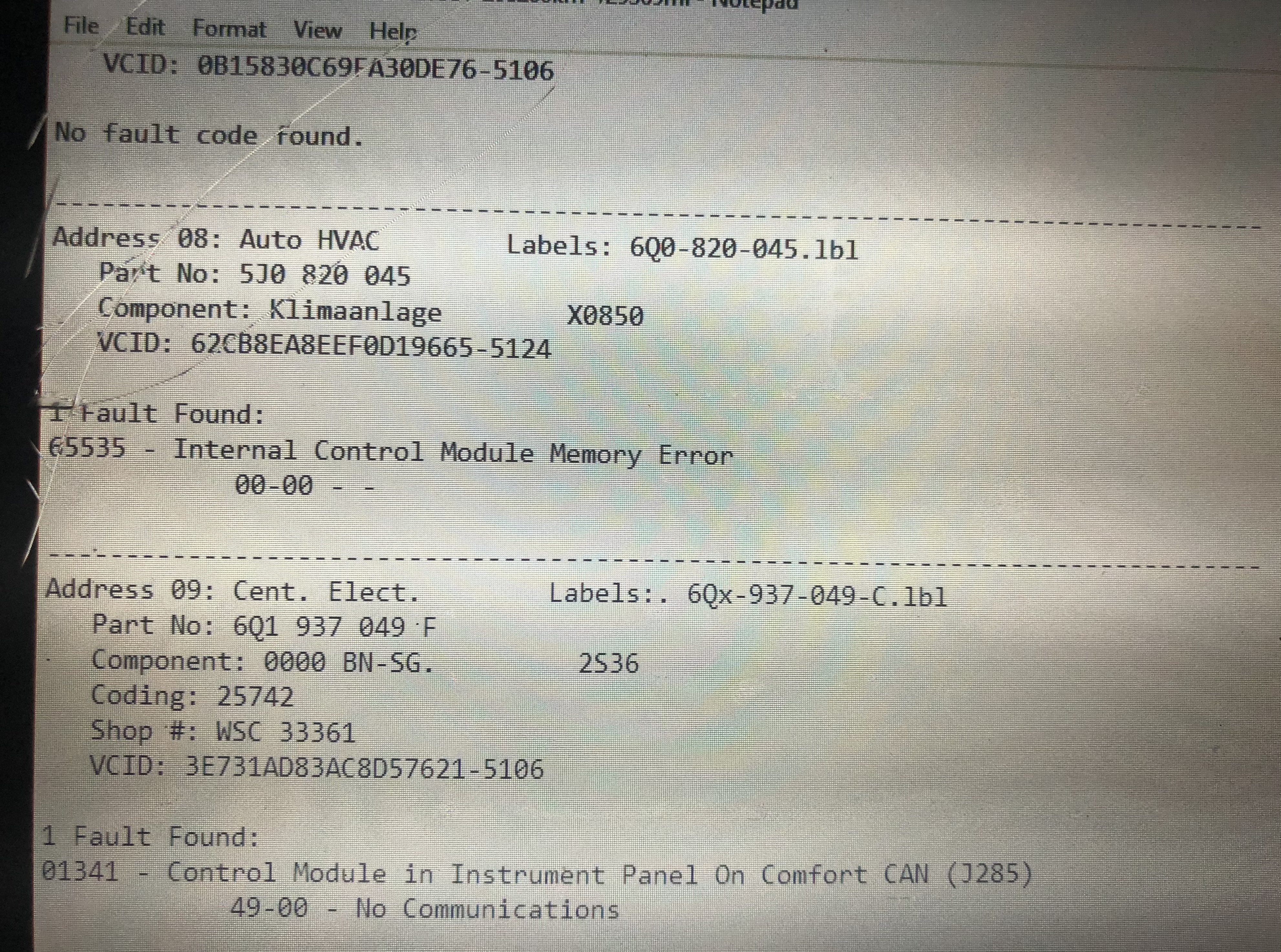
Just been and checked the connections near the starter that the mk1 suffers from but they look good. I got mixed up yesterday, the blue one had the lower voltage on it, not the brown with the red tracer, so I’ve got low voltage on the blue if I should be seeing 12v for the battery light. Still wondering if it’s a fault in the heater panel causing it as I think these are part CAN?
-
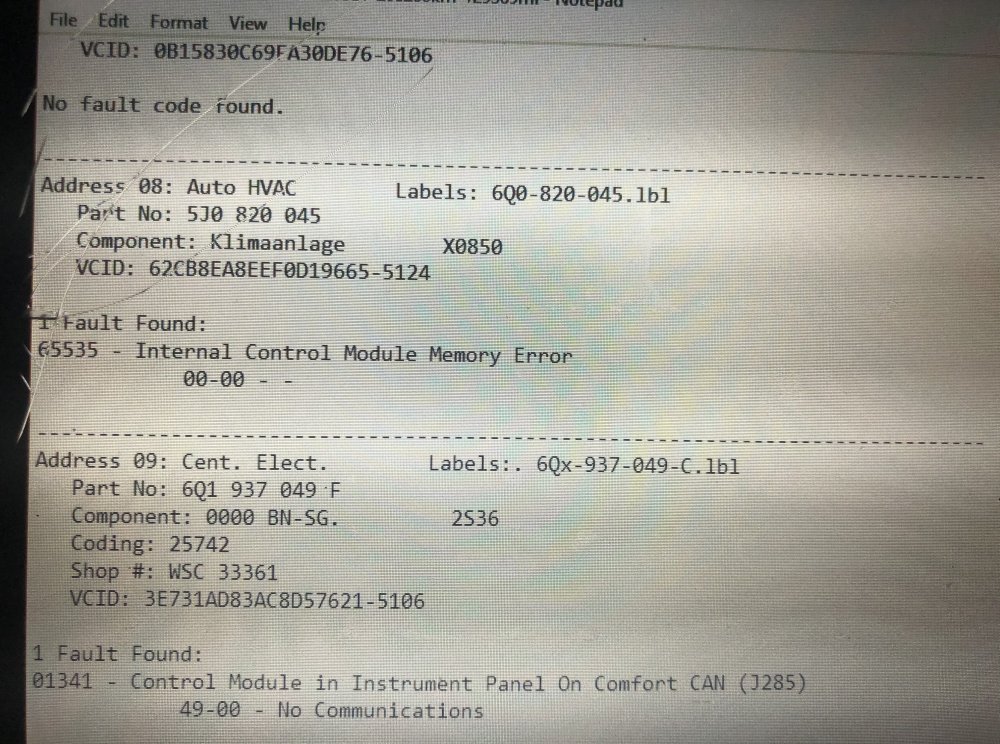
The faults showing up in VCDS scan seem to relate to a faulty heater control panel but just wondering if signals are sent and communicate ‘through’ this panel?
-
Cheers. Blue wire is showing battery voltage. Browny orange one is showing around 3v. Not sure what they’re meant to be? Hopefully the weather is better tomorrow and I can have a proper look underneath.
-
Broke down due to flat battery as alternator wasn’t charging but had no warning light. Battery light isn’t coming on with ignition and then shutting off after the engine is started, as it should. It illuminates if I do dash output tests with vcds but other than that, nothing. I’ve replaced the alternator but it’s not charging unless it’s revved over around 2k rpm, continues charging at idle after that. vcds scan isn’t coming up with anything related to alternator load signal as I was expecting. Do these suffer with the same fault as the mk1 with the plug near the starter motor? Anyone else had this fault on theirs?